
Smart Launcher Pro 3 is an excellent utility app. It is clean, lightweight, and fast, supporting up to nine widgets, double-tap-to-show-widgets functionality, and two-finger gestures. It also offers extensive categorization and animation effects for personalization, delivering a unique and intuitive user interface. With Smart Launcher Pro 3, users can customize their device experience by freely arranging widgets and apps for quick access. Additionally, the app features two-finger gestures that allow for rapid access to applications and contacts, making operations smoother and more efficient.
Highlights:
Up to 9 screens when you can place your widgets
You can assign a widget to an icon to show up it with a double tap
Double finger gestures to quickly access to apps and contacts
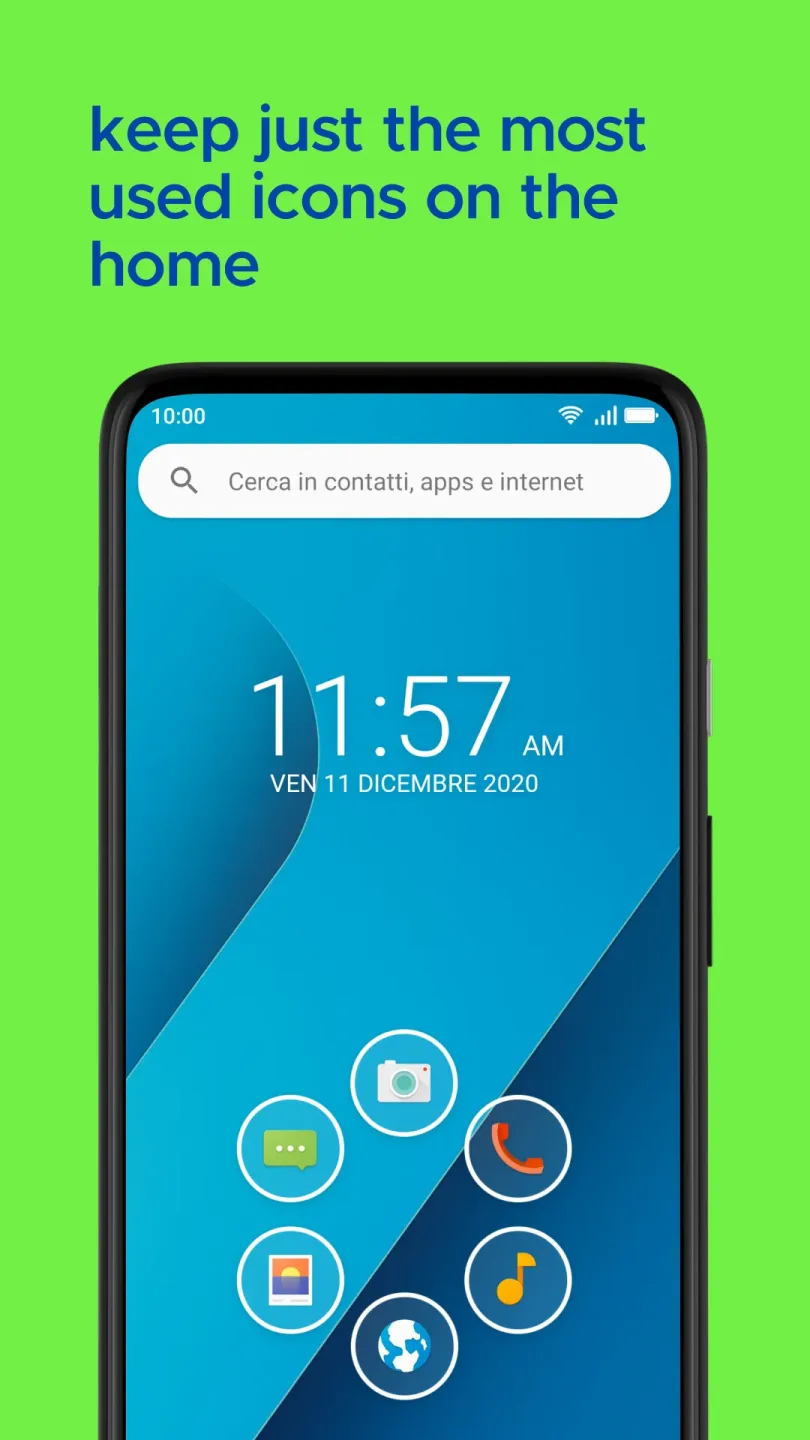
Arch Layout
Smart flat surface detection
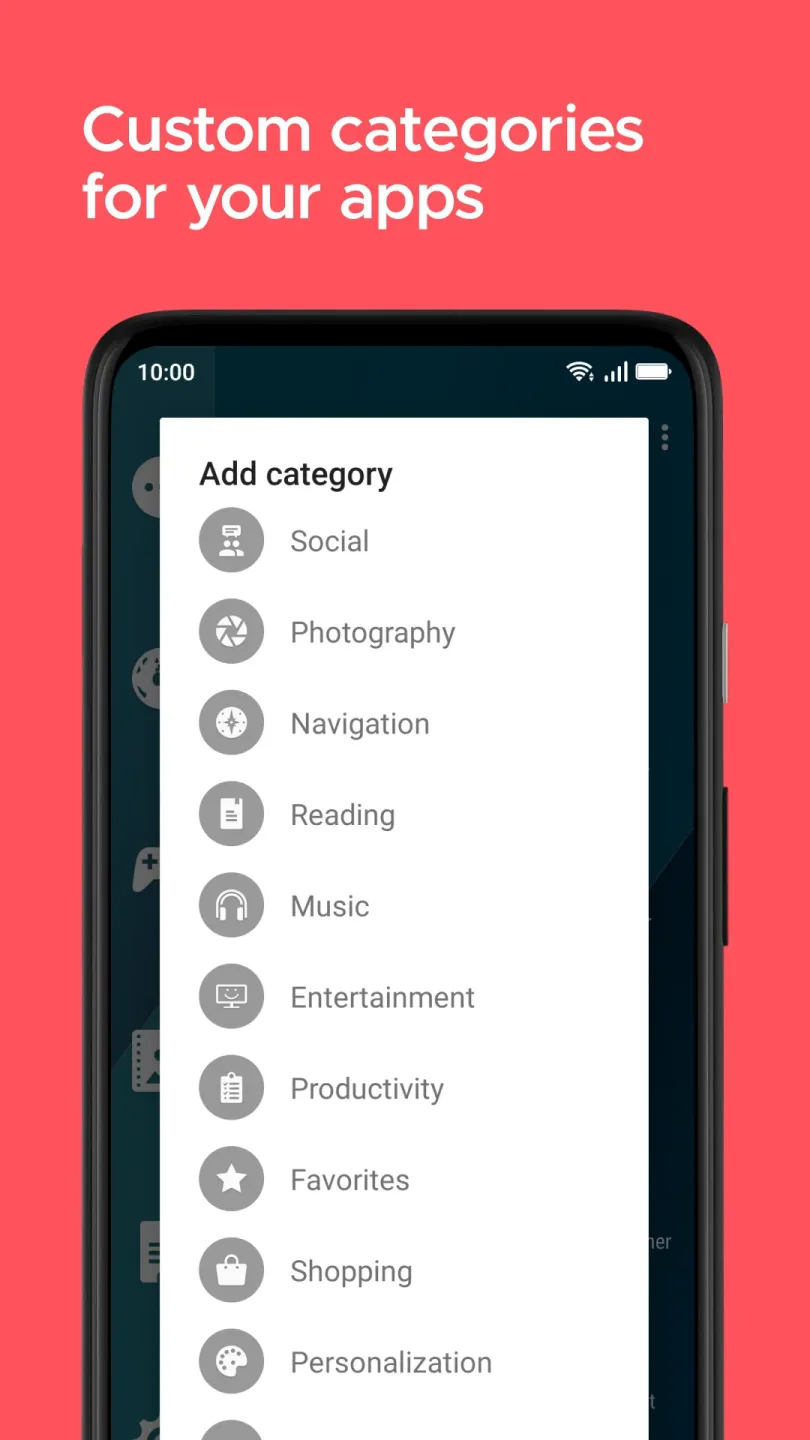
Full management of your category list
20 new categories ready to add to your drawer
7 extra drawer animations
Features:
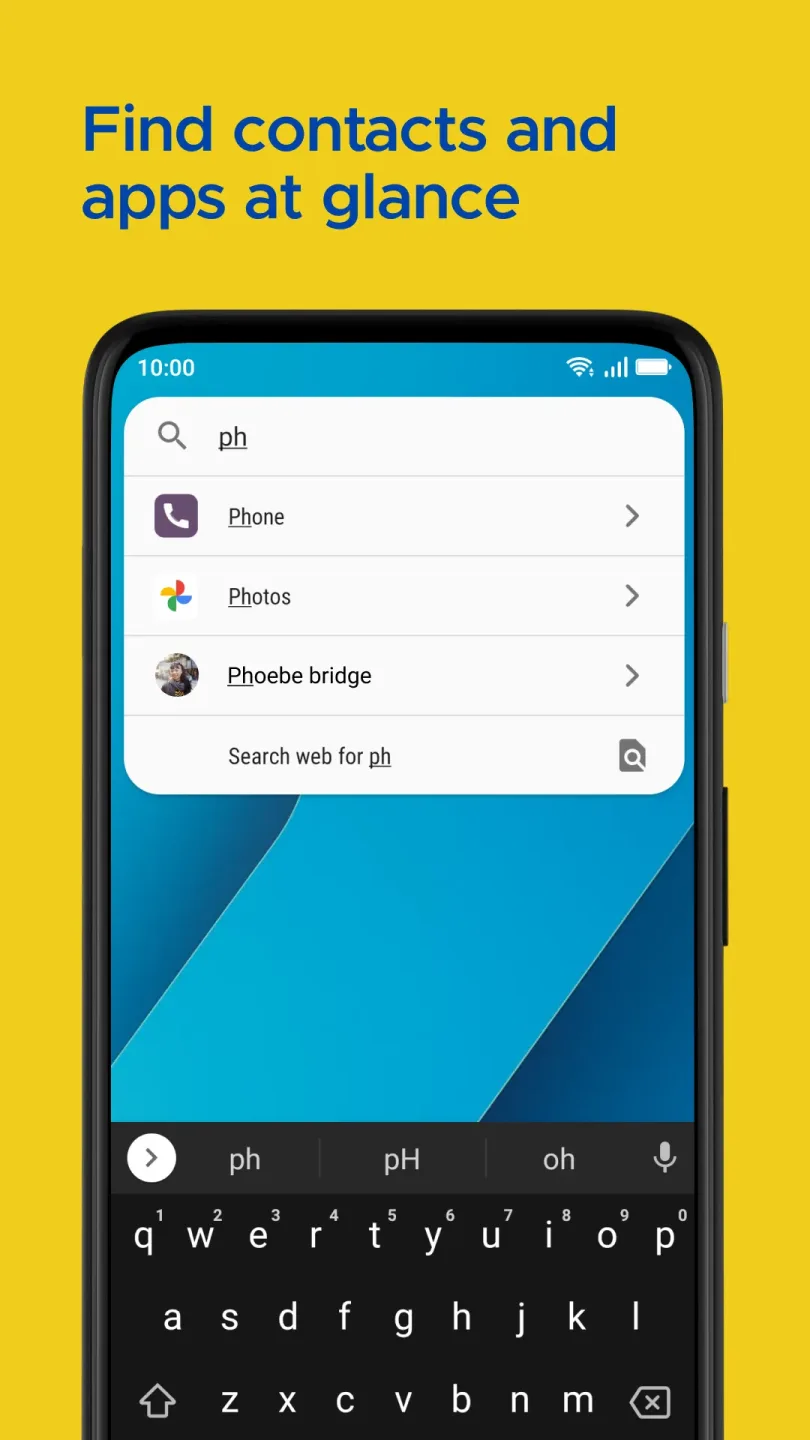
Convenient search: With just a few swipes, contacts, apps, or web results are clearly displayed.
All utilities are on the search bar: All useful features can be used in a single location.
Interesting color combinations: The application can quickly change elements on the wallpaper to create harmony.
Stick to a certain theme: Depending on your mood, signature designs can be applied in many ways.
Tips for Users:
Assign widgets to icons: Double tap an icon to show a widget assigned to it, saving you time and simplifying your navigation.
Quick access to apps: Use the search bar for quick searches in apps, contacts, and the web, making it easier to find what you need in an instant.
Personalization options: Smart Launcher 3 offers a wide range of themes, lock screens, and icon packs for customization, allowing you to personalize your device to suit your style.
FAQs:
What is Smart Launcher Pro 3 used for?
Smart Launcher Pro 3 is used to replace the default Android home screen with a cleaner launcher that sorts apps, supports quick search, offers gestures, and gives users more control over layout and style.
Who should use Smart Launcher Pro 3?
Smart Launcher Pro 3 is a good fit for Android users who want faster app access, a neater app drawer, one-hand navigation, and more visual control over their home screen.
Does Smart Launcher Pro 3 organize apps automatically?
Yes. Smart Launcher Pro 3 can sort installed apps into categories automatically, which helps reduce clutter and makes apps easier to find without manual folder setup.
Final Words:
Smart Launcher Pro 3 is suitable for Android users who want a tidy phone, faster app access, and deeper home screen control. It works well for students, workers, creators, and anyone who checks their phone often but hates messy icons. It is most useful when your app drawer feels overloaded and your home screen needs a calmer, smarter layout.








