
Xcast is a powerful application that allows users to stream media files—audio, video, images, and more—from their mobile devices to a variety of smart TVs and streaming devices. Xcast provides a seamless solution for streaming local and online content. Whether you're using it for work or personal use, this tool amplifies and enhances your media experience, combining convenience and practicality. Download Xcast now to get started!
Click to load YouTube / 点击加载视频
YouTube ↗Features:
CAST VIDEOS FROM PHONE TO TV
Cast to TV, Chromecast & Roku are suitable for users who are tired of watching the videos they like on a small and uncomfortable screen. So, let the application help you solve this problem when the files on your device can be streamed on the TV screen quickly. From there, a diverse experience can be chosen that can be accessed by users at any time after they are not watching TV shows. If you want to hold a party at home, using an app is also an optimal solution.
Supports most formats: Most videos work fine and will appear in high quality on your TV.
Suitable for many users: Casting does not cause too much difficulty for you because the process is done with a few steps.
CAST WEB VIDEOS TO TV
One of the reasons why using Cast to TV, Chromecast & Roku in many cases, especially watching TV with the family, is an optimal solution is because it is suitable for many devices. Specifically, these programs can be cast on different types of TVs, and most smart TVs today have a completely high level of compatibility. In particular, some accompanying devices, such as Chromecast, are also great “partners” for the application, so as long as you know the type of TV being used, the connection will take place quickly.
Customize your experience: By integrating a browser, you can surf the web and see the results on TV.
Suitable for different platforms: Popular sites like YouTube, Netflix, Twitch, etc., are all fine for casting.
Simple video sharing: Changing the experience of watching videos with the app is also an interesting experience.
PHOTO SLIDESHOWS ON TV
After casting on TV is successful, the process you experience will be able to begin at any time you wish. In particular, throughout the experience, you will feel that your smartphone will become a controller. This is completely true because all features, such as program selection, information entry, and control of the next program, are performed on a handheld device. So you can choose a suitable Android device to maintain this casting process stably, and it should be a smartphone because of its optimal configuration and suitable size.
Slideshow in an emergency: If you discover a problem with your laptop, you have an alternative solution.
Combine more sounds: Not just images, sounds, effects, and speed can all be easily adjusted.
High-quality images: The TV screen will give you a completely different feeling, even if you have seen the files before.
Highlights:
Xcast APK is an app that lets you send your favorite stuff from your phone or tablet to your TV. Think about it like throwing a video from your tiny screen to your big TV screen. It works with lots of different TVs and devices, like Chromecast, Roku, Amazon Fire Stick, Xbox, and Apple TV.
Cast Everything: You can cast all sorts of things, like online videos, local videos, music, and images.
Easy to Use: It’s super simple to get your stuff onto the TV. Just a few taps and you’re good to go!
Privacy Matters: The app doesn’t tell other companies or people what you’re watching. Your secrets are safe here!
Works with Many Devices: Whether you have a smart TV or a TV with a Chromecast, this app has got you covered.
Free to Use: You don’t need to spend a single penny to use this App. It is free for everyone.
Steps:
Click the download button, and download the APK file on your device.
Before installation, ensure your device allows installation from Unknown Sources. You can find it in your device’s Settings.
Once it’s downloaded, tap on the APK file.
Then tap on Install or Yes to start the installation.
After the installation is done, open the app.
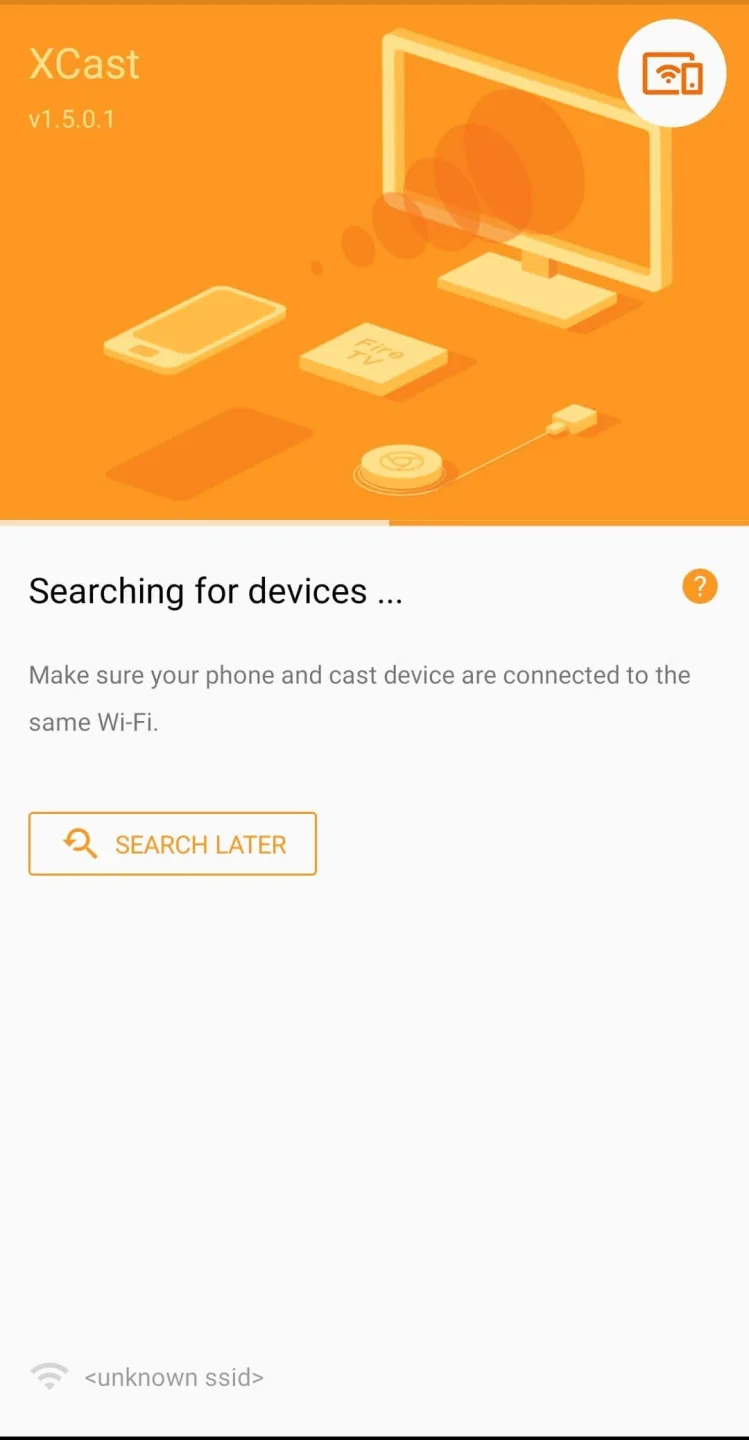
Make sure your TV and your phone or tablet are on the same Wi-Fi network. Then, just pick your TV from the list in the app, and you’re connected!
Using Xcast APK is a piece of cake. Here’s what you do:
Choose What to Cast: Open the app and pick a video, song, or picture you want to cast.
Select Your TV: Choose the TV or device you want to send it to.
Enjoy: Sit back, relax, and enjoy your stuff on the big screen!
Tips:
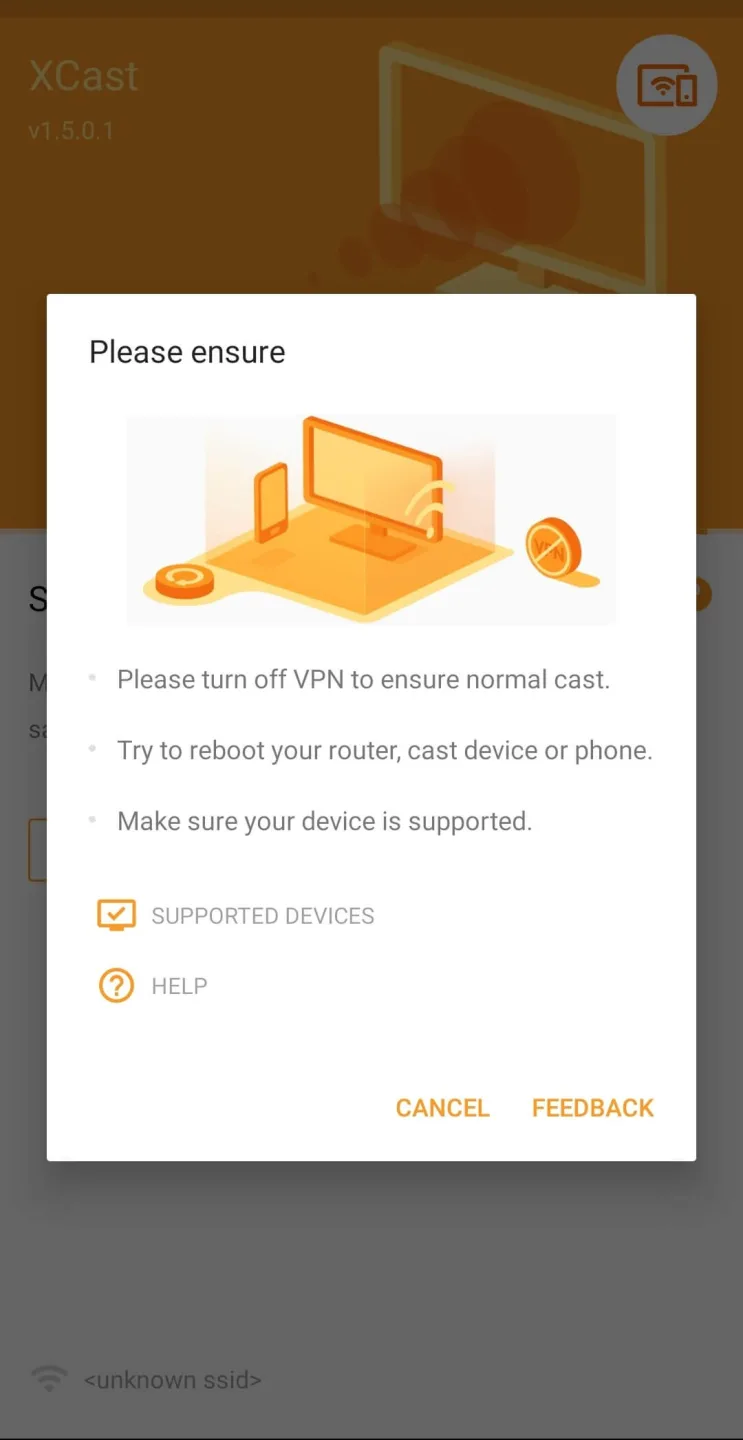
Strong Wi-Fi: Make sure your Wi-Fi is strong and stable for the best casting.
Update Your Devices: Keep your TV and your casting device updated for a smooth experience.
Charge Up: Don’t let a low battery stop the fun. Keep your device charged while casting.
Conclusion:
Xcast APK is like a magic bridge between your phone and your TV. It’s easy to use, keeps your stuff private, and works with lots of devices. Now that you know all about it, why not give it a try? Download Xcast APK, and start casting your way to a more fun TV experience!
Remember, all you need is right here. Just download, install, and start the casting party. Enjoy your new TV buddy, and let the good times roll! Keep visiting Techylist for more Apps and games for your mobile.








