

Google Account Manager is a system utility app developed by Google. It's used to add and manage multiple Google accounts on Android devices, synchronizing settings, privacy, payments, subscriptions, and other services. This app is usually pre-installed on devices and requires at least one Gmail account to be linked. It's ideal for users of Google services who need to centrally manage multiple accounts and privacy permissions. Download it now and try it out!
Click to load YouTube / 点击加载视频
YouTube ↗What can you do with Google Account Manager?
Google Account Manager is the method that Google provides for users to manage their access and verifications. Here, you can customize more appropriately the access to the different functions provided by the tech giant. You can manage your information and the privacy and security settings to make Google work better for you. Moreover, you can manage your payments and subscriptions to various services.
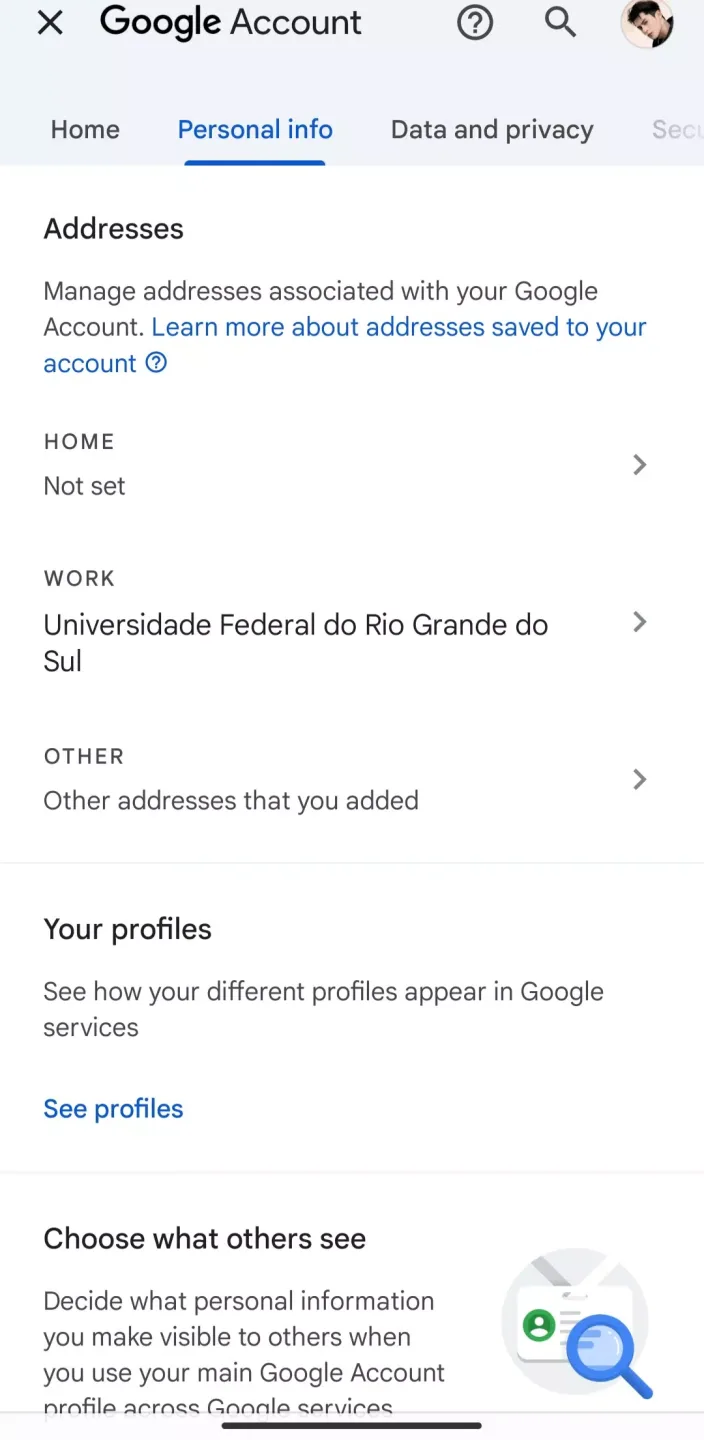
You can see the data in your account and choose what activity is saved. You also have the option to sync the data on your apps automatically. With this, the apps will refresh data automatically. You can also customize the sharing settings of your apps. You can organize your Google contacts to connect with people on your Google services. You can also choose to block other users.
To start managing your apps and services, this account manager requires at least one Gmail account. However, once done, you can add as many as necessary. You can then customize the settings for each account. As mentioned, this function is available on Android devices by default. However, you cannot find it in the list of apps installed since it runs in the Google Play app.
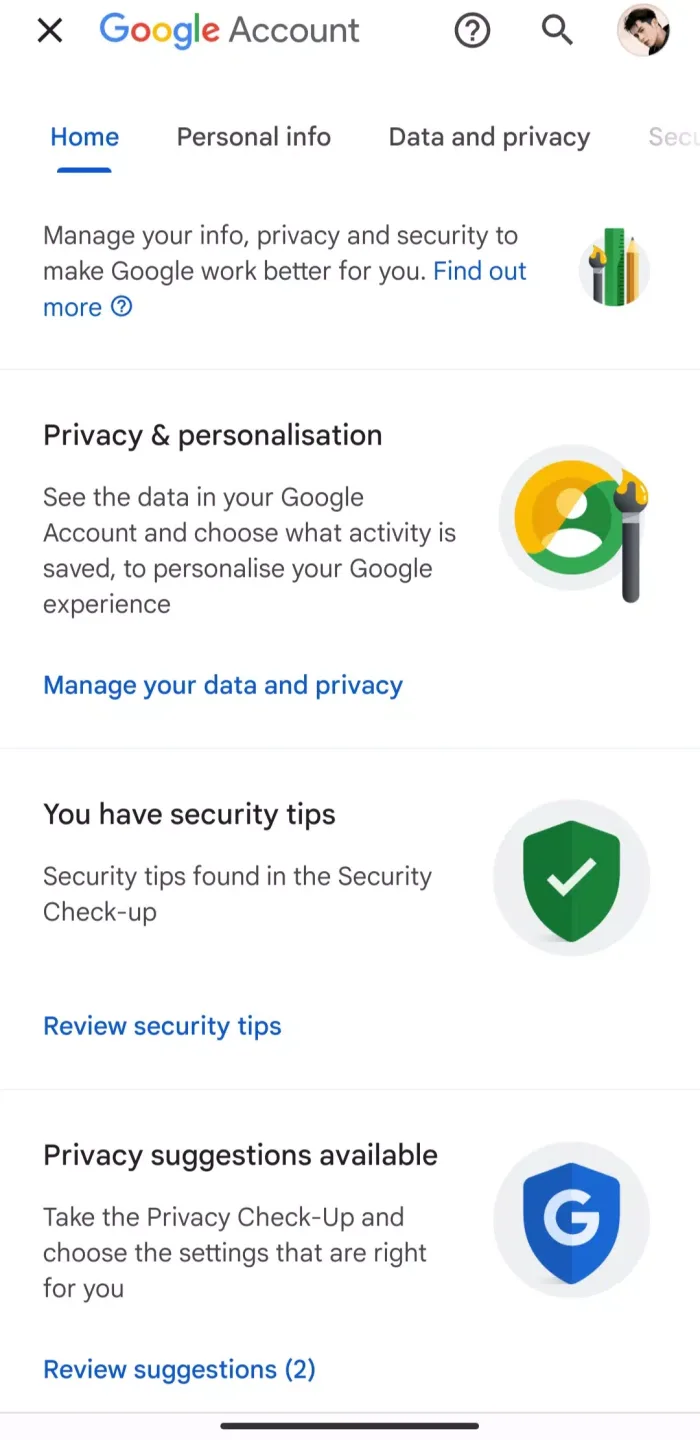
Features:
Easy sign-in: With this app, you can easily sign in to your Google account without any hassle.
Multiple account management: You can manage and switch between multiple Google accounts with just a few taps.
Security features: The app offers security features to keep your account safe and secure from unauthorized access.
Account recovery: If you forget your password or username, you can easily recover your account with the help of this app.
Sync settings: You can manage the syncing settings of your Google account to customize your experience.
User-friendly interface: The app has a user-friendly interface that makes it easy to navigate and use.
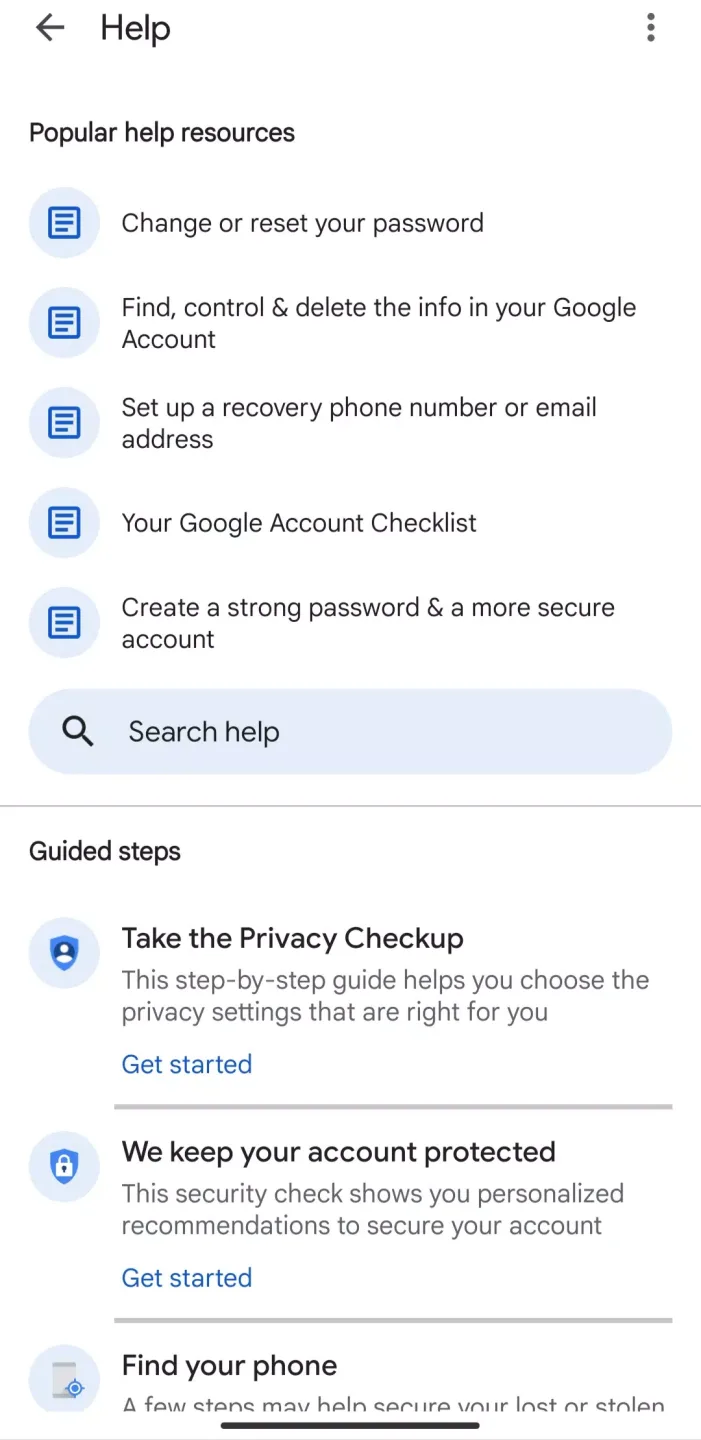
Tips for Users:
Regularly review account settings: Make sure to regularly review your account settings in Google Account Manager to ensure that your account is secure and that you are in control of your privacy settings.
Enable two-step verification: For added security, enable two-step verification in Google Account Manager. This will help protect your account from unauthorized access and keep your data safe.
Use the backup feature: Take advantage of the backup feature in Google Account Manager to ensure that your important data is always protected. Regularly back up your information to avoid any potential loss.
FAQs:
Is my personal information safe on the app?
Yes, the app uses advanced security measures to protect your data.
Can I add accounts from other platforms besides Google?
No, the app is specifically designed for managing Google accounts.
Does the app support two-factor authentication?
Yes, you can enable two-factor authentication for added security.
Can I use the app offline?
Some features may require an internet connection, but basic account management can be done offline.
Conclusion:
Google Account Manager is an essential Android application that enables users to manage and verify their Google accounts on smartphones. It serves as a central hub for accessing Google's features and services by requiring users to create and authenticate their accounts through password and Gmail verification. While users typically have one primary account, the app offers the flexibility to add and manage multiple Google accounts on a single device. Each additional account can be set up with its own password and verification method. The app automatically synchronizes all registered accounts to ensure smooth functionality across Google services on Android devices.








