

BD File Manager File Explorer is a comprehensive, free file management tool. With its intuitive, customizable interface, deep junk cleaning, detailed storage analysis, and access to hidden system files, it helps users efficiently clean up redundant files and categorize and manage local and network data, completely eliminating device storage clutter and making file browsing and space optimization effortless and seamless. Download and experience it now!
Click to load YouTube / 点击加载视频
YouTube ↗Features:
Seamless LAN and Cloud Drive Access
Effortlessly connect to LAN protocols: SMB, FTP, FTPS, SFTP, and WebDAV.
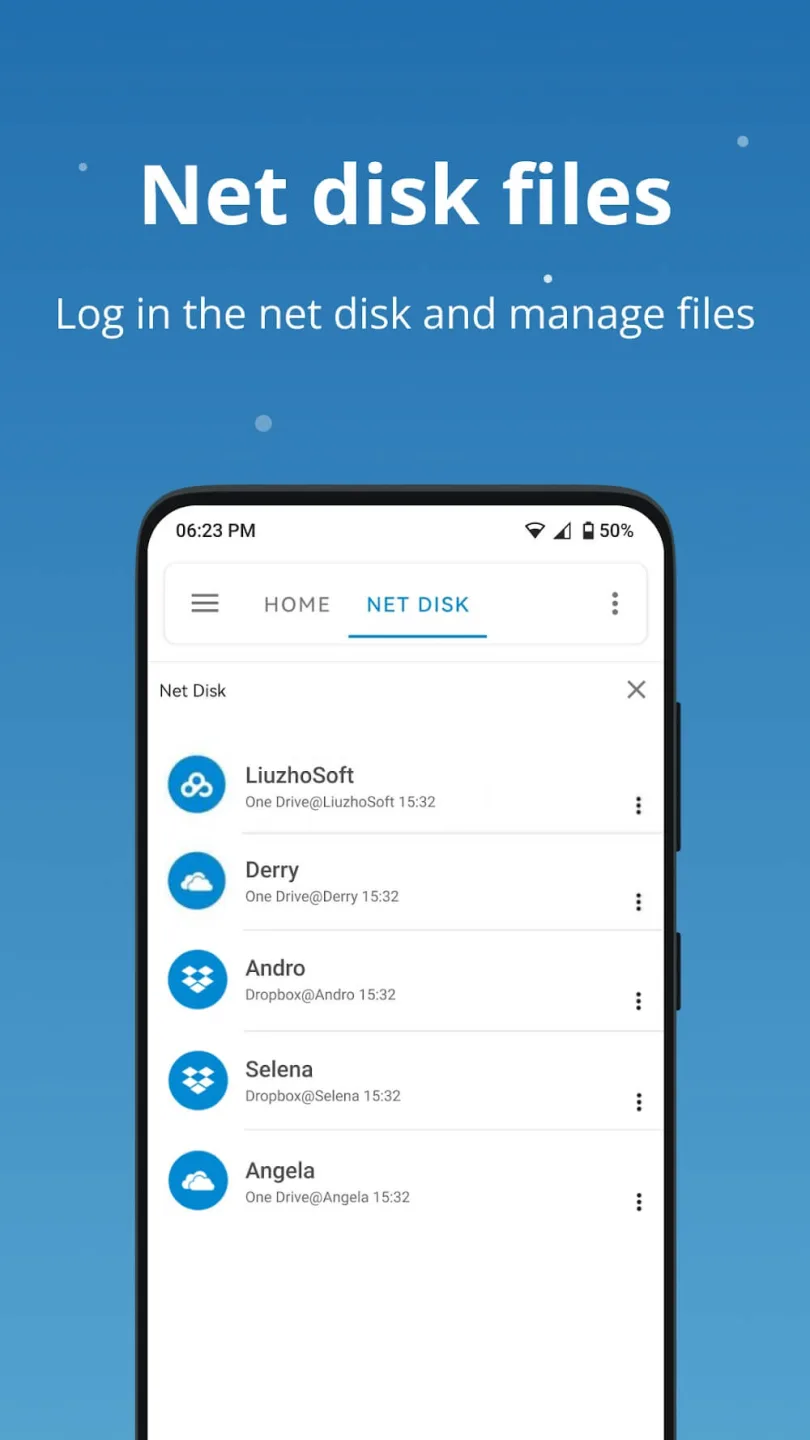
Easily access cloud drives such as OneDrive, Dropbox, and Google Drive.
Built-in Video and Music Player
Play videos and music directly from LAN, network disks, or local storage.
Advanced Storage and File Analysis
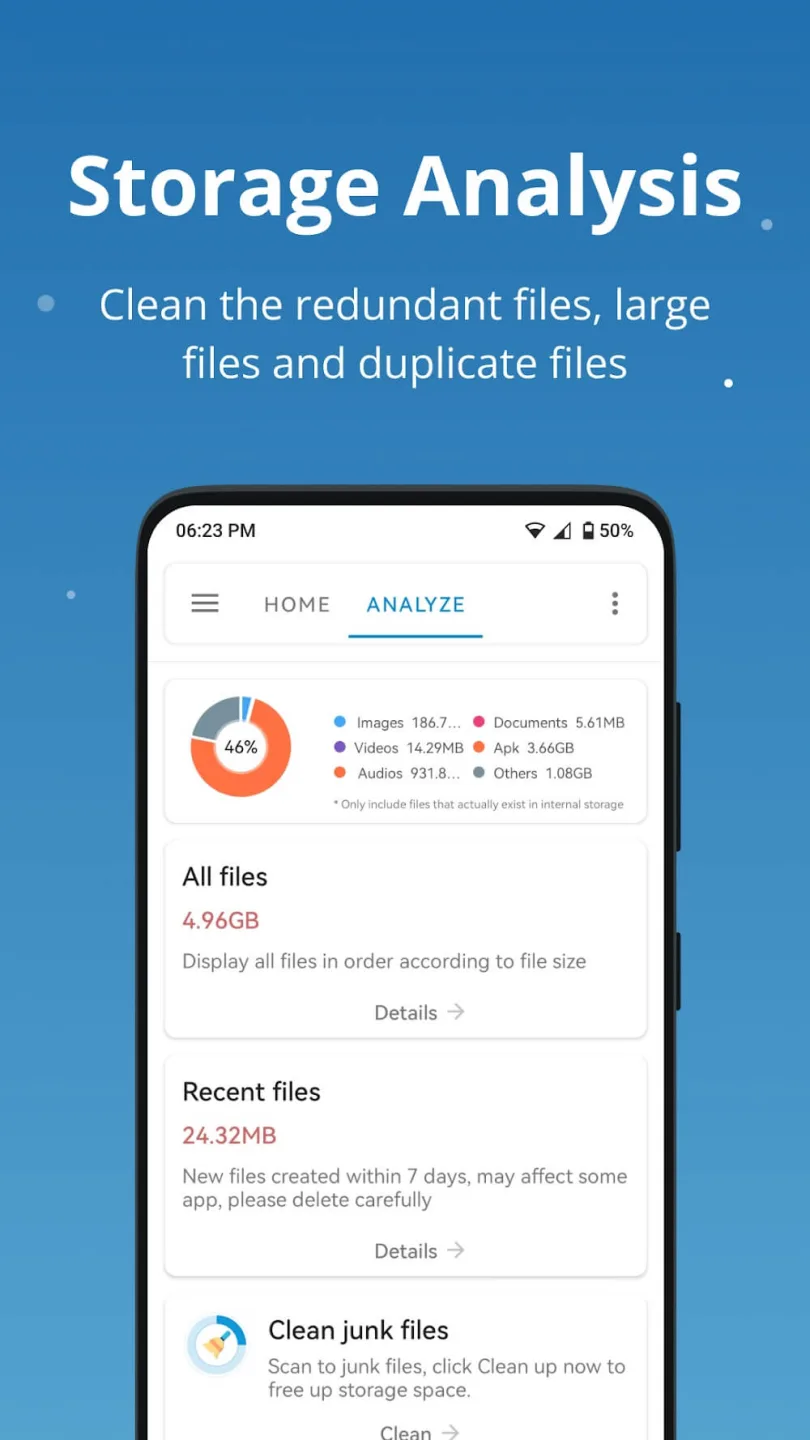
Analyze internal storage to clean up empty files, temporary files, cache, logs, duplicates, and large files to free up space.
View folder sizes and occupancy ratios to better understand your storage usage.
Junk File Cleaner
Find and remove all junk files quickly using the integrated cleaner.
Manage Phone Storage, SD Cards, USB Drives, and OTG
Organize files across internal and external storage effortlessly.
File Categorization
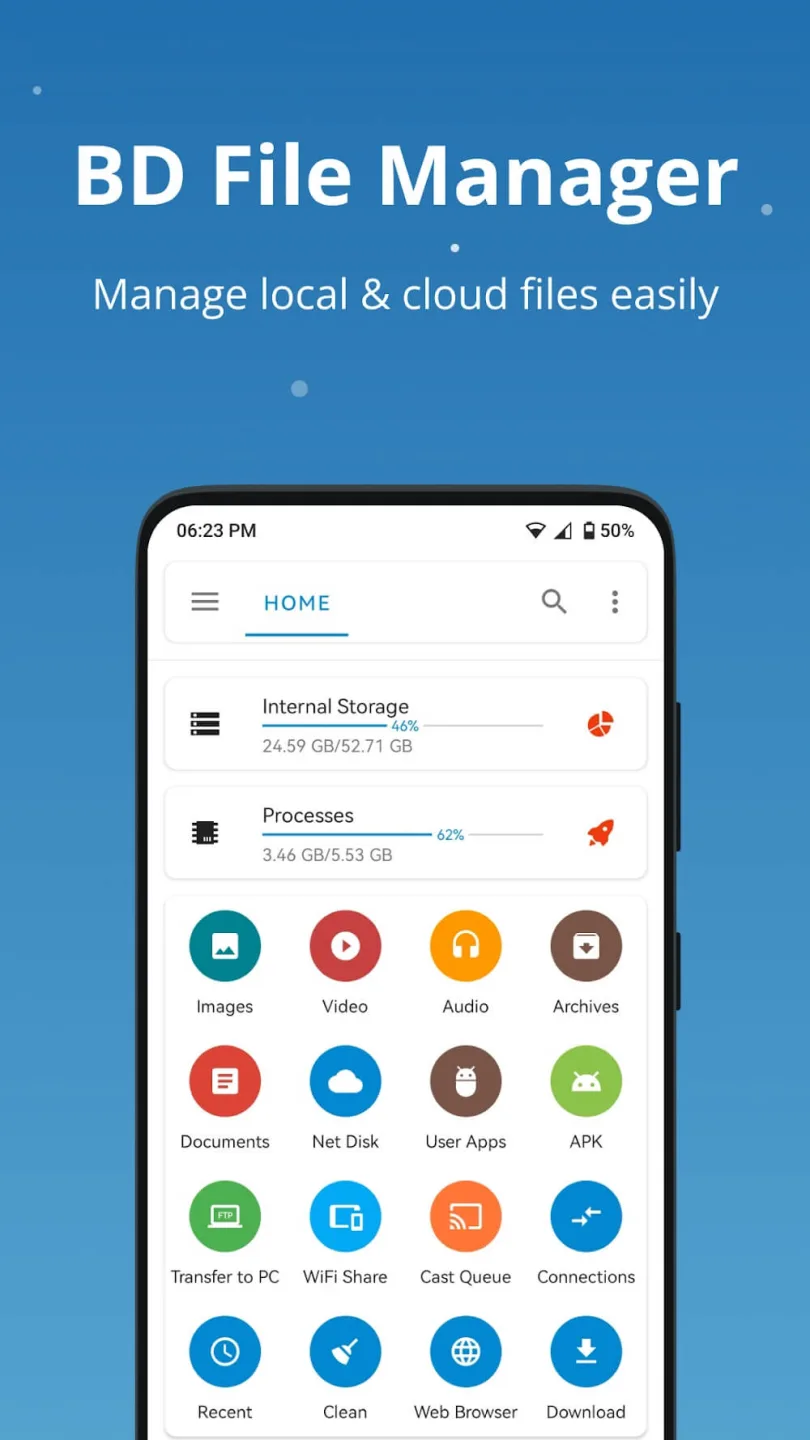
Easily find and manage files by category: Downloads, Images, Audio, Videos, Documents, and Recent Files.
Archive Compression & Extraction Support
Create and extract compressed archives in popular formats such as ZIP, RAR, 7Z, ISO, TAR and GZIP.
App Manager
Manage local, user, and system apps. View detailed information, activities, permissions, signatures, and manifest files.
PC Access
Use FTP to access and manage your Android device storage from a PC wirelessly—no data cable needed!
Wireless File Sharing
Transfer files quickly within the same LAN without cables.
Benefits:
Interact and work with files efficiently
BD File Manager File Explorer APK v1.8.1 is a valuable program that helps users quickly and conveniently manage and view files on their devices. It makes it easy for users to manage, move, copy, delete and search files and folders on their phone or tablet with a wealth of advanced, modern features. Most different file types, such as images, audio, videos, and text documents, will receive the support of BD File Manager File Explorer. And users can open files with necessary applications after viewing the file contents on the home page. Creating favourites, compressing and decompressing files, sharing files via Bluetooth, wifi and even connecting to cloud services like Google Drive and Dropbox for quick data backup and sharing are just a few features. Highlights of this app only.
Manage and browse files on your device
An efficient and practical solution for managing files on a user’s device is provided by BD File Manager File Explorer MOD APK program. With its file and folder management capabilities, this tool makes it easy to locate, delete, move and copy files efficiently. Thanks to this software’s intuitive and user-friendly interface, users can quickly browse the folders and files on their devices. Each file will contain detailed information about name, type, size and creation date to make user management as smooth as possible. In addition, BD File Manager File Explorer allows users to easily switch between folders and files by displaying them on the application’s screen, including lists, grids and modes. See details.
Clean up storage space
Besides helping users manage files on the device, BD File Manager File Explorer also can clean up storage space and free up device memory, thereby improving device performance. To help users maximize storage space on their desktop or smartphone, this program allows users to regularly check their device’s internal memory usage and free space statistics. It also provides automatic memory cleanup that removes useless files, large files, duplicate content, and unnecessary background data to make room for additional tasks. BD File Manager File Explorer will comprehensively scan the system and automatically clean up junk files to give users more storage space.
Smooth interaction with any device
The primary purpose of this application is to provide a flexible user experience across all devices. That way, managing files on the user’s device is the fastest and most comfortable. So BD File Manager File Explorer has an optimized and user-friendly design that ensures smooth user interaction on PCs, tablets and mobile devices instead of a single device like many apps. Use on the market. In addition, with various connectivity options such as Bluetooth, wifi and USB, users can also manage their files remotely without a hitch. This helps users to get the job done efficiently as all these processes are done smoothly and conveniently thanks to the impressive compatibility of BD File Manager File Explorer.
Tips for Users:
Utilize Quick Search: Take advantage of the quick search function to easily find files by their names or related keywords, saving time and effort in locating specific files.
Regularly Check Device Memory: Make use of the memory cleanup feature to regularly check your device's internal memory usage and free up space by removing unnecessary files and data.
Optimize File Viewing: Switch between different viewing modes like lists, grids, and modes to customize how files and folders are displayed, making it easier to navigate and manage files on your device.
Conclusion:
BD File Manager File Explorer is needed nowadays if you want your device clean and organized in various manners, and BD File Manager will aid you in that task. Besides, the app comes with a beautiful interface with friendly features and functions, ensuring you have a good time clearing up files or interacting with anything in your memory more smoothly. You should now be able to view the system-hidden files and obtain a more comprehensive understanding of the storage situation. After files have been categorized, it will be possible to look for them rapidly and accurately, as well as manage them with a minimum of work.








