
Internet Speed Meter Pro is a powerful mobile tool designed to help users understand their mobile network quality, data usage, and download speeds. The data is constantly updated and, after a certain period of time, it provides suggestions for improving the network environment based on the user's phone's conditions, ensuring a more comfortable online experience. The software also automatically scans for available networks nearby and connects to them, providing an incredibly smooth user experience. Interested users can download the software from this site.
Features:
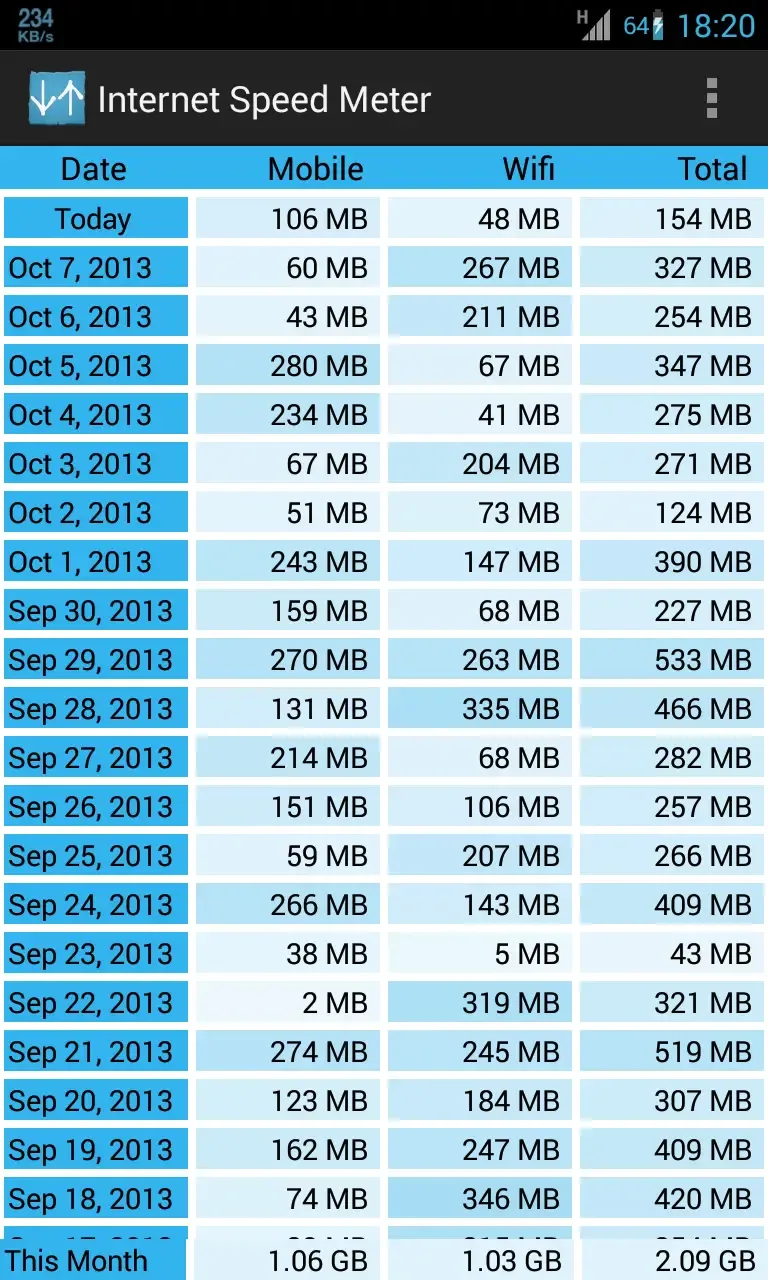
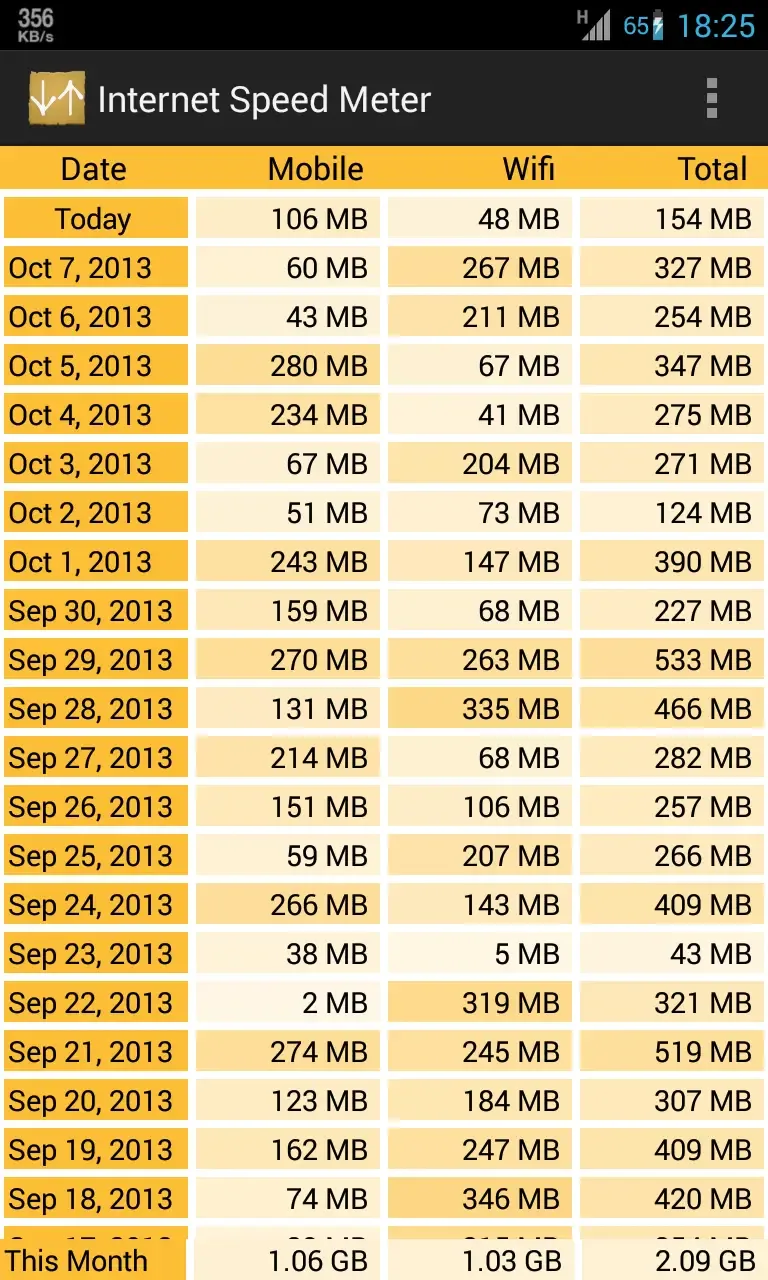
Multiple Themes: The app offers six different types of themes to customize the user interface according to your preference.
Daily Data and Live Graph: The home page provides two options, "Daily Data" and "Live Graph," giving you real-time updates on your internet speed and usage.
Status Bar Icon: You can easily hide or show the internet speed icon in the status bar, allowing you to have a clutter-free experience.
Live Speed Updates: The app displays live download and upload speeds, ensuring you can monitor your internet performance in real-time.
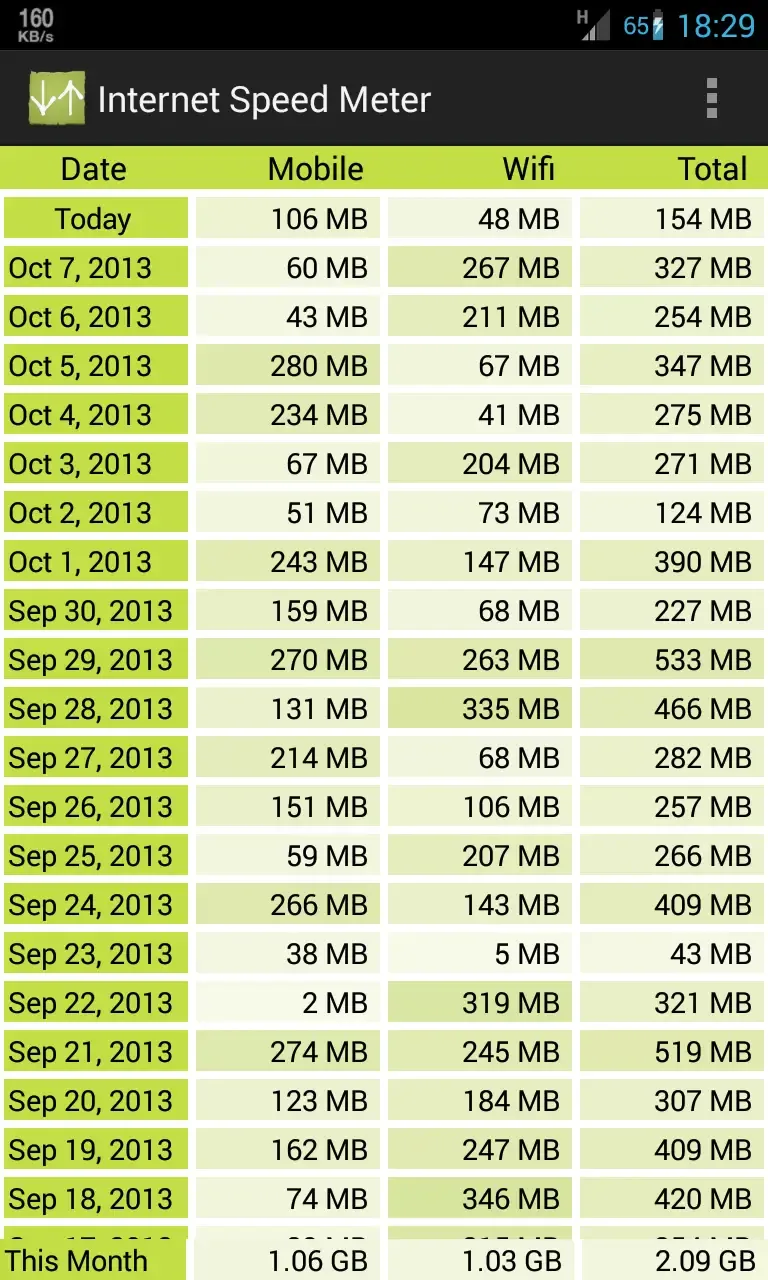
Usage Records: Keep track of your daily and monthly internet usage, allowing you to stay informed about your data consumption patterns.
Battery Efficient: Internet Speed Meter Pro! is designed to be battery efficient, ensuring minimal impact on your device's battery life.
Highlights:
Real-Time Internet Speed Monitoring on Your Status Bar: The Internet Speed Meter displays your current internet speed right on your status bar — without needing to open the app. You can instantly see how fast your connection is at any moment, whether you’re connected via mobile data or WiFi. This feature is especially helpful for identifying network slowdowns or optimizing your usage when switching between networks.Even better, you can customize how this speed data is displayed — choose between bits or bytes, and enable or disable notifications depending on your preferences.
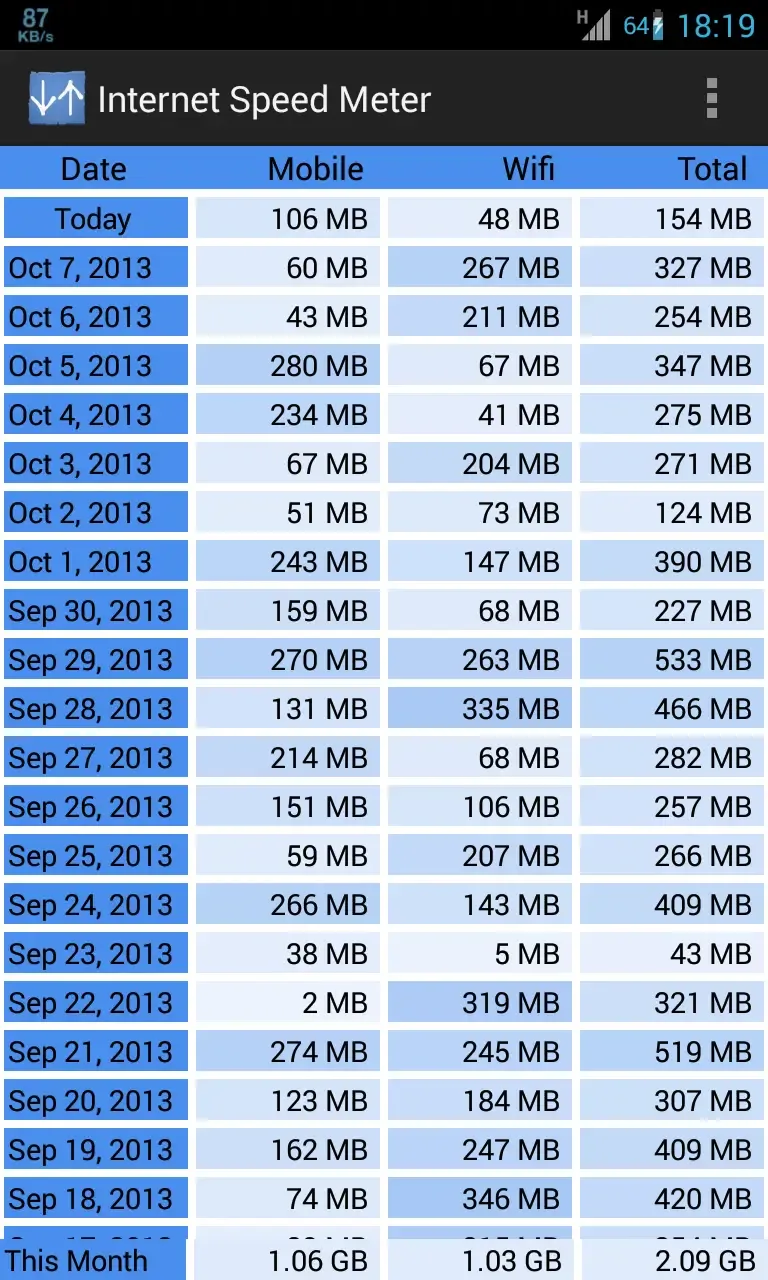
Track Daily, Weekly, and Monthly Data Usage: One of the standout features of Internet Speed Meter is its ability to track and visualize your data consumption over time. The built-in usage chart allows you to monitor how much data you’ve used daily, weekly, or monthly, across both mobile networks and WiFi.This feature is particularly helpful if you’re trying to stay within a limited data plan or if you want to understand how your internet consumption fluctuates. With this knowledge, you can make smarter decisions about how and when you use data-heavy apps.
Application-Wise Data Tracking: Want to know which apps are eating up the most bandwidth? Internet Speed Meter breaks down data usage by app, so you can clearly see which applications are the most demanding. Whether it’s social media, streaming, or cloud storage, this level of insight helps you manage and possibly limit certain apps from running in the background.This is especially useful for users who want to reduce battery drain or extend data usage over the month.
Clean, Customizable User Interface: Unlike many speed tracking apps, Internet Speed Meter offers a beautiful and intuitive user interface. The design is sleek, easy to navigate, and highly customizable. You can switch between light and dark themes, and even choose a custom color palette to match your personal style.The UI isn’t just eye candy — it’s also functional. Every tap delivers important insights in a simple and engaging way, making the app a pleasure to use daily.
Useful Tips:
Avoiding Data Cap Overages: Imagine you have a 5GB monthly mobile data plan. Halfway through the month, you notice you’ve already used 3GB. By checking BitVelo’s per-app usage report, you discover that streaming HD videos on your commute is consuming more than expected. You switch to standard definition, and your data lasts the rest of the month without penalties.
Troubleshooting Slow Internet: You’re playing an online game, and suddenly your ping spikes. A quick look at the floating speed window reveals another app perhaps a cloud backup is uploading large files. By pausing the upload, your game latency immediately improves.
Managing Shared Connections: If you’re tethering your phone’s internet to a laptop or another device, BitVelo helps you see exactly how much data is being used by each connected application, preventing accidental overuse.
FAQs:
Q: Is the app free to use?
A: Yes, it is free to download and use. A premium version with additional features is also available.
Q: Does the app consume a lot of battery?
A: No, the app is designed to minimize battery usage while running in the background.
Q: Can I customize the notification bar display?
A: Yes, you can customize the appearance of the notification bar by selecting from various colors and themes.
Q: Does the app work with both Wi-Fi and mobile data?
A: It can monitor the speed of Wi-Fi and mobile data connections.
Q: Is there a limit to how much data I can track?
A: No, the app allows you to track your daily and monthly data usage without any limits.
Summary:
Internet Speed Meter is currently one of the most popular and widely used apps to monitor internet speed and usage in real-time. Millions of people are using this app right now and it comes really handy when you are on a limited data plan. Sometimes people wish to know their internet usage in a day, week or month and there is nothing better than the Internet Speed Meter for Android to know about it.The best thing about Internet Speed Meter Android app is that it doesn’t even ask you to root your device. It is a very small app that runs in the background and shows you the internet speed in the status bar. You can always open the Internet Speed Meter app to know about the usage.








