

Venlow is a popular video encoder designed to help users create higher-quality, smaller-sized videos. The latest version offers lightning-fast download speeds, allowing you to easily share your videos on social media without compromising quality. Venlow's built-in smart encoding technology optimizes your videos, ensuring the best possible quality, whether you're posting to social media or using them as a WhatsApp status. Venlow transforms your videos, improving image quality, audio, and file size. Try Venlow today – the perfect video editor to help you create high-quality videos and gain more followers!
Click to load YouTube / 点击加载视频
YouTube ↗Mobile Video Status Optimization Tool
Venlow is a free video app for mobile devices developed by Irshad PI. It's a handy tool that helps users optimize their video status. It can crop videos to a vertical orientation, making them suitable for use on WhatsApp and other social media platforms.
Joining the ranks of tools like Sticker Maker and Friend Search for WhatsApp, Venlow enhances the user experience and functionality of this popular messaging service. It allows users to easily create full-screen vertical videos and share them online without compromising video quality.
Features of Venlow Apk
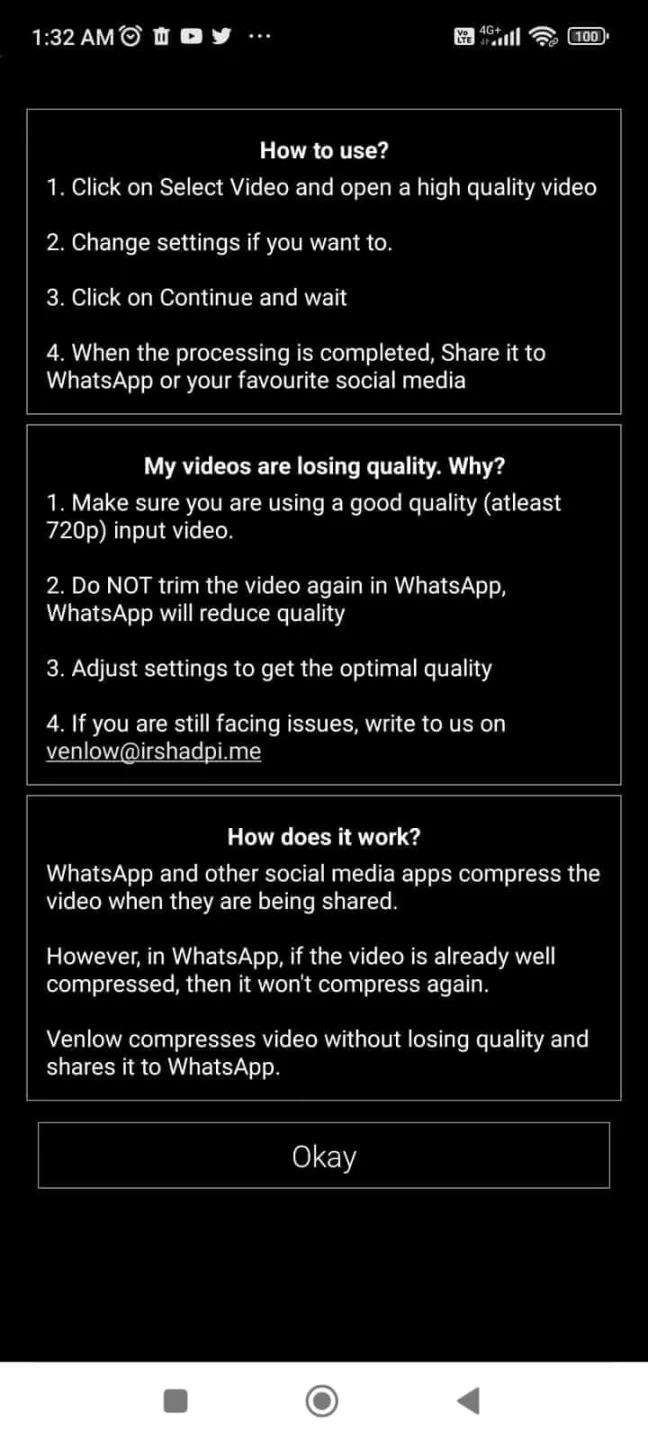
Avoid Low-Quality Videos: Whenever you share a video through social media apps, they are compressed to save storage and data. This is generally done for the quick sharing of videos. However, this results in a loss of quality. This can be quite irritating sometimes. Venlow Mod apk solves this problem quite effectively. It lets you set the perfect resolution for any video. Hence when you share, it won’t get compressed. Now you can enjoy sharing high-resolution videos on social media.
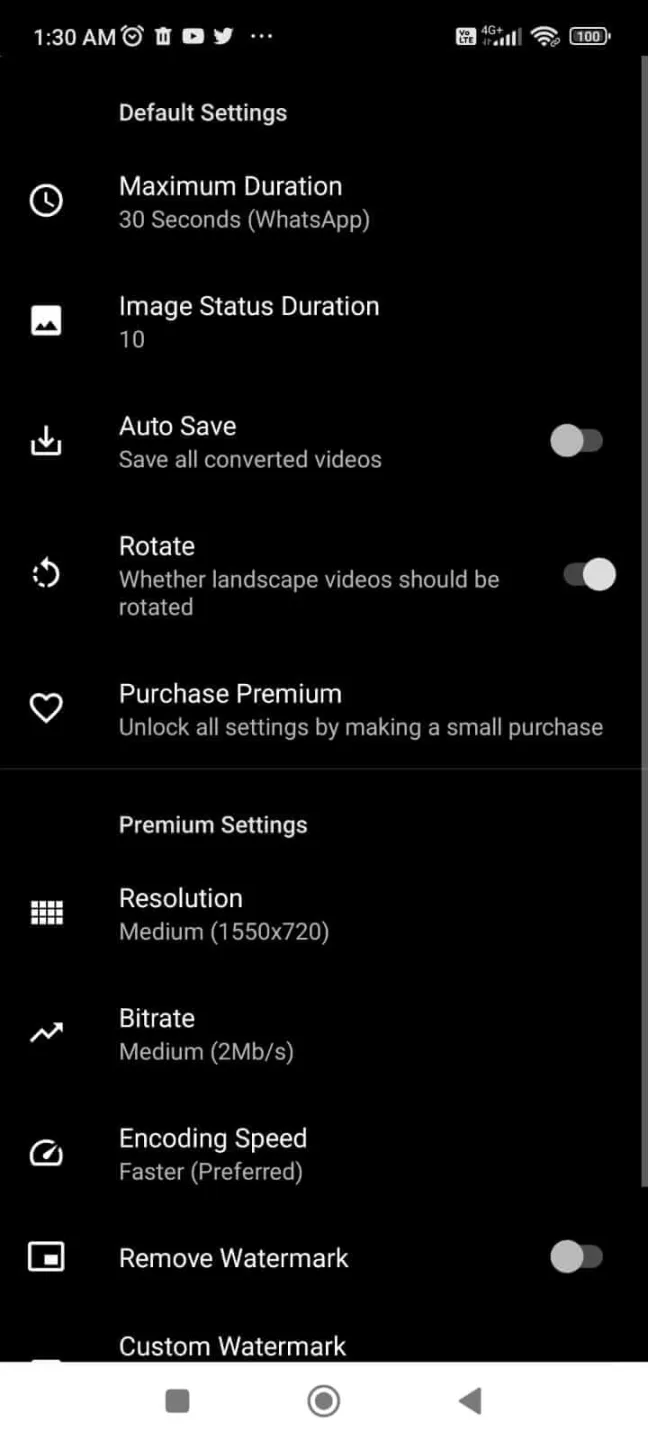
Optimise and edit Videos: There are over a hundred unique editing tools on Venlow that you will definitely love. You can edit your videos and make them more fun. You can crop, split, trim, and college videos on this app. You can also add stickers, texts, emojis, GIFs, filters, and much more to the videos. You can also apply different settings like maximum duration, resolution, bitrate, preset config, keeping and removing watermarks, etc.
High-Resolution Videos: Venlow is a vertical video editor. It lets you shoot videos in 4K HD. You can also optimise the video quality when you save them after editing.
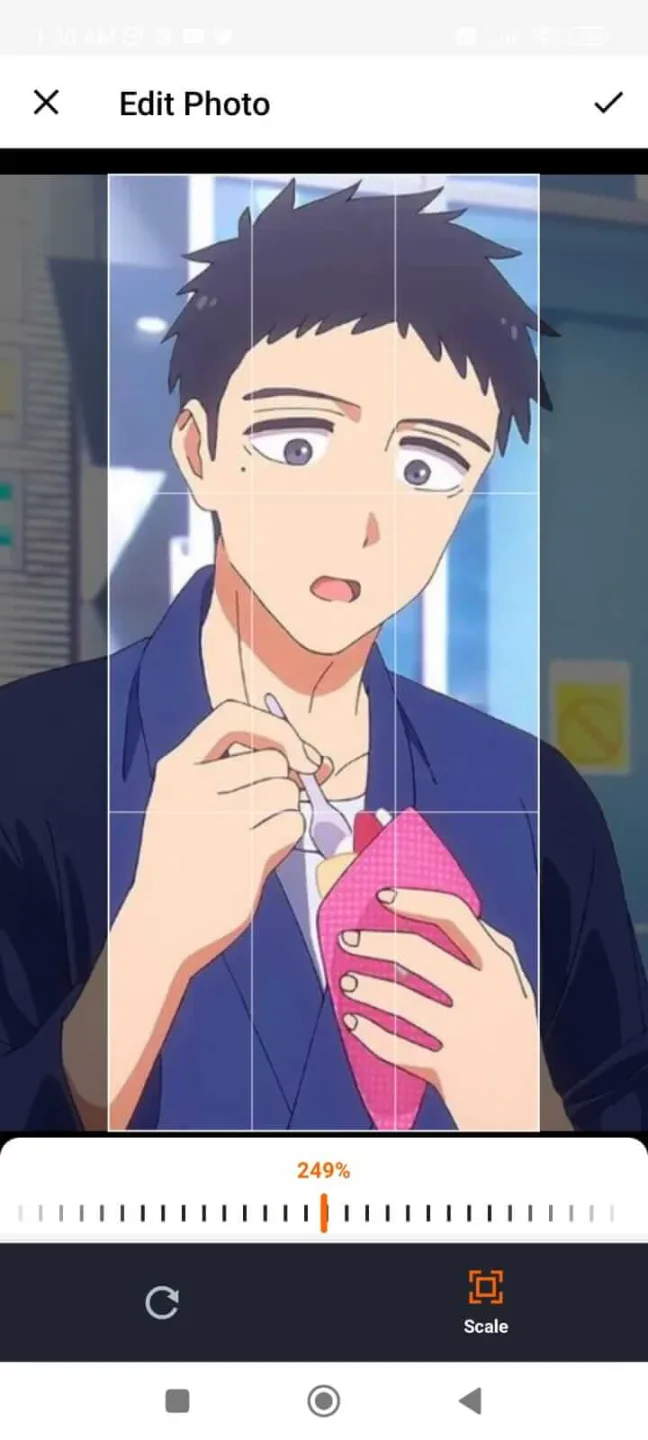
Full-Screen Video Status: Often, when you post videos on Whatsapp as your status, it gets cropped. This is due to an improper aspect ratio of the video. However, with Venlow App, you can adjust the appropriate aspect ratio of the video. So it won’t get cropped when you post it. It can also let you edit any video into a full-screen video.
Venlow | HD Video Status Maker App's Amazing Features
Vertical Full-Screen Videos - Portrait Video Status Maker
High-Quality Video Status - Vertical Video Editor
Enhance Video Quality - Your videos will look better
Status Maker - Create full-screen video statuses for your social networks
No watermarks: Generally, the standard version of Venlow has an inbuilt watermark. That is automatically added to all the videos you edit. But with Venlow Mod Apk, you can get rid of the watermark without spending money.
All features unlocked: Everything available at the store is available for free.
User's Comments
Good app. Saves a lot of time that otherwise you had to spend figuring out the right degree of compression to get the file size right without losing quality. Was happy to pay for the full version. But a bit more control and flexibility over custom logo placement and size would be good to have. An option for 1080p would also be appreciated.
A bit complicated to use. I wish "Stretch to fit screen" wasn't a pre-selected option. That it would automatically compress the video without one having to deselect the stretch option. I also don't understand why I have to adjust the status ends on WhatsApp once I have compressed before sharing it.
Previously it was all fine, but recently many Iphone users reports flickering in videos send or put status (compressed with Venlow). Android users have no such issue. Expecting a quick fix to get that old glory back. Sent screen record of issue. Iphone 12, 13 users reproting issue with videos compressed using Venlow.
I ventured to try to buy premium, why are the results so far down from the original? I use a samsung note 10 plus, the results are much better when uploading directly from the original by automatically converting HDR videos from the gallery so that they can be posted on whatsapp status
July 24, 2020
Excellent app i had purchased premium account . But their is no extra features like effect , add text to video options .But definitely I believe that they will add them in future updates
The original video was on my note 20 ultra and it was 1920x1080. I didn't trim it on whatsapp nor did I add any whatsapp stickers. I only trimmed it to 30 seconds because this app kinda forced me. I haven't read the help section because I didn't think this would be so tricky I thought it was pretty straight up but I'll check anyway. Thanks for responding
Wonderful Tips
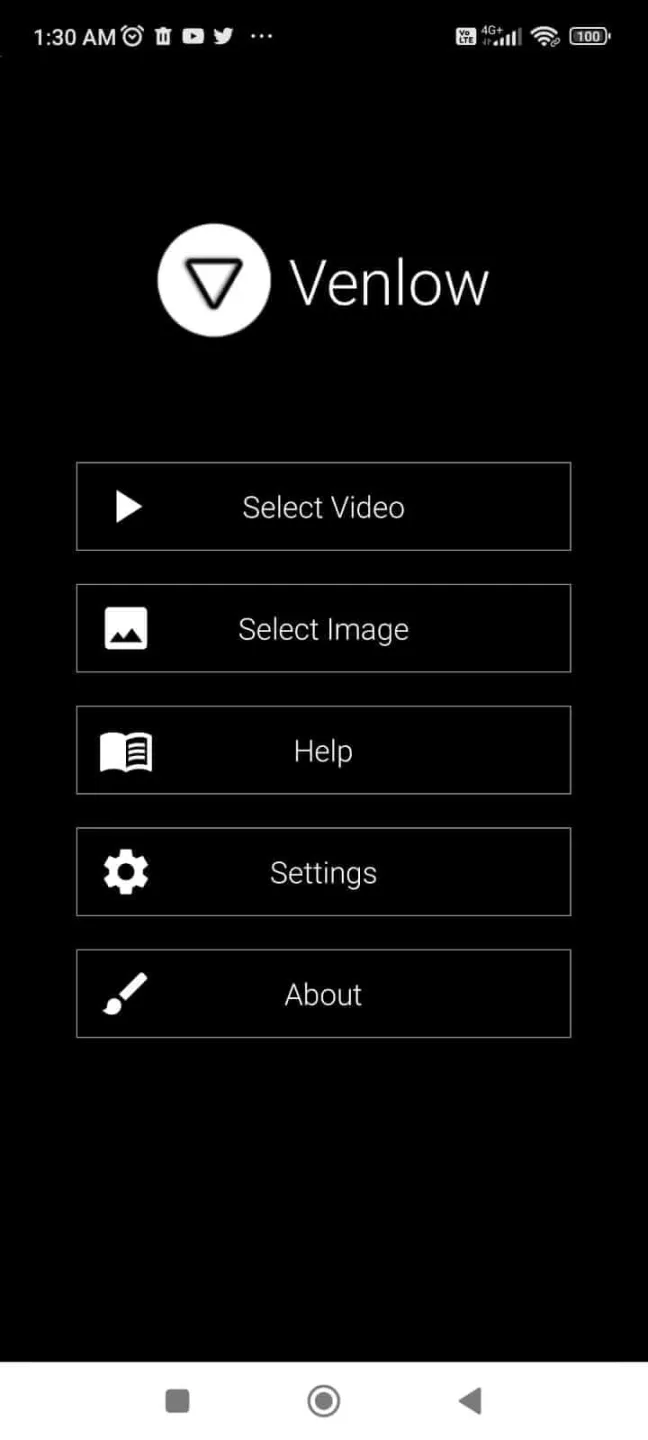
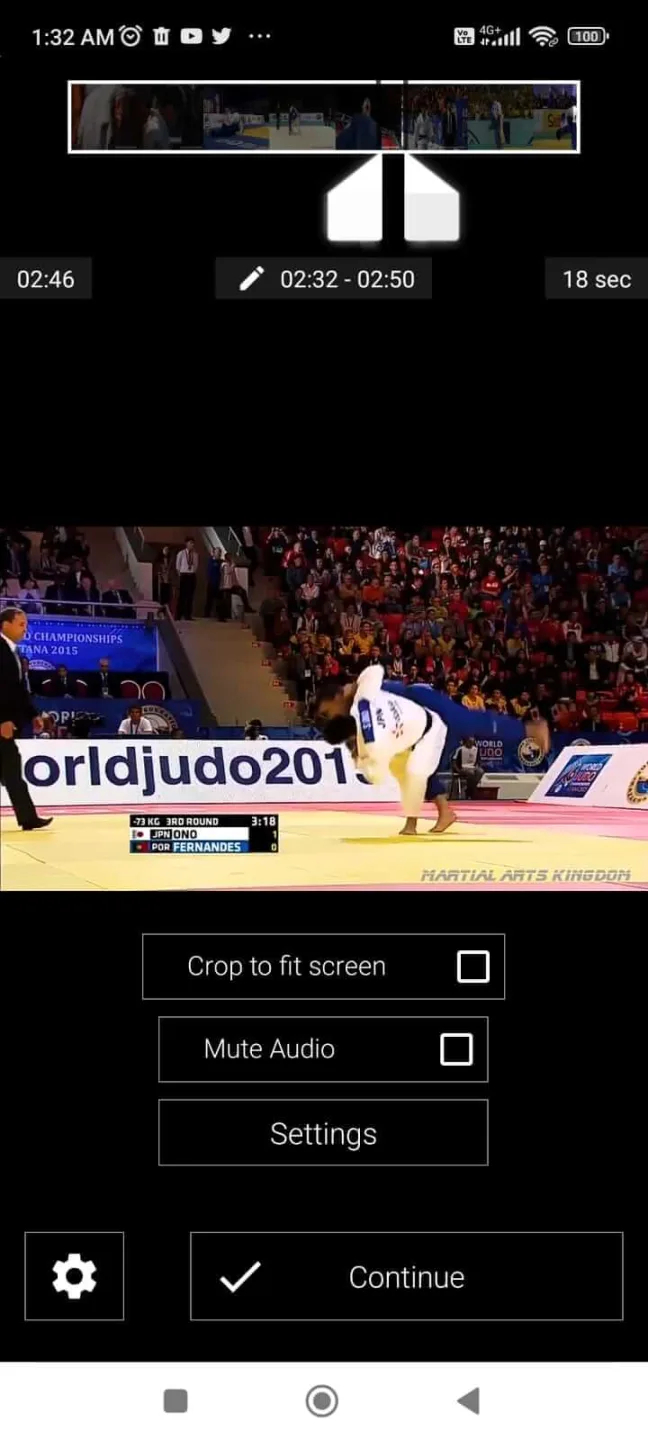
Venlow's interface is simple and user-friendly. Upon first opening the app, simply tap the "Select Video" option to start editing. After selecting a video, an editing screen appears with a video timeline at the top, allowing you to highlight the section you want to trim. Next, tap the gear icon at the bottom, select "Trim to Size," and then tap "Continue."
Once finished, you can choose to save the video or share it immediately. You can also access Venlow's settings menu from the main screen. The free version allows you to set the maximum video length. The premium version lets you choose the video resolution and bitrate. Venlow offers various preset options, as well as the option to remove the watermark.
Finally, note that video processing time depends heavily on your device's hardware. The more powerful your device, the faster the video encoding. As for drawbacks, the only thing to note is that some feature activation issues may occur when using the premium version.
Conclusion
Venlow MOD Apk is a perfect app if you want to edit videos and photos. You can edit and optimise the video quality using Venlow MOD Apk for free! And the modified version comes without a watermark.
This app can keep the video quality and even enhance it while lowering its size. This will give you the best video quality with 10X lower than its actual size. Venlow Apk will make video sharing and posting much easier on Whatsapp and other social media platforms easier.








