Microsoft Word is a practical office software with powerful performance and a simple interface. Download the free premium Android version and create and edit documents anytime, anywhere. Microsoft Word is easy to use and offers a wealth of document templates for your reference. Whether you're writing a letter, reading a book, compiling a resume, or creating a project report, it can meet your needs. Come and use Microsoft Word! This powerful office assistant makes team collaboration and sharing so simple!
Click to load YouTube / 点击加载视频
YouTube ↗Features of Microsoft Word
Real-time collaboration: If you're working on a project with others, Word makes it easy. Share documents on OneDrive, and everyone can edit simultaneously. Track changes, leave comments, and see everyone's progress. Whether you manage a small or large team, Word is the perfect choice.
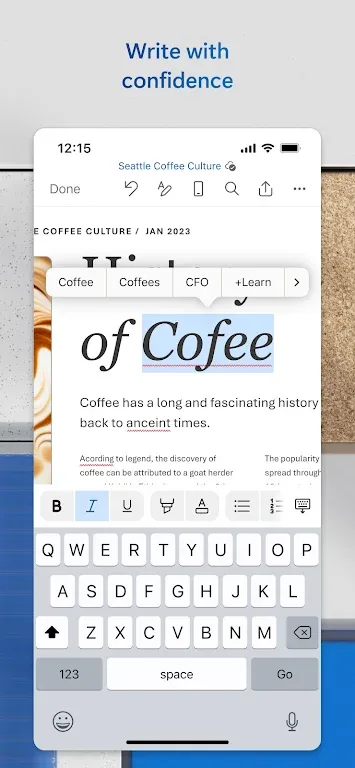
Get AI help: Microsoft Editor, Word's AI-powered tool, provides grammar and style suggestions, making your writing clearer and more professional. It's perfect when you need extra help with your writing, and especially useful if you're unsure about a topic.
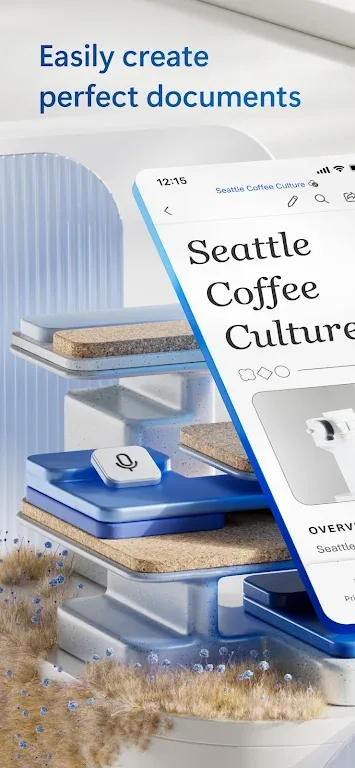
Quickly add media: Easily add images, charts, and tables to your document with just drag and drop. Whether you're putting together a report or just want to spice things up, Word makes it easy to insert multimedia elements and maintain consistent formatting.
Familiarity: Millions of people use Word, and you're likely already familiar with its layout—perhaps even from elementary school. You know where each button is and what different options do, so you can start writing right away without a learning curve. And, if you're an advanced user, you can use shortcut keys to speed things up. Work anywhere: With a Microsoft 365 account, you don't need to worry about lugging your laptop around. Simply log in to any computer with Microsoft Word installed and save your documents to OneDrive. This is perfect for working on the go, freeing you from the hassles of office work.
Tips for Users
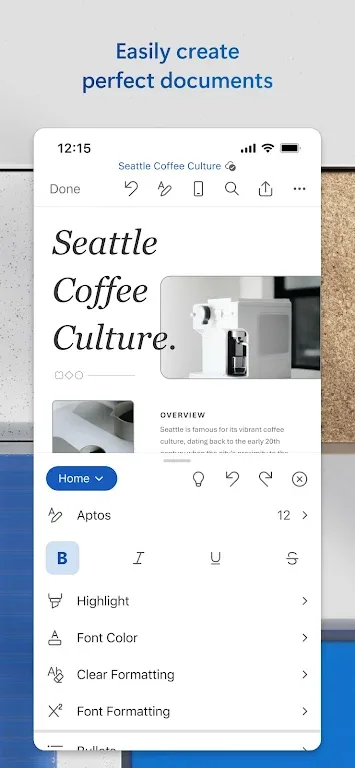
Take advantage of templates: Utilize Word's template gallery to easily create professional-looking documents in various formats. Whether you're writing a cover letter or designing a brochure, the templates will save you time and ensure a polished end result.
Collaborate effectively: Use the built-in document comments feature to leave feedback and collaborate seamlessly with your team. You can also keep track of changes made by others and revert to earlier drafts when needed.
Optimize for mobility: Make the most of Word's mobile app by taking advantage of its mobility features. Access files, documents, and make edits with ease wherever you are, and share them in the format that suits your needs.
User's Comments
If you think I'm going to pay 40% more for the same thing then good luck! I'd like to show you where you can shove your subscription. Also, more generally, this app is absolutely horrendous! It's so full of bizarre quirks and inconsistent functionality between web and installed versions such as the cursor constantly jerking around with the absolute worst programmatic touch control I've ever seen. I want to pull my hair out every time I try to use this app.
Not even a toggle for the Equation Editor on mobile, all fields just vanish. I understand the "need" to scrape data, but it's just too much. It interferes with the app's functionality, which is where I draw the line. ISPs are garbage. So when I open a document on data, the weak link isn't my phone. It's the network. I have 16GB RAM, the experience shouldn't be this stuttery. Especially when other, comparable applications aren't this resource-heavy and don't "call home" every 5 seconds...
This app is brutal. I pay for it on my Google account. But I can't access any of the features on my computer.. How stupid is that? Even worse. I can't even upgrade to make it work on my computer. I'm trying to give you more money and it still won't work. The whole subscription model sucks in general but his one especially sucks. { use it Like two or three times a year and they expect me to pay $100+ for that along with some storage space.
Conclusion
Microsoft Word is the perfect app for users who want to have a document editor that they can take with them on the go. With its easy-to-use features, powerful editing tools, and seamless collaboration capabilities, Word allows you to create, edit, and share documents effortlessly. Whether you're a blogger, writer, journalist, columnist, or project manager, Word is designed to meet your needs. It offers complete mobility, versatile document creation, and simplified file sharing.