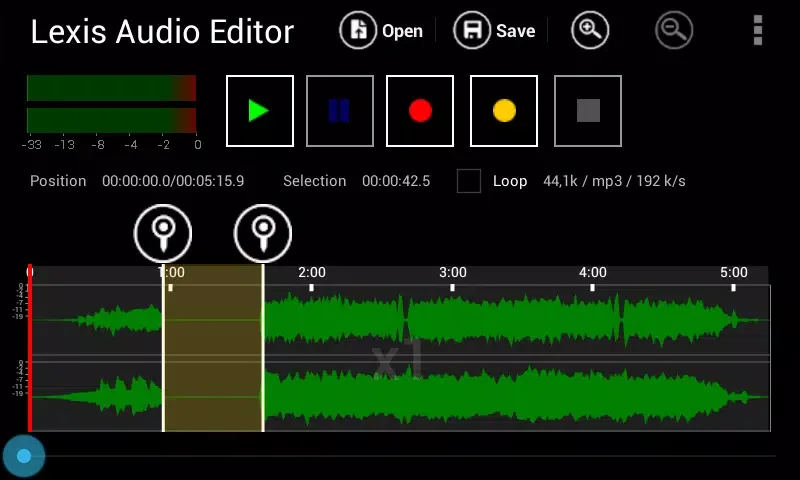
Lexis Audio Editor is a fun and user-friendly software tool. This application offers powerful features, focuses on practicality, and is easy to use, allowing users to edit audio without spending too much time learning. With Lexis Audio Editor, you can start with clean recordings and make precise adjustments using familiar tools. After completing basic editing, you can further optimize the audio. Use normalization and noise reduction functions to balance volume and reduce background noise. You can freely choose the format to save your recordings; with a wide range of format options, users can create various high-quality recording files.
Highlights:
Audio recording and playback.
Cut, copy, and paste audio fragments.
Delete, insert silences, and apply fade in / fade out effects.
Standardize cuts and reduce the noise.
Record or import to an existing file.
Combine several files.
10-band equalizer.
Sound compressor.
Change the tempo, the speed and the pitch.
Compatible with the following formats: MP3, WAV, FLAC, M4A, AAC and WMA.
Features:
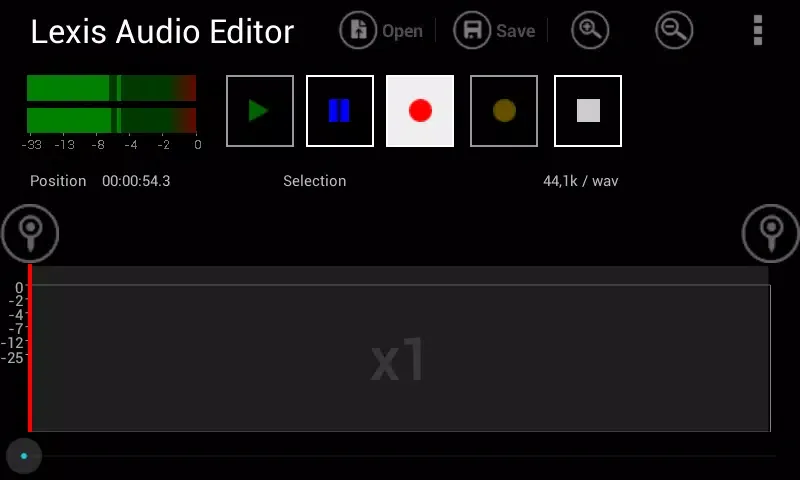
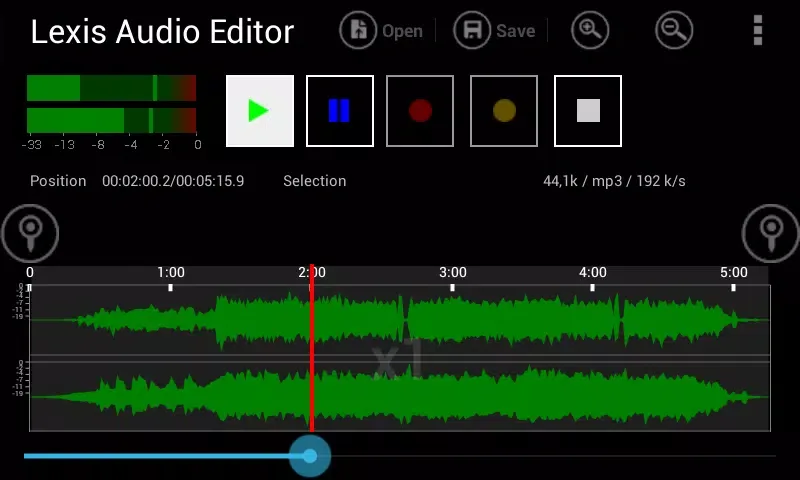
What users will like about the Lexis Audio Editor app is its simple and straightforward design. With this, users can jump right into editing without spending too much time learning the interface. You can import audio files or record sounds directly within the app and then add effects, trim the track, and do other basic edits.
The app comes with fun audio effects like reversing the audio and editing the pitch of the track. But there are also more functional tools that will leave you impressed. Lexis Audio Editor allows you to speed up or slow down the track without affecting the pitch by altering the tempo. With this, you can pick up the pace on one of your favorite songs or slow it down to make it easier to play along with an instrument.
You can also do other edits such as equalizing the sound or fade the sound in and out. Lexis Audio Editor also comes with an audio normalizing and noise reduction tools which ensure that you have a smooth sounding track. The app also allows you to save your created track in various format.
While Lexis Audio Editor may be good, especially for beginners, the app comes with limitations. For one, it can only edit one audio track at a time. This means you cannot make multi-layered track complete with sound effects, multiple audio tracks, and music. A little bit disappointing since it prevents you from creating more sophisticated and nuanced audio tracks. If you are looking to do that, you might look for more powerful apps such as Adobe’s Audition and Reaper.
Tips for Users:
Audio Effects and Tools
The app includes a 10-band equalizer, compressor, and tools for changing tempo, speed, and pitch. Vocal splitting functionality allows for separation of vocals from accompaniment, useful for karaoke or music remix purposes. The ability to mix files or insert new audio into existing recordings adds depth to projects.
File Support and Compatibility
Lexis Audio Editor supports a wide range of audio formats including wav, m4a, aac, flac, and wma. Video audio from mp4, 3gp, and 3g2 files can be extracted for editing. MP3 export is reserved for the paid version, making the free version ideal for most use cases, while professionals may want to invest in the upgrade for added flexibility.
Import and File Management
Importing and saving files is generally smooth, but with extensive libraries, users may find it cumbersome to locate specific audio files due to the absence of a search function. Adding a search capability to the file browser would greatly benefit users with large collections.
Performance
Processing is efficient, with edits being handled swiftly on most modern Android devices. The app does require ample free storage for larger projects, particularly when working with high-quality or multi-track audio files.
Pros & Cons:
Pros
Comprehensive suite of editing and audio effects tools
Support for multiple audio formats and video audio extraction
High-quality noise reduction and normalization
Professional features such as vocal splitting, EQ, and compressor
Intuitive once familiar with interface
Cons
Landscape-only orientation may not suit all users
Lacks search functionality in file import and save dialogs
MP3 export limited to paid version
Conclusion:
On top of all that, you can also adjust the playback speed, tone, and many more sound quality options with the app's ten-band equalizer. This app is compatible with wav, m4a, aac, flac and wma files, and can both open and export to those formats. Edit tracks and create your own musical creations with all the features Lexis Audio Editor has to offer.