

Canon PRINT Inkjet/SELPHY is an innovative utility app. Optimized for user convenience, it allows you to easily print and scan documents and photos directly from your Android smartphone or tablet. For those who need a reliable partner to expand the capabilities of their Canon printers, it offers a simple and efficient way to manage printing and scanning operations with just a few taps. Users can sync files to the cloud for access and printing anytime, anywhere, providing greater flexibility and convenience. Download it now and experience the convenience of modern printing technology.
Click to load YouTube / 点击加载视频
YouTube ↗Features:
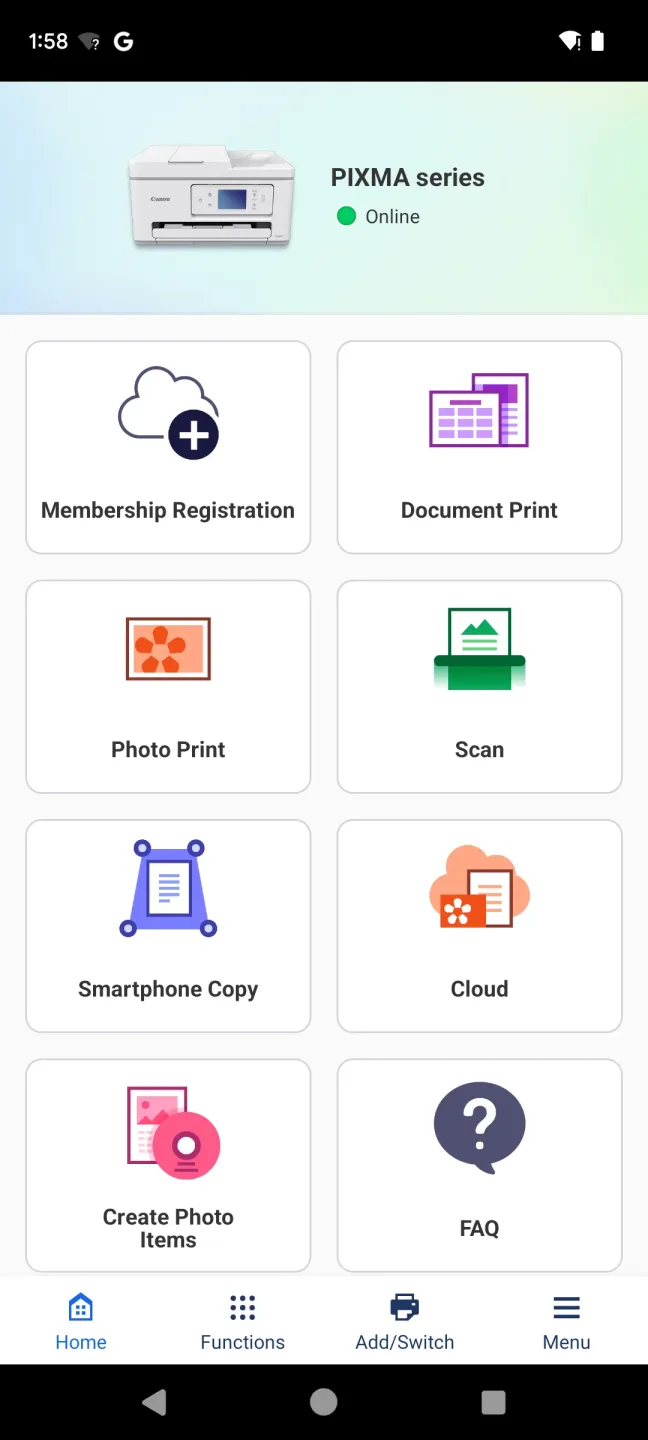
Photo Print: Easily print photos from your Android device, with the option to trim the photos for a perfect fit.
Document Print: Print PDF files and Microsoft Office® documents directly from your smartphone or tablet.
Web page Print: Print web pages with just a few taps, using the convenient "Share" option.
Scan: Seamlessly scan and save documents and photos as PDF or JPEG files, making it easy to digitize important papers.
Cloud Link: Access the PIXMA Cloud Link service to print pictures and documents from social media platforms and storage sites, as well as crafts from CREATIVE PARK, from anywhere.
Copy and Smartphone Copy: Adjust copy settings from your smartphone or tablet, even on printers without an LCD screen. Take a picture of a document with your smart device and apply auto skew correction for a perfect print.
Benefits:
Canon PRINT Inkjet/SELPHY is an essential tool designed for seamless printing and scanning using Canon printers. Suitable for a range of Canon models, including popular PIXMA, MAXIFY, imagePROGRAF, imageCLASS, i-SENSYS, Satera, and SELPHY series, the app serves as a versatile hub for initiating print jobs, scanning documents, and managing consumables.
While certain services may vary based on the printer model, location, or environment, users can effortlessly access cloud printing capabilities and check ink or toner levels right from their smartphones or tablets.
Optimized for user convenience, Canon PRINT Inkjet/SELPHY ensures easy printer setup and a streamlined process for handling everyday printing tasks. For those in need of a reliable partner to extend the functionality of their Canon printers, it offers a straightforward and efficient way to manage print and scan operations with a few taps.
This app stands out as an indispensable asset for both home and office settings, offering a smart solution to enhance productivity and maintain printer operations without hassle.
Changelog:
Sep 29, 2025
Print files and documents from your phone easily with Canon PRINT Inkjet/SELPHY app. Download the latest version of Canon PRINT 3.6.0 to enjoy new features and updates immediately!
Add new printers.
Some functions have been improved.
Conclusion:
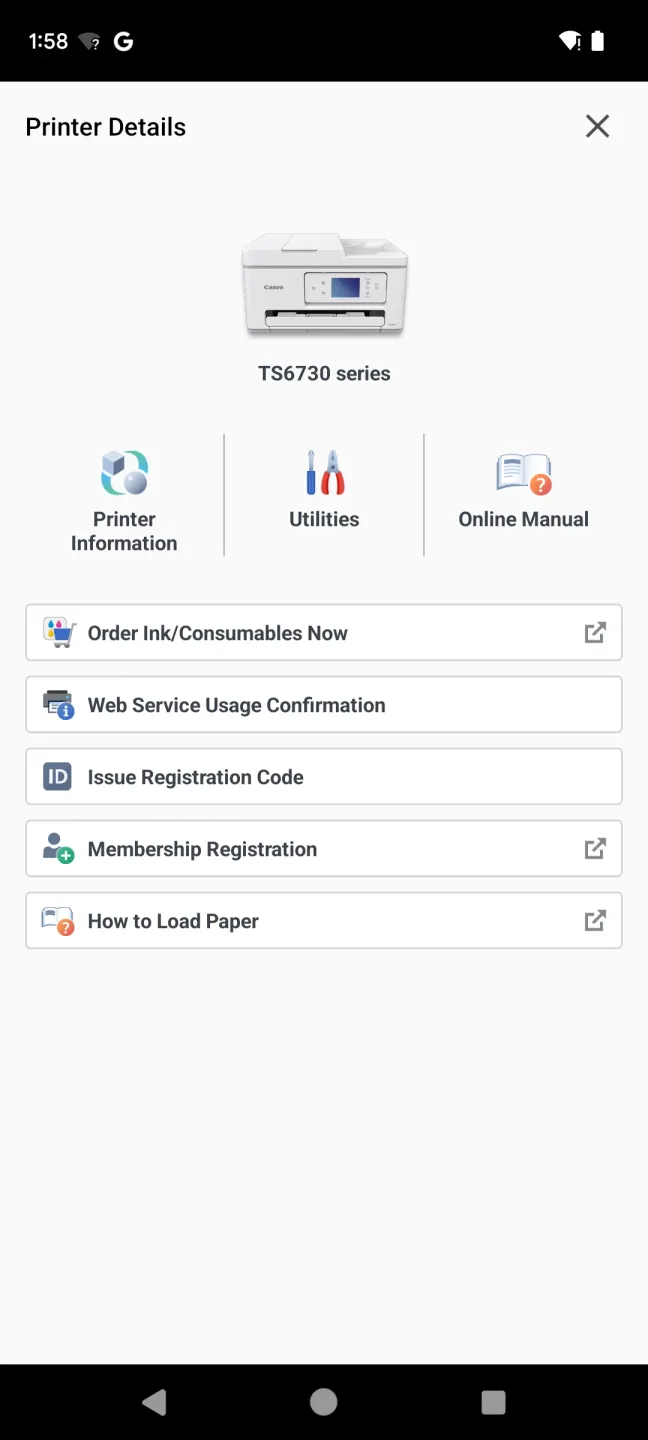
Canon PRINT Inkjet/SELPHY is a testament to Canon's commitment to providing high-quality, user-friendly printing solutions. The app also offers remote control capabilities, allowing users to manage and monitor print tasks remotely. Through the Canon PRINT Inkjet/SELPHY software, users can check ink levels, purchase ink cartridges, and access online manuals for their printers, ensuring smooth and efficient printing operations. With its seamless connectivity, robust printing and scanning capabilities, and advanced features, the app has become a must-have tool for anyone seeking a convenient and efficient mobile printing experience.








