

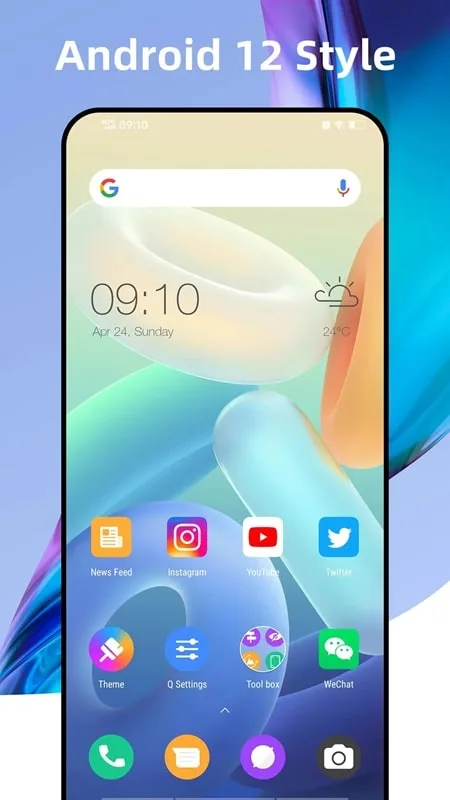
Q Launcher is a theme app for Android devices. It offers a vast selection of themed wallpapers, including an online wallpaper store with a variety of formats and aspect ratios. It's a must-see, giving users a fresh look at their device's functionality. Furthermore, users can easily experience the Android 12 interface on any device and enjoy the latest OS version. This app brings all the features and aesthetics of Android 12 to your device, allowing you to use your smartphone more efficiently. It also lets you create folders for apps, making them easy to find. Download and experience it now!
Features:
Own the latest software version completely for free
The latest software version Android 12 stands out with many optimization upgrades, a minimalist but stylish interface and countless useful features that can simplify operations on the user’s phone. For phones with lower Android versions, Android 12 may be a distant dream, but with Q Launcher, owning the latest software version is just a small matter. Regardless of whether the current Android version the user owns is 8, 9, 10 or even 7, it only takes one touch to activate Android 12. Importantly, it is completely free, this application will not require any fees from the user.
Over 2000 highly aesthetic themes and icons
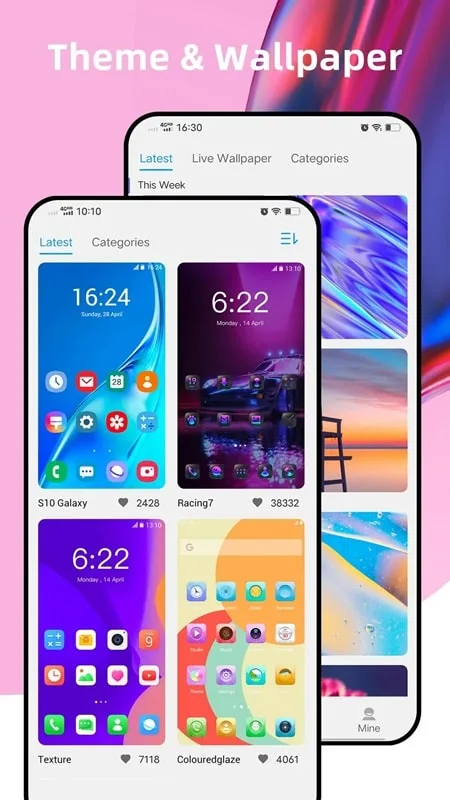
When it comes to refreshing devices, themes and application icons will certainly always be the first concern of users. Q Launcher offers more than 2000 different themes from classic to modern, accompanied by uniform application icons. Each theme will give the user’s phone a completely new look. Users only need to rely on their preferences and aesthetic taste to choose the most suitable themes, then gradually change them so that every time they turn on the device it will be a new experience. Although each theme has its own designed application icon, Q Launcher users can completely create a unique look when replacing those icons. This will definitely make the device’s home screen extremely different.
Enhance productivity by prioritizing convenience
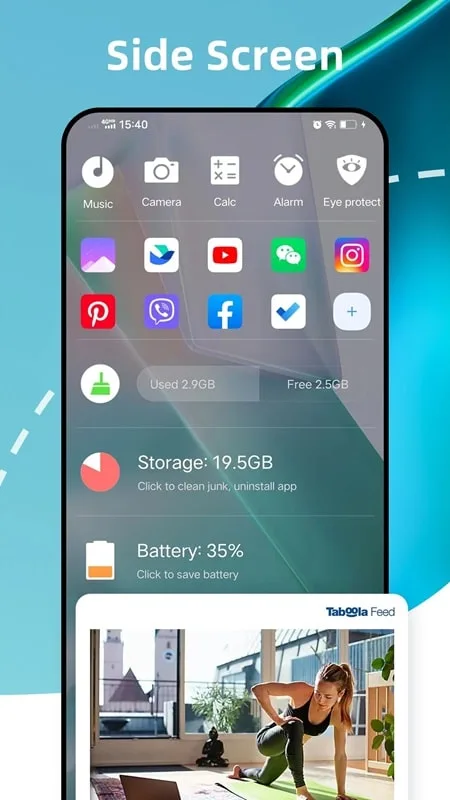
Using your mobile device will become much faster and more convenient after installing Q Launcher. This software collects frequently reused widgets and displays them neatly on the home screen. Ensure that whenever users want to use it, they can easily access the task they want. From activating the flashlight, cleaning system data to managing memory, it’s all impressively convenient. This helps users save significantly on operation time and feel more comfortable every time they use their mobile phone to handle work. Q Launcher MOD APK applies all the great functions of Android 12 to the phone the user is using, improving system performance without putting pressure on memory.
Add gestures to minimize hand gestures on the screen
Adding gestures is one of the most popular activities for newer Android versions, and now older Android versions can also experience it through Q Launcher. To enhance the user experience when using somewhat old devices, this program allows users to integrate familiar operations in a few simple gestures such as double tap, two finger swipe, drag up and drag down. Each of these gestures will correspond to a certain action, helping users quickly access any task. Along with that, Q Launcher also offers an equally convenient application drawer when arranging applications in many different styles. Individuals are free to decide how the app is organized, as long as it makes searching easier.
Benefits:
The application offers users many excellent themes along with countless beautiful wallpapers that allow you to change and refresh the interface daily.
The tool also provides users with tons of icon packs that are uniquely designed for each device you use, which will be updated regularly.
Users can customize the appropriate mode to use with three simple modes like dark, light, and auto, all of which can be deleted and changed at any time
It’s great that you can use the application Used to read notifications from apps, calls, or messages displayed in the toolbar from the unread notifier.
You can set passwords for all social networking applications or privacy tools with your familiar passwords to protect user privacy.
Advantages:
Users will be able to own several valuable tools on the screen freely and comfortably according to their purposes.
Customize and choose for yourself the most suitable wallpaper to install for your phone.
Do not forget to share and recommend this application to your friends around.
Enjoy a simple, unique, and eye-catching interface that benefits users.
Conclusion:
With Q Launcher, you can also create a unique style for your phone by personalizing settings. Enjoy your new look at an affordable price! Sign up for our free trial here. You have plenty of time to explore the vast world of Q Launcher by downloading the app here.








