
POCO Launcher 2.0 is a high-performance, beautifully designed mobile launcher application. Download the latest Android version for free and experience this lightweight and fast personalized theme option. POCO Launcher 2.0 presents users with a simple, easy-to-use, fast, and efficient launcher. Users can quickly find, sort, and categorize apps according to their preferences, keeping their interface clean and tidy. Use POCO Launcher 2.0 now and give your mobile experience a fresh new look!
Click to load YouTube / 点击加载视频
YouTube ↗Awesome Functions
Minimalist Design - POCO Launcher follows the Material Design philosophy, placing all apps in an app drawer to keep your home screen clean and tidy.
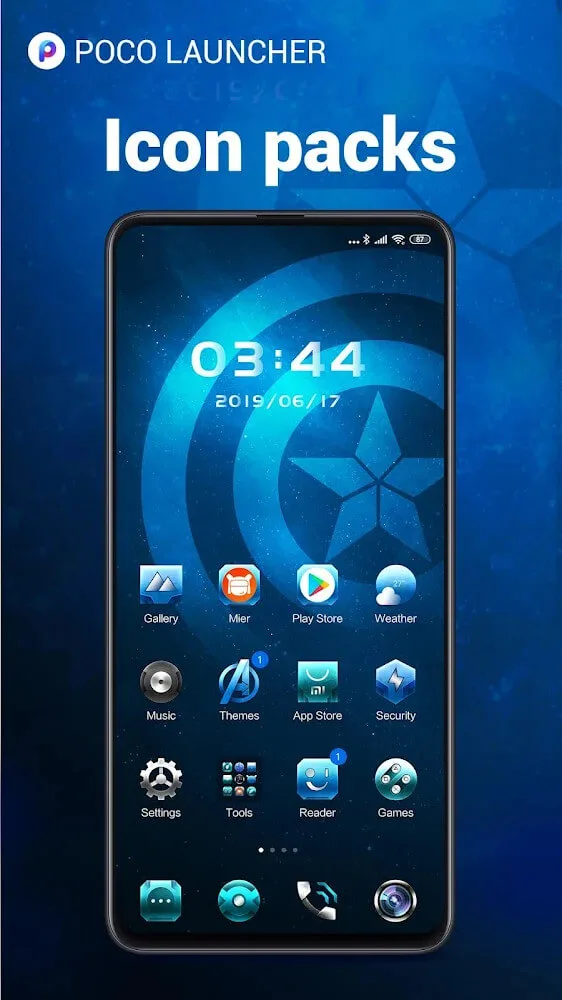
Personalization - Adjust your home screen layout and app icon sizes. Customize wallpapers, themes, and animations. Use third-party icon packs to refresh your device.
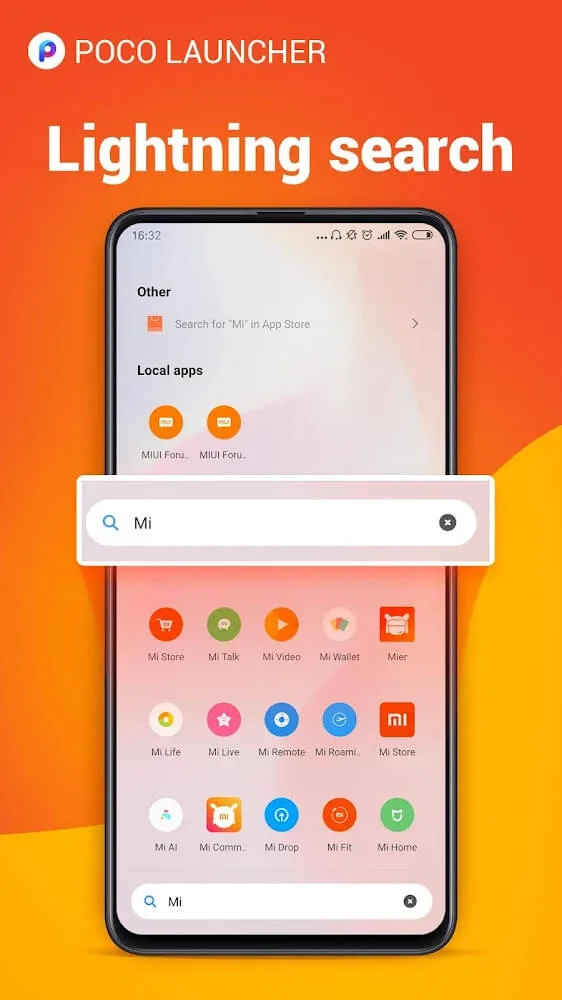
Convenient Search - App suggestions, icon color categorization, and many other customizable features help you find what you need faster.
Manage Apps - Automatically group apps by category, or create custom groups so you can always access important content with just one tap.
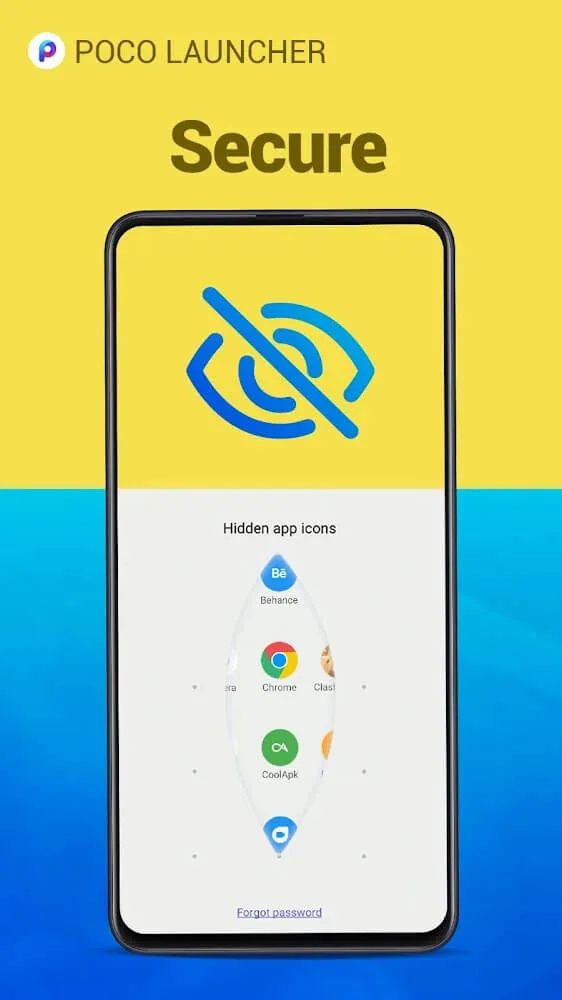
Privacy - Hide app icons to protect your app privacy.
Fast and Smooth - POCO Launcher is optimized for a lightning-fast experience! Simple, fast, and incredibly smooth. Say goodbye to slow system animations!
Amazing Performance
It promises a cleaner, smoother Android experience, achieved through a redesigned interface, app organization tools, personalization options, and other added features.
Compared to other launchers, POCO Launcher boasts a significantly flatter and cleaner interface, making it stand out from the Android system. It abandons complex animations and skeuomorphic design elements, replacing them with a clean, almost minimalist interface. This design philosophy extends to the settings menu, making it even more concise and clear.
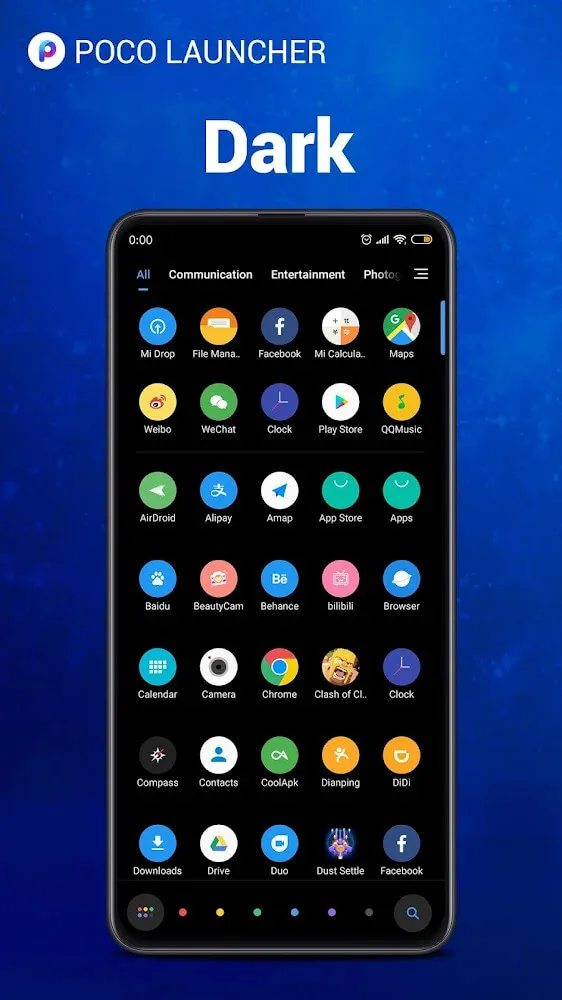
POCO Launcher offers several customization options. You can choose from various themes, apply custom icon packs, and adjust the appearance of your app drawer. App icons are arranged in an orderly fashion, and the app drawer features an alphabetical scrollbar for quick and easy navigation. It also includes an app hiding feature to hide sensitive apps. Notification badges are also retained: they clearly display unread notifications.
The main appeal of this launcher lies in its clean interface and streamlined Android design. If you find the traditional Android interface too cluttered or overwhelming, it offers a refreshing alternative. It's also a good choice for users who appreciate minimalist aesthetics and don't require extensive customization options. Furthermore, the launcher includes a built-in theme market, allowing you to choose wallpapers, themes, and fonts if your phone supports it.
Fantastic Highlights
You can organize your home screen to your liking, sort apps, and even categorize them using color codes.
Search apps for recommendations of the apps you need at any given moment.
Create custom groups to find the apps you need based on how you use your smartphone.
Protect your app privacy by hiding them from other users.
Thanks to optimized performance and a lightweight design, your Android device will run more smoothly. Say goodbye to animations and slow screen transitions.
User's Comments
Awesome! Very easy to personalize, been using it for just a few weeks and loving it :) Just one small problem. When you choose a wallpaper in the home screen, if you have more than one page of home apps, it stretches the wallpaper. But if you set the wallpaper in the regular settings it looks fine. Not a huge problem but definitely could be fixed. Other than that, incredible launcher!
AMAZING APP!!!!!! If you're looking for an amazing launcher, this is the one. It has a built in cleaner and makes my phone (Moto X) so much faster! If you download a new app, just take the icon and remove it and put it back and it will work with any icon pack. I recently sent a review with 3 stars and can't figure out how to delete it so if someone could pls help.
I'm generally not the type of user to fuss around or customize a lot. But my screen got so out of control between my glitchy theme and loss of some of my favorite icons/shortcuts and I wanted a quick fix for the number of apps I use (and get curious enough about installing). This launcher was about the best "fix" I could ask for. I love the drawer, the hidden icons option, etc. Xiaomi is an amazing organization! Keep up the great work!
Final Words
POCO Launcher is an ideal launcher for all types of devices, thanks to its powerful versatility and smooth operation. If you want a clean and organized smartphone interface, try this elegant launcher. This launcher has all the features of the latest Android system, such as using app shortcuts via icons and a circular search bar. Furthermore, the customization layer allows you to use custom icons, giving your device a unique look.








