
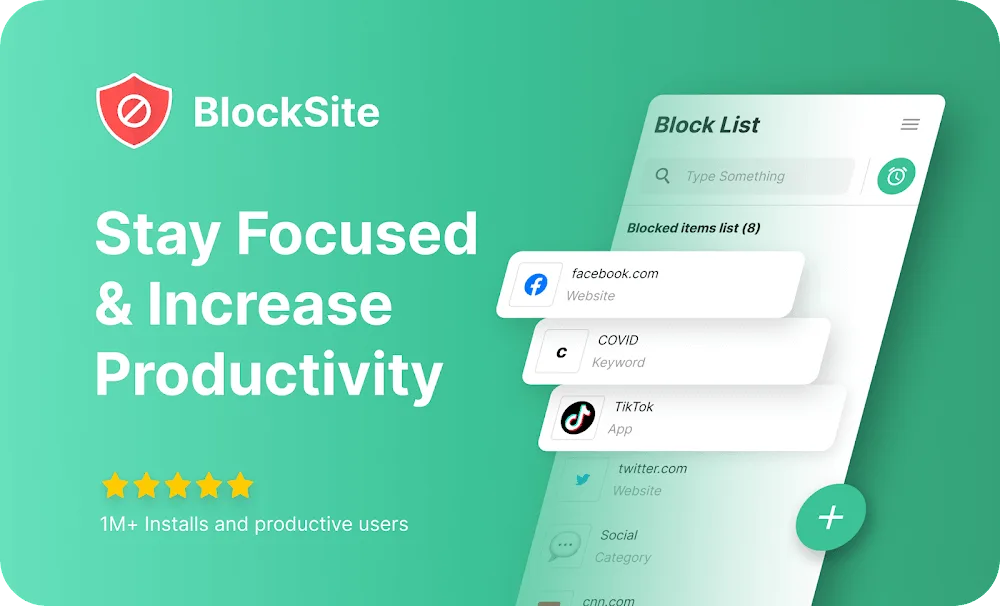
BlockSite is a popular website blocker among gamers. With just a few simple steps, it can block various spam messages, ads, and pop-ups within a set timeframe, providing users with a clean user experience and improving their overall efficiency. BlockSite also allows users to input various keywords to target specific content and websites, meeting personalized user needs. Furthermore, BlockSite is continuously updated, adding more new content and tools to bring gamers an even better user experience.
Click to load YouTube / 点击加载视频
YouTube ↗Features:
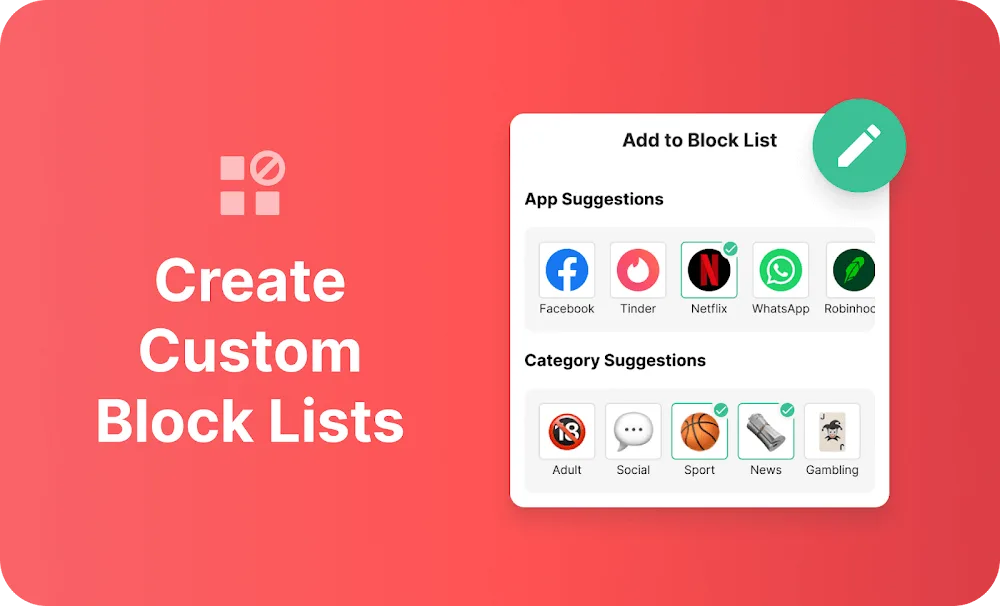
Personalized Block Lists: The system often allows creating custom lists to block specific apps. At the same time, websites can also become targets of this list if necessary.
Category Blocking: In many different cases, thousands of blocking options are classified into different categories. Therefore, you will know how many distractions you have eliminated.
Schedule Mode: Each person can usually know the time frames that notifications appear. Therefore, block them temporarily until you finish your work.
Focus Mode: Blocking temporary options is often suitable for the famous Pomodoro learning method. Therefore, you can completely focus until the appropriate break time comes.
Device Sync: All options in the smartphone can also be shared to other platforms. For example, you often have problems on your PC and can optimize the blocking with just one share.
Keyword Blocking: Many blocking methods are constantly updated over time to help you make better use of them. For example, the system allows each person to block automatically through keywords.
Highlights:
Schedule Mode: Take charge of your daily routines with Schedule Mode. Define specific times and days when certain sites and apps are off-limits, ensuring you stay on track with your tasks.
Focus Mode: Embrace the Pomodoro technique with Focus Mode. Break down your work into intervals, setting times to block websites and intervals for unrestricted browsing.
Block by Words: Refine your focus by blocking websites containing specific keywords. For example, block the keyword 'social' to eliminate access to any site with that term in its URL.
Device Sync: Achieve consistency across devices with Device Sync. What you block on your device can seamlessly extend to your computer, providing a unified approach to digital self-discipline.
Insights: Gain valuable insights into your online behavior with the Insights feature. Understand where you spend most of your time and how long you dedicate to each site, empowering you to make informed decisions about your digital habits.
Redirect Mode: In the event of attempting to access a blocked app or website, Redirect Mode offers an alternative redirection, allowing users to return to their focused state swiftly. For instance, redirecting from a blocked YouTube attempt to your email.
Category Blocking: Streamline the blocking process by utilizing Category Blocking. Block entire categories of websites and apps with a single click, encompassing adult content, social media, shopping, news, sports, and gambling.
FAQs:
Can I unblock sites temporarily using BlockSite?
Yes, BlockSite allows you to temporarily unblock sites for a specific duration if needed.
What devices can I use BlockSite on?
BlockSite is available on Android devices and as a browser extension for Chrome and Firefox.
Does BlockSite collect my data?
BlockSite respects user privacy and does not collect personal data without consent.
Can I schedule blocking times with BlockSite?
Yes, you can schedule blocking times for different apps and sites based on your daily routine.
How do I uninstall BlockSite?
You can uninstall BlockSite like any other app by going to your device's settings, finding the app in the application list, and selecting 'uninstall'.
Can BlockSite help improve productivity?
Yes, by blocking distractions, BlockSite can help users increase their productivity and stay focused on tasks.
Final Thoughts:
BlockSite meets the need to ensure focus during working time to reach the highest performance. Users can use the time control function and block annoying apps and websites while working. Targeting all audiences is students, students, or office workers. With just a few simple steps, you can start it and focus on your work. The latest update fixed the basic bugs and added the ability to adjust the language, add entertainment, shopping, games to the insights section. Let’s learn more about this great application!