
Home Design 3D is a unique and practical home design tool. Download the latest Android version for free and experience convenient and easy-to-use home layout design services immediately. Home Design 3D provides users with a convenient and excellent 3D home design platform, helping you turn your imagination into a visual model, easily compare and make fine adjustments. Use Home Design 3D now to customize your home's interior and create your ideal interior model!
Attractive Features
Plan and design your dream home with 3D models
Draw a 2D floor plan first, then instantly view it in immersive 3D and 5D perspectives.
Professional home designer tools for precise building measurements
Create multi-story home renovation designs with no floor limit
Adjust wall thickness, height, and angles for precise planning
Map every design space in the entire house from ground to roof
Arrange and decorate each space
Browse thousands of items to decorate your living room, kitchen, bedroom, and garden
Customize furniture size, color, and placement for each design space
Save multiple versions for easy comparison - instantly redesign an entire room
Renovate an entire room immediately and compare different styles in seconds
Test layouts with our advanced planning tools before you begin home renovations.
Professional interior design tools with sophisticated lighting and color schemes
Perfect room planning tools for decorating and interior design projects
Imagine and walk through it
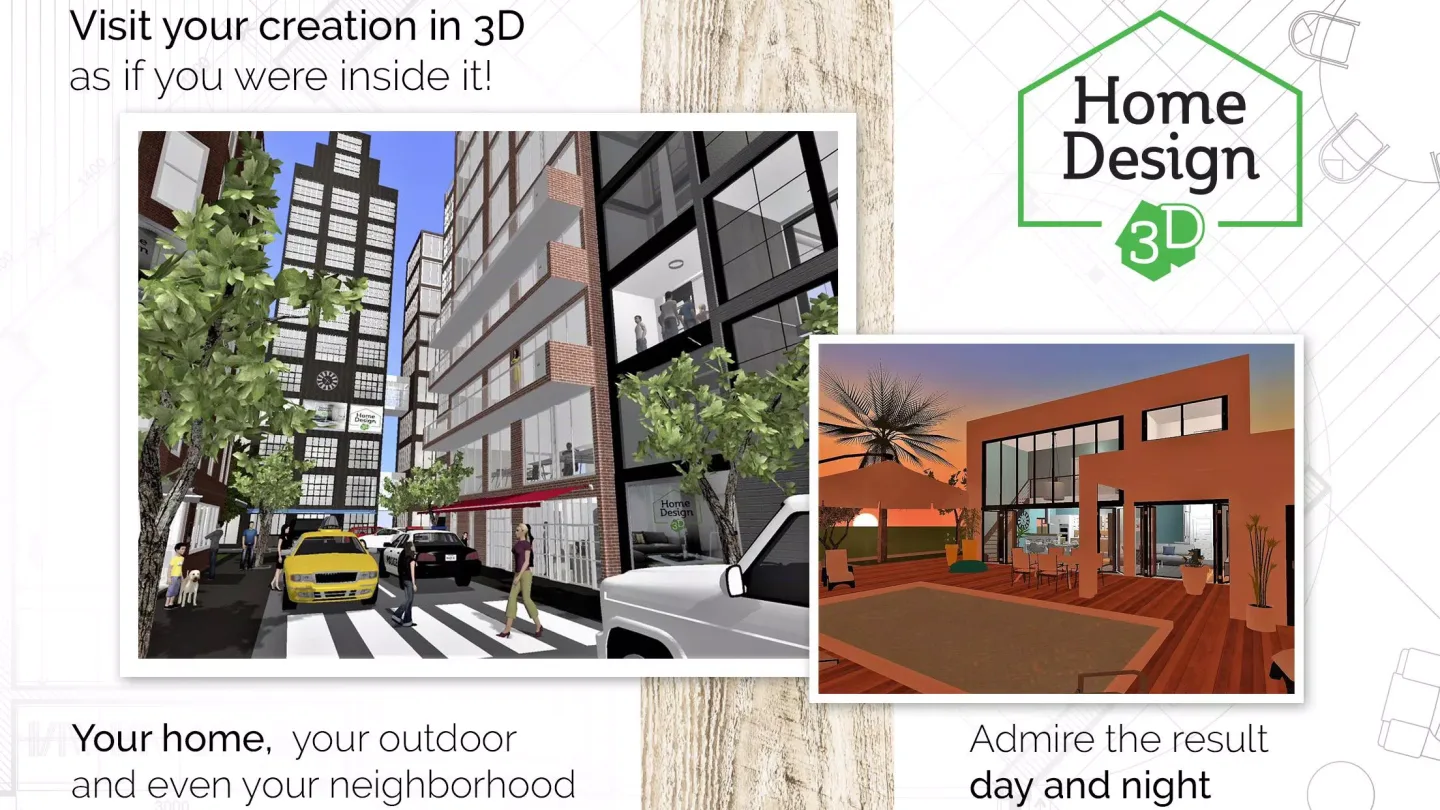
Realistic 3D rendering—walk through your dream home as if you were actually there
Experience your 5D home design with virtual reality technology and export VR data
Day/night sliders preview natural lighting effects in each design space
Explore your house design and construction plans in real-time 3D
Fantastic Performance
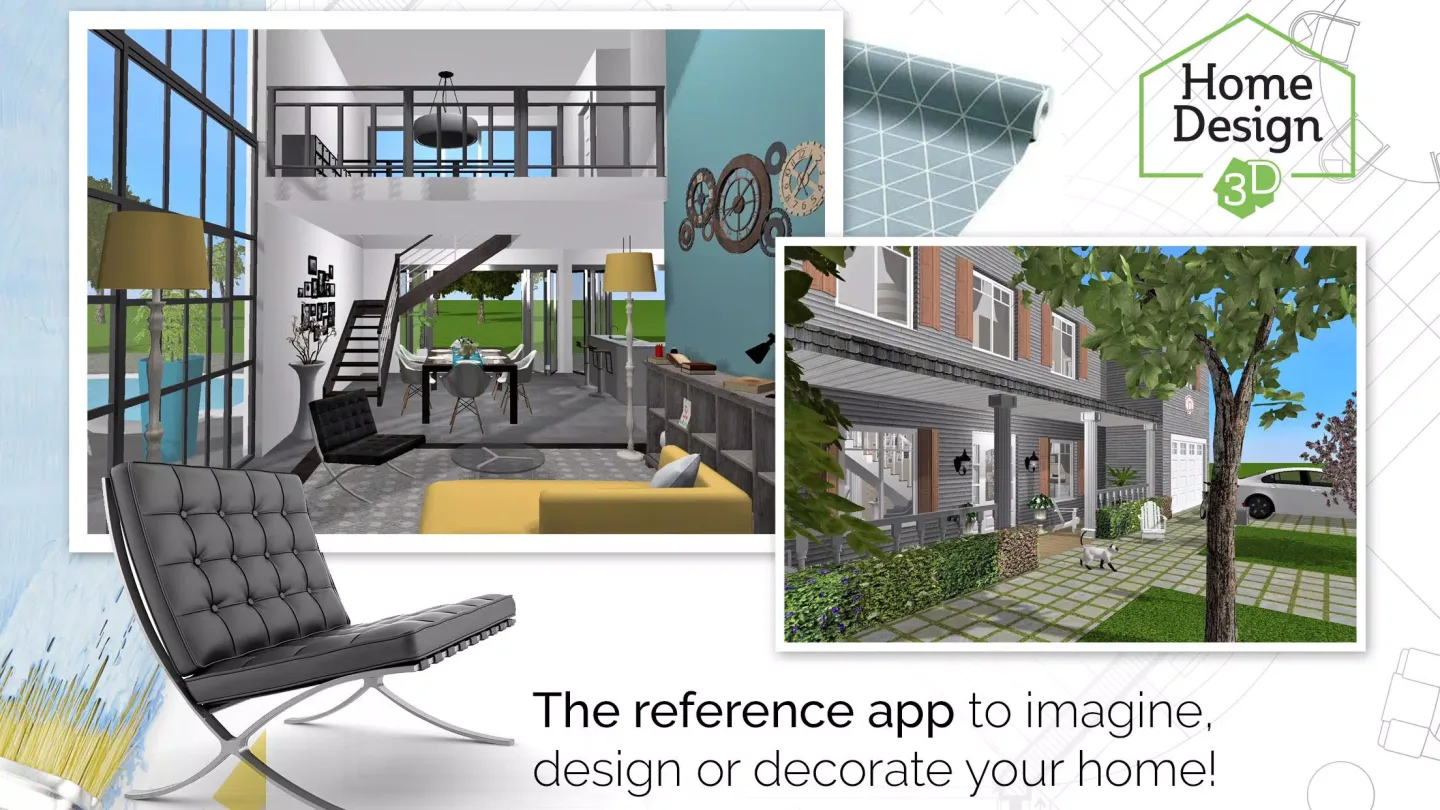
The best thing about this app is that you can create all the elements you want from a 2D bird's-eye view and then transform them into lifelike 3D models.
Using Home Design 3D is incredibly simple. You can drag and drop any element into the blueprint from the sidebar. Whether it's a door, wall, window, or any decorative element, just drag it from the sidebar. Once added to the blueprint, you can move, rotate, stretch, and scale—basically, do almost anything with any element in the house.
Press the 3D button to switch from blueprint view to 3D view. In this view, you can freely move, zoom, and rotate the house within its walls. To return to the normal blueprint view, simply press the 2D button.
Home Design 3D is a design tool that allows you to work with both 2D floor plans and 3D models simultaneously. It's ideal for creating models of your dream home and previewing the final result.
Exclusive Function
We can use it to create professional-grade 2D and 3D floor plans. Of course, we can also share these floor plans with friends or even the architect of our project.
With the full version of the application, we can create our own projects, draw our own floor plans, edit them, and add elements. The free version only allows access to ten preset floor plans.
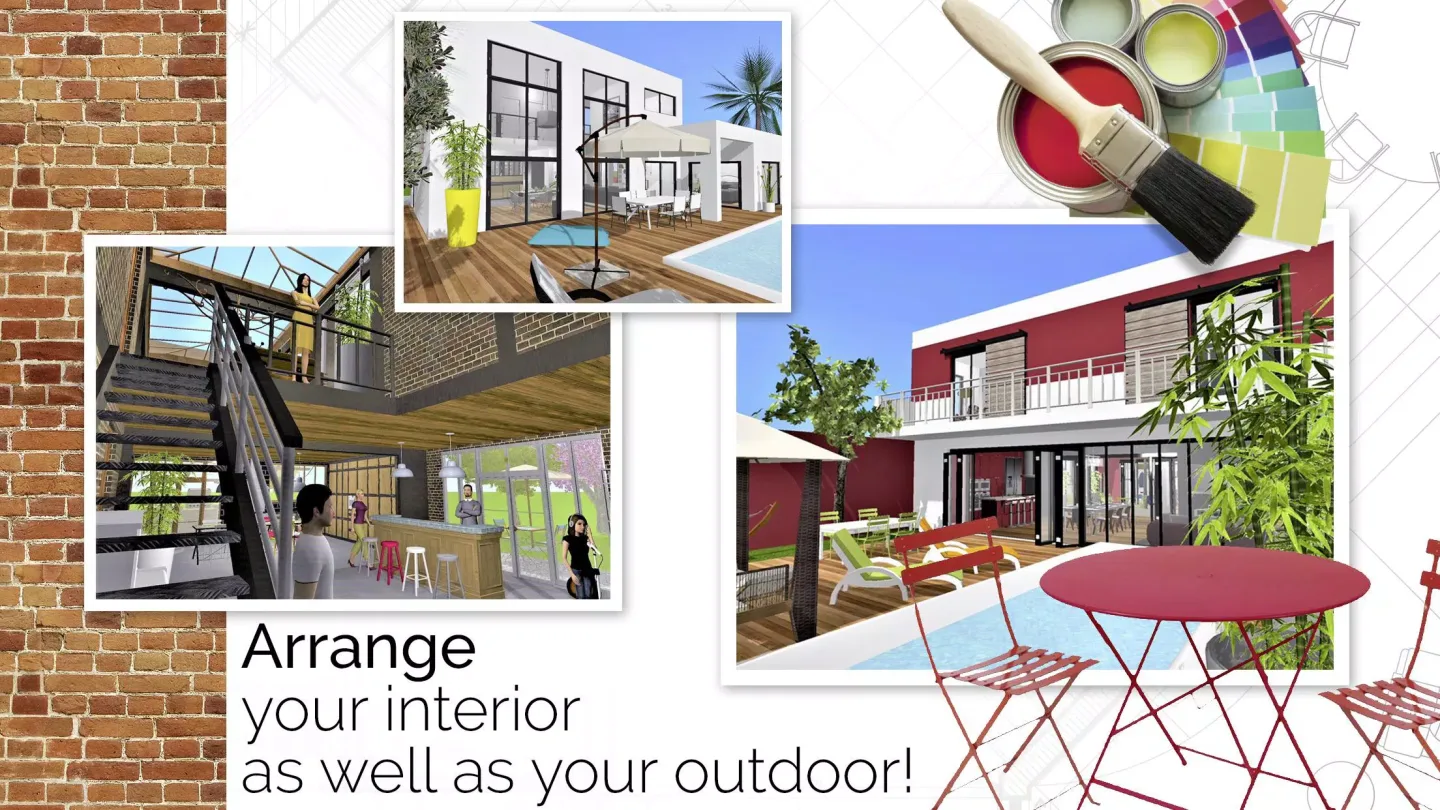
Once we're satisfied with a design, we can begin designing and decorating the building's interior and exterior. Thousands of materials are available, and we can even modify their colors and sizes.
On the other hand, we can visualize our designs in realistic 2D and 3D. This allows us to preview the remodeled look before starting construction or purchasing new furniture.
Final Thoughts
Home Design 3D is a user-friendly application that lets you create your own house or apartment designs directly on your Android device. It's suitable for both professional designers and casual users. The app offers a variety of tools to help you create unique home interior designs. After completing your design, you can make modifications and add new details. The app boasts a user-friendly interface, helping you bring your boldest ideas and concepts to life.








