CapCut: Photo & Video Editor is a renowned international video editing tool. Users can use this excellent application to create visually stunning video content, gaining millions of followers, love, and shares, expanding their social media influence. CapCut: Photo & Video Editor provides a smooth and beautiful user interface, allowing users to quickly get started even without professional editing knowledge. This application not only boasts abundant resources but also offers professional tutorials to help you record beautiful moments and capture wonderful memories!
Click to load YouTube / 点击加载视频
YouTube ↗Enhancing Function
Basic Video Editing
Trim and shorten video clips, split or merge videos.
Adjust video speed, ranging from 0.1x to 100x, and apply speed curves to clips.
Add animation effects to video clips using cool zoom effects.
Highlight exciting moments using the freeze-frame function.
Explore various transition options to add amazing effects to clips.
Advanced Video Editor
All settings support keyframe video animation.
Edit videos using optical flow and speed curve tools to create smooth slow motion.
Remove specific colors from videos using chroma key.
Easily arrange and preview clips on multi-track timelines.
Image stabilization keeps video footage stable.
Smart Features
Auto Captions: Automatically recognizes speech in videos and generates captions.
Text-to-Speech: Supports text-to-speech in multiple languages and voices.
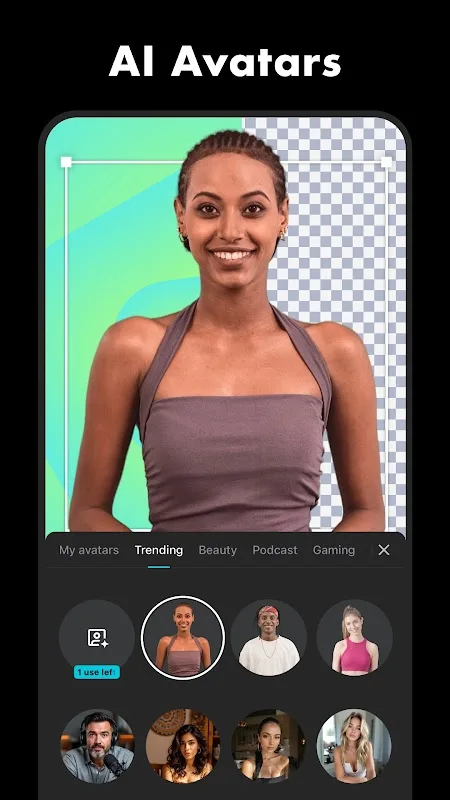
Background Removal: Automatically removes backgrounds.
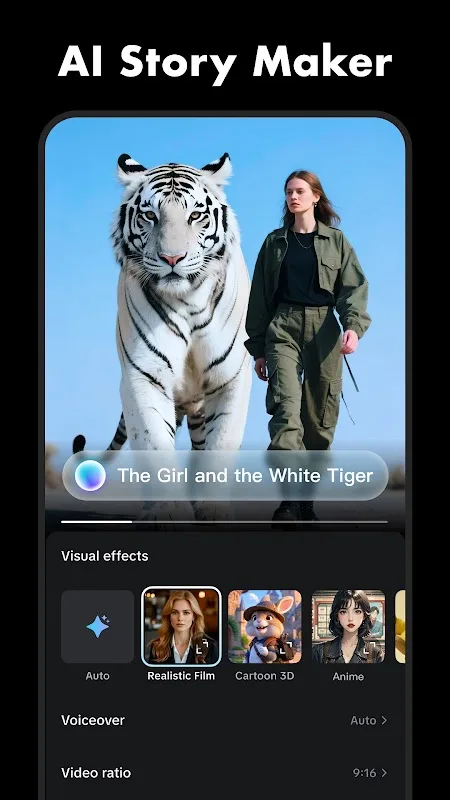
Excellent Features
Trim, Split, and Merge Clips: Users can easily adjust video length and arrange clips as needed.
Adjust Video Speed: The app allows video speed adjustments from 0.1x to 100x.
Add Text and Stickers: Add dynamic text overlays and stickers to enhance video content.
Apply Filters and Music: Offers a variety of filters, as well as options to integrate music or sound effects for a richer experience.
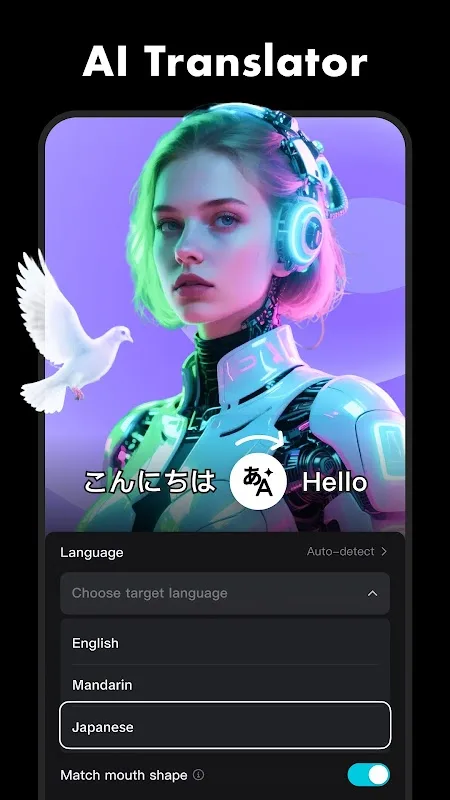
Advanced Features
Keyframe Animation: This feature provides precise control over video settings.
Slow Motion Effects: Users can create smooth slow-motion sequences using optical flow and speed curves.
Chroma Keying: This technology removes specific colors from a video, creating a green screen effect.
Picture-in-Picture (PIP): Overlays video or photo content onto the main video.
Shake Stabilization: Built-in image stabilization ensures stable footage.
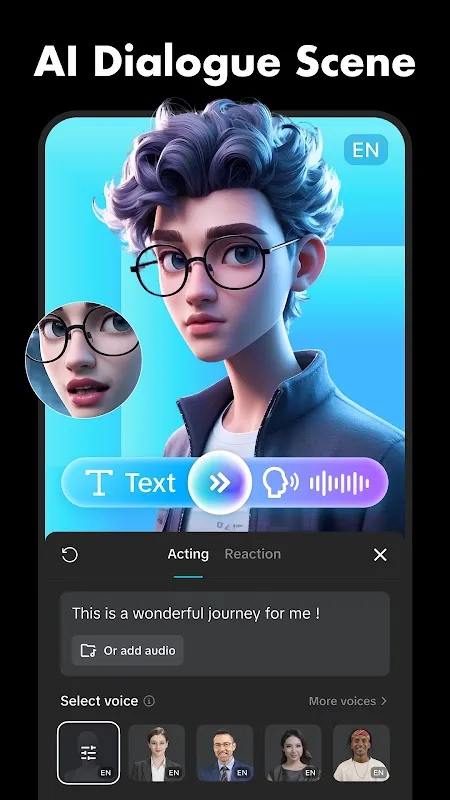
Gripping Performance
Edit Templates or Create Videos from Scratch
Almost everything on CapCut is divided into three tabs. Edit is the first tab, and probably the one where you'll spend the most time. Here, you can create new video projects with a single click. Simply add any number of videos; you can choose from those saved in your device's memory or use hundreds of ready-made templates. After adding videos, you can unleash your imagination and perform various operations as you wish—cut or copy videos, adjust playback speed using slow motion, add stickers, use effects, apply image filters, adjust brightness and contrast, add text, add music, and more.
Choose the Final Resolution
After editing your video, simply select the export quality; the default settings are 1080p and 30fps. These are the default settings, but you can lower the resolution to 720p or 480p if you prefer, which will reduce the video's memory footprint. Alternatively, you can export the video at 2K resolution for stunning quality. Whichever way you choose, the exported video will be readily available in your smartphone's memory, ready for your use. With a simple click, you can also upload it to the cloud for secure file storage.
Amazing Characteristics
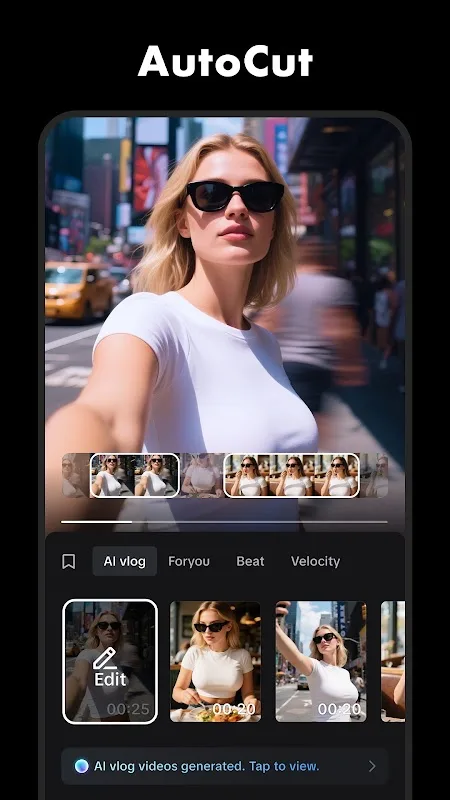
Within the editor, the timeline is the primary area for arranging and managing clips. Its linear structure supports cutting, splitting, and repositioning with simple gestures. Each clip is clearly displayed in sequence, making the flow and transition points of the entire project easy to understand. Visual indicators highlight selected sections, and the platform offers fine-grained editing control without relying on complex or multi-layered menus.
Effects and visual adjustments play a crucial role in the production of every project. The platform also provides tools for adjusting speed, applying transitions, or changing clip orientation. Filter and color adjustment options are displayed alongside these controls, allowing users to change hue, contrast, or brightness. Users can also utilize the overlay feature to integrate elements such as stickers, shapes, and text into the timeline. Each overlay resides on a separate layer, allowing for independent adjustments without altering the underlying material. The platform also integrates automation features to assist with tasks such as generating captions or optimizing visual elements, consolidating these functions into a single timeline-based workflow.
Audio tools are integrated into the same timeline-style environment. Users can add background music, extract audio from existing video clips, and adjust volume using specific controls. Timeline options help align audio cues with visual events, and the built-in recording function allows users to add narration or commentary directly to the project. Recorded audio is displayed on a separate layer for easy repositioning or adjustment.
Final Words
CapCut supports a timeline-based video editing workflow, balancing ease of use with fine-grained control. Visual effects, audio, text, and export tools are organized around a consistent editing structure, enabling users to assemble and refine different types of video projects within a centralized workspace.