
Soft Keys 2 - Home Back Button is a unique theme wallpaper widget utility designed to help users control the layout of on-screen virtual buttons through convenient adjustment options. Soft Keys 2 - Home Back Button presents a clean and smooth interface design with rich customization settings, allowing users to add and adjust personalized elements to create a unique interface appearance. Soft Keys 2 - Home Back Button intuitively enhances your mobile phone experience, making it the perfect choice for beautifying your interface and facilitating operation.
Click to load YouTube / 点击加载视频
YouTube ↗Attractive Features
Customize the App's Look and Style to Your Preferences
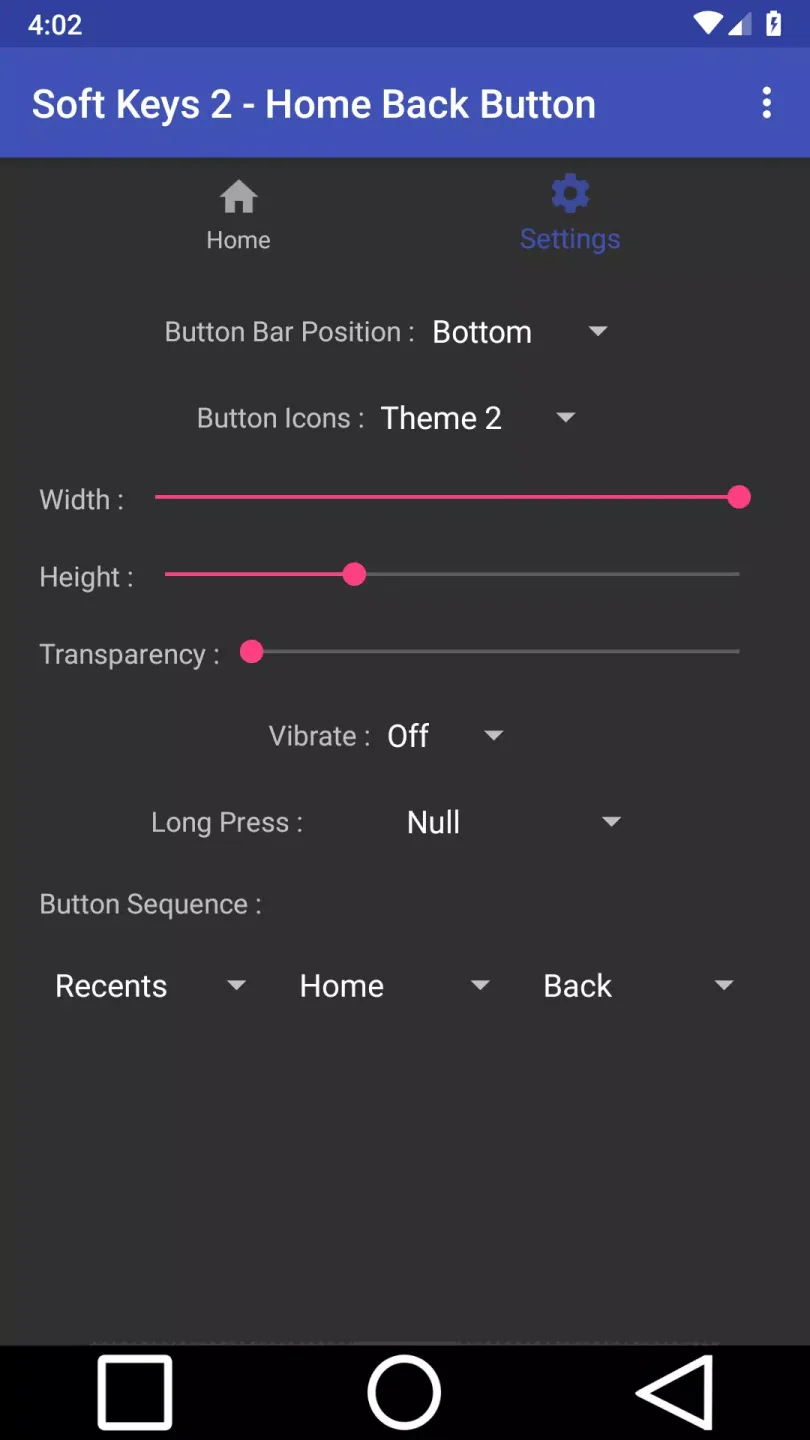
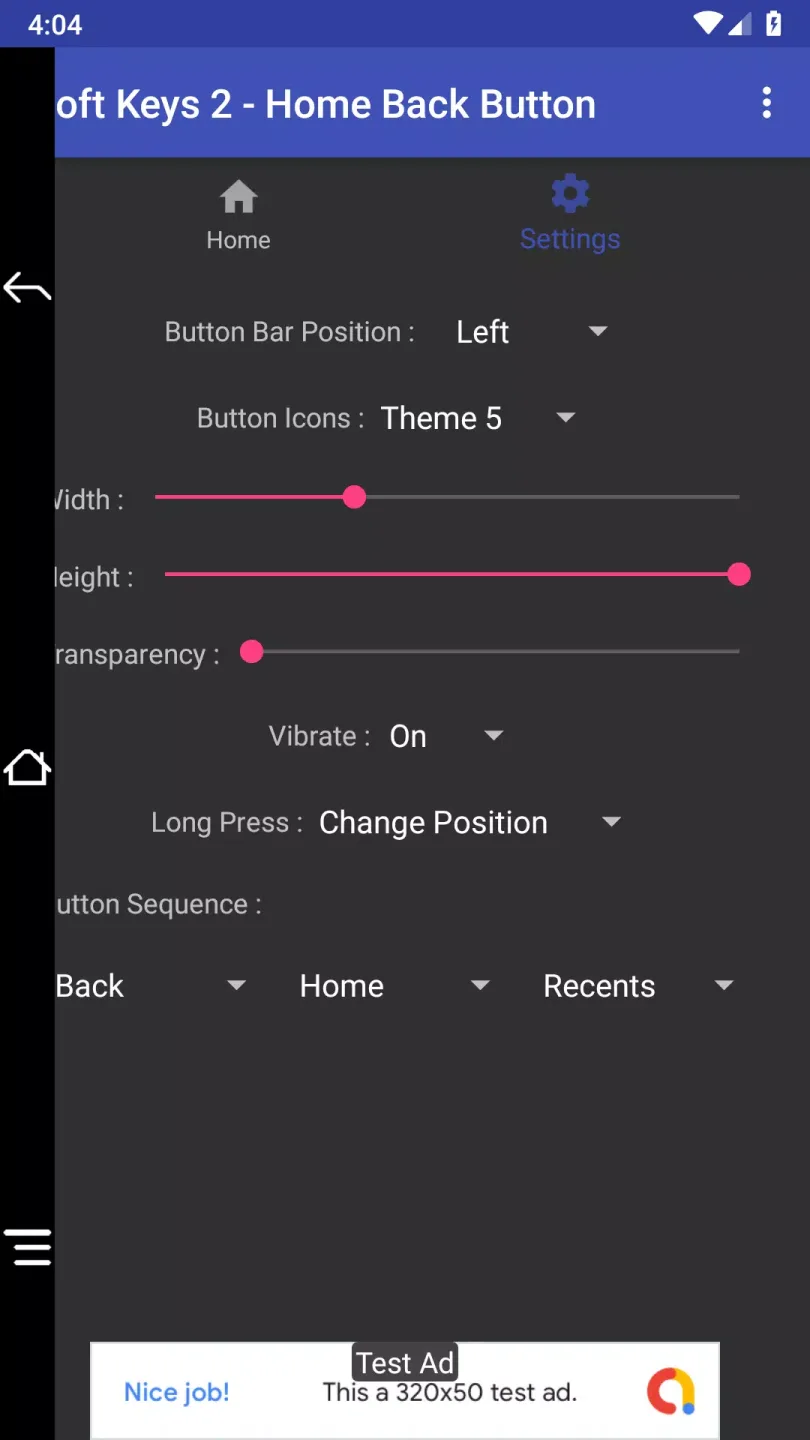
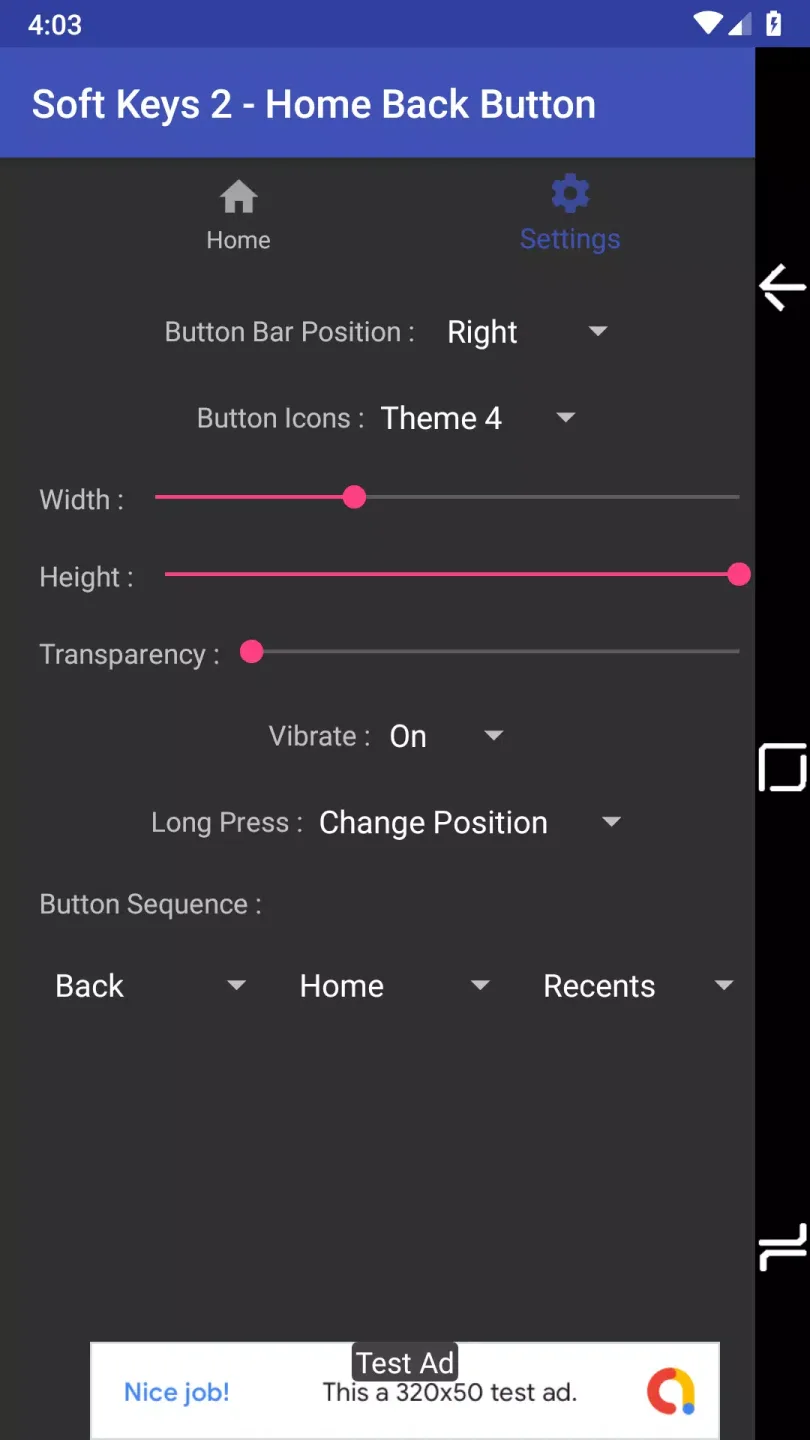
By default, Soft Keys 2 - Home Back Button uses the traditional toolbar look of the Android Ice Cream Sandwich system. However, you can modify the toolbar's appearance in the Settings tab. First, you can choose its position: bottom, top, or side edges of the screen. You can also change the appearance of the button itself to be closer to the style of Android 5 or Android 6. You can even change the size of the toolbar, making it thicker or longer.
Customize Your Button Bar to Your liking
If you want to personalize the buttons on your Android device, download Soft Keys 2 - Home Back Button. This app is especially suitable for users whose phone screens are damaged or slightly damaged. Due to bumps or drops, parts of the screen are often damaged and unusable, which is particularly troublesome if the damaged area is near the buttons. This app solves these problems.
Setting up the app only takes one minute.
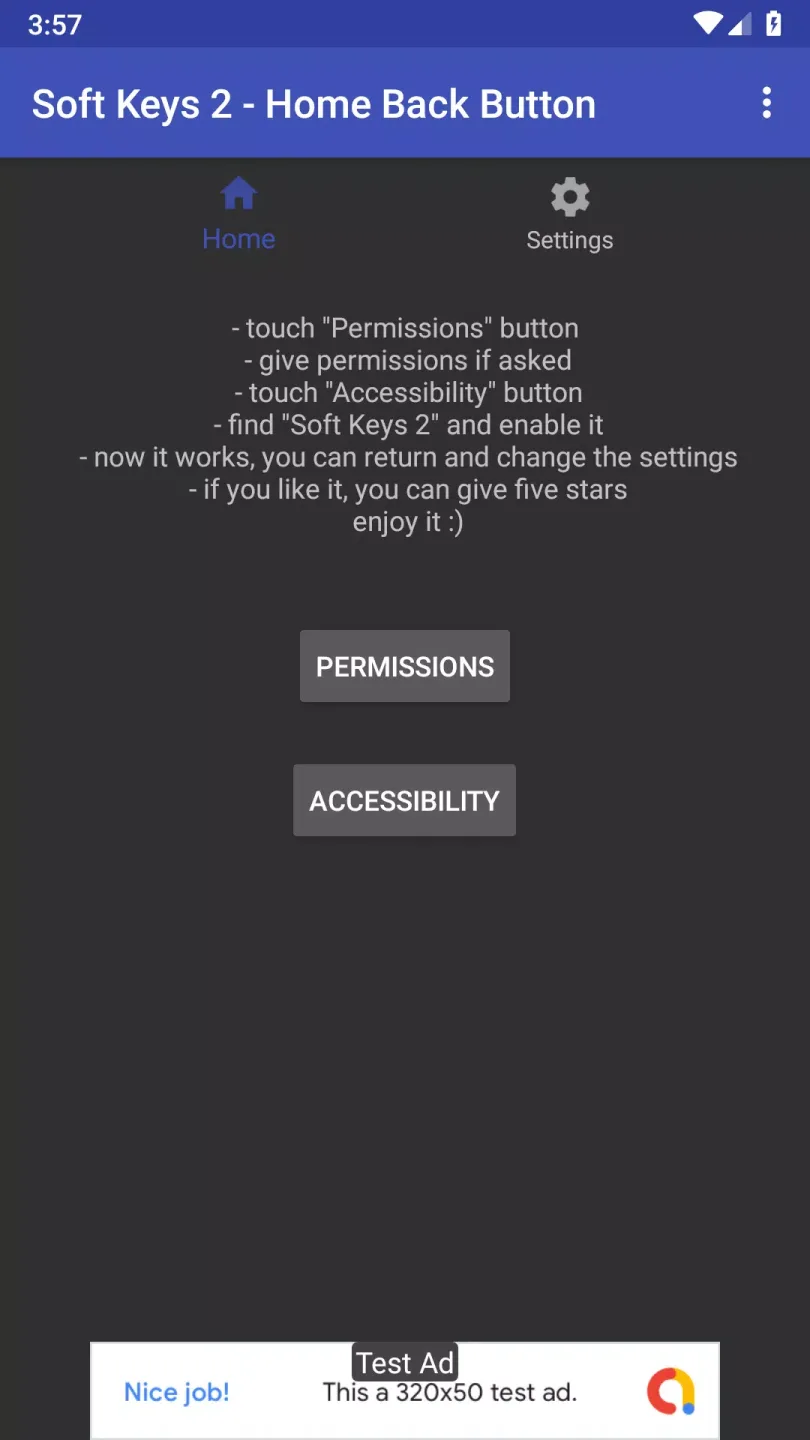
Unlike other apps that modify core Android system functions, Soft Keys 2 - Home Back Button does not require root access and is very easy to set up. After opening the app, you will see instructions to follow. First, you need to grant a series of permissions (shortcuts can be found within the app), and then you need to enable the app in accessibility settings. After completing these two steps, the button bar will be enabled.
Helpful Tips
An app that allows you to customize the navigation bar of your Android device, making it look like the home button. This app is very useful for users with cracked screens who need to use the home button to turn off the screen.
Developed by Dogusumit, a company that also creates many other apps for Android devices, this application is one of the best apps on the Android market.
To use this app, you need to install it on your device and then customize the navigation bar as needed. To customize the navigation bar, you need to open the app on your Android device and then select the navigation bar's position, icon theme, height and width, transparency, vibration, and the recently used, start, and back buttons on the home screen.
Brilliant Highlights
Navigation bar position (top, bottom, left, or right).
Six icon themes.
Bar height and width.
Transparency.
Vibration.
Long press functionality.
The position of the recently used, start, and back buttons.
Engaging Benefits
Seamless activation: Setting up the screen buttons is very simple. Just open the app, grant the necessary permissions, and you're good to go.
Customization options: Customize the position and size of the keys to your liking. Create a personalized setup for optimal comfort and functionality.
Accessibility Integration: Enable the app via the "Settings - Accessibility" menu for a smooth, integrated experience without root access.
Developed for Versatility: While designed for Android, BlueStacks offers a richer experience on your computer.
Final Words
Dogusumit's Soft Keys – Home Back Button is a convenient tool that activates on-screen navigation controls without root access. This intuitive and easy-to-use app aims to simplify your smartphone experience by providing convenient virtual buttons on the screen. With simple settings and user-friendly options, you can customize the size and position of the buttons for optimal usability.








