
Xodo PDF Reader & Editor is a highly praised practical tool for document scanning, editing, and conversion, providing users with efficient and convenient document processing capabilities to improve your work efficiency. Xodo PDF Reader & Editor presents a user-friendly and feature-rich PDF tool capable of performing common functions such as viewing, editing, splitting, and electronic signing, and can easily convert file formats. Xodo PDF Reader & Editor simplifies tedious document processing tasks, integrating common processing utilities to meet your flexible digital document processing needs.
Click to load YouTube / 点击加载视频
YouTube ↗Awesome Features
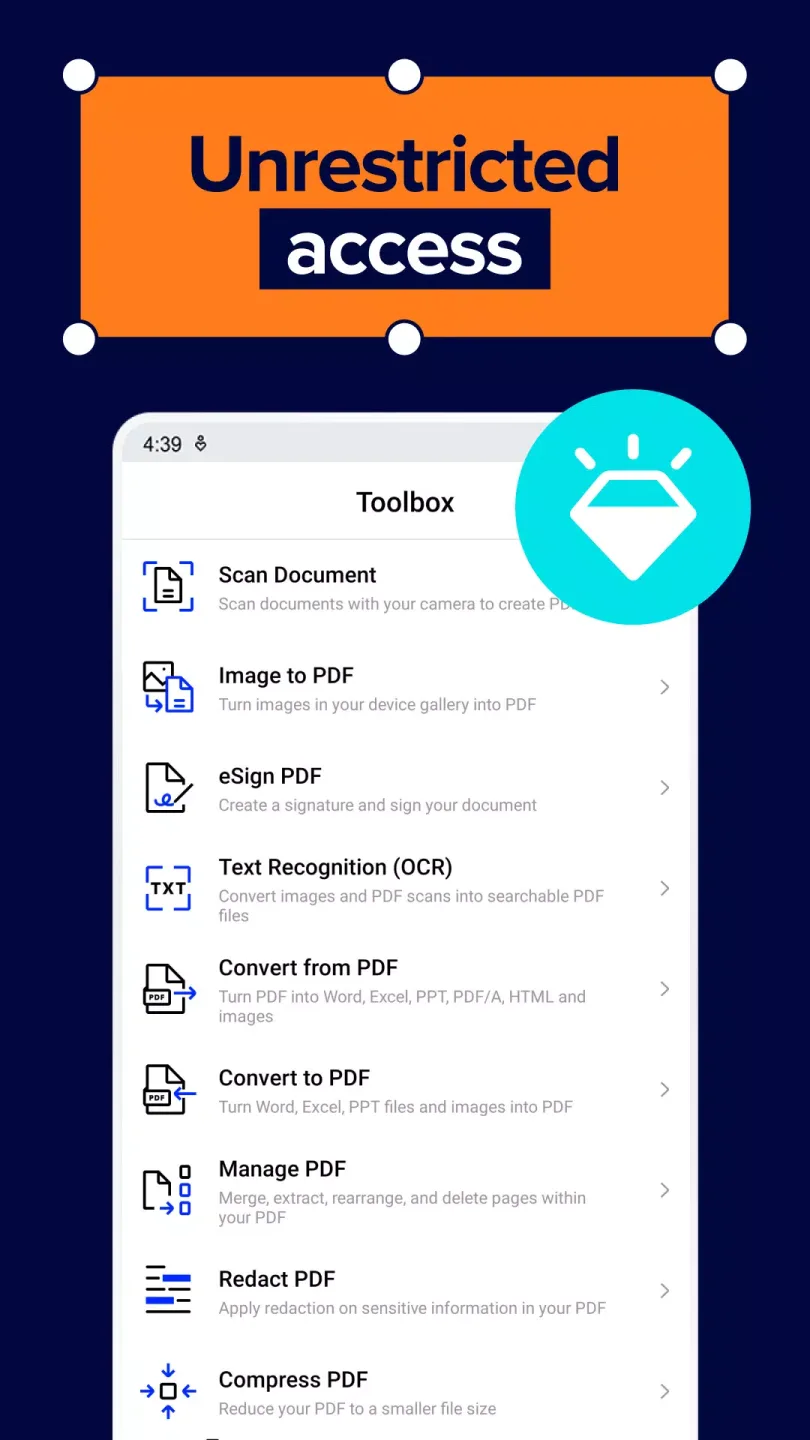
Easily organize your PDF files using PDF merging and splitting tools, or convert documents to different formats with a single click. You can convert PDFs to Word, Excel, PowerPoint, JPG, PNG, HTML, and even PDF/A formats, and also convert other file types (such as HTML, JPEG, and MS Office files) to high-quality PDFs. Our photo to PDF and MS Office to image converters can convert images into professional documents and vice versa, making Xodo a reliable productivity tool for business and academic needs.
With cloud storage integration, you can sync and access files from cloud services like Google Drive, Dropbox, and OneDrive anytime. Share documents with your team and instantly improve collaboration efficiency with pen-enabled annotation features. Our built-in PDF scanner lets you digitize paper documents in seconds, converting them into editable and shareable PDFs.
Boost productivity with OCR technology, converting scanned documents, images, and PDFs into full-text searchable files. Reduce file size, speed up sharing, and ensure document security with password protection and encrypted features. Easily add digital signatures to enhance authenticity and confidentiality, ensuring secure and professional PDF files.
User's Comments
incredible toolboxes. and the best part of it is Free no dogsh*t ads or something. the other apps was like "ill take a look on the file for a second" and boom 1 f*kin minute ad + unskipable. BUT THAT'S NOT HAPPENING in this apps, i like it, might buy the pro ones someday. worth every penny
the pro version has saved me countless hours and headaches. No more holding a scale ruler up to my screen with the Ruler tool. There are so many well thought out tools and so many possible customizations and conversions. Batch processing is a dream come true. Best investment in software I have made in a long time. Love it!
After struggling to find an app that can easily edit pdf , this is the one I ended up with. I am a student at University and I recommended this app to multiple students in my class and they were all pleased. All good but one thing that should be improved is that when we copy text and place it somewhere else it Shows random mathematical symbols, in short you You can't copy text once you start editing your document in another app. Everything else is exceptional.
Fantastic Highlights
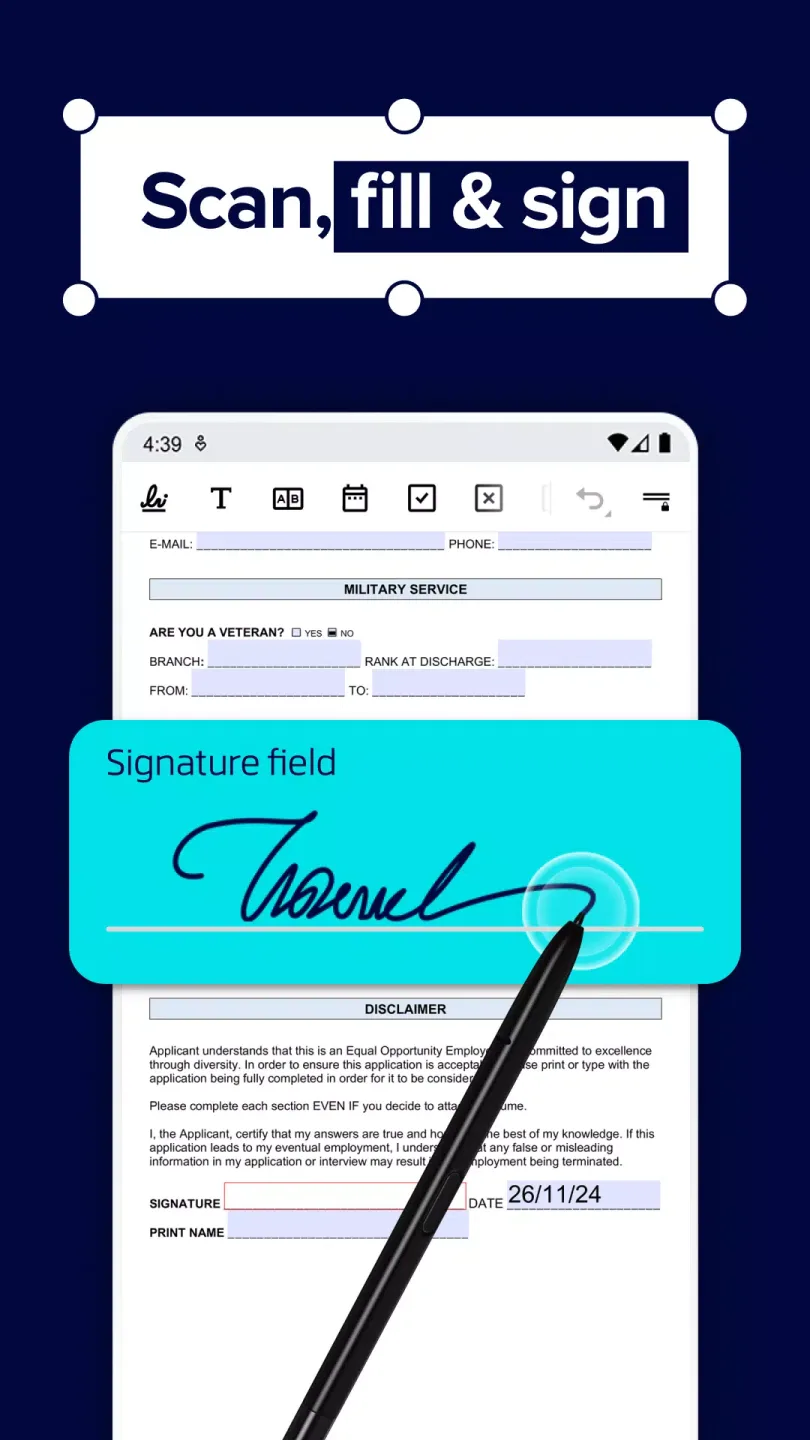
You can use it to read, annotate, sign, and share PDF files. You can also fill out any form in a PDF document and sync all changes to Google Drive and Dropbox.
This reader has many useful features. For example, you can save pages as bookmarks for easy access later, or open multiple tabs to read multiple documents simultaneously. Additionally, you can switch between day and night modes with a single click.
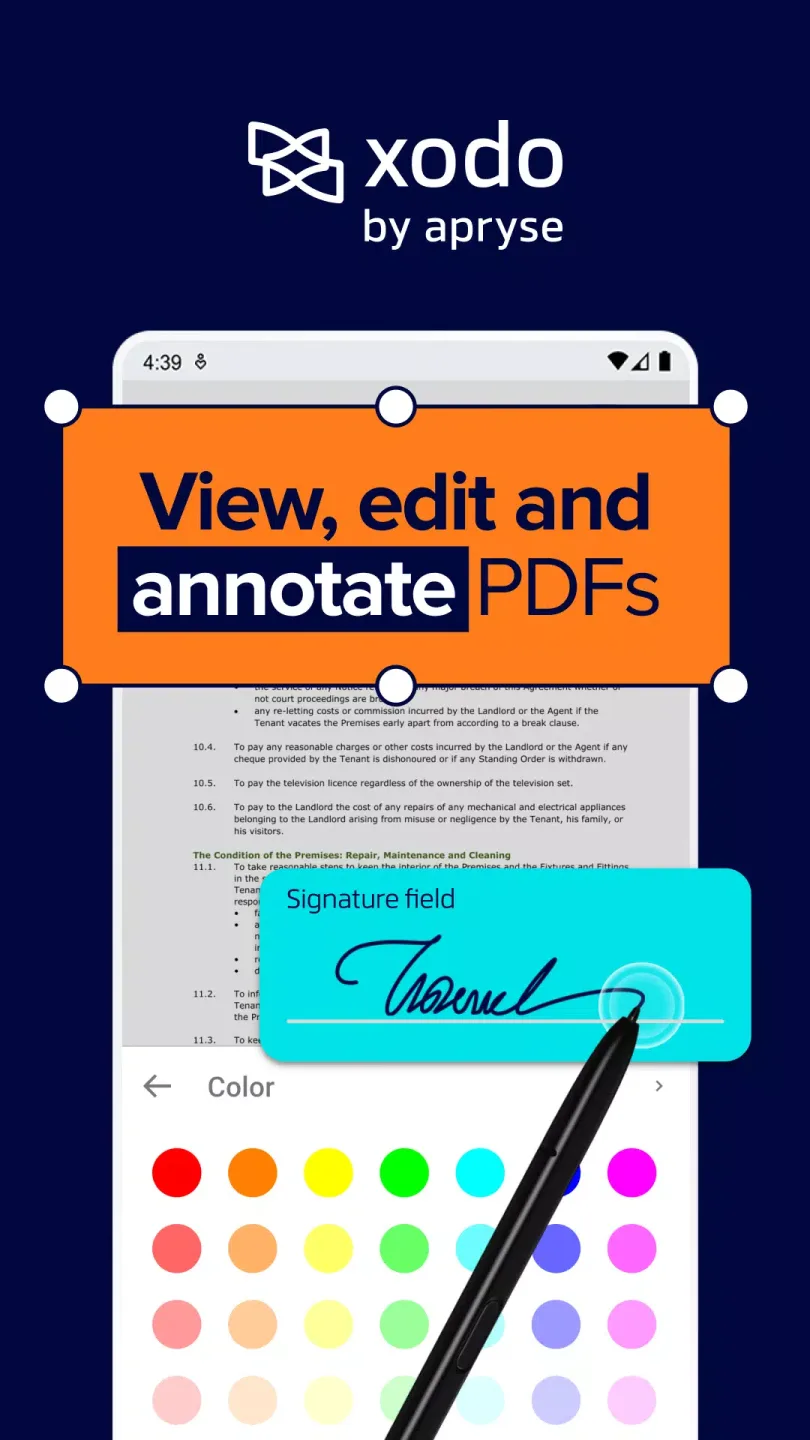
However, the real advantage of Xodo PDF Reader and Editor lies in its editing tools. With its rich options, you can write and draw directly on any page. You can also highlight, underline, add circles or arrows, and sign any document. If you make a mistake, you can easily undo it.
Wonderful Function
Seamlessly Edit PDFs on Mobile Devices
Edit, annotate, trim, and organize PDF files on your phone or tablet. Easily navigate documents using an intuitive, business-friendly interface designed for mobile professionals.
Easily edit, annotate, and organize PDF files with the Xodo mobile app.
Simplify document management anytime, anywhere.
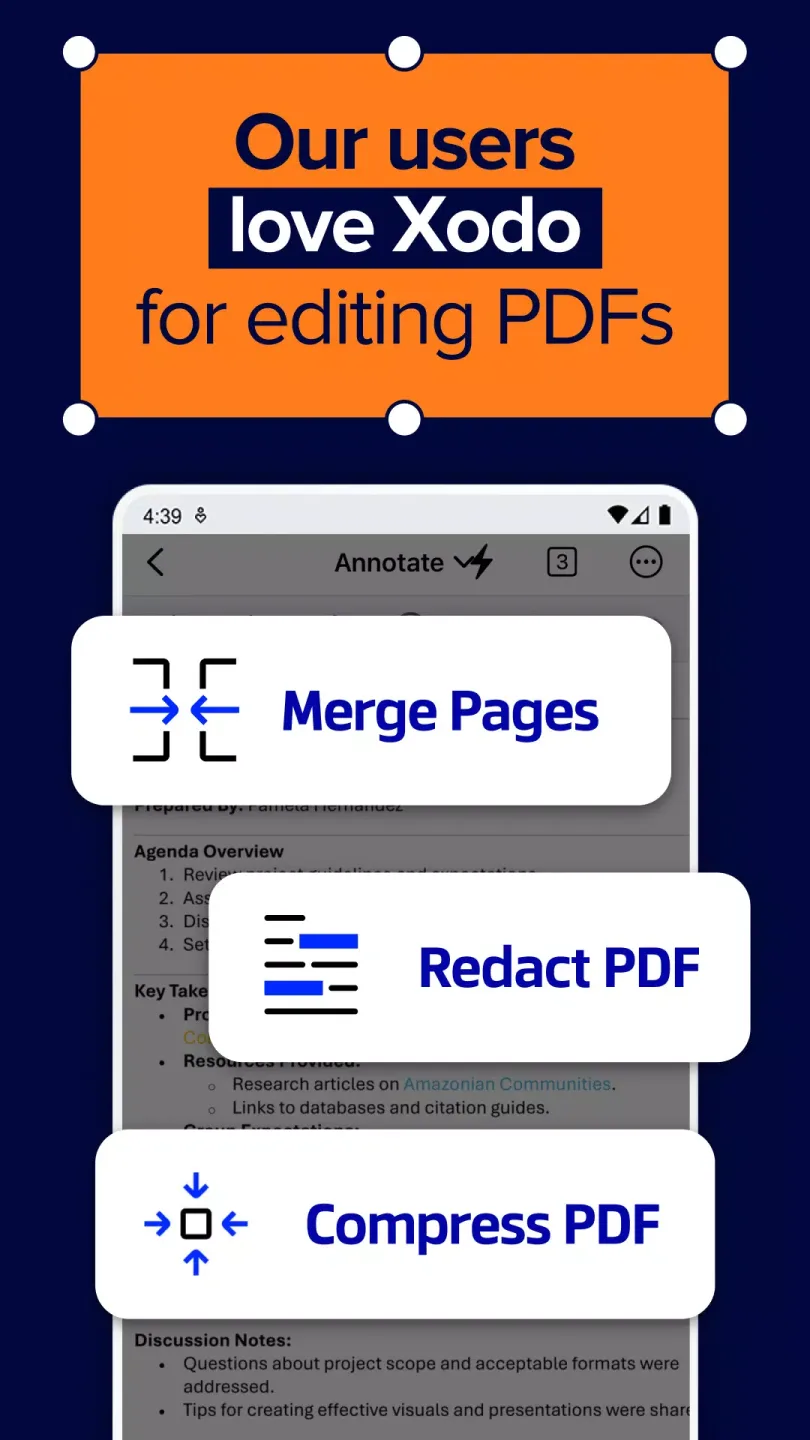
Optimize your workflow with one-click tools and automate tasks such as merging, converting, and turning static forms into fillable PDFs. All operations can be done on your mobile device, no desktop software required.
Fast document conversion and built-in scanning capabilities.
Easily convert important contracts, spreadsheets, and images between PDF, Word, Excel, and JPG formats. Scan paper documents into high-quality PDFs with your camera in just a few taps.
Seamlessly convert and scan documents on iOS and Android devices with Xodo Mobile.
Mobile collaboration and e-signatures.
Share files, collect approvals, and sign documents anytime, anywhere. Built-in e-signature, form filling, and annotation tools make collaboration fast, secure, and mobile-friendly.
Conclusion
Xodo PDF Reader and Editor is an excellent PDF document processing application. It boasts many useful features, a clean and elegant interface, and seamless integration with cloud services such as Dropbox and Google Drive.








