

Screen Lock: Time Password is an outstanding mobile wallpaper and theme utility that brings you a visually appealing lock screen effect and a smooth launch method. Screen Lock: Time Password presents users with a powerful, all-in-one, and feature-rich mobile lock screen and personalization tool. It helps you set a highly secure dynamic password, personalize your screen appearance, and choose a more convenient launch method. This unique security lock tool balances security and personalization, and has been widely praised by users worldwide.
Click to load YouTube / 点击加载视频
YouTube ↗Brilliant Highlights
Screen Lock - Time Password (Dynamic Password) is here to save you! You can set your phone's current time as your lock screen password. The time changes every minute, and the password changes accordingly, so no one can guess it.
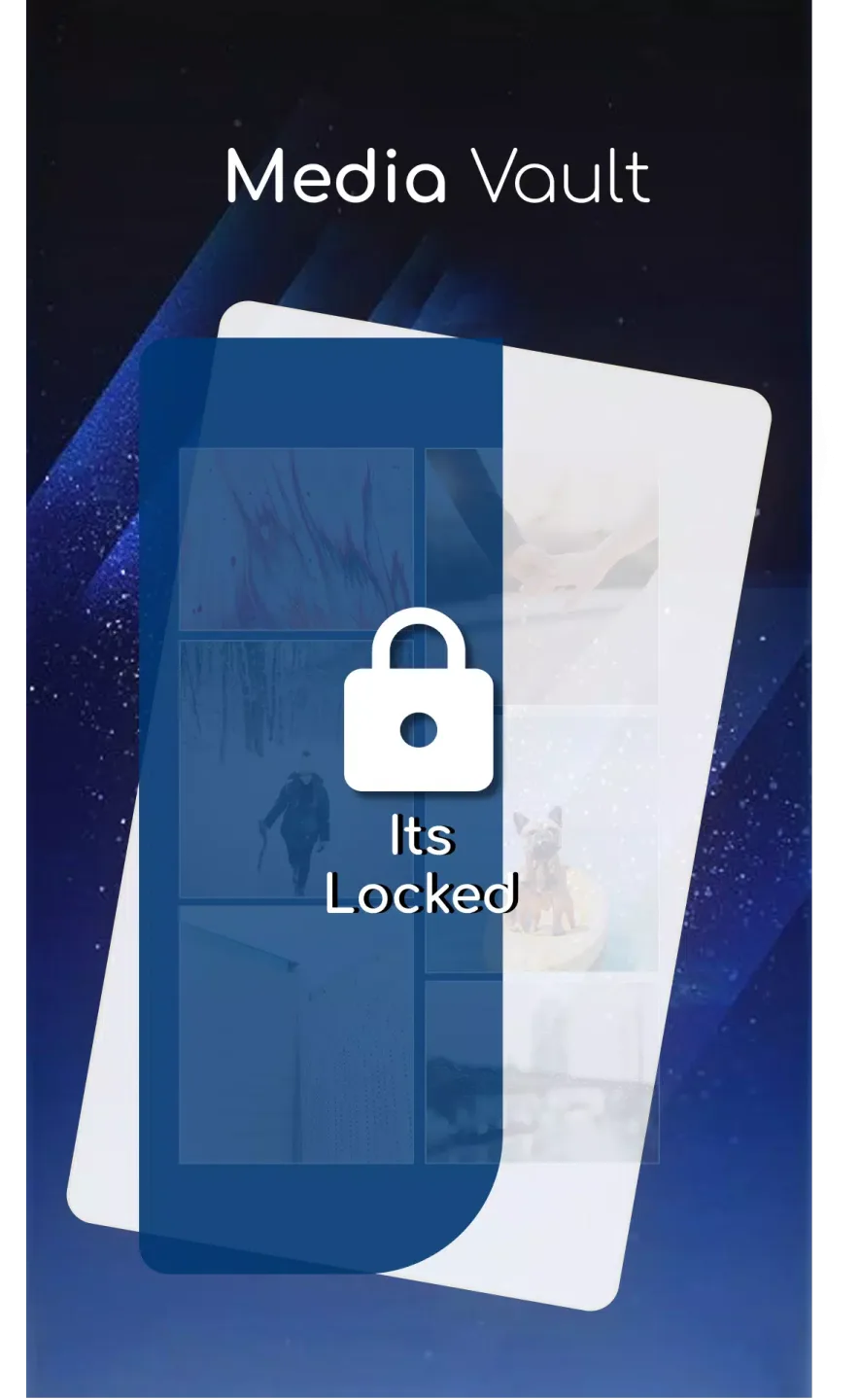
Vault (Hide/Protect Photos and Videos): Keep your secret photos and videos safe.
Privacy Browsing: With Privacy Browsing, your online activity will leave no trace.
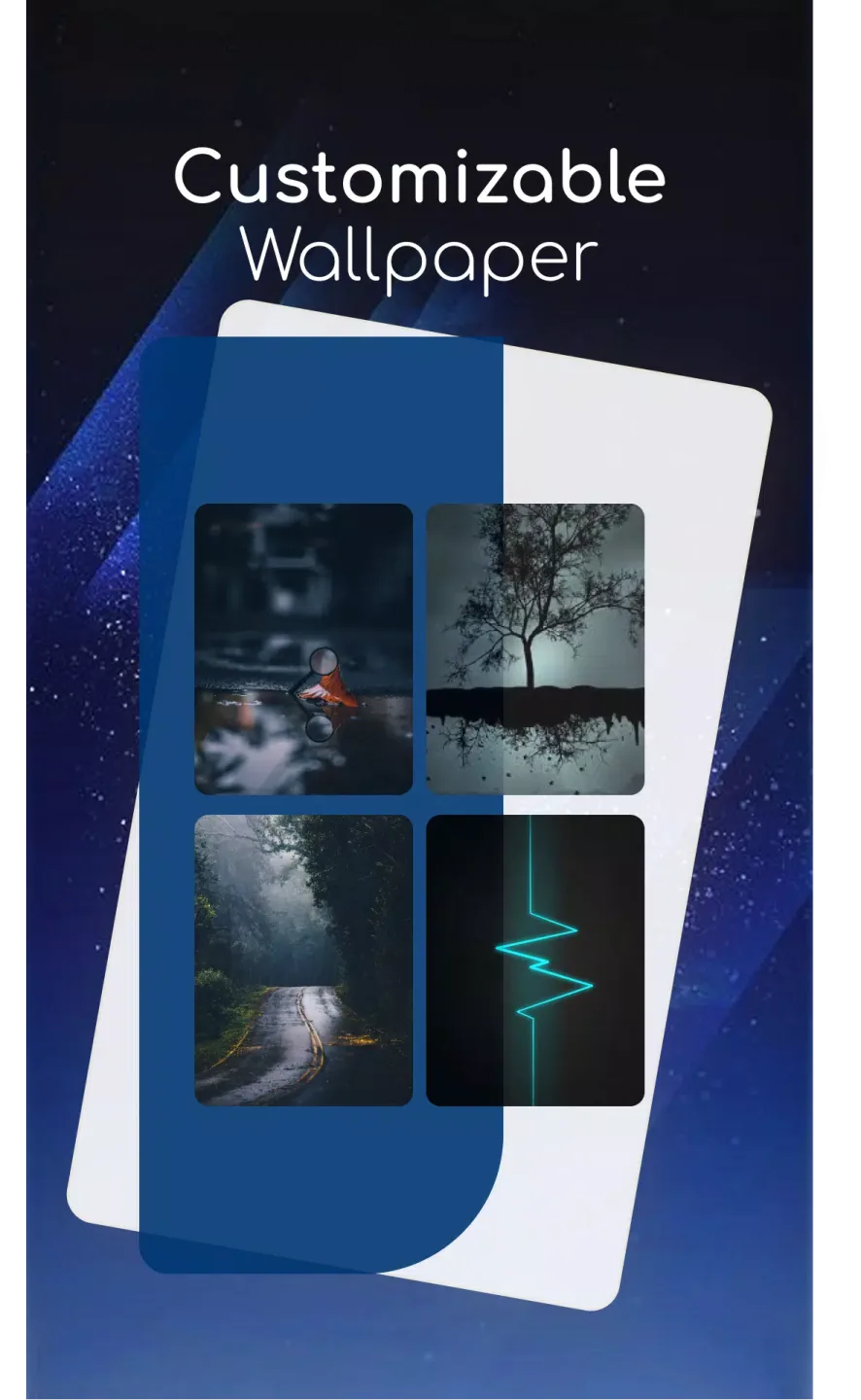
Amazing Function
You can choose your preferred way to lock your Android phone (dynamically change the password).
Current Time: This is your default lock screen password. For example, if the time is 01:47, your PIN is 0147.
PIN Password - Users can choose any password.
Password + Minute Password - For example, if you choose the number 12 and the time is 01:45, your password will be 1245.
Password + Current Time Password - For example, if you choose the number 45 and the time is 02:37, your password will be 450237.
Password + Date Password - For example, if you choose the number 45 and the date is July 4, 2017, your password will be 450407.
Password + Hour Password - For example, if you choose the number 12 and the time is 01:45, your password will be 4501.
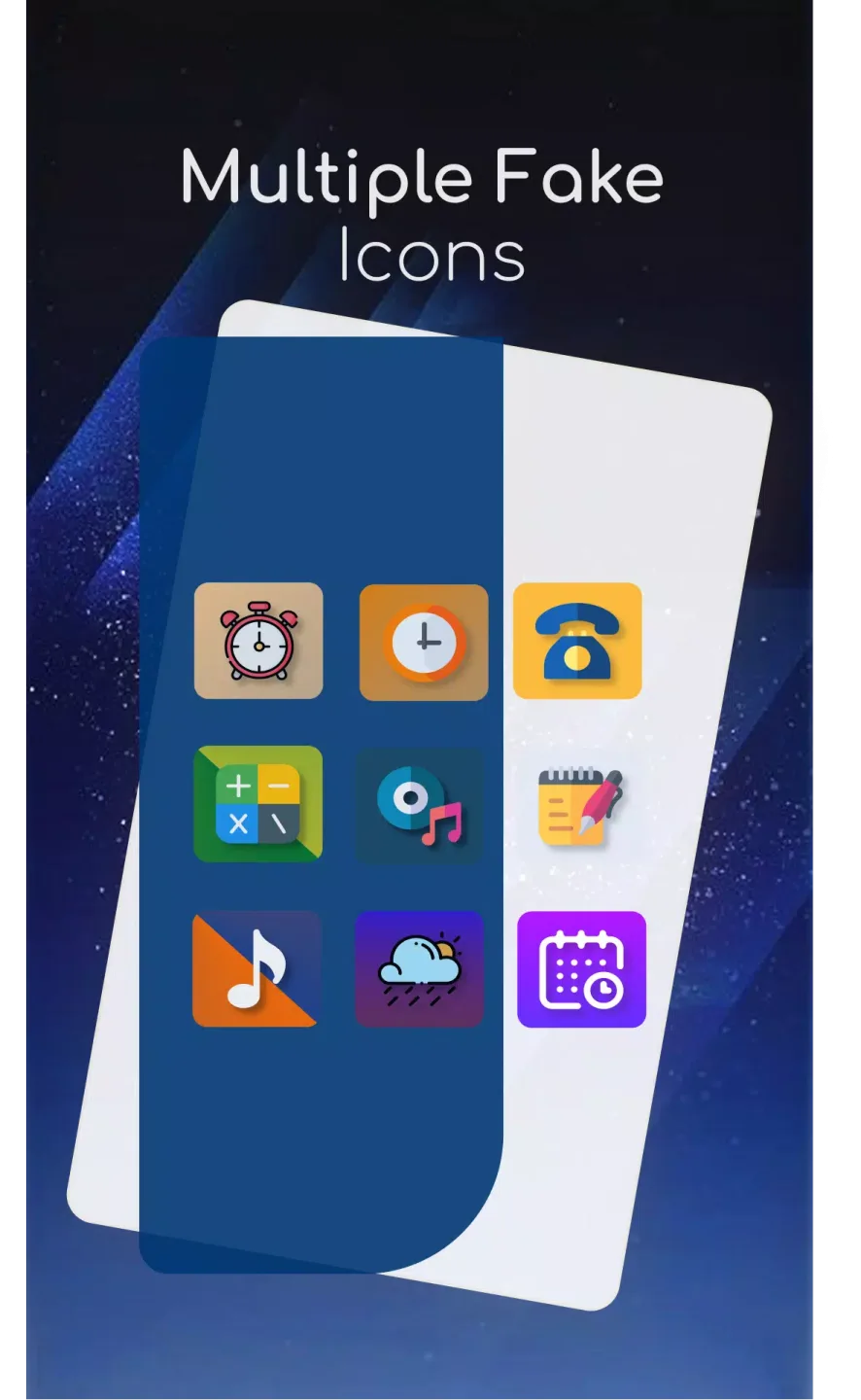
Frequently Asked Questions
How do I unlock the hidden screen lock - time password?
Go to the app information page (Settings > Apps > Screen Lock > Storage), and tap the Manage Space/Clear Storage button.
How to lock your Xiaomi/MI phone?
Xiaomi/MI phones have different permission management methods. To use the Screen Lock - Time Password feature on your Xiaomi/MI phone, please follow these steps:
Open the Security Center app -> Permissions.
Select "Permissions" -> "Screen Lock - Time Password" -> "Allow All Permissions".
Return to "Permissions" -> "Auto-Start" -> "Allow Screen Lock - Time Password Auto-Start".
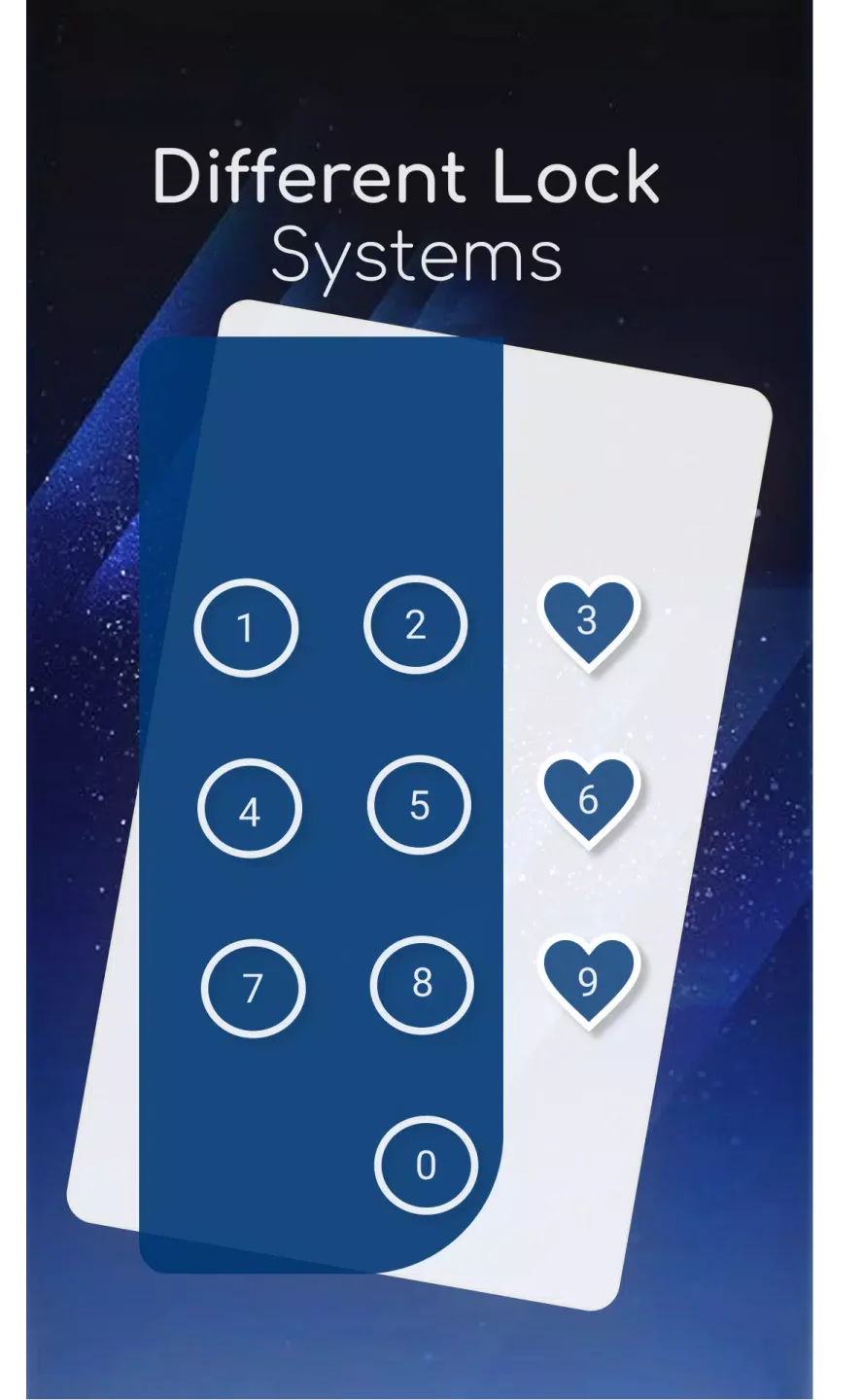
Fantastic Benefits
Cool iPhone-style lock screen for Android.
Supports most Android phones.
Fully customizable lock screen interface.
Highly secure lock screen.
One of the best parallax lock effects.
Customizable sliding text. You can put your own name or a friend's name on the lock screen.
Final Thoughts
Screen Lock: Time Password, with its innovative features and user-friendly design, is a valuable addition to any Android device, enhancing security and personalization for everyday use. Your phone's current time becomes your lock screen password. The time changes every minute, and the password changes accordingly, known only to you.








