
Vysor is a remote control software that allows users to view and control their Android devices from their computer after pairing. It makes it easy to control applications, type text, and even play games. Vysor also supports screen sharing, enabling remote assistance and improving efficiency in work and daily life. Vysor is continuously updated with new features, keeping the user experience fresh and engaging.
Click to load YouTube / 点击加载视频
YouTube ↗Features:
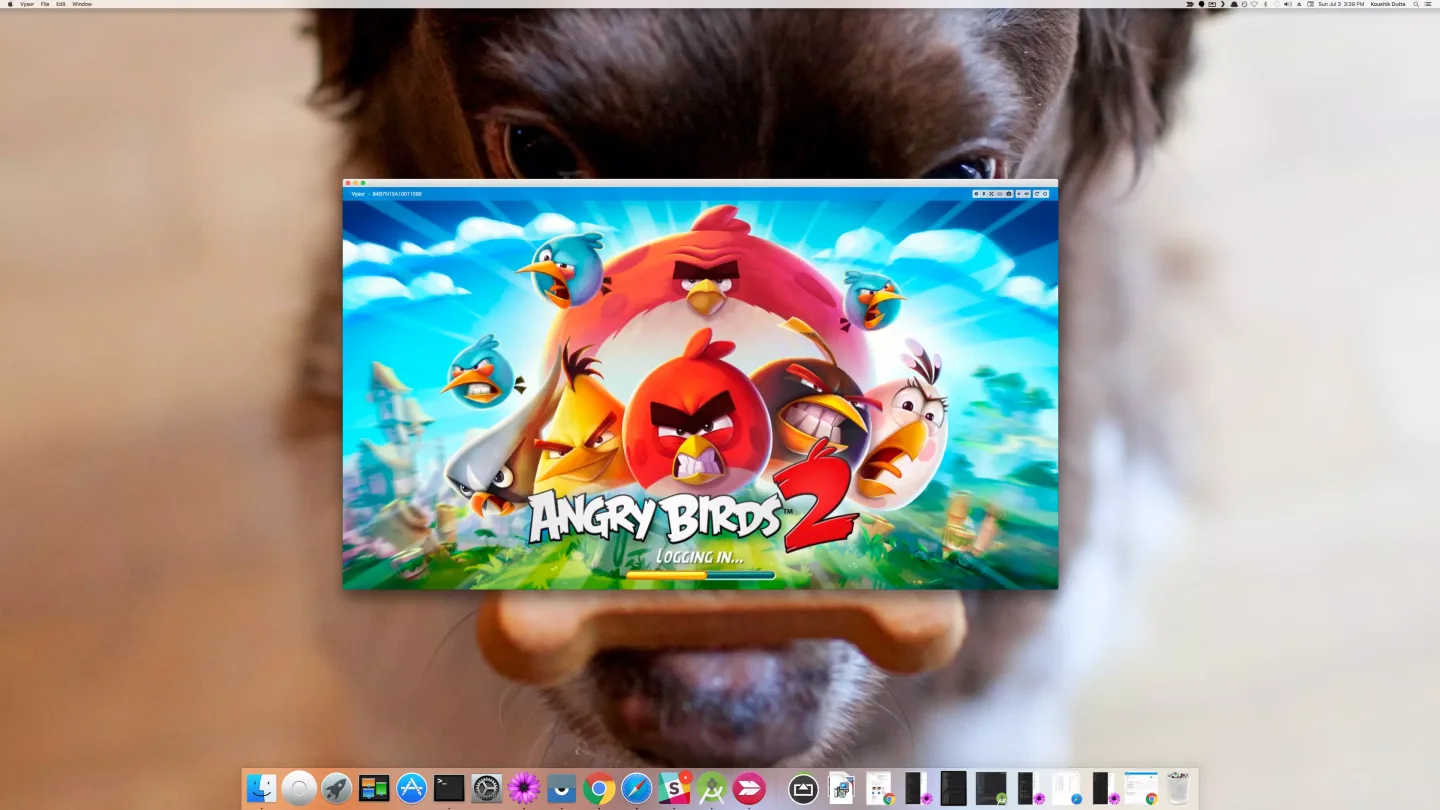
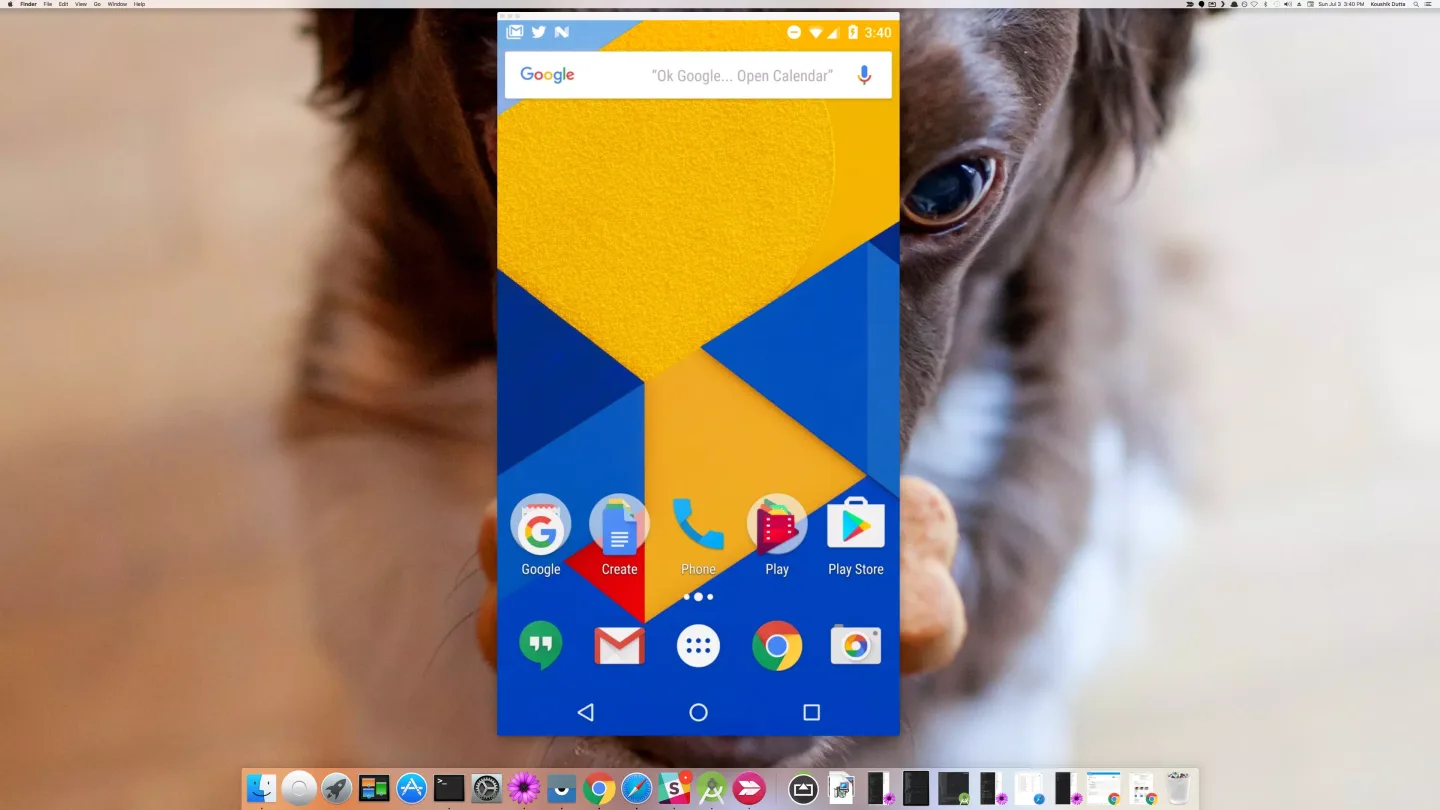
Full Device Mirroring: Vysor projects your Android screen onto your PC or Mac, providing real-time access to mobile apps from the desktop. Applications, games, and other mobile functions can all be used via the computer, extending Android access with the precision of a mouse and keyboard.
Wireless and Wired Modes: Users can connect their device to the computer either through a USB cable for greater performance or wirelessly for maximum flexibility. With wireless mode, presentations, demonstrations, or remote support scenarios become easy to manage.
Vysor Share: This feature allows users to share their Android device’s screen across the internet, making it ideal for remote assistance, collaborative app testing, or demonstrations.
Developer Tools: App developers benefit from the ability to quickly access real hardware for testing and debugging, bypassing the limitations of emulators. Vysor Share also supports setting up device farms for larger teams or remote QA sessions.
Support and Updates: Customer support is an area needing improvement. Users have reported difficulties in getting timely responses from the developer and a lack of comprehensive online help resources. Certain useful features, such as volume control from the PC interface, have been removed in recent updates without clear communication, affecting the app’s usability for some.
Useful Tips:
Familiarize Yourself with the Controls: Take some time to get accustomed to using your mouse and keyboard to control your Android device through Vysor. Experiment with gestures and shortcuts to fully utilize the functionality and convenience of accessing your Android on a computer.
Customize Display Settings: This app allows you to adjust the resolution, orientation, and other display settings of your mirrored Android screen. Take advantage of these settings to optimize the visual experience based on your preferences and the task at hand.
Utilize Presentation Mode: If you plan on using Vysor for presentations or demonstrations, make sure to enable the Presentation Mode feature. This will optimize the display settings for a more professional and seamless presentation experience.
User Reviews:
Took a few minutes to get up and running. The windows app explains veryclearly what you need to do and if you follow the instructions it works fine.
Downloaded the PC program and installed the app and paid to use it - thankfully for onlyone month- and spent the next few hours trying to make it work. Closest I could get wasscreen from iPhone was displayed on PC. Never got the mouse to appear for calibrationmuch less control. Went to the Discord support site and saw the last time the author ofthe app was there was 9months ago - March2024-and it's now late December. Decidedto uninstall it at that point and end my $2.50/month subscription. Glad I didn't pay $40for a "lifetime" license.
Felt the need to leave a good review since this worked perfectly fine for methe first time I tried to use it. I did have to restart the windows app for it todetect my phone but that's no big deal. I'll update this if I run into issuesusing Vysor the more I use it.
FAQs:
Does Vysor work with iPhones?
No, Vysor does not work with iPhones as it is designed specifically for Android devices.
Is Vysor free?
Vysor offers a free version with limited features. To access the full set of features, you need to purchase the Pro version for a one-time fee.
What are some of the features of Vysor Pro?
Vysor Pro offers features such as high-quality mirroring, fullscreen mode, drag and drop file sharing, and remote control of Android devices.
Can I use Vysor on multiple devices?
Yes, you can use Vysor on multiple devices as long as you purchase the Pro version for each device. The free version can only be used on one device.
What are some common issues when using Vysor?
Common issues with Vysor include connection problems, screen lag, and compatibility issues with certain device models or operating systems.
Final Verdict:
Vysor is an app that lets you control your Android smartphone from your PC. The only thing you'll need to do is connect your Android to your PC using a USB cable, and install an extension for Google Chrome. Once you've done that, simply turn on your 'USB Debugging' (you can do it from within the app), and you'll be able to start managing your smartphone right from your PC.








