Designer Tools is an interface design tool specifically created for developers, allowing users to customize their theme interface according to their preferences. Designer Tools provides users with a range of creative tools and corresponding tutorials to help them get started with the software's features. Users can freely adjust different colors, screen grids, and other elements of the interface, giving their designs a unique style. Designer Tools will also be continuously updated with more design tools to help users create even more beautiful works. Don't miss out on Designer Tools if you're interested!
Click to load YouTube / 点击加载视频
YouTube ↗Features:
The app is especially useful for those who want to verify that their design elements are consistent with the intended specifications. Whether you are a seasoned developer or a beginner in the field, the ability to review your work against established guidelines can significantly improve the quality of your application. Designer Tools provides a straightforward interface that makes it easy to navigate through its various features, allowing users to focus on their design tasks without unnecessary distractions.
One of the main functionalities of Designer Tools includes the ability to check color values. Designers can quickly validate whether a specific shade or hue matches their original design intent, which is crucial for maintaining brand consistency across applications. Additionally, the app supports layout validation, enabling users to assess the positioning of UI elements against the intended design. This ensures that every element is placed accurately, contributing to a polished final product.
Another notable feature is the app's support for various screen sizes and resolutions. Designer Tools allows users to visualize how their designs will appear on different devices, providing an essential perspective for mobile app development. This functionality is particularly beneficial for developers who need to create responsive designs that work seamlessly across a variety of Android devices.
The app also includes mock overlays, which can be used to simulate various UI states. This feature allows designers to preview how interactive elements will function in real-time, making it easier to identify potential issues before launching the app. By using mock overlays, designers can enhance their user experience by ensuring that all elements are intuitive and user-friendly.
Highlights:
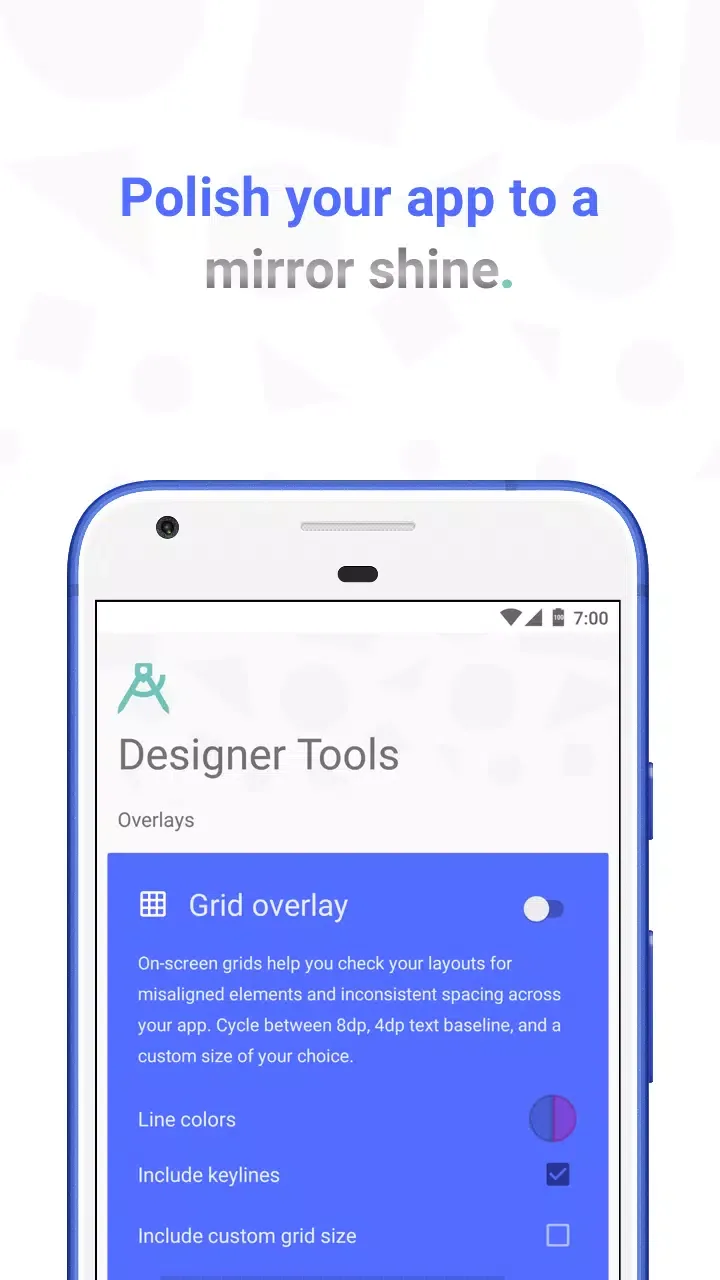
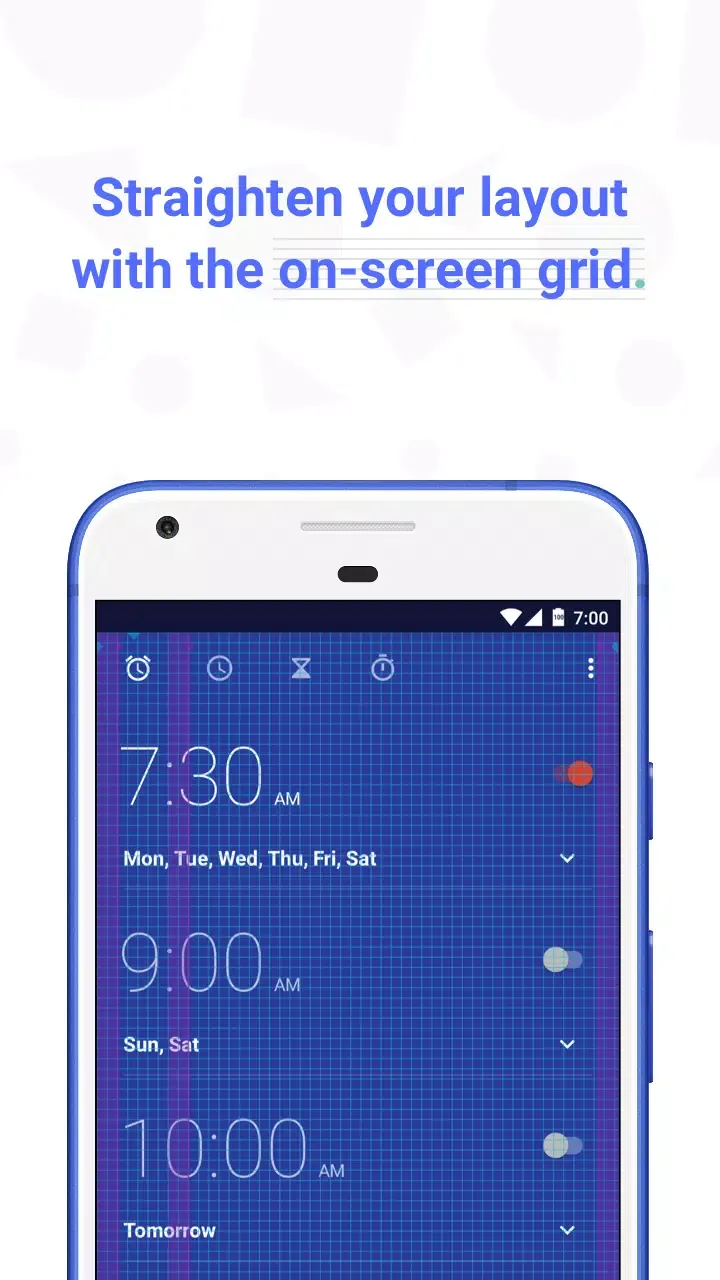
Features Designed for Precision: Among its most prominent tools is the Grid Overlay, allowing users to overlay customizable grids atop any app currently running. Grid dimensions and color can be altered, making it easy to spot misalignments or uneven spacing down to the pixel level. This feature is particularly helpful during the final polish stages of user interface development.The Mockup Overlay enables direct comparison between design mockups and live screens. Upload a reference image and Designer Tools will let you adjust opacity and alignment, helping you verify if implemented layouts match intended designs. This saves significant time during handoff and review, alleviating possible miscommunications between stakeholders.
Color Picker and Metadata for Developers: Ensuring brand consistency and visual accuracy is simplified with the app’s Color Picker. This tool provides a moveable loupe for pixel-level color sampling, displaying detailed information including HEX, RGB, and ARGB values. An eyedropper-like utility also enables fast palette validation or retrieval directly from any pixel on-screen.For effective communication during bug reporting or QA, Screenshot Details mode adds a metadata panel to captured screenshots. Details such as device name, screen size, density, and version specifics are displayed, which expedites collaboration across project teams.
Efficiency and Usability: Designer Tools offers a clean, distraction-free interface, making all features easily accessible within a unified menu. Permissions required are minimal, focusing on overlay and storage, which reduces concerns about privacy or device interference.One limitation is encountered in camera mode: the need to manually toggle between portrait and landscape orientations when capturing overlays or screenshots. This additional step could disrupt workflow for users frequently switching between layouts, though it does not impede core functionalities.
Functions:
Designer Tools is packed with features to help you create pixel-perfect websites that meet the needs of all users, while keeping your PM happy. Here are some other features you'll find in the extension:
Dark mode: What is a developer without dark mode? No need to worry, Designer Tools has you covered. You can choose between light and dark mode, or let the extension follow your system settings.
Language support: Designer Tools is available in Bengali, Chinese (Simplified), Dutch, English, French, German, Hindi, Italian, Japanese, Korean, Polish, Portuguese, Russian, Spanish, Turkish, and perhaps more languages are on the way!
Customizable: Designer Tools is fully customizable. You can adjust the colors, the size of the rulers.. even the thickness of the toolbar is adjustable.
Keyboard shortcuts: We know you love to work fast, so we've added keyboard shortcuts to make your life easier.
And much more...: We're constantly adding new features to Designer Tools. So, stay tuned for more updates!
Summary:
With Designer Tools, you can ensure that every aspect of your app aligns with the intended design. Various functions make this development kit a convenient tool for your design-checking needs. This program has everything from monitoring consistencies and getting mockups to finding the right color palette and saving valuable information.