

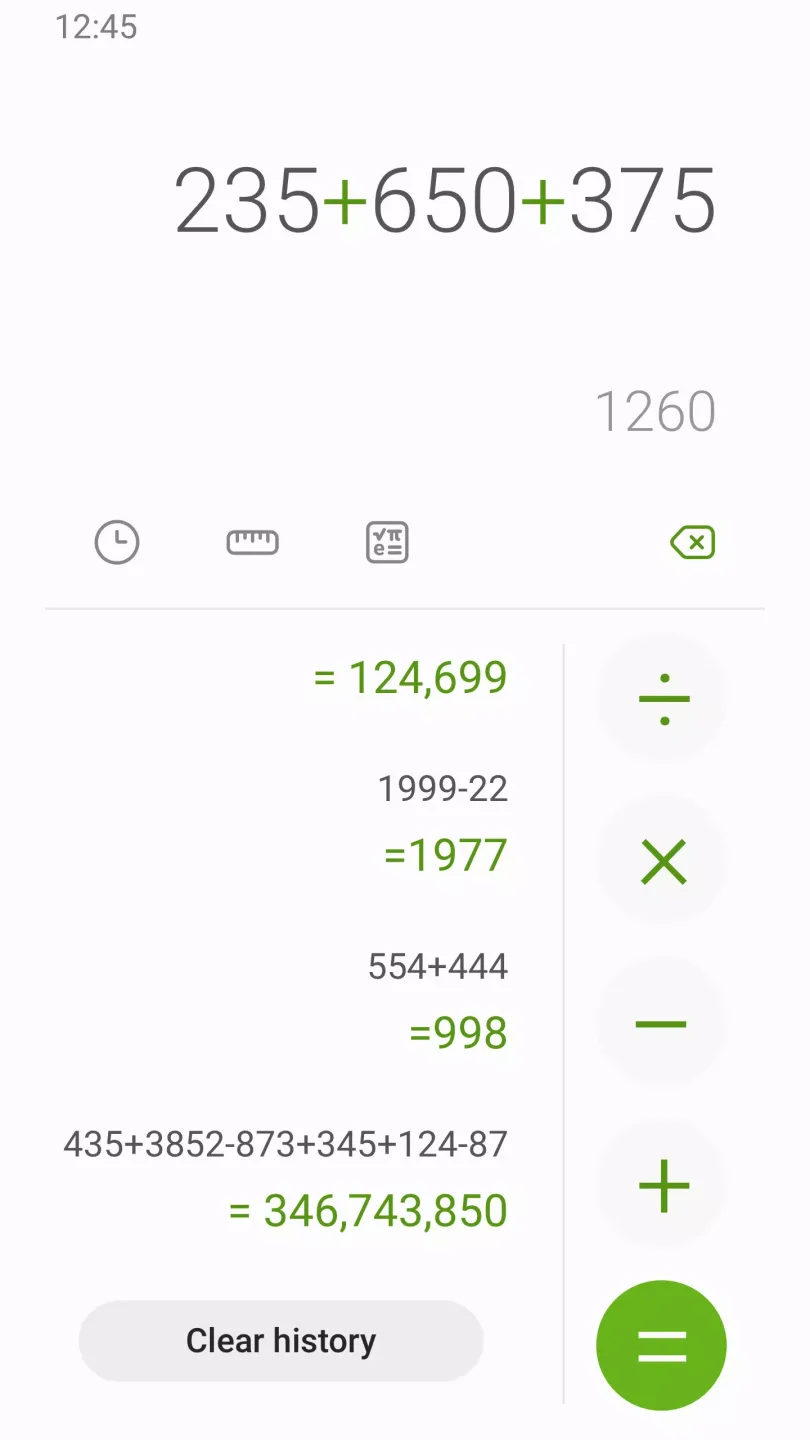
Samsung Calculator is a user-friendly calculator app that not only performs standard mathematical calculations but also supports various scenarios such as unit conversion, currency exchange, and tax calculation, saving users time and effort. Samsung Calculator automatically records the user's usage history, allowing for easy retrieval and use of past formulas with a simple click. Furthermore, as the user's usage time increases, Samsung Calculator will predict future formulas based on the user's habits, making it even easier to use.
Click to load YouTube / 点击加载视频
YouTube ↗Features:
Basic Operations: Perform fundamental calculations such as addition, subtraction, multiplication, and division.
Engineering Calculations: Access advanced functions for more complex mathematical operations.
Calculation History: View and reuse previous calculations by tapping the history icon.
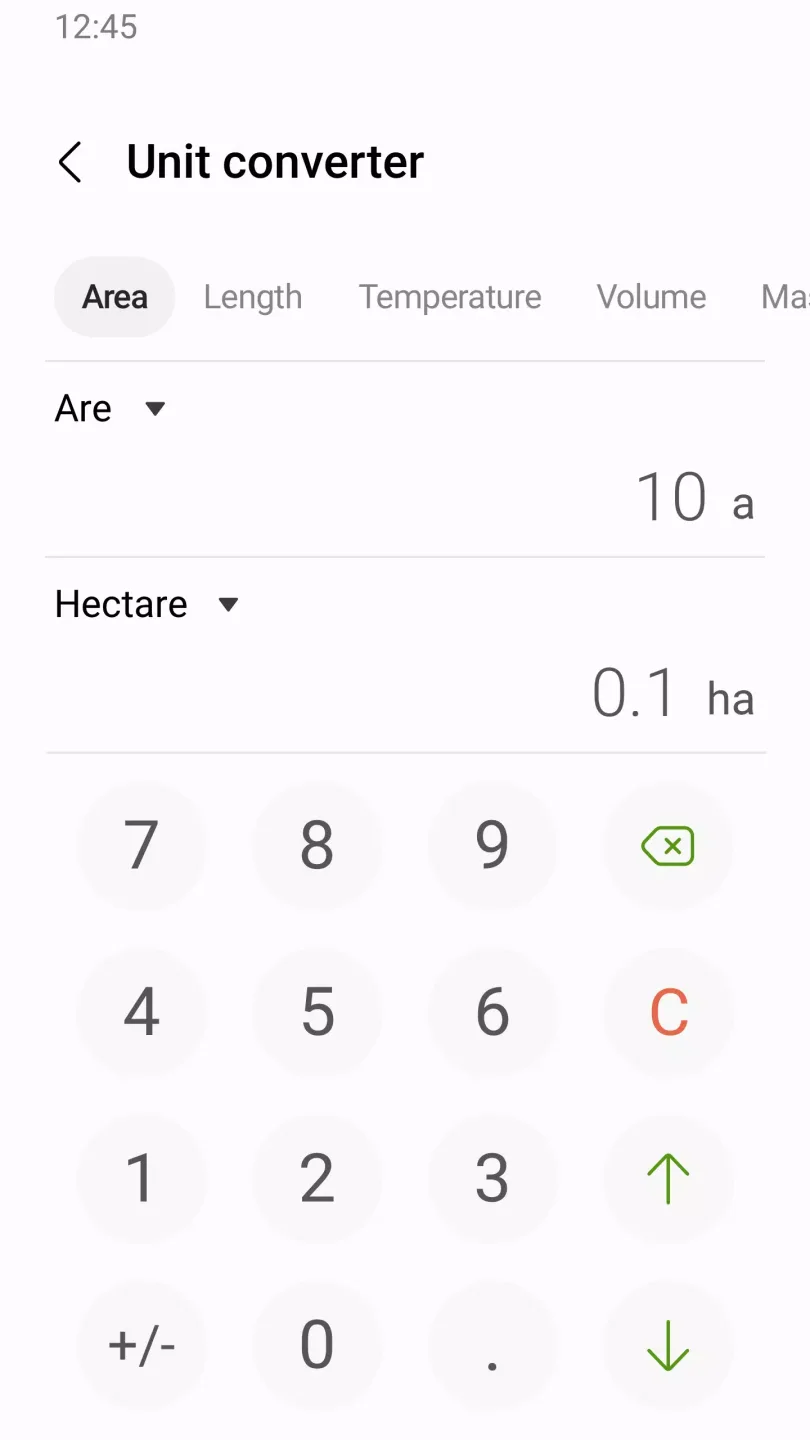
Unit Conversion: Use the unit calculator to convert various types of units, including area, length, and temperature.
Formula Storage: Save and use previously inputted formulas easily.
Ad-Free Experience: Use the app without any advertisements or interruptions.
Highlights:
The Samsung Calculator app is a comprehensive tool designed to cater to a wide range of mathematical and computational needs. Whether it's a quick addition or a complex algebraic equation, the app offers a user-friendly interface that makes calculations effortless.
One of the most notable features of the Samsung Calculator is its intuitive design. The layout is clean and uncluttered, with clearly labeled buttons and a large display that makes reading results a breeze. The app also incorporates smart features like automatic suggestions and historical memory, which further enhance the user experience.
Moreover, the Samsung Calculator goes beyond the basic functionality of a traditional calculator. It includes advanced features like a scientific calculator, which is perfect for students and professionals alike. The app also supports unit conversion, currency exchange, and even tax and tip calculations, making it a one-stop shop for all your numerical needs.
In addition to its robust feature set, the Samsung Calculator app also boasts impressive performance. It runs smoothly on Samsung devices, leveraging the powerful hardware to deliver fast and accurate results. The app is also regularly updated with new features and improvements, ensuring that it remains a relevant and valuable tool.
FAQs:
Can I use the Samsung Calculator offline?
Yes, the Samsung Calculator can be used offline without an internet connection.
Does the Samsung Calculator support voice input?
Yes, the Samsung Calculator supports voice input for certain commands.
Is there a history feature in the Samsung Calculator?
Yes, the Samsung Calculator has a history feature that allows you to view previous calculations.
Can I customize the Samsung Calculator's interface?
Yes, you can customize themes and layouts in the settings of the Samsung Calculator.
Does the Samsung Calculator have a dark mode?
Yes, the Samsung Calculator has a dark mode option that can be enabled in the app settings.
Conclusion:
Samsung Calculator offers a versatile and user-friendly experience. Initially exclusive to Samsung devices, it is now available for download on any Android device. Beyond basic arithmetic, the app transforms into a scientific calculator for intricate equations. Additionally, it facilitates unit conversions and features a History function for revisiting previous calculations. However, this platform is not compatible with all brands of smartphones.








