FX File Explorer is an outstanding file management utility that provides users with a simple, easy-to-use, and privacy-focused file manager, allowing you to focus on efficient work. FX File Explorer presents users with an intuitive and powerful file management application, where users can experience powerful built-in privacy protection tools, fast and seamless file transfer, comprehensive remote management services, and more. FX File Explorer helps users easily and intuitively manage files and media on their mobile devices, making your file management work more efficient.
Click to load YouTube / 点击加载视频
YouTube ↗Wonderful Functions of FX File Explorer
It allows you to control everything on your Android device in a way very similar to how you would on a computer.
With FX File Manager, you can easily manage all your files, access what you need, and share them the way you want. Upload photos, watch videos, or manage your 3G connection—now, with this app, it's all easier than ever.
When working with files in FX File Explorer, you'll find classic options similar to those on a desktop computer: copy, paste, cut, create, delete, rename. You can also send files to friends via email or upload them to the cloud.
Similarly, you can decompress files (ZIP, RAR, 7Zip), access documents in many different formats, and even access the contents of your computer over a Wi-Fi network.
For Android users with above-average technical skills, FX File Explorer is a very useful tool because it offers a large number of special options for them to use.
Fantastic Performance of FX File Explorer
Privacy-focused, ad-free file manager
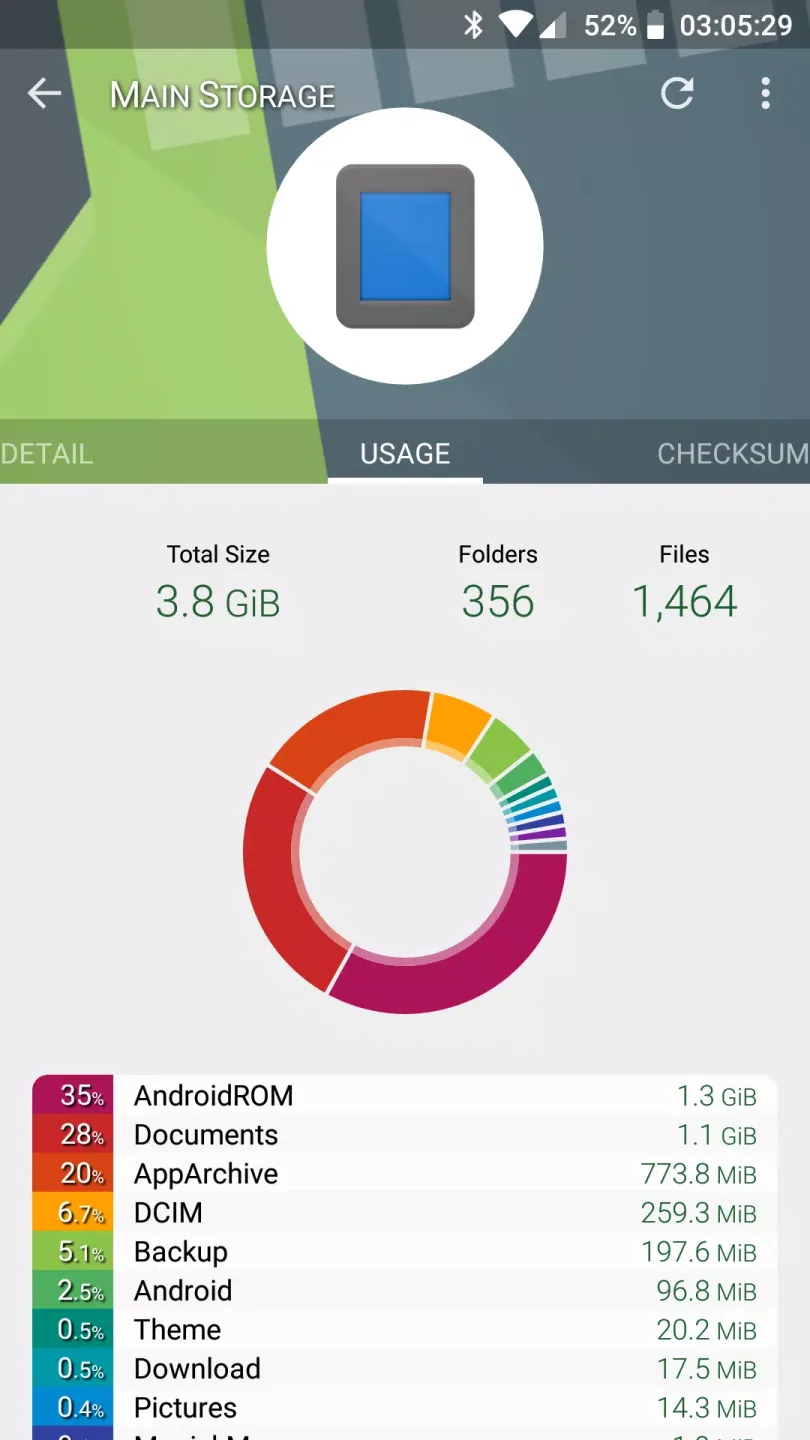
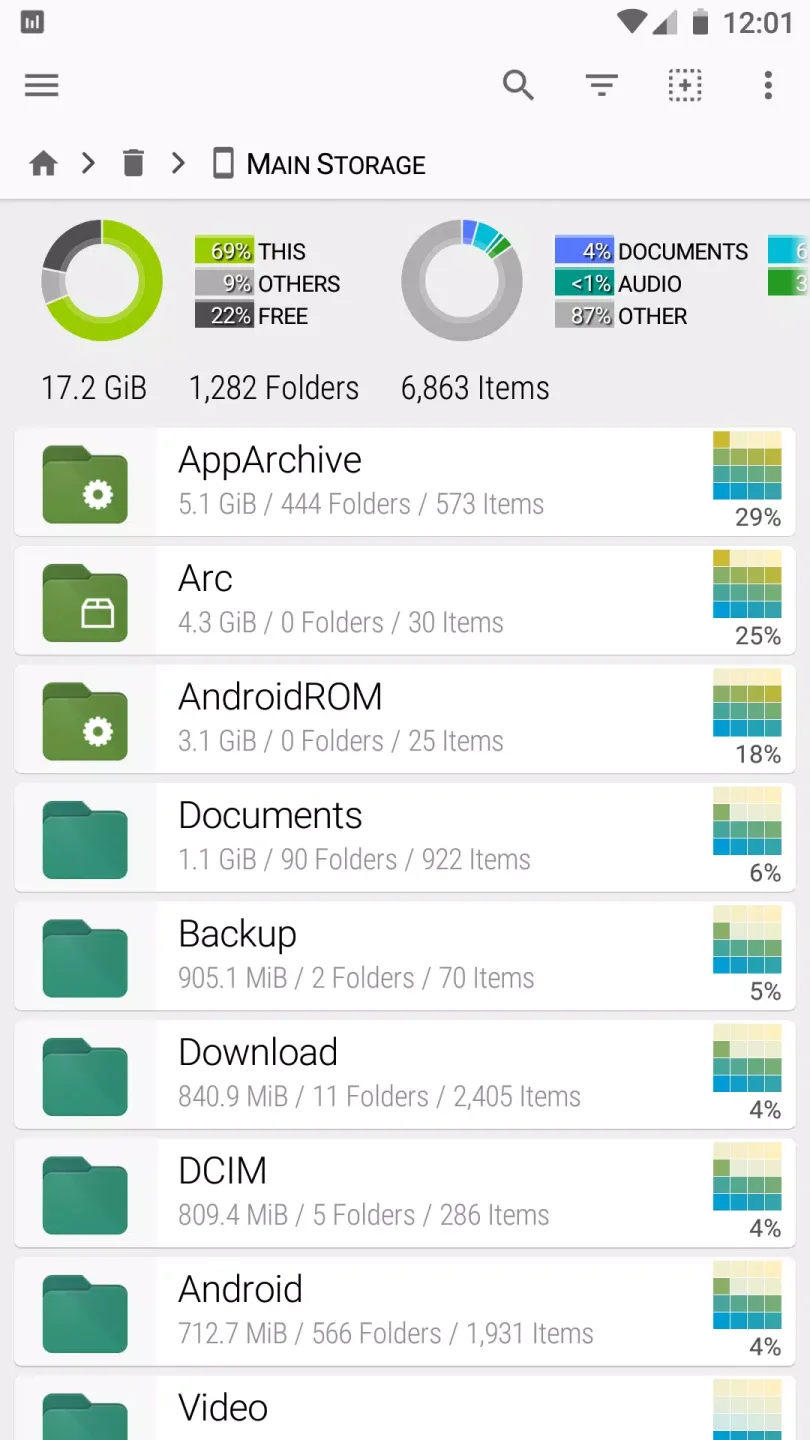
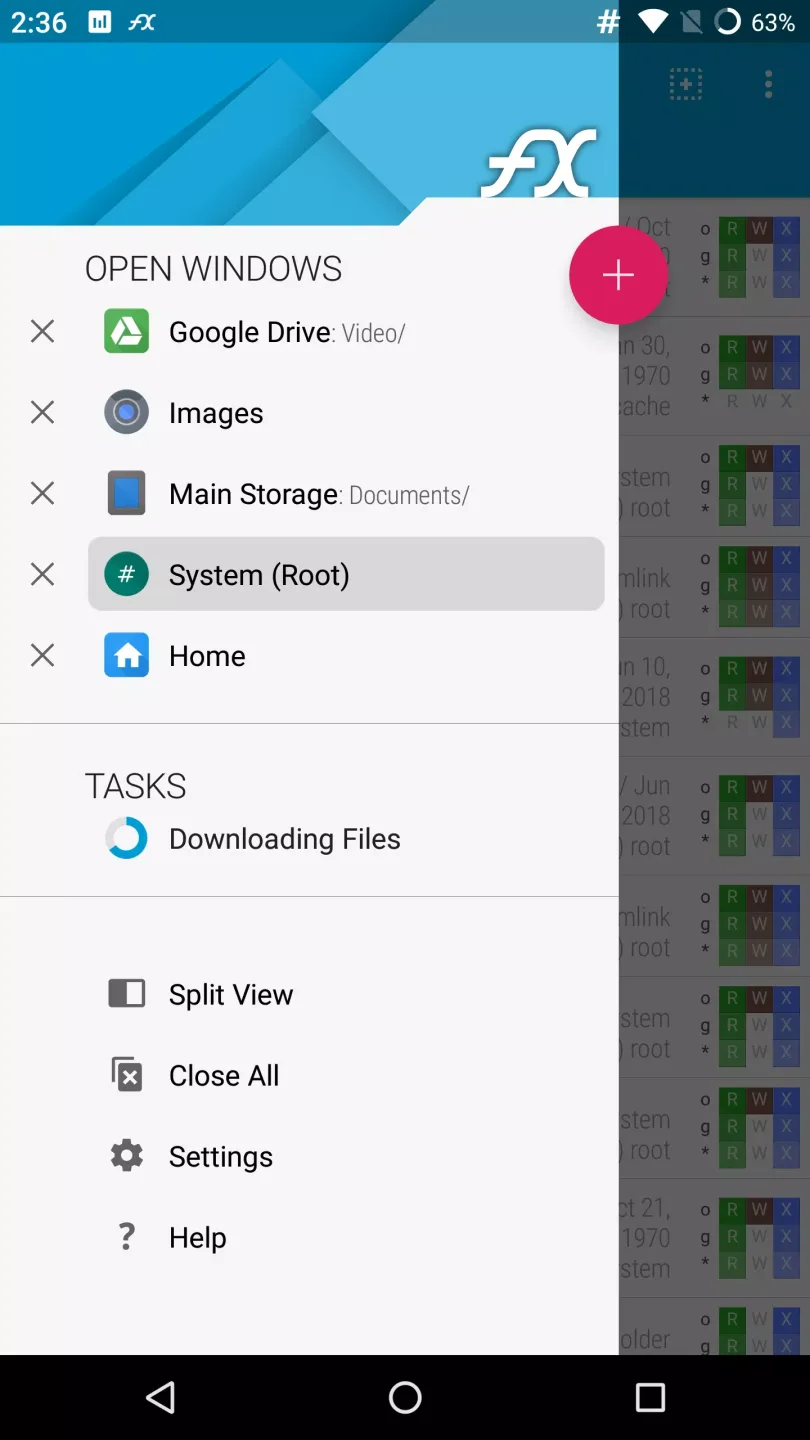
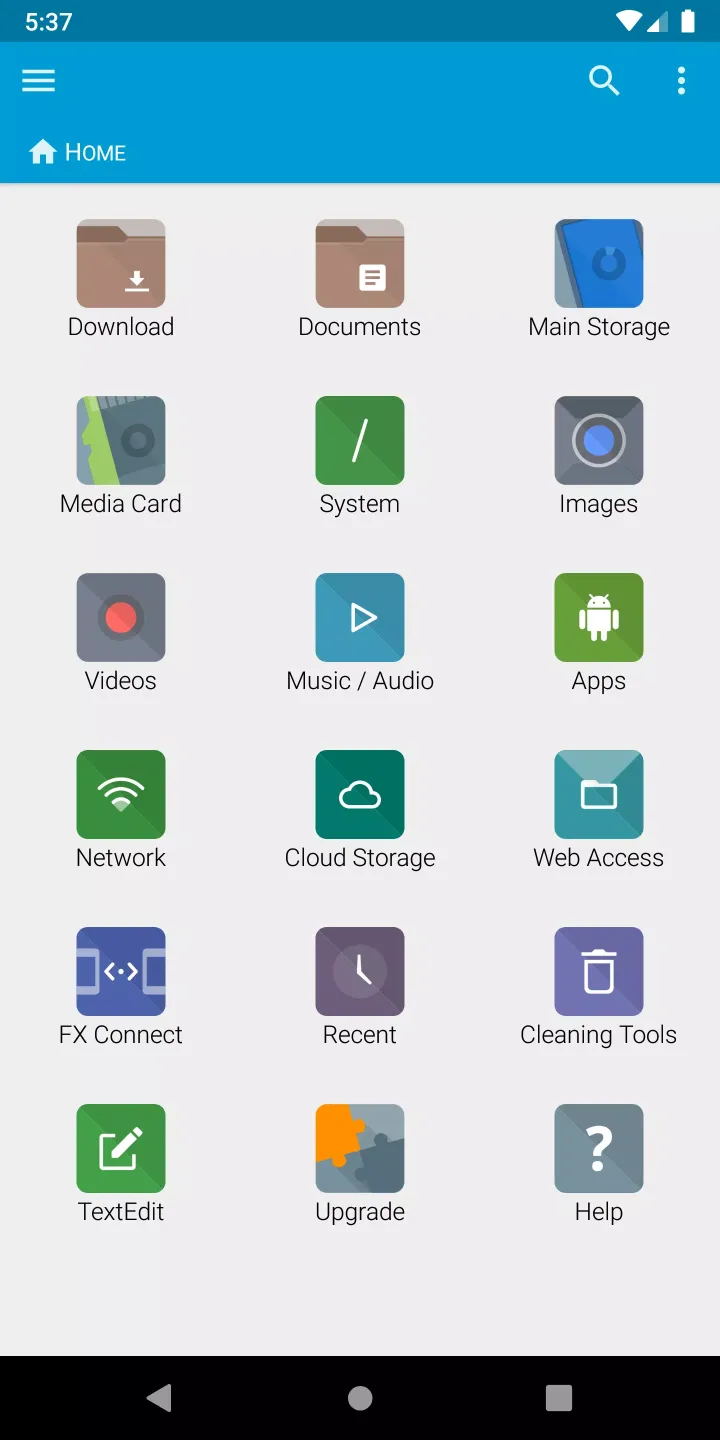
FX is designed to let you manage files and media on your phone or tablet as intuitively as you would on a computer. It offers advanced features such as multi-window support with dual-view mode, a productivity-oriented home screen (for quick access to important folders), and a unique "Usage View" that shows folder sizes and content composition while browsing.
Seamless file transfer with FX Connect and Web Access
Easily transfer files using FX Connect, which supports Wi-Fi Direct and NFC phone-to-phone file sharing (requires FX+), or remotely manage files via Web Access, supporting drag-and-drop transfers and streaming music from your phone to your computer over Wi-Fi (requires FX+). The app supports SMBv2 for seamless network file access and supports multiple compression formats, including Zip, RAR, Tar, and 7zip. Powerful Privacy Protection and Built-in Tools
FX File Explorer protects your privacy by never tracking user activity or displaying ads. Developed entirely in-house by NextApp, Inc., it offers a powerful suite of built-in tools, such as a text editor with undo/redo and search functionality, a binary (hex) viewer, an image viewer, a media player, and a shell script executor.
Unlock Advanced Features with the FX+ Add-on
Upgrade to the FX+ add-on to unlock powerful additional features, including access to networked computers via FTP, SSH, WebDAV, and SMB protocols, cloud storage integration (Google Drive, Dropbox, OneDrive, etc.), advanced application management by permissions, creation and browsing of AES-encrypted zip files, and comprehensive media browsing with playlist management.
Advanced Root Access and Security
For developers and advanced users, FX supports root access, providing secure, isolated root browsing and powerful file system operations such as remounting partitions, changing permissions, and executing shell scripts. The app strictly adheres to Android's location permission requirements, using it only for Wi-Fi Direct functionality and never collecting location data.
Excellent Features of FX File Explorer
Supported compressed file formats: Zip, encrypted Zip (AES-256, 128), Tar, Gzip, Bzip2, and XZ files. RAR compressed files (read-only).
Media/App Management
File Sharing
SMBv2 support
The new "FX Connect" feature allows file transfer between phones via Wi-Fi Direct. Supports NFC near-field communication; simply touch the backs of two phones together to connect. (Requires FX+)
The new "Web Access" feature allows you to transfer and manage files and media via your computer's web browser. You can drag and drop entire folders from your computer to your phone, or stream music playlists from your phone to your computer via Wi-Fi. (Requires FX+)
Privacy
Access networked computers, including FTP, SSH FTP, WebDAV, and Windows networks (SMB1 and SMB2)
Connect to cloud storage, including Google Drive, Dropbox, SugarSync, Box, SkyDrive, and OwnCloud.
Manage installed applications and browse based on the permissions required by the application. Create and browse AES-256/AES-128 encrypted zip files
Browse audio content by artist/album/playlist; manage and organize playlists
Directly browse photo and video folders
Encrypted password keychain (access network and cloud locations with a single password)
Built-in editing/viewing applets
User's Comments on FX File Explorer
Best Android file manager I've ever used. The animations as you switch directories are a nice touch. Easy to set up to work with Termux. I wish I could see/change permissions for files within the app, edit files with the binary viewer, or use the built-in editor with scripts set as executable, but for most of what you need to do this should be more than enough "out of the box."
Clean, responsive, and lots of cool network storage features. The only problem I've had in years is I don't think I can filter by file extension, just predefined "type" like "image," an asterisk wildcard doesn't seem to work. But that problem made me realize I had, what, a 4-year streak of never having to look anything up? And it still gets maintenance updates! Just buy it!
So freaking exceptionally good. Usually Android apps are, I don't know, kind of underpowered, but I've been using FX on the road to connect to my remote server and it powers through like a champ! I was sorting some camera shots and instinctively finger-zoomed in the file browser and the thumbnails actually resized and got bigger. An example of the thought and care that has gone into this product. I imagine the maker(s) of the app actually use it themselves. I believe I have the paid version, worth it.
Final Thoughts
This app uses Material Design and provides a brand new way to transfer files between devices and computers. It supports file transfer between phones via Wi-Fi Direct. It also allows access to networked computers, including FTP, SSH FTP, WebDAV, and Windows networks (SMB1 and SMB2).