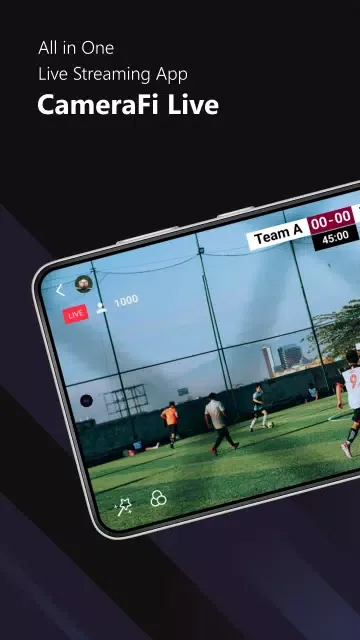
CameraFi Live is a visually stunning and practical video live streaming platform that brings users high-quality streaming video content. CameraFi Live boasts a beautifully designed interface and smooth, stable playback, allowing users to enjoy excellent live streaming and replay functions so you don't miss a single exciting moment. CameraFi Live offers a constant stream of novel content, topics, and perspectives, and users can try creative filter chats to enrich their social activities.
Click to load YouTube / 点击加载视频
YouTube ↗Awesome Functions of CameraFi Live
Camera and Screen Modes
Choose camera mode or screen mode to live stream your camera's view or your smartphone screen.
External Camera Connection
It supports external camera connections. You can use high-performance USB cameras (camcorders, DSLRs, etc.) for high-quality live video streaming with clear shooting and zoom capabilities.
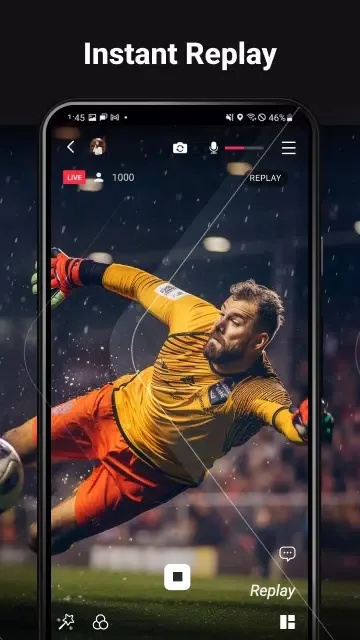
Instant Replay
The replay function allows you to highlight key moments during your live stream, enhancing interactivity. It can also be used as a Video Assistant Referee (VAR) tool or to check your posture during recording.
Image, Text, Video, and Audio Overlay
Easily add image/video/audio files during live streams, and also add text overlays.
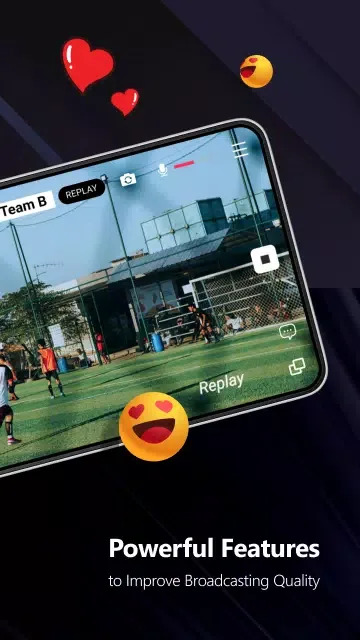
Engaging Characteristics of CameraFi Live
A real-time video recording tool designed specifically for streamers. Therefore, it features tailored functionality for platforms like YouTube, Facebook, and Twitch.
The main advantage of this application is that it allows you to create live stream videos without complex software or advanced computer skills. Simply open the application, select a filter (if needed), and then click the "Start Creating Content" button.
In the main menu, you can choose to record video using your phone's camera (front or rear) or directly record your screen. This means it can also help you stream gameplay installed on your device.
User's Comments of CameraFi Live
i love this app certainly for YouTube Live streaming its just perfect if you have the right phone, go to my YouTube PSDarkLP666 to see the app in experience.
As a YouTuber & Live streamer, this app is the best one I've used for connecting an external camera to my Google pixel phone. I've done several 12-15 hour Livestreams at the Dragway and the connection has been excellent. I have recommended this app to my peers. I'm ProTreeVideos on YouTube if you want to see this app in action. IRL livestreaming. 5 stars because I've tried every other app out there and this one does everything. My streamlabs alerts work great through the Web feature too.
best app to use and I wish you can add using two phones or cameras to interchange the coverage from one camera to another within the app. but,am a thankful premium user
You're app is amazing. I use it for my live streams. A request is the chat box to update when it's moved or The chat logs sometimes don't update properly, another issue is flipping the camera back during the live stream, and the camera box needs to be made as large as I want, not limited by its overall size.
Frequently Asked Question of CameraFi Live
Can I connect my DSLR camera to CameraFi Live?
Yes, you can easily connect your DSLR camera to CameraFi Live using an HDMI cable, video capture card, and Type-C OTG adapter. This allows you to record high-quality video for your live stream.
Is CameraFi Live easy to use?
Absolutely! CameraFi Live is designed to be very user-friendly, even for beginners. Its intuitive interface allows for easy navigation, so you can start streaming without any technical difficulties.
Can I customize my live stream settings?
Yes, CameraFi Live allows you to customize various settings for your live stream. You can add your own videos, adjust privacy settings, and even connect to popular live streaming software like OBS and vMix.
Final Words
With CameraFi Live, you can create engaging live content and interact with your audience like never before. This powerful app has everything you need to succeed in live streaming, so don't miss out. Download CameraFi Live now and start sharing your story with the world!