

Pixel Launcher is a root-free Android launcher. This app provides a convenient interface for users and other applications, allowing them to customize their devices and create a personalized experience. With Pixel Launcher, you simply launch and run it for smooth and quick access to files and applications. During use, users can swipe right from the home screen to view personalized Google information cards, providing news and personalized information at appropriate times, while experiencing a variety of unique and convenient features.
Features Of Pixel Launcher:
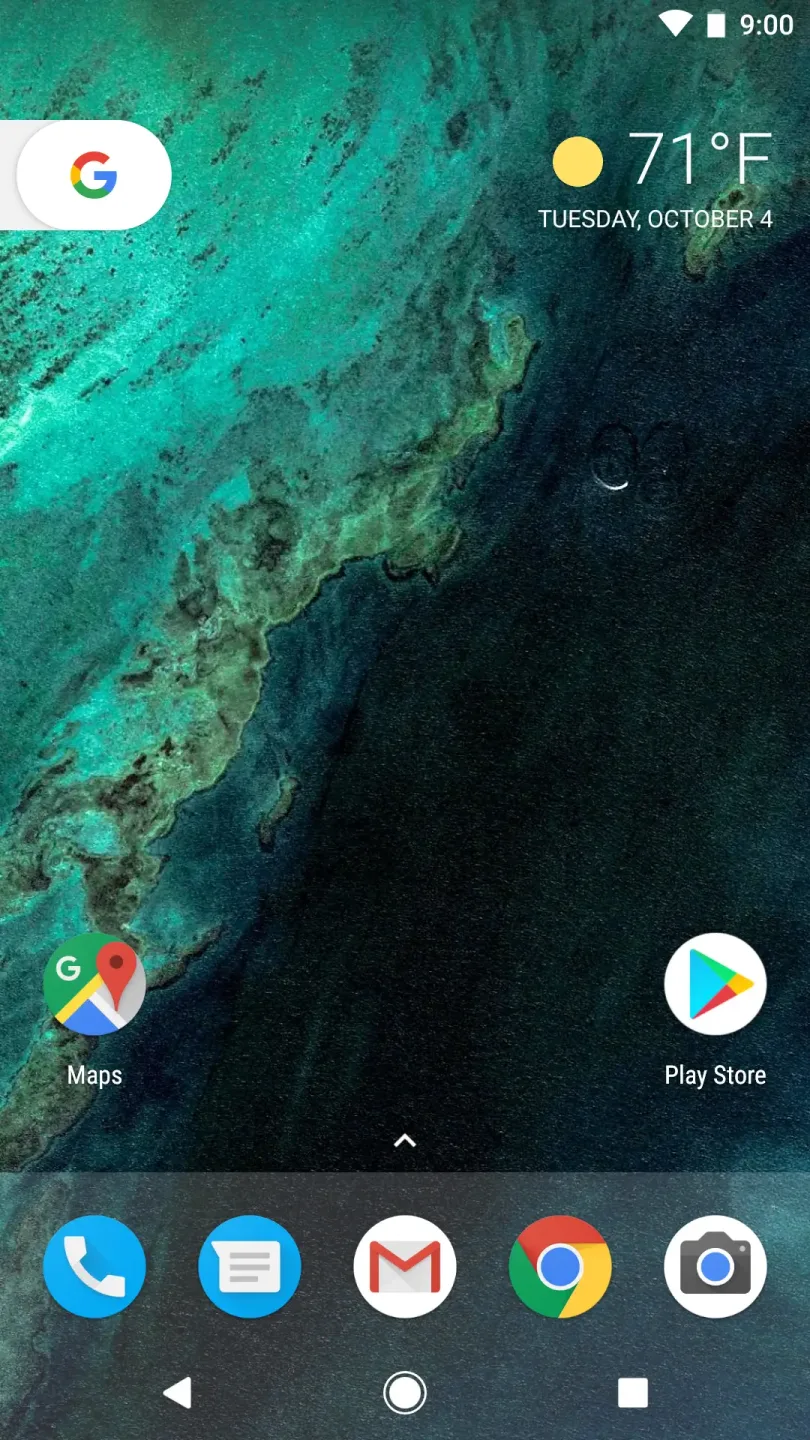
Minimalist Design: Pixel Launcher embodies Google’s design philosophy—minimalism. The launcher is designed to put your content first, with a straightforward interface that minimizes clutter and distractions, allowing you to focus on what matters most.
Customizable Home Screen: You can easily customize your home screen to suit your preferences. Add widgets, rearrange icons, and choose from a variety of wallpapers to make your device truly yours. Change the layout to prioritize the apps you access most frequently.
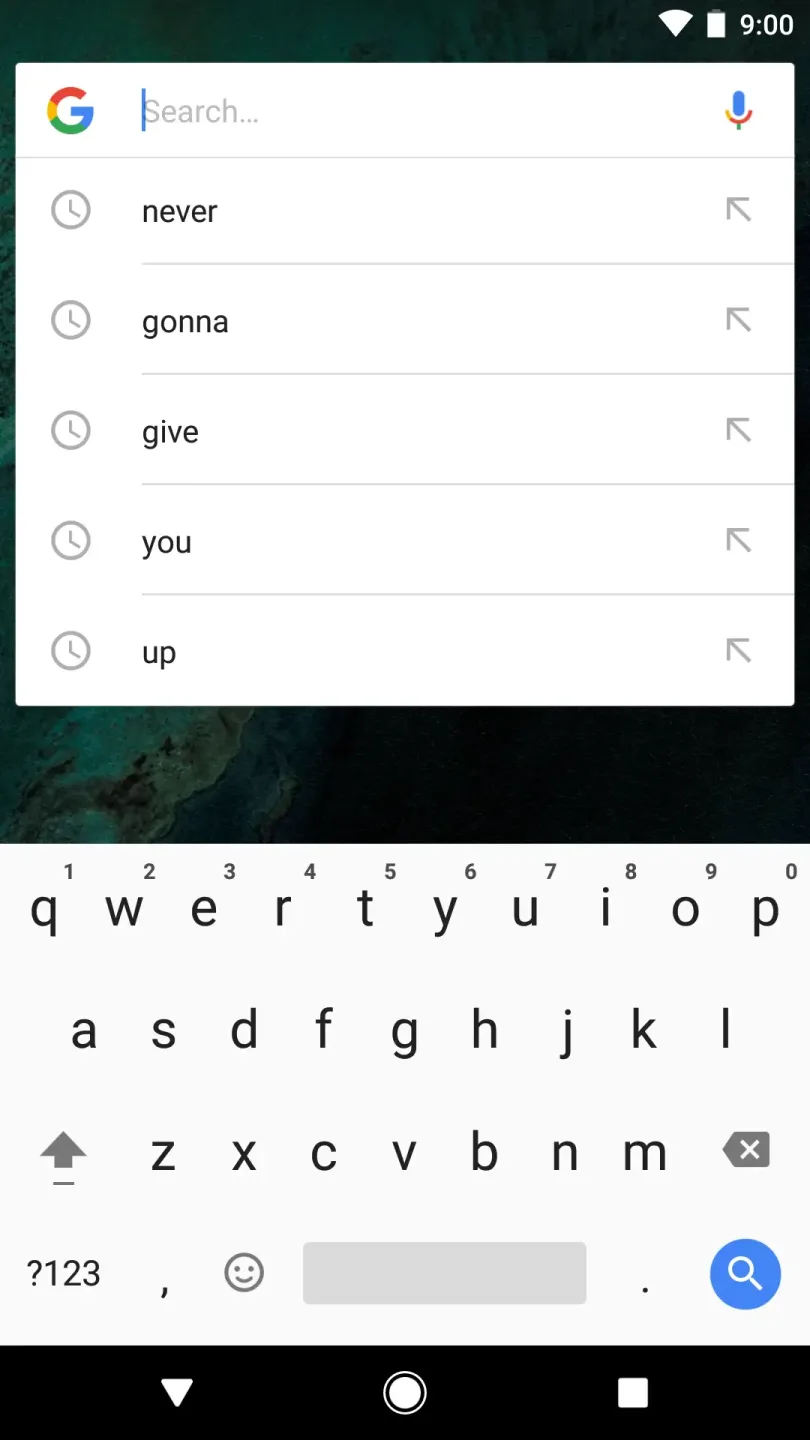
Quick Access to Google Search: With Pixel Launcher, finding information has never been easier. The search bar at the top of the screen provides instant access to Google Search. Simply swipe down from your home screen to start typing, and enjoy the convenience of searching the web or your apps at lightning speed.
App Suggestions: The launcher intelligently suggests apps based on your usage patterns. This feature helps you quickly locate the applications you use most often without digging through your app drawer, enhancing the overall efficiency of your device.
At a Glance: This unique feature provides you with essential information at a glance—like your calendar events, weather updates, and reminders—right on your home screen. Stay informed and keep track of your day without the need to open multiple apps.
Integrated Google Assistant: Pixel Launcher integrates seamlessly with Google Assistant, allowing you to control your device and access information hands-free. Just say the command, and you can check your schedule, set reminders, control smart home devices, or even discover new music—all without lifting a finger.
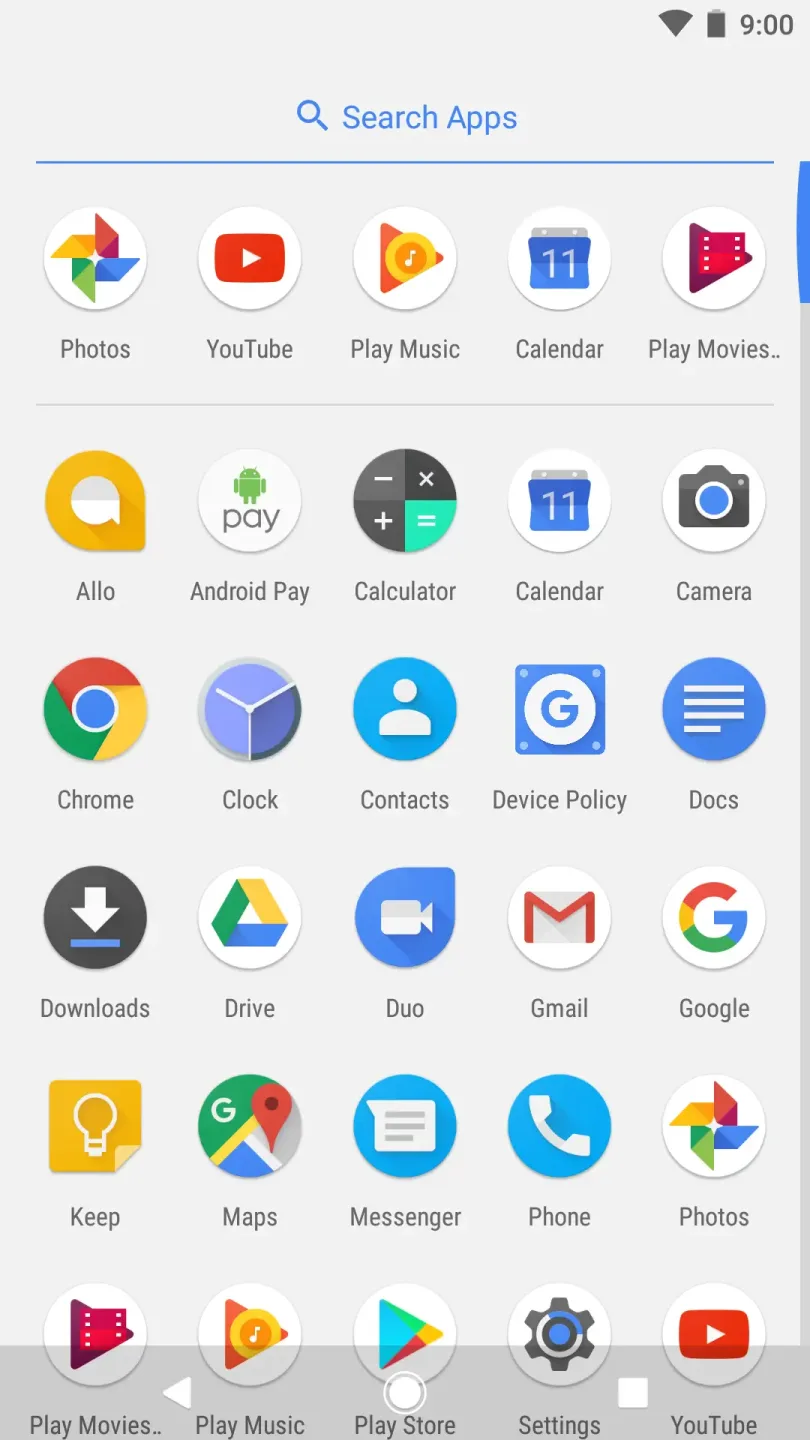
Adaptive Icons: The Pixel Launcher supports adaptive icons, enabling your app icons to maintain a consistent look across the interface regardless of the icon shapes. This feature keeps your home screen aesthetically pleasing and cohesive.
Pros & Cons:
Pros
Official Google launcher that provides the standard Pixel look and feel
Tight integration with Google Search, Assistant, and card-based news updates
Clean, stock-style interface that is easy to use and organize
Useful built-in widgets for time, weather, and calendar
Ability to hide rarely used apps in the app drawer to reduce clutter
Cons
Compatibility is only guaranteed on Google Pixel devices, with potential errors on others
Fewer customization options than many third-party launchers
Possible crashes or “keeps stopping” issues when conflicting apps are installed
Changelog:
The weather appears in the top right corner for your current location
Visual refresh of wallpaper picker
New circular folder presentation
Shortcuts on long-press of supporting apps
Conclusion:
From Pixel Launcher, you can also manage the Google Assistant or Cards to have the latest news and updates directly on your desktop. At the top of the home screen, there is a shortcut to Google Search, and in the bottom row, you can add your favorite apps. If you want to enjoy the best Android Stock experience on your Android device, downloading the Pixel Launcher APK is one of the best options.








