
AR Ruler App is a highly praised camera-based distance measurement tool that helps users easily calculate and measure accurate distances, dimensions, and other data using the camera capabilities of their smart devices. AR Ruler App presents a beautifully designed and stylish user interface with powerful and feature-rich distance measurement capabilities. Users can try out various functions such as distance measurement, perimeter calculation, and volume scanning. AR Ruler App is easy to use and supports exporting to PDF format, making home design and room measurement activities more convenient. This application's excellent computing performance helps users identify and calculate object structures, flexibly solving various application scenarios in life that require dimension calculations.
Click to load YouTube / 点击加载视频
YouTube ↗Excellent Features of AR Ruler App
Built-in Calculator for Quick Results
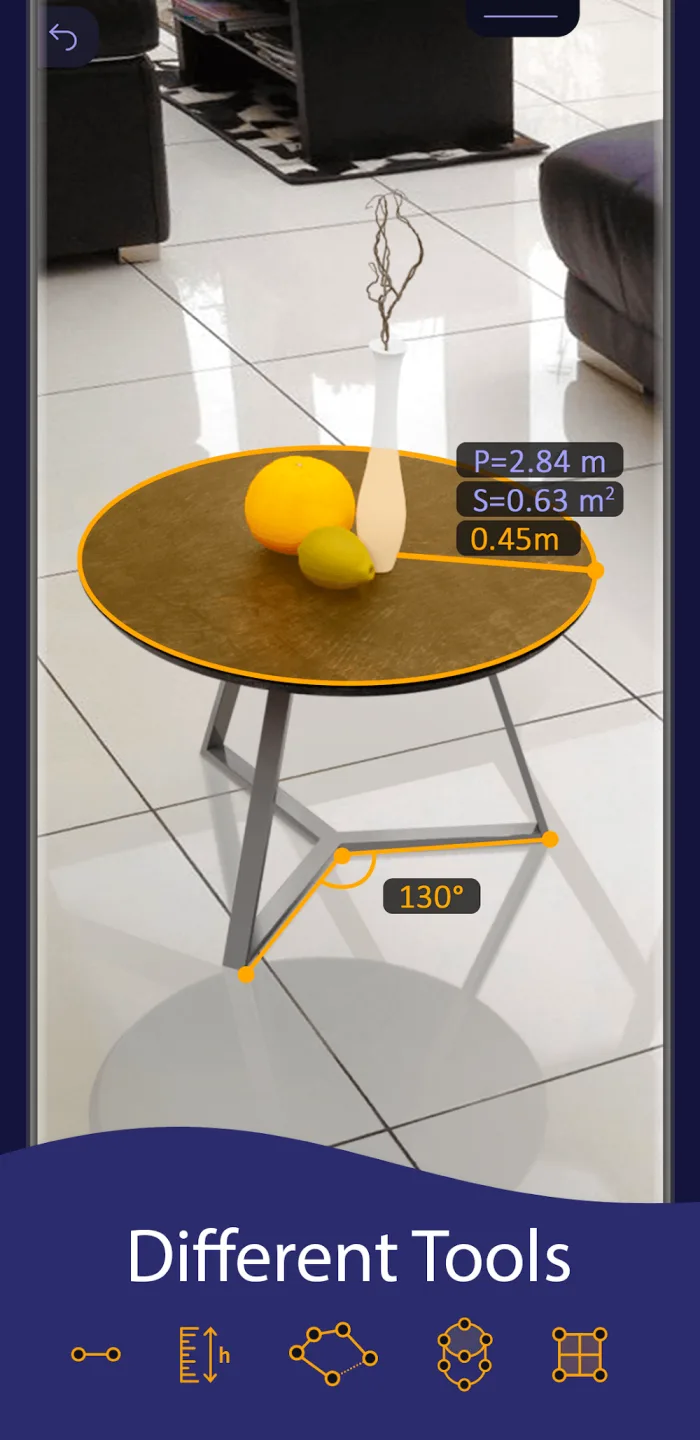
In addition to measuring various dimensions such as height, width, and other angles, AR Ruler App can also measure perimeter, area, and volume. Regardless of shape, all objects have their properties, and this application uses artificial intelligence technology to calculate all data in real time. Of course, users can display this data when touching objects or turn it off when not needed.
Various Measurement Tools
Users can freely switch between different tools as needed for more accurate and detailed measurements. Each tool is designed to help users handle complex objects effectively, even measuring the radius of a circle with different units of measurement. Depending on the reason for measurement or the type of object, users can obtain complete measurement results simply by selecting the appropriate tool and performing a few simple steps.
Record Your Measurement Plans
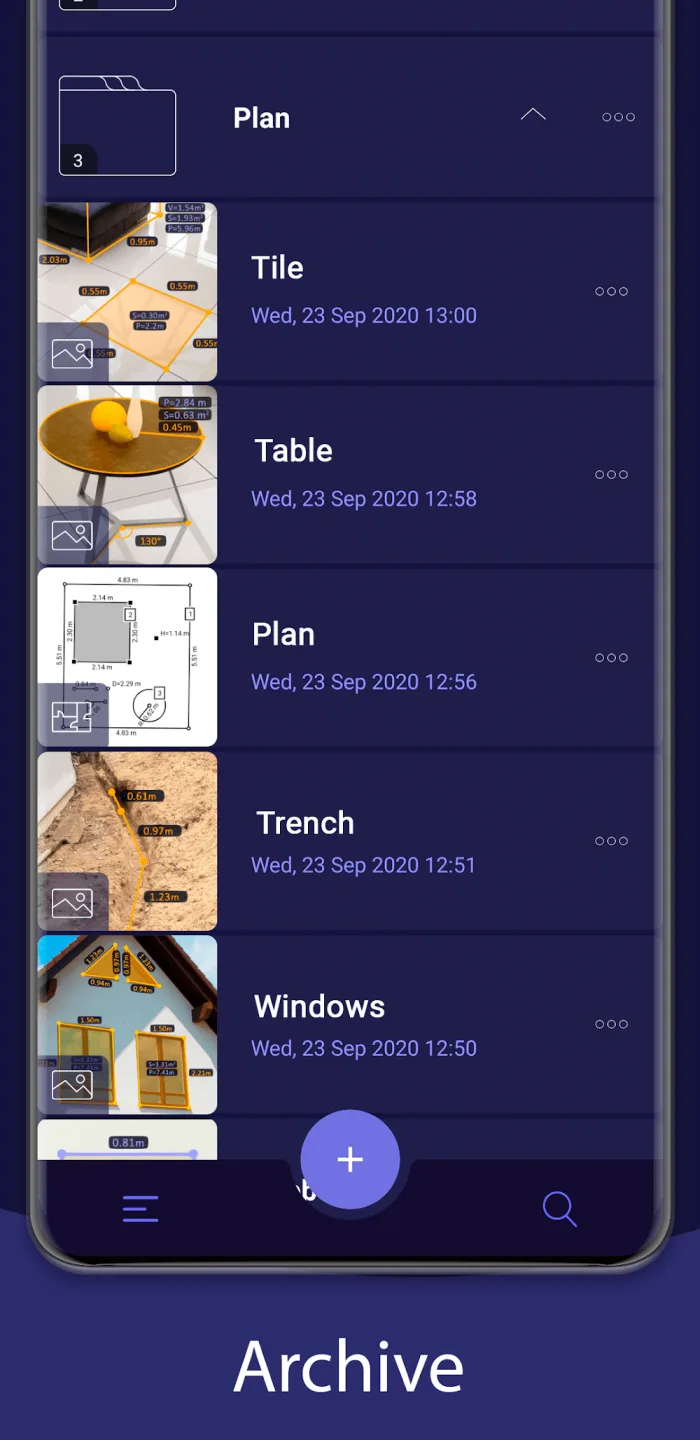
The most impressive feature of the AR Ruler App is its ability to work like the human brain, automatically saving each measurement result. However, if users want to determine the perimeter and area of every object in a room, video recording is the most effective method. By rotating the video 360 degrees and focusing on the object and other elements in the room, the system generates detailed graphics and displays the data obtained through video scanning.
Fantastic Characteristics of AR Ruler App
AR Ruler App – Allows measurement of linear dimensions in centimeters, meters, millimeters, inches, feet, and yards.
Distance Meter – Allows measurement of the distance from the device's camera to a fixed point on a detected 3D plane.
Angle – Allows measurement of corners on a 3D plane.
Area and Perimeter – Can measure room dimensions and house area.
Volume Scanner – Measures the dimensions of 3D objects.
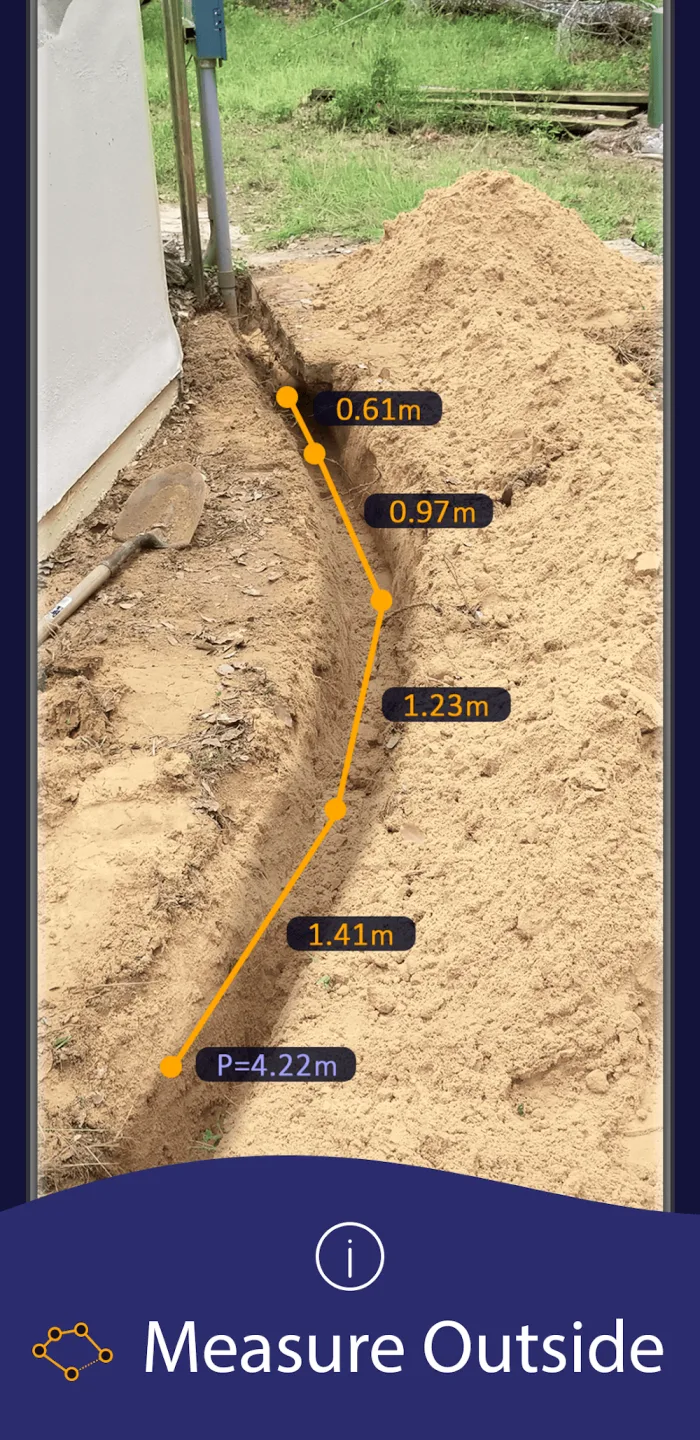
Path Scanner – Calculates the length of light paths.
Height Measurement – Allows measuring height relative to a recognized surface using a measuring tape.
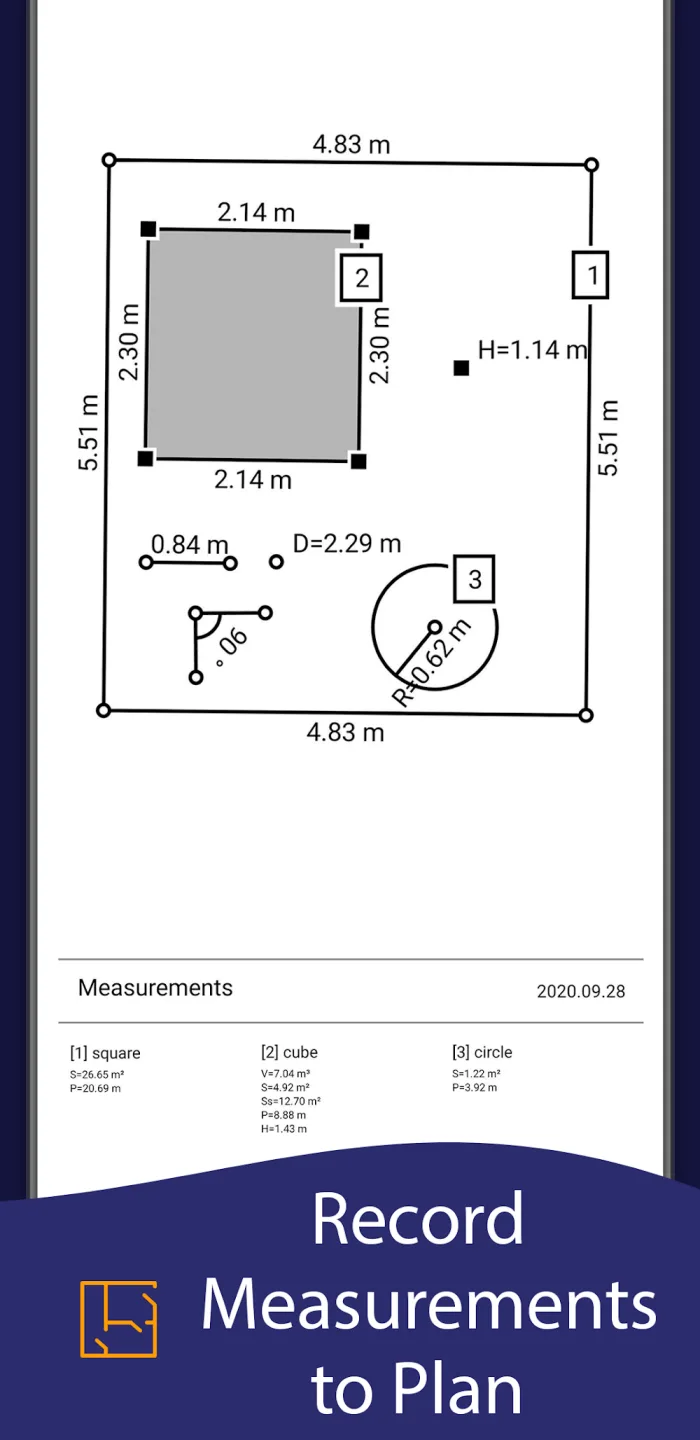
Room Planner and Home Design – Generates room floor plan projections for drawn objects and exports the plans as PDFs.
Screen Ruler App – Measures small objects directly on your phone screen.
Photo Measurement App.
User's Comments of AR Ruler App
As for usage, it's very simple; it quickly measures angles using smartphone sensors. I'd like a more comprehensive system for different devices..
I've got to admit, you subscribe to premium without realizing that it did. It took a fair amount out of my account and I was really surprised and left out of pocket. Panicked I went to my bank, still waiting for a resolution. I contacted the developer, and to my surprise, they were really quick to respond and refunded immediately. It took a couple of work days to reflect, but I got all of it back. Thanks for your quick response and taking action immediately.
The app was useful. I measured one thing, it worked well. I never used it again. They then charged for £17.49 per week subscription for 7 weeks until I noticed. I emailed them to let them know and request a refund. They helpfully gave me a full refund, so the customer service was good. Thank you
Wonderful Characteristics of AR Ruler App
AR Ruler App uses augmented reality (AR) AR Ruler App lets you easily measure the dimensions of rooms, houses, and residences using your phone's camera. With just a few taps, aim at the detected plane and start using the AR measuring tool.
The AR Ruler App offers a range of tools to help you measure and plan your home using the latest computer technology. You can use the distance measurement tool to measure linear dimensions in centimeters, meters, millimeters, inches, feet, and yards, and the angle measurement tool to measure corners on a 3D plane. Additionally, you can use the area and perimeter functions to measure the perimeter and area of your house, or use the volume scanner to measure the dimensions of 3D objects.
Final Thoughts
Whether you're a homeowner looking to renovate yourself or a professional contractor looking for convenient measurement tools, the AR Ruler App is the perfect choice. It's simple to use and works on iPhone and iPad. Download the app now and experience the latest technology to easily measure your home's dimensions.








