
Tired of the same old wallpapers and interfaces on your device? Try XOS Launcher! It offers a vast collection of themes, wallpapers, and app icons. With a simple click, you can download wallpapers that interest you to your device and customize them to your liking. As you browse more wallpapers and spend more time using the app, it will recommend even more wallpapers based on your preferences, ensuring you discover amazing wallpapers every time you log in. What are you waiting for? Create your own cool interface with XOS Launcher!
Click to load YouTube / 点击加载视频
YouTube ↗Features of XOS Launcher:
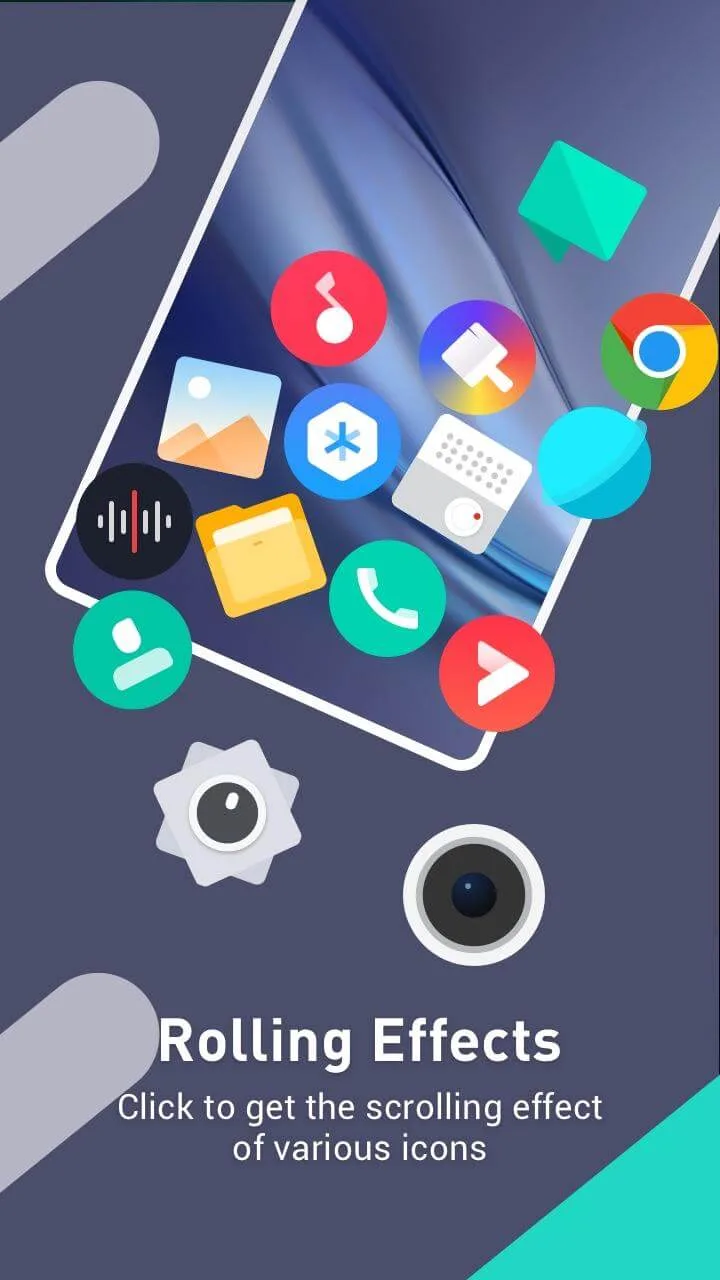
Visual style and customization: At its core, XOS Launcher functions as an alternative home screen. Once active, it gives your device an interface modeled on Infinix XOS, including a different way to browse apps and interact with your phone.Customization is a clear strength. The launcher lets you build a very personal layout, with cosmetic changes that go beyond simple wallpaper swaps. Through the Discovery section you can browse and apply wallpapers, fonts, and themes that change the overall appearance of icons and menus. There is also a distinctive spelling-rolling animation for app icons, which adds a bit of flair to scrolling through your apps.Taken together, these tools provide enough variety to give your phone a noticeably different personality compared with the default Android launcher.
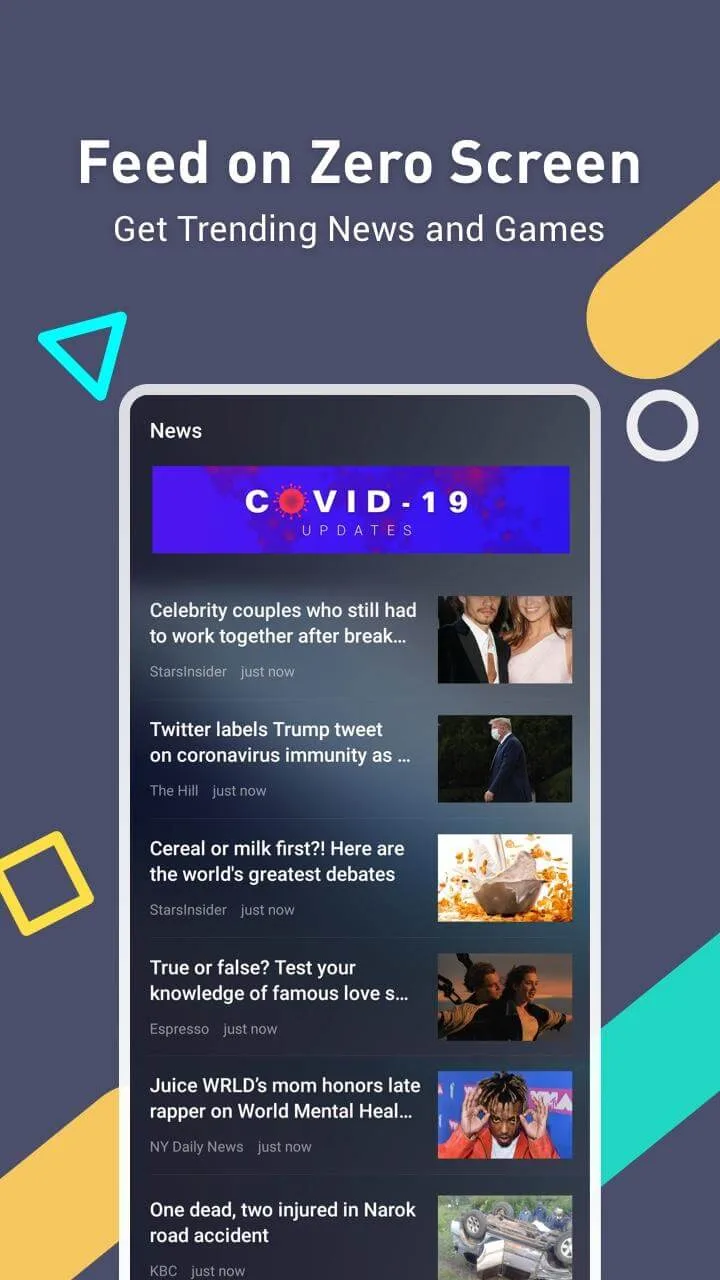
Feeds, content, and smart sections: XOS Launcher organizes additional content into a few dedicated panels.The Zero Screen panel acts as a personalized feed. From there you can see trending news, quick weather information, and suggested games. Having these items in one place can be convenient if you like seeing updates at a glance without opening separate apps.Another section, Discovery, focuses on personalization content such as wallpapers, fonts, and themes. It sits alongside the main interface rather than being buried in menus, which encourages regular tweaking of the look and feel.For media, the Smart Scene area highlights music, helping you find and receive notifications about new hit songs that match your preferences. This can make your home screen feel more connected to your listening habits, especially if you enjoy discovering new tracks.
Performance tools and system management: Beyond visual changes, XOS Launcher includes a feature called Freezer. This tool helps identify apps that keep running in the background and allows you to stop them in order to free up RAM. For devices that struggle with multiple apps staying active, being able to quickly put them on hold can improve day-to-day responsiveness.However, some utility functions come with trade-offs. The cleaner feature now depends on a separate app, Phone Master, to operate properly. That requirement means you need additional storage space if you want to use all of the launcher’s optimization tools, which may be unwelcome on devices with limited capacity.
Highlights of XOS Launcher:
Trending Updates Hub: New notifications and new news will be brought to you in the central notification bar. And with this notification bar, you can quickly and easily grasp important news without missing any news.
Curated Content Access: You can access content and news right on your home screen in the most convenient and fastest way without having to perform too many different operations that waste time and make you feel annoyed.
Personalized Recommendations: With this feature you can access the latest news, applications, and games without having to spend time searching. All these suggestions are based on your interests and your level of interest in the suggestions mentioned.
Stay Updated: In addition, the application is also developed so that it is always in continuous update mode even when the phone is not in use. This experience helps users stay in the swing of modern life without having to constantly check their phones.
Discover New Apps: Besides, because it is an application developed to help users personalize their mobile devices, the applications that XOS Launcher recommends will always be selected to be suitable with you.
Effortless Music Discovery: All of the above features make the application extremely convenient for music lovers because just by looking at your phone you will discover new playlists selected by the application according to your preferences.
FAQs of XOS Launcher:
What customization options does XOS Launcher offer?
XOS Launcher provides various customization options such as theme settings, icon packs, wallpapers, and widgets to personalize the look and feel of your device.
Is XOS Launcher free to use?
Yes, XOS Launcher is available for free on the Google Play Store, offering users a stylish Android launcher experience without any cost.
Does XOS Launcher consume a lot of system resources?
XOS Launcher is designed to be lightweight and efficient, consuming minimal system resources to ensure smooth performance on compatible devices.
Is XOS Launcher compatible with third-party icon packs?
Yes, XOS Launcher supports third-party icon packs, allowing users to further customize their device's icons to suit their preferences.
Can I revert to the default launcher after using XOS Launcher?
Yes, you can easily switch back to your device's default launcher at any time by accessing the system settings and selecting the default launcher option.
Does XOS Launcher come with any pre-installed themes?
XOS Launcher may come with a selection of pre-installed themes that offer different styles and designs for users to choose from and apply to their device.
Conclusion:
Download XOS Launcher Apk and make your device UI more beautiful and personalised. This app is functional, easy to use, safe and loaded with amazing features. With one click, you can enable the XOS launcher apk features on your android device. This launcher is unique and helps you manage your apps smartly. Try the XOS launcher to make your Android mobile smoother and faster.








