

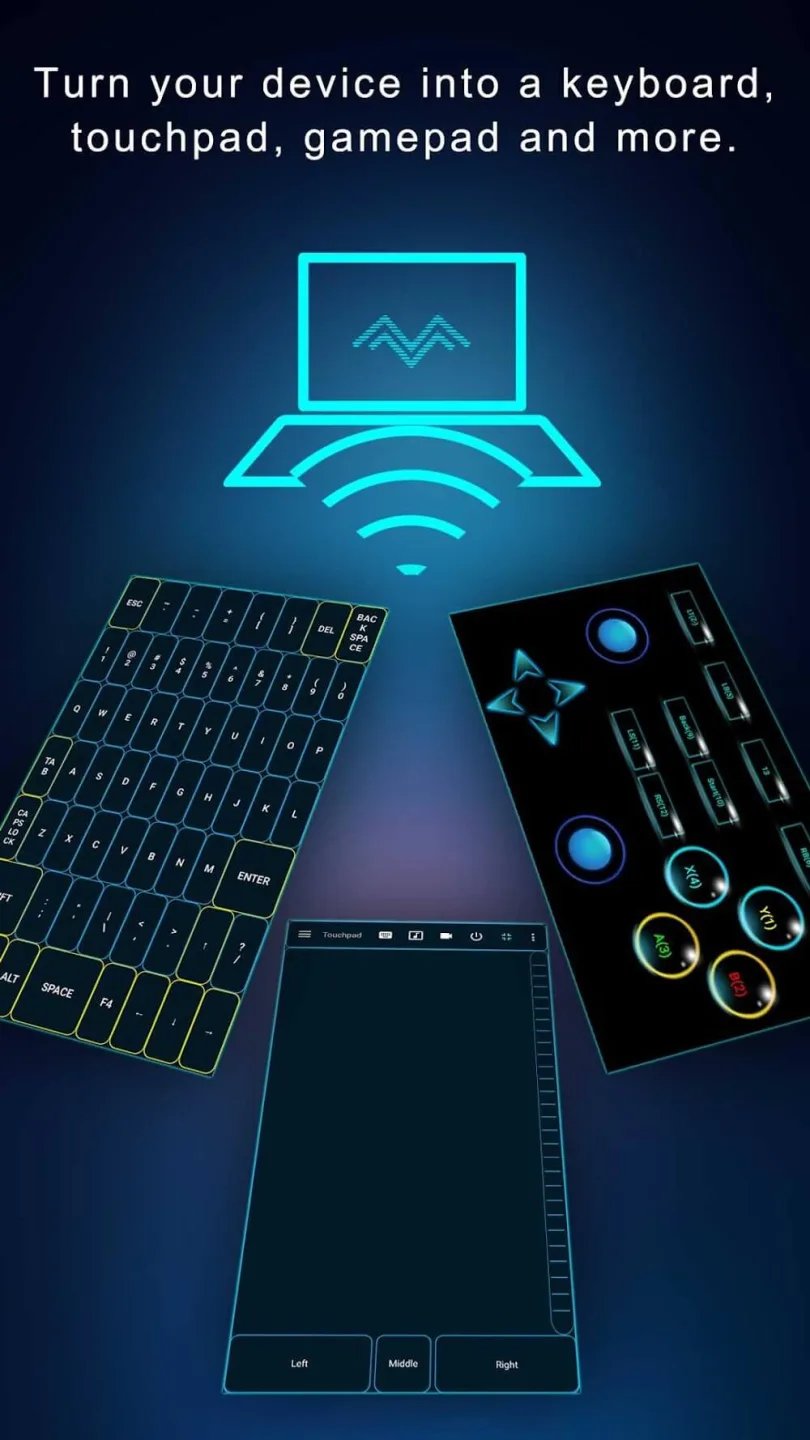
Monect PC Remote is a versatile utility application. This powerful application allows users to turn their smartphones into control tools. With Monect PC Remote, you can control your computer using a smartphone or tablet connected to the same local network. The system's functionality is further expanded when your device can be used as a second screen for creative work. Furthermore, the system can share up to four different screens to ensure optimal efficiency. You can fully enjoy the fun of gaming and experience the powerful sensors and unique features offered by the application.
Features:
Enhanced Gaming: Immerse yourself in PC gaming with custom button layouts and onboard sensors. Tailor them to your preferences for an unbeatable gaming experience.
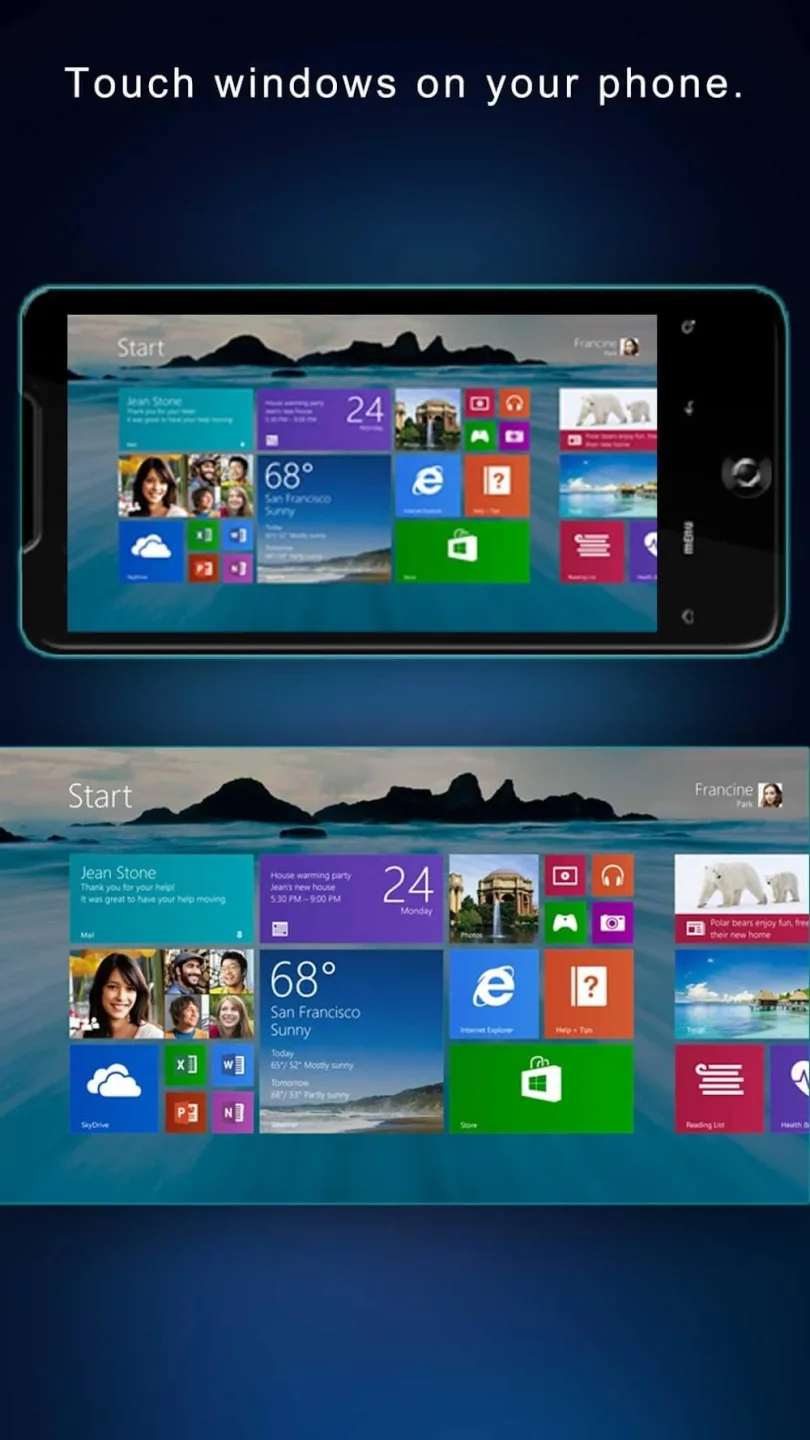
Real-time Screen and Camera Sharing: Share your PC screen and camera feed seamlessly with your smartphone. Experience your PC as if it's right in your hand.
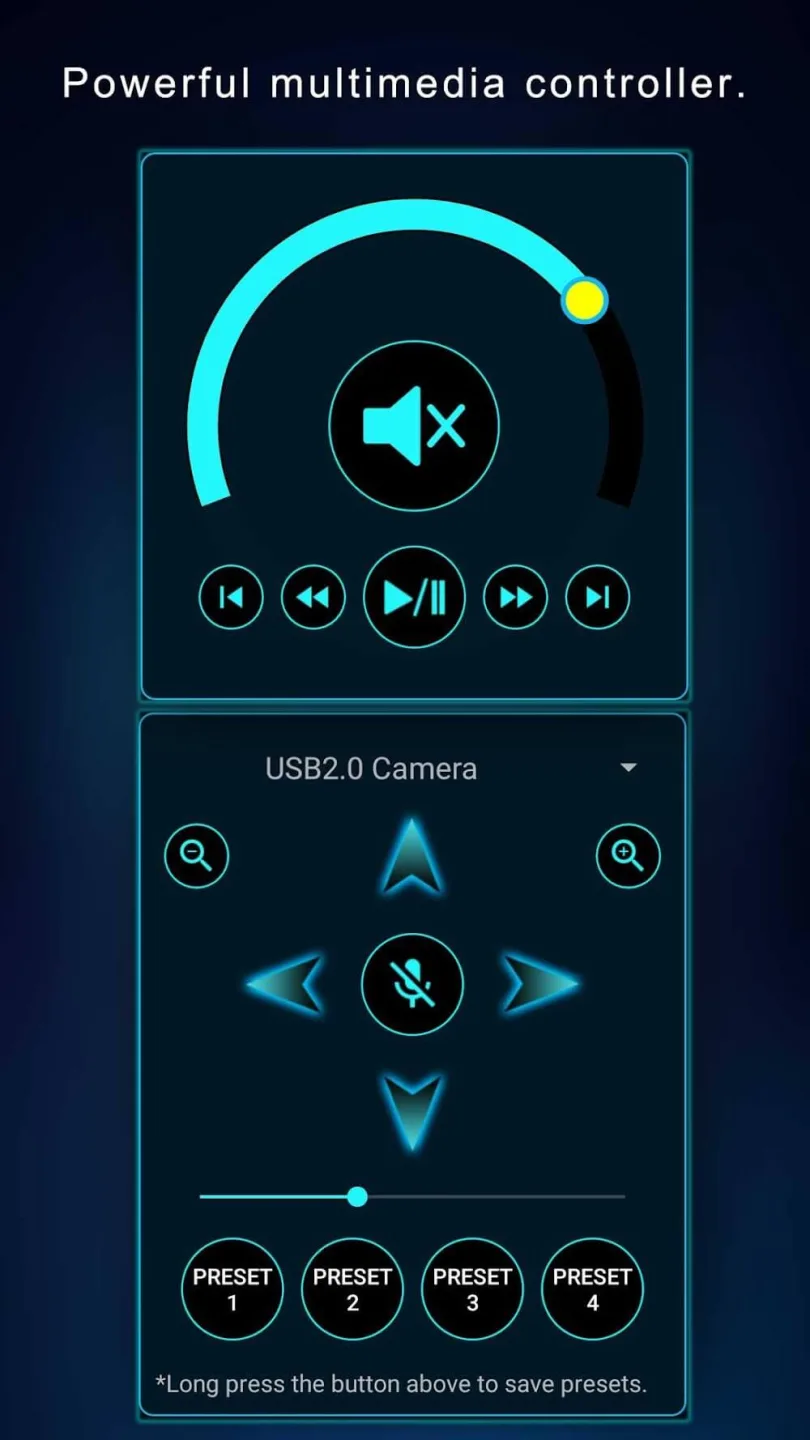
Virtual Camera: Use your phone’s high-quality camera as a virtual webcam on your PC. Perfect for video calls, streaming, and online meetings with crystal-clear visuals.
Mouse and Keyboard Control: Use your phone as a wireless mouse and keyboard for your PC. Navigate, type, and control your computer effortlessly from anywhere.
Multi-Display Capabilities: Expand your workspace by adding up to 4 virtual displays to your PC, boosting productivity and multitasking.
Digital Artistry: Turn your device into a graphics drawing tablet with support for pressure-sensitive stylus pens. Unleash your creativity in software like Adobe Photoshop.
Effortless File Transfer: Seamlessly transfer files between your devices for ultimate convenience.
Top-Notch Security: Rest easy with our 256 Bit AES Session Encoding for secure remote network connections.
Benefits:
Customizable Button Layouts: The system often recommends that each person can quickly set up control buttons. From there, they will be able to find the closest experiences they have tried.
Sensor Integration: Onboard sensors allow controlling character activities to become more realistic. At the same time, some games that require precision will need this feature.
Immersive PC Gaming: The system provides a series of features to quickly turn your phone into the perfect controller. At the same time, every button and position is up to you to decide.
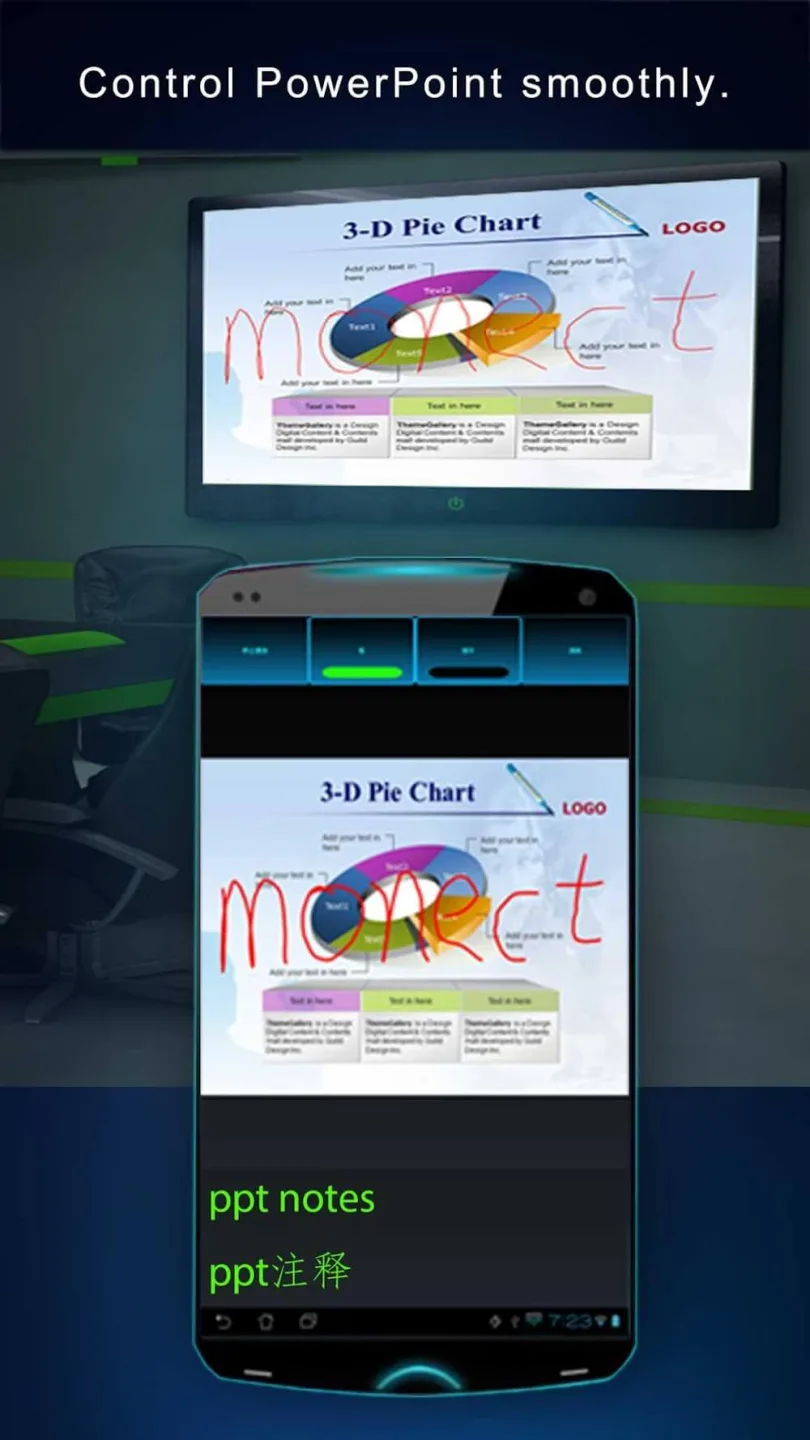
Screen & Camera Sharing: In addition to control, the application allows each person to easily share your PC screen. Of course, the corresponding feeds can also run on your smartphone.
Multi-Display Support: The system can share up to four different screens to ensure corresponding productivity. From there, each person can try the experience with other friends.
Digital Artistry Support: Instead of having to focus on gaming, your screen can become a second tool. They often ensure that detailed drawings are done quickly.
Pros & Cons:
Pros
Turns an Android phone into a keyboard, touchpad, gamepad, and general PC controller
Customizable layouts for games with motion based controls using the gyroscope and G-sensor
Screen mirroring and media sharing between phone and PC, plus utility shortcuts that can trigger batch files
Cons
Connection to the PC can drop repeatedly during use
Remote Desktop mode may fail, showing a black screen or closing while only audio plays
Crashes when assigning images to utility tool shortcuts and limited response from the developer about issues
Conclusion:
To make Monect PC Remote work, installing the PC Remote Receiver is necessary. After installing it on your PC, the application will detect your computer connected to the same local network. After that, all you have to do is tap on it to connect. This method will use Wi-Fi by default, although you can also choose the connection method later and opt for Bluetooth. So, if you are looking for a complete remote control app for your computer, don't hesitate to download the Monect PC Remote APK.








