
Total Commander is an excellent file management tool. This powerful application allows users to place an FTP client widget on their desktop or edit files directly using the built-in text editor without needing other applications. With Total Commander, you can easily create and modify folders, but be extra careful when deleting, as Android devices lack a recycle bin. Furthermore, this application boasts a clean and intuitive user interface and is ad-free, providing users with a smooth and uninterrupted file management experience.
Click to load YouTube / 点击加载视频
YouTube ↗Benefits of Total Commander:
Ad-free experience: Total Commander is free of any ads, allowing users to manage their files without any interruptions.
Enhanced file management features: Total Commander APK offers a wide range of features to help users manage files, images, videos, and audio tracks easily.
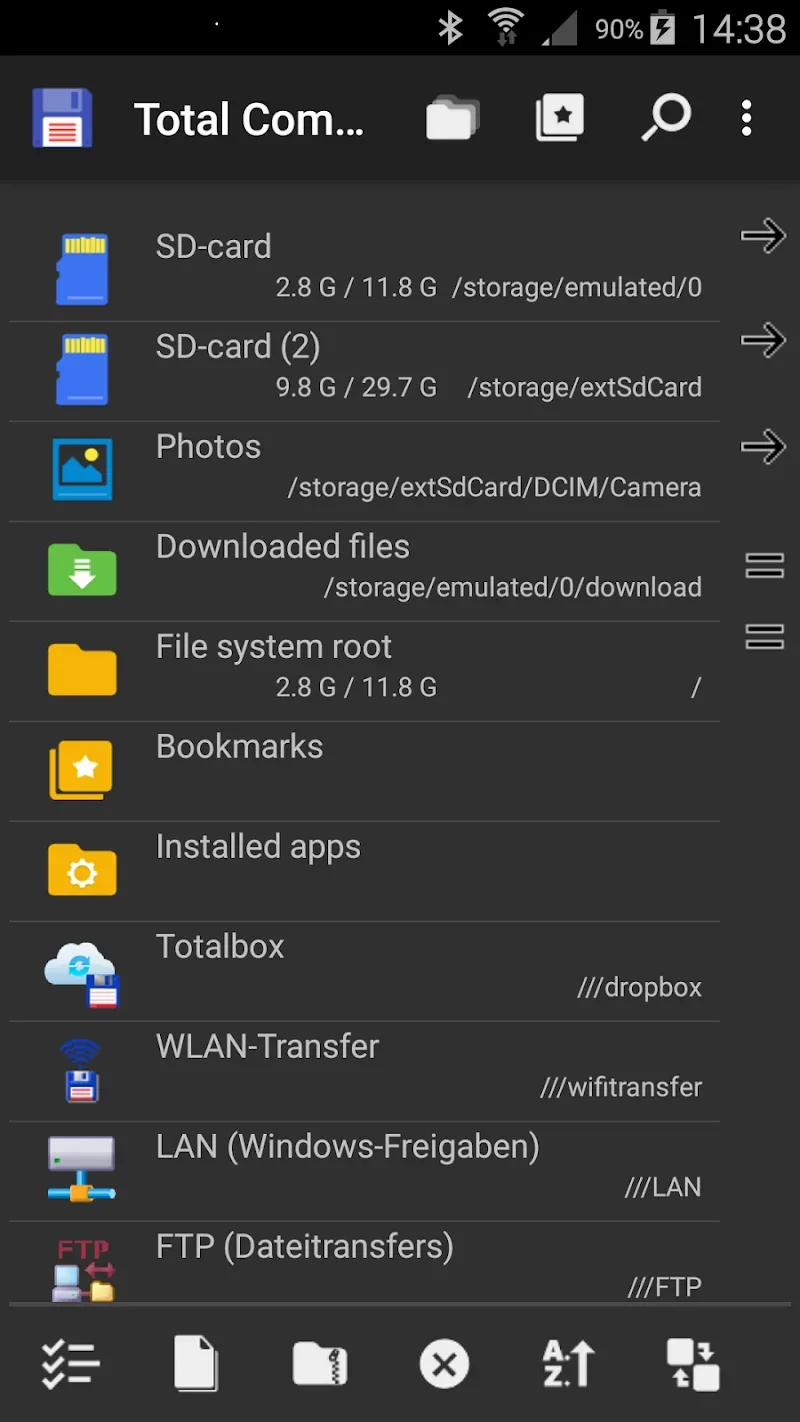
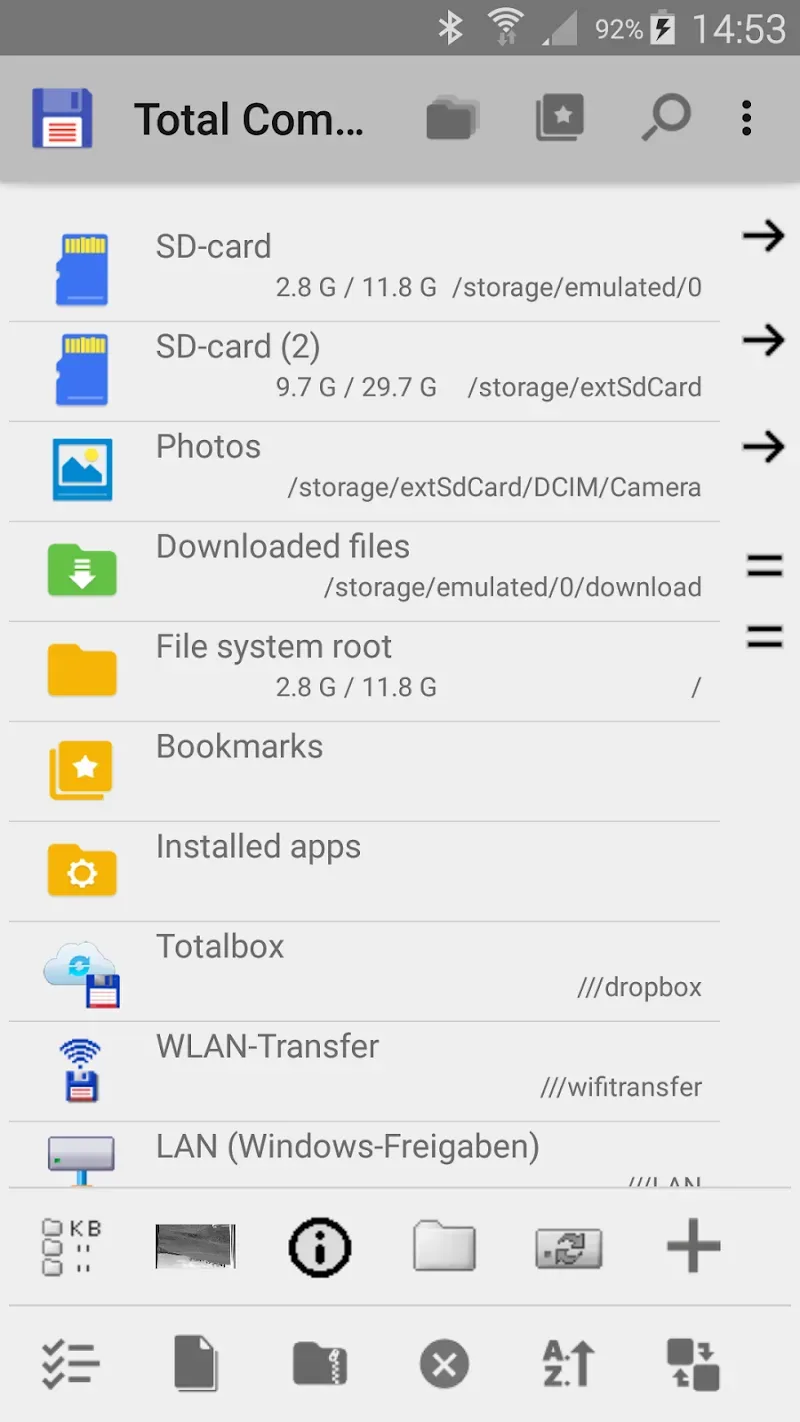
Intuitive user interface: The application has a simple user interface with thumbnails and text icons for easy navigation and quick access.
Multi-language support: Total Commander supports various languages, making it accessible to users worldwide.
Drag & Drop functionality: Users can quickly move files without directly touching each icon, saving time and simplifying file management.
Cloud solutions integration: Total Commander allows users to access cloud computing services like Microsoft Live, Google Drive, and DropBox, making file storage and sharing easier than ever.
Features of Total Commander:
INTUITIVE DUAL-PANE INTERFACE MODELED AFTER DESKTOP VERSION
At its core, Total Commander provides an intuitive yet powerful dual-pane interface allowing seamless drag-and-drop between panels. Work efficiently with multiple folders open. Customize the button bar for one-tap operations. Thumbs, permissions and other features aid workflow.
ROBUST TOOLSET FOR MANAGING AND EDITING FILES
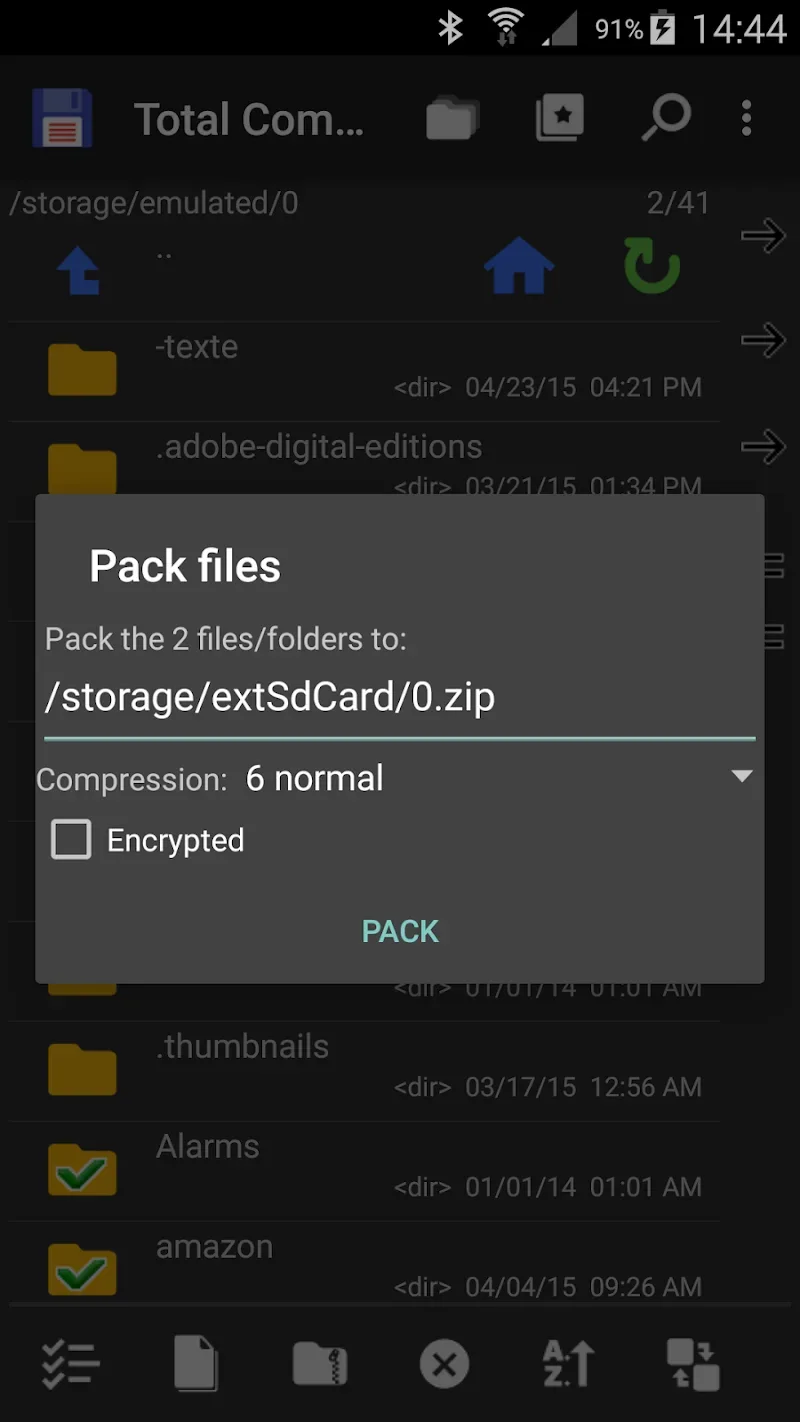
A key aspect is the robust set of advanced yet easy to use tools for managing and editing files. Search, select, rename, pack, extract and directly edit file contents. Full control over permissions, ownership and attributes. Extensive capabilities simplify tasks.
SEAMLESS BUILT-IN AND PLUGIN-BASED NETWORK ACCESS
Complementing local tools, network access is frictionless. Built-in connectivity for FTP, SFTP, WebDAV and LAN. Official plugins for accessing clouds like Google Drive and Dropbox. Stream files directly from networks. The network support is unmatched.
EXTENSIBLE VIA OFFICIAL AND THIRD-PARTY PLUGINS
Tying it together is plugins. Add features from artwork to apps manager via official and third-party plugins. Extend functionality on demand instead of bloat. Seamlessly integrate new capabilities into the clean dual-pane interface.
Tips for Users:
Utilize Drag & Drop: Take advantage of the Drag & Drop functions in the app to move files quickly without the need to individually select each icon. It saves time and makes file management more comfortable.
Batch File Operations: When sorting files, select and convert multiple files simultaneously to save time and effort. Total Commander allows users to perform batch file operations, providing complete control over file distribution.
Customize Gestures: Explore the endless potential of the app by dynamically changing gestures. Users can personalize the app by assigning specific gestures to perform various file management tasks, further enhancing their experience.
Conclusion:
Total Commander is a versatile and user-friendly file management application that offers a wide range of features to help users organize and access their data efficiently. With its ad-free experience, intuitive user interface, Drag & Drop functions, and support for various languages and cloud solutions, Total Commander is a must-have tool for anyone looking to optimize their file management tasks. Download Total Commander today and experience the convenience and productivity it brings to your mobile device!








