
Always on Display is an always-on display software designed specifically for mobile devices. It brings users various styles of always-on display interfaces and widgets. Simply enter keywords to download widgets you're interested in to your device, and customize each widget and display wallpaper to your liking, creating a cool interface. The software will be continuously updated and optimized, releasing more types of always-on display features and widgets to keep users engaged and excited. What are you waiting for? Change the way your desktop looks with Always on Display now!
Click to load YouTube / 点击加载视频
YouTube ↗Features of Always on Display:
Seamless Interaction: The application’s powerful working ability helps users interact with notifications, time/date, and weather without unlocking. These essential utilities will be highlighted on the main screen for users to monitor without having to go through many access steps.
Quick Shortcuts: Accessing the application and controlling music directly from the screen is easily completed by the application. Users will be able to control the song being played, such as pausing, resuming, or switching songs. This convenient shortcut system allows users to save time when interacting.
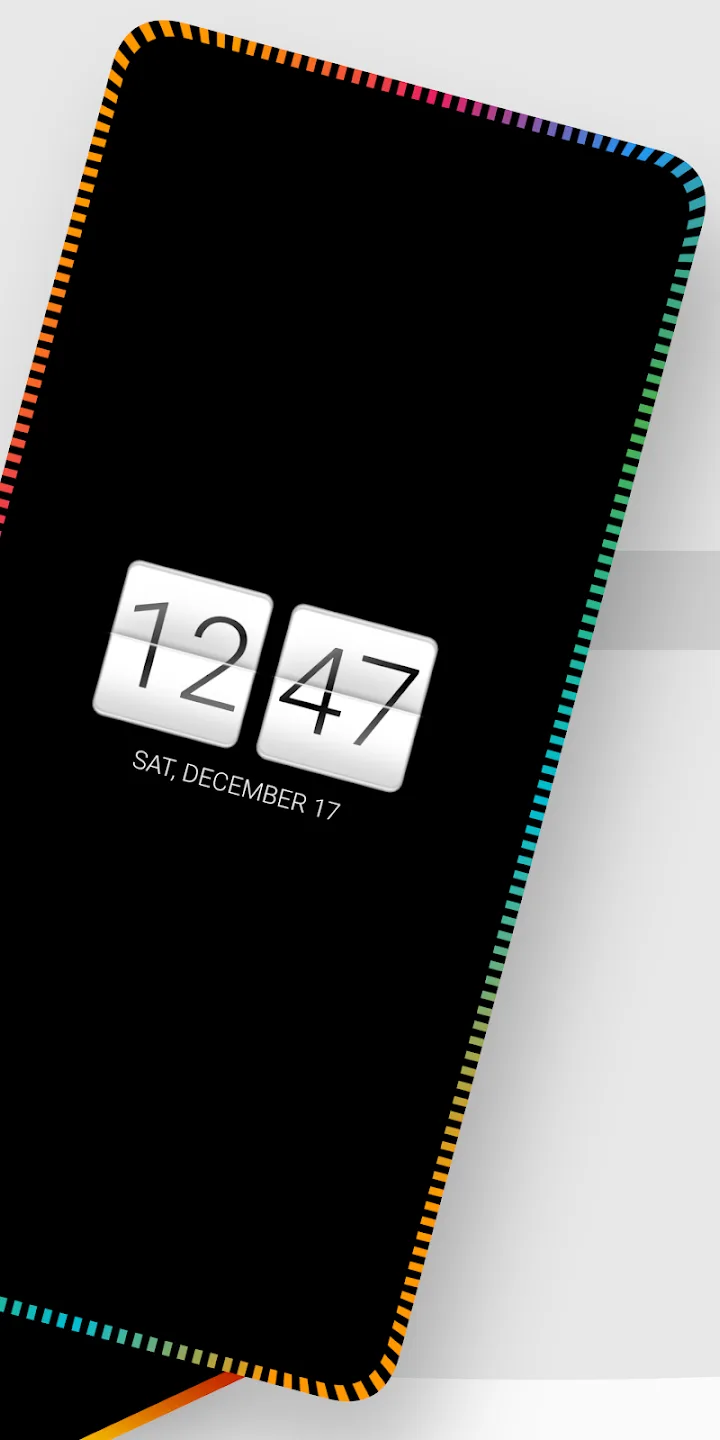
Full Customization: Some border light customizations are applied to devices with the application installed. Users are allowed to adjust the style and color of these border light layers. In addition, the clock style and interface are also rearranged to look more professional and modern.
Instant Responses: Replying to SMS, Messenger, and WhatsApp will be more convenient with the support of the application. Users can experience interactive activities right outside the home screen. All incoming messages are processed without accessing the messaging application.
Efficient Management: Users can perform some operations on messages such as viewing, replying, or archiving them. Each incoming message will be displayed on the screen as a notification. Users can ignore, save, or delete the notification easily with just one touch.
Highlights of Always on Display:
Best user experience: In AOA: Always on Display, you will get the best user experience. It offers you plenty of setting options that allow the always-on display to activate whenever you wave your hand over to the display or pick the phone up from the desk. You can also turn on the detect phone in the pocket feature to preserve your phone’s battery.
Battery friendly app: The application has many battery-saving features, such as you can change the screen timeout from 120 seconds to just 30 or 20 seconds to make sure that your battery isn’t draining too quickly. Similarly, it allows you to adjust the brightness of your always-on display to consume less battery. Moreover, it gives you many battery optimization settings, so make sure your phone’s battery stays longer.
Add multiple options to your AOD screen: To make your always-on display screen more stylish, the app allows you to add various widgets and options such as battery display status, HD backgrounds, fingerprint and biometric unlock, launcher shortcuts including flashlight, camera, calendar, and calculator. Moreover, you can also add different clocks with various styles, including animated, digital, and analog. Similarly, there are several options available to add to your AOD screen.
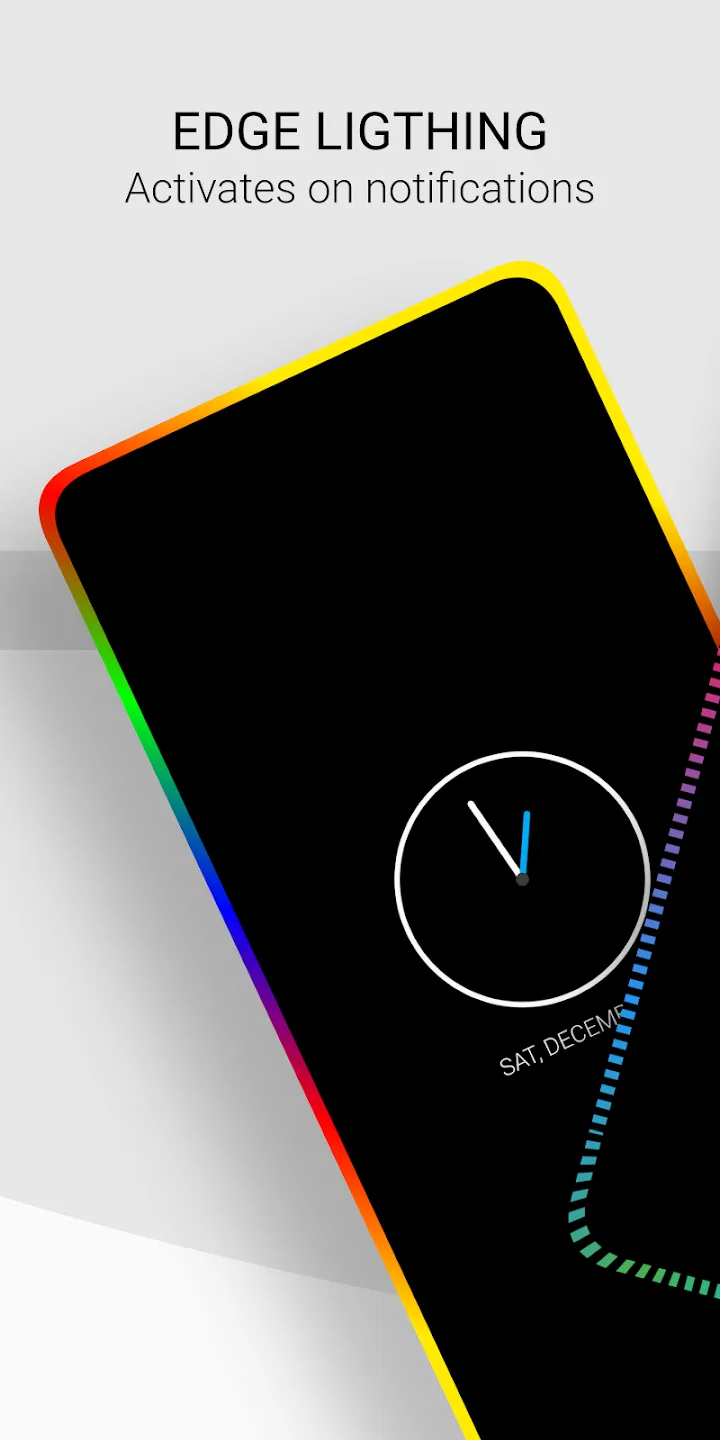
RGB edge lighting: In many premium phones, whenever an incoming call or notification arrives, the edge of the screen changes its color, and it looks very attractive. But now, there is no need to spend extra money for purchasing high specification phones. As you can have that feature on your phone even if you have a low-end device because this app has an edge lighting feature with custom colors and styles which you can apply to a glowing edge on your device screen whenever you receive any notification.
Useful Tips of Always on Display:
Reduce AOD Brightness: Lowering the brightness significantly reduces burn-in risk.
Shorten Display Timeout: Set shorter display durations to minimize static image exposure.
Simplify Display Content: Use minimal elements like a clock and basic notifications.
Utilize Dark Mode: Dark themes reduce screen strain and conserve energy.
Explore Pixel Shifting: Check if your device supports pixel shifting features to mitigate burn-in.
Regular Screen Inspections: Inspect your screen for any early signs of burn-in.
Consider Display Quality: Research the quality of the display before purchasing a phone.
Conclusion:
Owning the AOA application on smartphones, you can easily create shortcuts with all application systems. Just surfing and touching the application, a series of necessary features are opened such as notification of screen brightness, fingerprint, screen size, volume up and down,… Besides, AOA allows Users to change the colors and different alarm sound systems to ensure a lot of fun for users. But through evaluation of the system, many users choose the original black color as the interface system because it looks quite luxurious and beautiful.








