

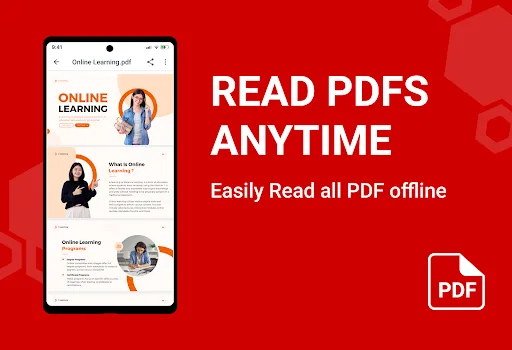
This PDF software is primarily used for editing, converting, and processing PDF documents. It boasts comprehensive functions including basic reading, annotation and editing, and file conversion, offering simple and efficient operation to meet all PDF file processing needs. Furthermore, it supports one-click downloading and saving PDF files to your phone or computer. Solving various PDF needs, it's trusted by millions of users worldwide.
Click to load YouTube / 点击加载视频
YouTube ↗Advantages of Using the Software
Fast File Loading Speed: This application quickly downloads PDF files to your device. Download speeds are as fast as downloading to a computer.
Flexible Display Options: The application offers a variety of different mobile display styles, giving you more choices for displaying and viewing PDF files. You can choose the most suitable style for easier and more convenient viewing of PDF files on your phone.
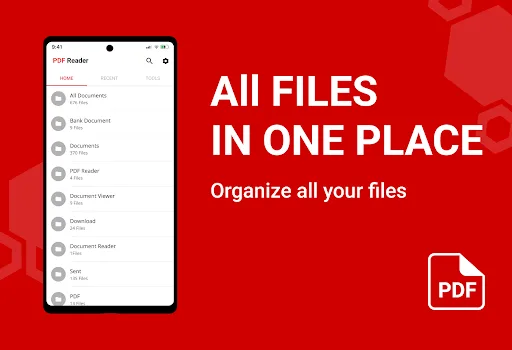
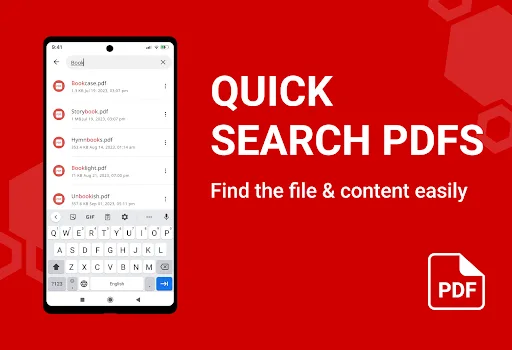
Easy and Convenient Document Navigation: The application features an extremely fast navigation system. You can use this system to mark, coordinate, or quickly move pages for the most convenient working experience on your phone.
Important Features
Image PDF Scanner: This application is equipped with an extremely clear camera. You can use this camera to scan text or images directly on your phone. With this feature, you can directly scan what you need without taking photos or uploading photos.
PDF Image Export: You can also quickly convert PDF files to JPG files. The application also allows you to annotate these files, so you can take notes on important parts of your work without printing them out and manually annotating them, saving a lot of time.
Multi-Image PDF Creator: The app also comes with highly professional auxiliary tools to help you create PDF files and add images. With these tools, you can create PDF files on your phone without a computer.
FAQ
How much storage space does the PDF reader require?
Please reserve at least 5.0 MB of space. After installation, please reserve an additional 100-500 MB of space for smooth updates and cache management.
What system configuration does the PDF reader require?
Your device should be running Android 4.4 or higher (first released around October 2013). If your phone does not meet the requirements, you can download an older version of the application.
Is downloading the PDF reader safe?
Yes, the PDF reader's signature has been verified by VirusTotal and is safe and reliable. You can view details by clicking the "Trusted Apps" tab on the application details page.
How long will the download take?
The PDF reader installation package is 5.0 MB in size. Download time depends on your network connection. Typical speeds are as follows: - 4G: 30-100 MB/s - 5G: 170-400 MB/s - Wi-Fi: 50-500 MB/s Poor network connection? Use the APKPure app to speed up the installation.
Summary
PDF is a comprehensive reading application. It is not only feature-rich but also very powerful, making it ideal for viewing documents on your device, and it works even better when used in conjunction with other productivity apps.








