

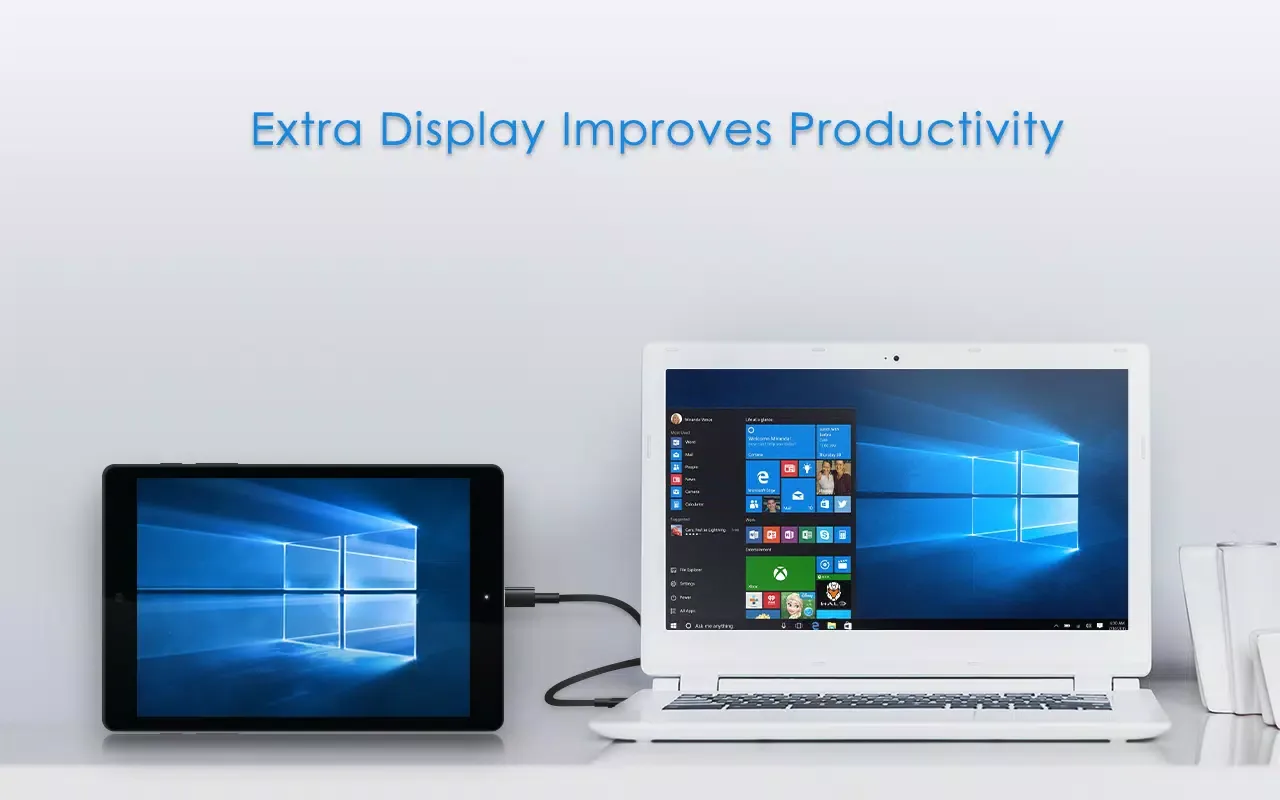
Splashtop Wired XDisplay is an outstanding utility for extending your computer's screen space, helping you turn your mobile device into a second computer monitor and improve your task efficiency. Splashtop Wired XDisplay presents a lightweight, easy-to-use, and powerful productivity application, allowing users to gain more screen space in simple steps, making your work and study tasks more efficient. Splashtop Wired XDisplay is easy and convenient to enable, meeting users' flexible screen management needs and letting you enjoy the convenience of expanded screen space.
Click to load YouTube / 点击加载视频
YouTube ↗Wonderful Features of Splashtop Wired XDisplay
Please use a high-quality data transfer USB cable. If the device is still not recognized, please try using a different port.
Please ensure that the Wired XDisplay Agent is installed and running on your computer. If the application cannot connect, please restart it.
On Android devices, enable USB debugging mode and set USB mode to file transfer mode when prompted. Grant the device all permissions requested.
Close any phone management or OEM companion applications that may occupy the USB connection, and disable Splashtop Wired XDisplay's battery optimization features.
Update your graphics card driver and operating system display settings. If the second screen doesn't display, set the mode to Extend instead of Duplicate.
Amazing Characteristics of Splashtop Wired XDisplay
This innovative app turns your Android device into an external monitor for your computer. Experience the convenience of extended screen space, allowing you to efficiently manage tasks and applications without frequently switching windows.
This app lets your Android device act as a second screen, displaying social media platforms like Facebook and Twitter side-by-side, or professional tools like Photoshop, AutoCAD, and even the Microsoft Office suite. It's ideal for users looking to expand their workspace, allowing for easier document viewing or Windows software use through direct touch operation on the Android screen.
Helpful Tips of Splashtop Wired XDisplay
Install and open the free Wired XDisplay Agent on your Windows PC or Mac.
Download the Splashtop Wired XDisplay APK from APKPure, install it on your Android device, and then open the app.
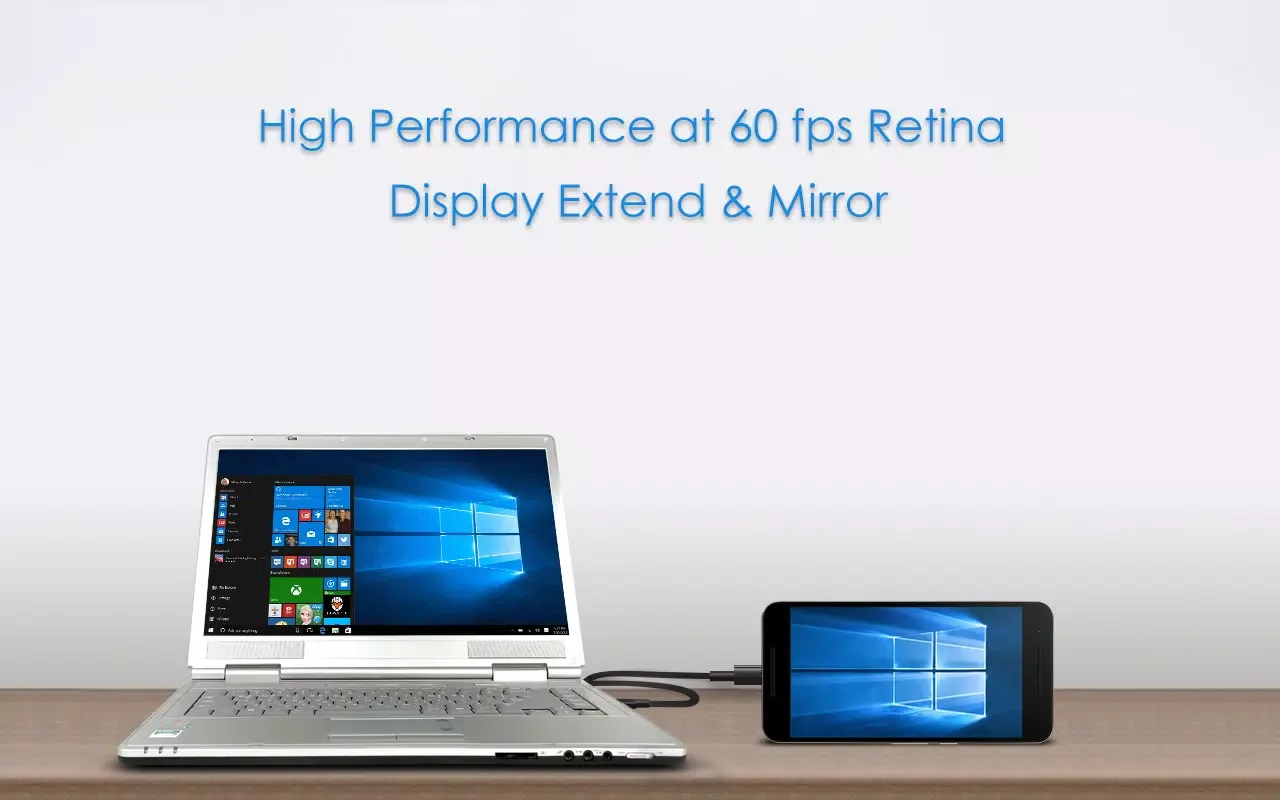
Connect your device to your computer using a USB cable that supports data transfer and follow the on-screen instructions. Once the agent detects the device, please select "Extend" or "Mirror" in your system display settings.
Adjust the new screen position in your operating system so the cursor can move naturally between displays. Then, if you need higher clarity or lower latency, adjust the resolution and quality in the agent.
Test your workflow during the free 10-minute trial period. This allows you to confirm its performance before upgrading to the full version (without the time limit).
Frequently Asked Questions of Splashtop Wired XDisplay
What is the XDisplay app in Splashtop?
Splashtop Wired XDisplay is an application and desktop agent that adds a second display to your computer via USB connection. It can extend or mirror your desktop to your phone or tablet, providing more workspace.
Is Splashtop XDisplay free?
Splashtop Wired XDisplay offers a 10-minute free trial. Purchasing the full version removes the time limit, and the desktop version of the Wired XDisplay Agent remains free. You can download the Splashtop Wired XDisplay APK file from APKPure to get started.
How to use Splashtop Wired XDisplay on your PC or Mac?
Install the Wired XDisplay Agent on your computer, install the mobile app, then connect via USB and select Extend or Mirror in the display settings. Splashtop Wired XDisplay will automatically detect your device and display a second screen.
Conclusion
WiredXDisplay is compatible with Windows 7, 8, 10 and later, allowing you to use your Android device as an extended display to boost productivity and unlock multitasking potential. Try a 10-minute free trial now, or purchase the full version for unlimited use. WiredXDisplay helps you improve your productivity!








