

MCPEDL for Minecraft is a mod download tool designed specifically for Minecraft users. Users can quickly find mods of interest by simply entering keywords or filtering by category, download them to their devices, and follow the tutorials to load them into the game for a seamless gaming experience. Users can also upload their own mods, showcasing their talent and attracting likes and comments from other users. Furthermore, the software updates its mod library daily, ensuring users discover the coolest mod resources every day and keeping the software fresh and engaging.
Click to load YouTube / 点击加载视频
YouTube ↗Features of MCPEDL for Minecraft:
Unified content library: MCPEDL organizes mods, add-ons, maps, texture packs, skins, and scripts in one place. This reduces back and forth across different sources and keeps everything easy to find. You can explore topics you care about and move smoothly from browsing to mods download without extra steps.
Fast downloads with guided setup: MCPEDL focuses on simple downloads and a clear path to installation. The built-in Android Install Guide offers step-by-step instructions so you can apply content correctly. With practical guidance available during setup, you avoid guesswork and open your game ready for new creations.
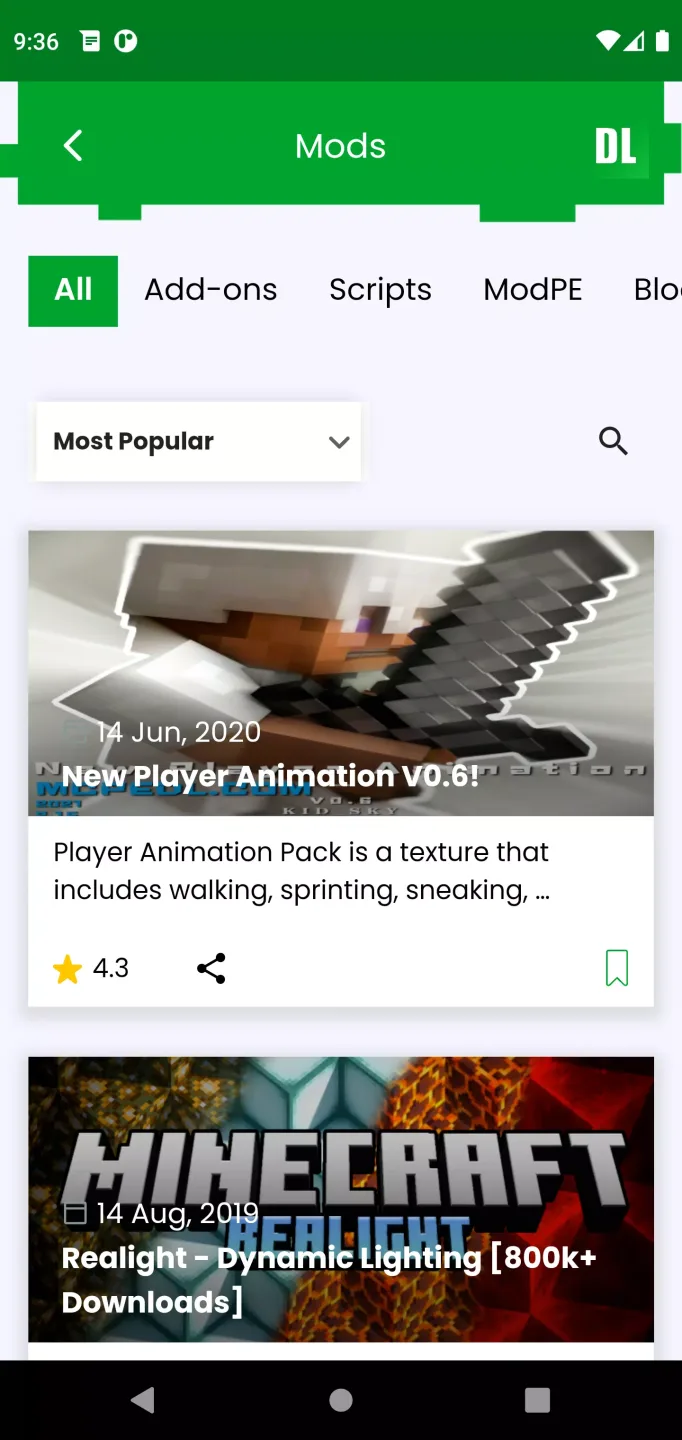
Deep categories for quicker discovery: MCPEDL helps you filter content by play style and presentation. You can explore PvP, Survival, Parkour, Horror, Redstone, Shaders, and visual themes such as Realistic or Simplistic. When browsing texture packs, you can also choose resolution ranges from x16 to x128 to match performance and style needs.
Curated browsing with verified creators: MCPEDL surfaces trusted content with verified creators, including CurseForge authors, plus community ratings and trending highlights. You can scan reviews and creator badges to judge quality before you download. This approach supports informed choices and encourages consistent results in game.
Strengths of MCPEDL for Minecraft:
Easily find the best add-ons: As soon as you open MCPEDL for Minecraft, you'll see a list of the latest add-ons added to the app's catalog. If you already know what you're looking for, you can easily filter by maps, servers, skins or texture packs. And if you're looking for something very specific, such as Ninja Turtles skins for Minecraft Bedrock or something similar, you just have to use the app's built-in search engine.
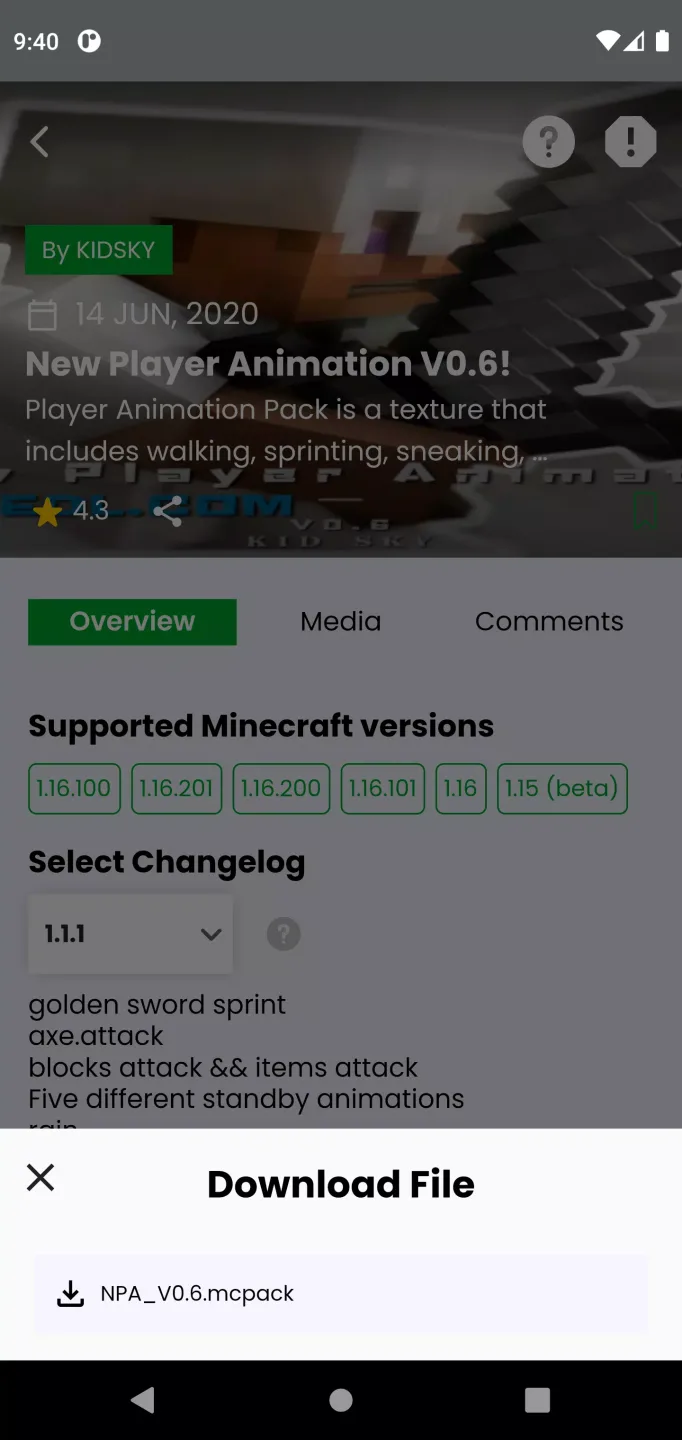
Manage all your downloads easily: The only thing you have to do to download any add-on fromMCPEDL for Minecraft is tap the Download button and wait a few seconds. Normally, you'll be able to choose between a few different download options, with the different versions of that mod, texture or shader. Once you have downloaded something, you can also easily manage it from the Downloads tab. From there, you can delete or reinstall it, as well as check its details.
Become a VIP for more features: Although the free version of MCPEDL for Minecraft lets you download anything you want, the downloads can be a little slow. There is a way to avoid this slowness: buy a VIP membership. Thanks to the VIP membership, you can completely remove ads from the app and get a faster download speed. You'll also be able to enable Dark Mode and the comments you leave on any add-on will have boosted visibility.
The best way to mod Minecraft: Download the MCPEDL for Minecraft APK if you play Minecraft Bedrock Edition on a regular basis and want to breathe new life into it with tons of maps, skins, shaders and other add-ons. Thanks to this app, you'll have all this content perfectly organized in a single app and downloadable with a single touch.
How to Use MCPEDL for Minecraft:
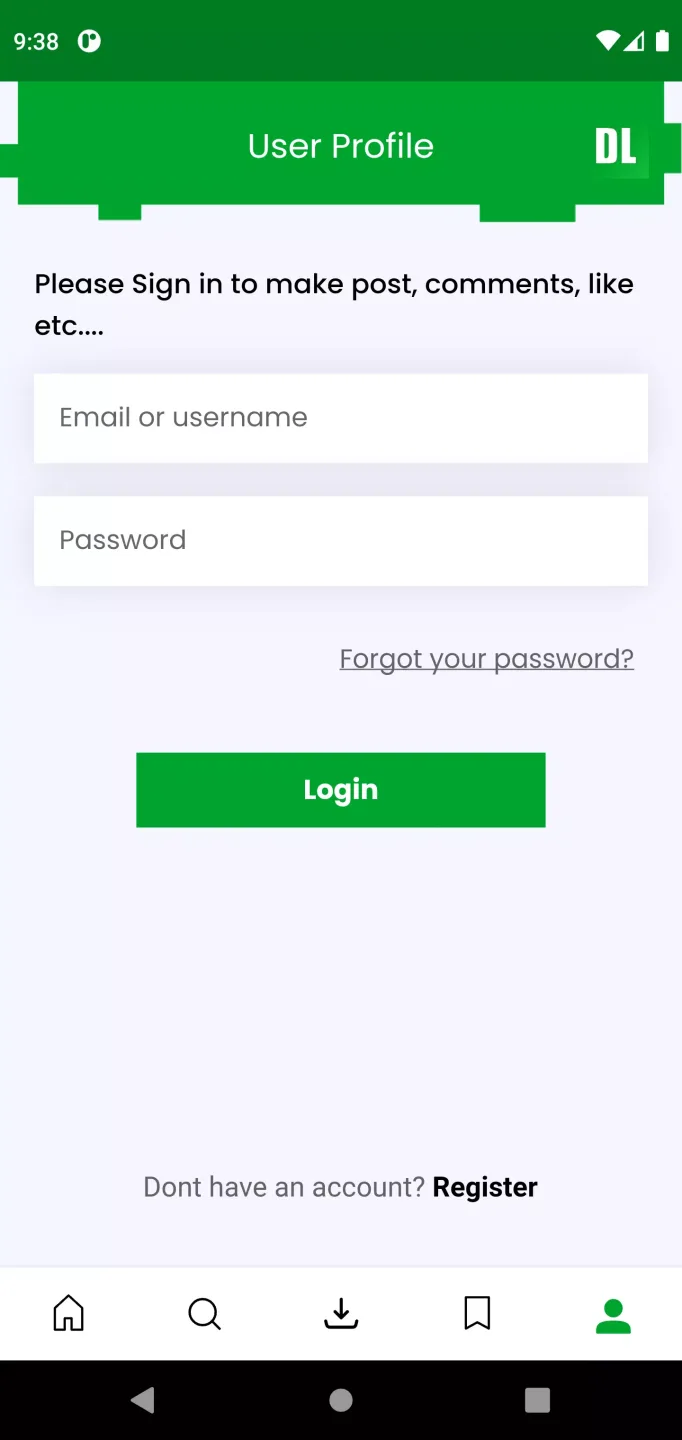
This Android installation guide will help you add content to Minecraft Bedrock, including Add-Ons, Resource Packs, Worlds, and Skin Packs. These items are typically found in file formats such as .mcaddon, .mcpack, and .mcworld. It is recommended to use the MCPEDL app for this process, as this guide will be using it as well.
Navigate to the pack you wish to download, press it once to start the download, wait until it has finished, and then click the download icon. It will prompt you to choose an application. Press "Minecraft," and the pack will automatically install into Minecraft.The file will now be imported into Minecraft. You'll hear a notification sound and see "Import started..." at the top of the screen. When the import is complete, it will display "Successfully imported." If you see "Failed to import" or "Duplicate Pack Detected," please refer to the troubleshooting instructions at the bottom of the page.Once your newly imported pack has been successfully imported, you can refer to the instructions below on how to proceed.
Add-Ons/Resource Packs: Now that you have imported your pack you can add it by going to the create/edit world screen. Click on "Resource Packs" or "Behavior Packs," select "Available," and press "Activate." Add-Ons usually require both a behavior and resource pack, so make sure to activate both to ensure full functionality.
Worlds: Your imported world should appear immediately on the worlds screen. Just ensure the import process is complete before opening the world.
Skins: On the main title screen, click on "Dressing Room," then press "Classic Skins" (which looks like a clothes hanger), and you will see your new skin pack.
You're done!
FAQs of MCPEDL for Minecraft:
Can I upload my own creations to MCPEDL?
Yes, users can submit their maps, skins, and addons to contribute to the community.
How do I install addons from MCPEDL?
Once downloaded, you can install addons by importing them directly into Minecraft through the game's settings.
What types of content can I find on MCPEDL?
You can find a variety of content including skins, texture packs, maps, and mods/addons for Minecraft Pocket Edition.
How often is new content added to MCPEDL?
New content is added regularly as users from the community upload their creations.
Can I report inappropriate or harmful content on MCPEDL?
Yes, you can report any inappropriate or harmful content directly on the website to help maintain a safe community.
Final Verdict:
Looking to switch up your Minecraft experience? MCPEDL for Minecraft by Overwolf Ltd makes it simple to browse, grab, and install all kinds of mods, skins, maps, and more. Whether you’re after new worlds to explore or just need a fresh look for your character, this app keeps things hassle-free. It’s designed for anyone who wants fast access to fun add-ons, without the usual fuss.








