

GFX Tool Pro is a mobile tool designed for game enthusiasts. With just a few simple steps, users can load various mods into games and adjust frame rate, textures, resolution, and more, allowing them to dominate the game and enjoy a superior gaming experience. The software also provides numerous monitoring tools, displaying real-time device CPU temperature, usage, frame rate changes, and optimizing network speed for a smoother gaming experience. Of course, security is also paramount; the software will be continuously updated to adapt to current game versions and release more useful game mods. Users can look forward to it!
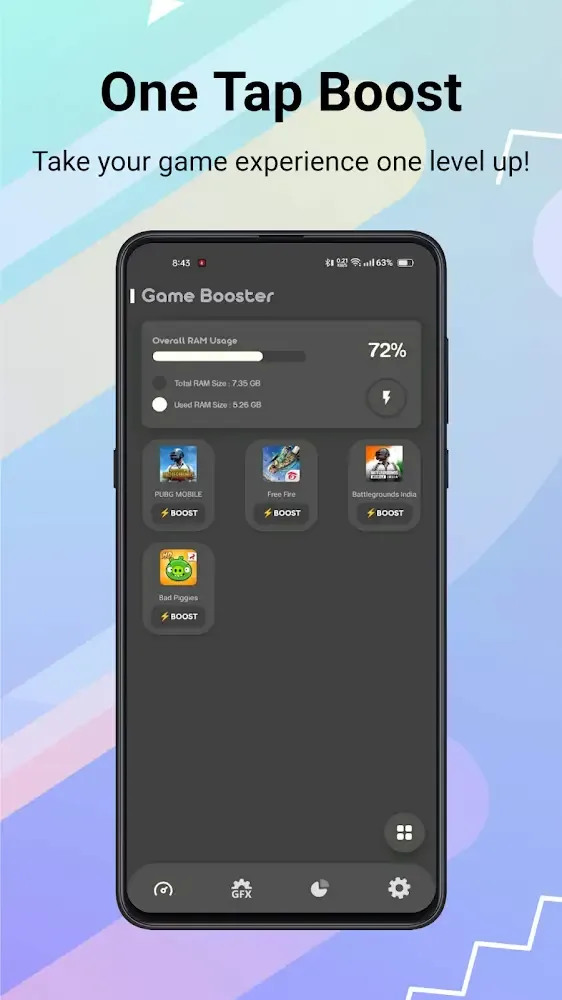
Features of GFX Tool Pro:
Resolution Adjustment: The Resolution Adjustment feature in GFX Tool Pro allows users to tailor game resolutions to fit their device's capabilities perfectly. This functionality ensures that every game you play is optimized for the best possible performance, making it a game-changer for gamers who demand precision and quality.
HDR Graphics and FPS Unlock: With HDR Graphics and FPS Unlock, GFX Tool Pro unlocks the potential for smoother and more visually stunning gameplay. This feature enables all FPS levels and enhances the graphics to HDR, bringing vibrant and vivid visuals that transform the gaming experience on Android devices.
Anti-aliasing and Shadows Control: The control over Anti-aliasing and Shadows gives users the power to significantly enhance the visual quality of their games. By refining the details and smoothing out edges, this feature helps in reducing visual noise, making every scene and character in the game look more realistic and immersive.
Customizable Graphics Settings: GFX Tool Pro stands out with its Customizable Graphics Settings, allowing gamers to tweak a range of graphical parameters to suit their preferences and device performance. This personalization ensures that users can enjoy a tailor-made gaming experience that best suits their hardware and aesthetic desires.
Support for All Game Versions: The compatibility of GFX Tool Pro with All Game Versions of supported games guarantees that users won’t miss out on enhancing any game. This wide-ranging support makes it a versatile tool for all gaming enthusiasts, regardless of the game version they prefer.
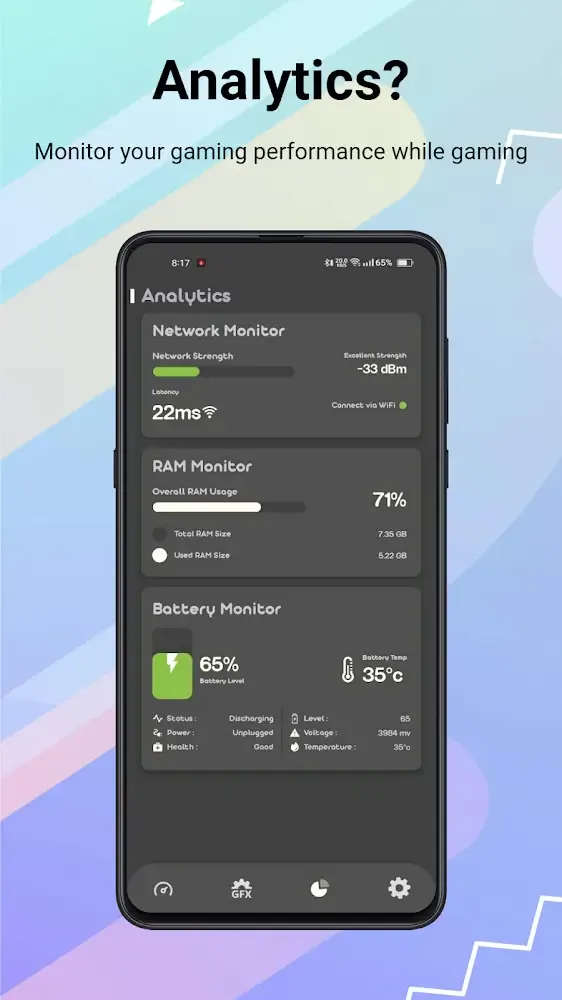
Highlights of GFX Tool Pro:
Fast Loading Time: BGMI GFX Tool Pro APK is frame rate-friendly and offers a quick loading time to ensure smooth gameplay without lag or downtime. The tool boosts FPS and reduces the loading time, making the gameplay more enjoyable.
An In-Game Compass: You can also get an in-game compass for your BGMI and PUBG games using this GFX Tool Pro APK download. It offers cool features like an in-game map, weapon selection panel, full HUD customization, and more!
Superior Graphics and Sound Systems: This GFX Tool comes with a 3D graphics system that offers high-quality virtual environments. It also has options for HD and 4K streaming quality. You can even customize the sound effects to create your unique style.
Highly Realistic Virtual Environment: The tool offers a much better gaming experience with an improved virtual environment. It offers special effects and improved graphics for dynamic, fun gameplay.Additionally, it has different maps that come with different terrains. As such, you can choose a map that fits your playstyle and preferences.
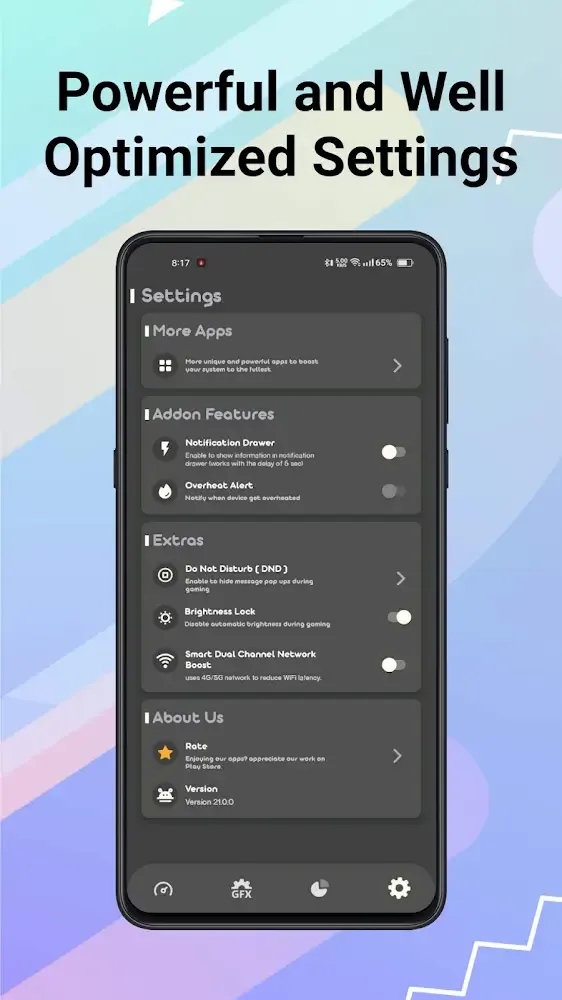
Conclusion:
Overall, GFX Tool Pro is an excellent tool for mobile gamers who want to maximize their gaming experience on Android devices. Its customizable graphics settings and optimization features make it easy for users to fine-tune their device’s performance according to their needs.








