

Vizer TV is an entertainment app with abundant film and television resources, offering users thousands of movies, TV series, documentaries, variety shows, and more. Simply filter by genre, release date, and rating to find content that interests you, saving you time and effort. All movies and TV shows can be downloaded to your device for offline viewing, with options for different languages and resolutions for a comfortable viewing experience. The app is constantly updated with more great movies to keep things fresh for users.
Click to load YouTube / 点击加载视频
YouTube ↗Features of Vizer TV:
Vizer is packed with features that cater to the needs of a diverse audience. Here are some of the standout features:
Extensive Library: Vizer’s vast library includes thousands of movies, TV shows, and documentaries, encompassing both classic titles and the latest releases. The app regularly updates its collection, ensuring that users have access to new and exciting content.
High-Definition Streaming: Quality is a non-negotiable aspect of Vizer. It offers content in high definition, which enhances the viewing experience by providing crisp visuals and clear audio.
Multi-Device Compatibility: Vizer supports streaming on various devices, including smartphones, tablets, and smart TVs. This flexibility allows users to enjoy their favorite shows and movies on the go or from the comfort of their living rooms.
Download for Offline Viewing: Recognizing the need for accessibility, Vizer allows users to download content to their devices. This feature is particularly useful for those who might not always have access to a stable internet connection.
User-Centric Recommendations: Using sophisticated algorithms, Vizer offers personalized recommendations based on users’ viewing history. This tailored approach helps users discover new content that aligns with their tastes.
Useful Tips of Vizer TV:
Customize Your Language Preferences: If you're watching international content or regional shows, customize your language preferences for subtitles or audio tracks to make the viewing experience more enjoyable.
Explore Vizer TV Premium Content: Vizer TV offers a premium subscription that gives access to exclusive shows, movies, and live sports. Consider upgrading to unlock all the content if you’re a frequent viewer of premium content.
Adjust Streaming Quality Based on Data: If you're concerned about data usage, adjust the streaming quality in the app's settings. Lowering the resolution can help save data, especially when you're not on a Wi-Fi connection.
Set Reminders for Live Sports: Vizer TV allows you to set reminders for live sports events. Enable notifications to stay updated on your favorite matches, so you never miss a game.
Final words:
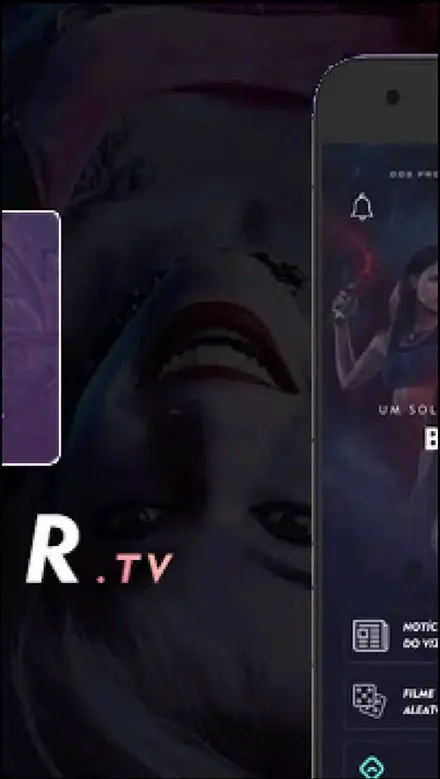
The app has a cool look and is super easy to use. As soon as you open it, you already have a list of movies and series that have just been released. If you're looking for something specific, there's a menu at the bottom of the screen that makes it easy to find things by category.








