

Remotr is a mobile tool designed for game enthusiasts, enabling users to enjoy various PC games on their mobile devices, allowing them to play their favorite titles anytime, anywhere. The software supports gamepad controls, allowing users to customize button mappings for a more responsive gaming experience. It also supports simultaneous connection to multiple devices, allowing players to invite up to three friends to play together, multiplying the gaming enjoyment.
Features of Remotr:
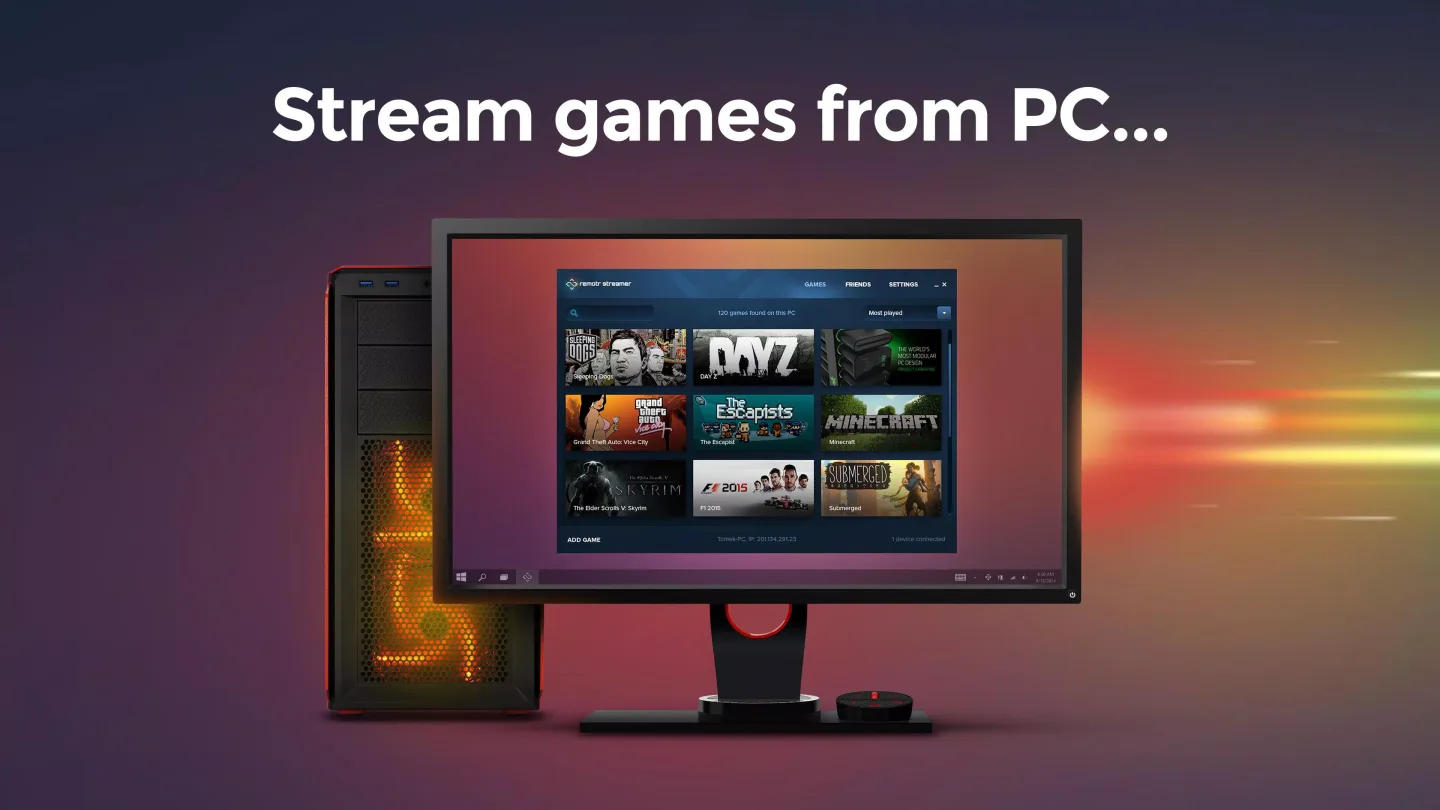
The initial setup of Remotr is straightforward and user-friendly. Users are required to install the Remotr Streamer client on their PC and establish a WiFi connection between the desired devices. Once set up, the application provides an overview of all the PC games available on the connected computer. Users can easily launch any game with a single tap and configure their game controllers as per their preference.
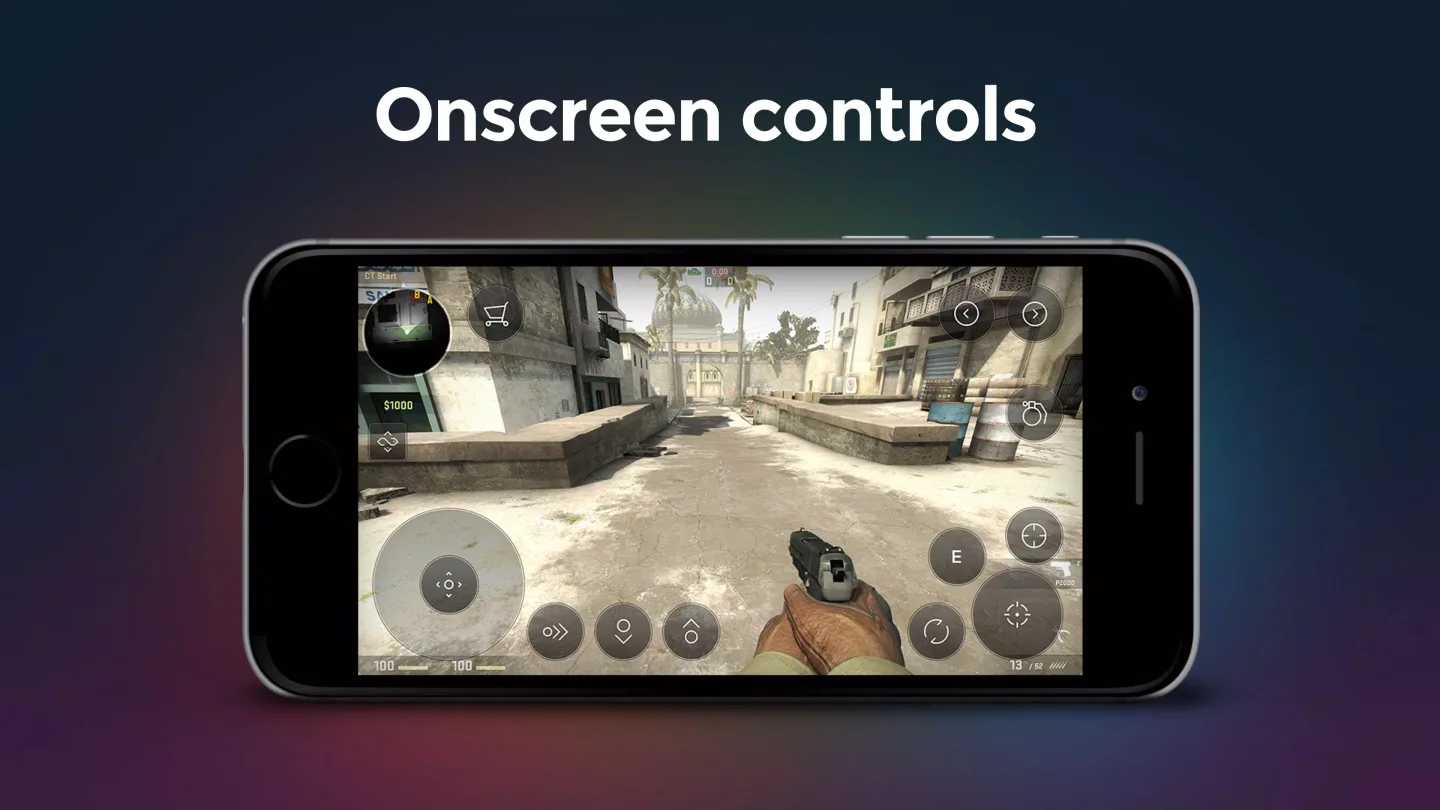
Remotr offers numerous control options which greatly enhance the gaming experience. The 'pure' touch screen mode, mouse simulator, virtual buttons, and bluetooth controls are among the many control possibilities provided by the application. This extensive array of controls ensures that the gaming experience is immersive and personalized to each user's preference.
Remotr provides a range of customizable settings options. Users can choose to mute the sound from their computer, determine whether the screen should turn off while playing, and adjust the image quality of the stream. These settings give users complete control over their gaming experience and ensure that it is tailored to their individual needs.
Highlights of Remotr:
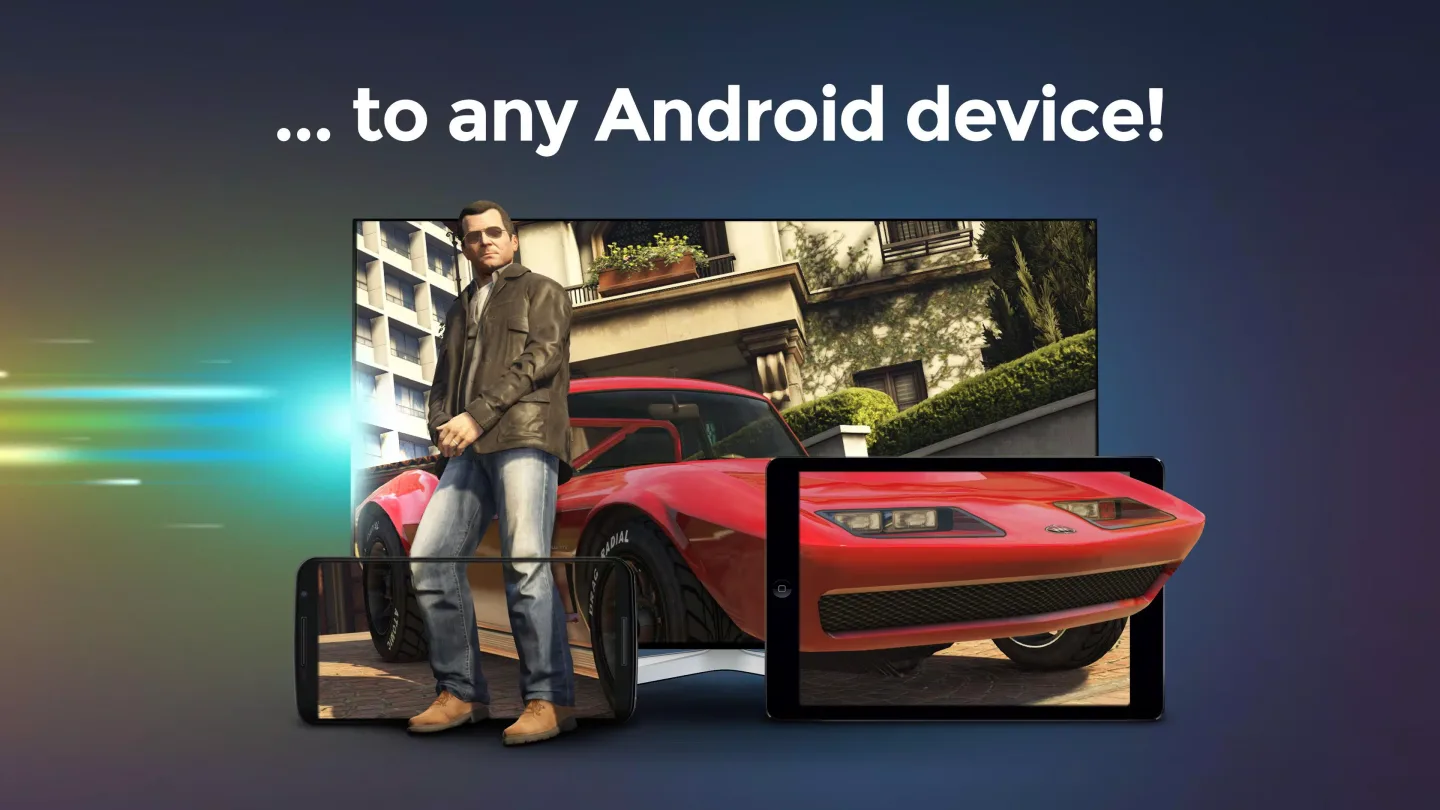
Play your computer games from your Android device,
Enjoy awesome game performance,
Customize and configure controls,
Connect multiple devices at the same time,
Use accelerometer to control your games,
Use Bluetooth or OTG gamepad, keyboard or mouse,
Enjoy full Xbox controller emulation on Windows,
Play local co-op games with your friends using only smartphones/tablets.
User Reviews of Remotr:
wesome It's awesome streaming app! I played Saints Row 4,CSGO and more games and it works awesome!
It works amazingly now I can play roblox pc remotely.
Remotr is just like a Netflix for games - it plays anything installed in my PC.
Pretty Awesome Remotr does its job and does it well. If u want a quality streaming gaming app, give remotr a try.
Amazing ...its just stunning ...I hope that performance would get better. ...but otherwise awesome!!!!
NO Lag I was trying to find a App to play PC Games On My Phone Great App Really Just Try it And No Lag What So Ever.
Conclusion:
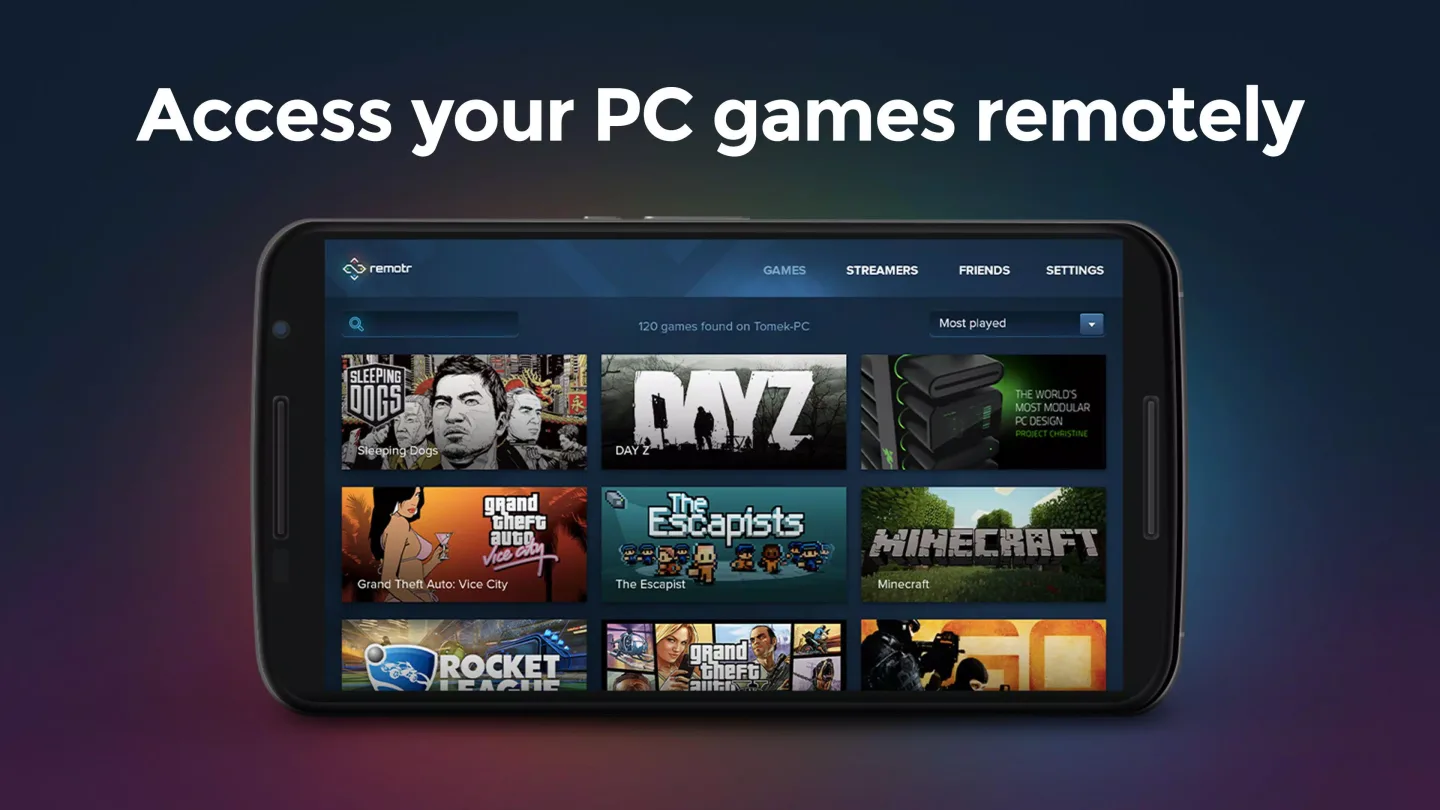
When starting up the app you’ll get a quick view of all the PC games loaded onto the connected computer. Just a quick tap on one of your games will get it running, and you can set up your controllers to play from there, though you can always go back and change them later on. Using a ‘pure’ touch screen mode, mouse simulator, virtual buttons, bluetooth controls and much more are all a possibility thanks to Remotr.








