

Brevent is an amazing background process management utility that helps users easily terminate hidden running programs, greatly improving device efficiency. Brevent presents a lightweight yet powerful background management application that requires no root access. Users can enable background application management in a simple operation, helping to save battery power, providing a more efficient device environment, and reducing resource waste. Brevent boasts broad compatibility and ease of use, allowing you to fully manage your phone's resources.
Click to load YouTube / 点击加载视频
YouTube ↗Amazing Features of Brevent
Targeted Background Control
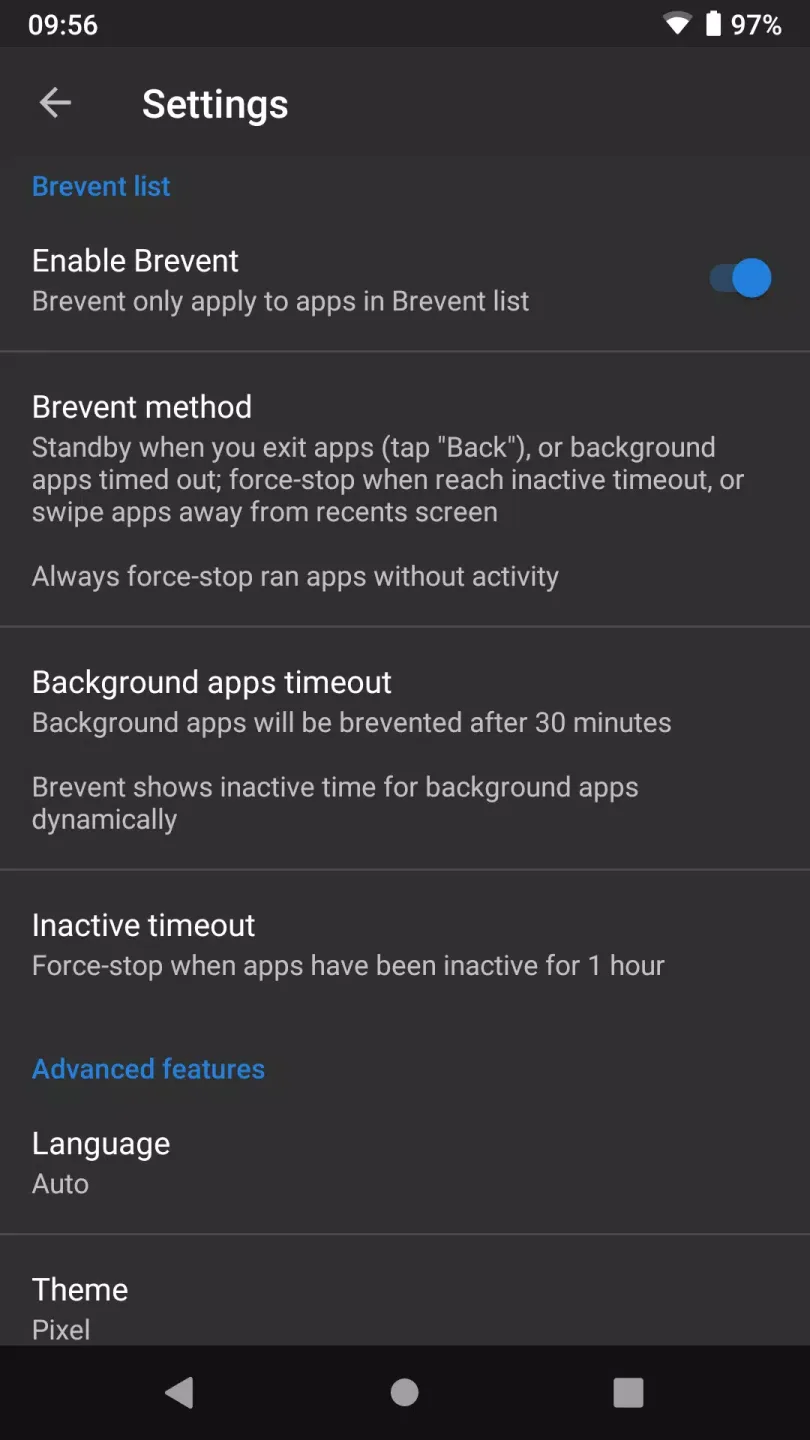
Brevent utilizes Android's application standby mechanism and precise forced stop logic to pause idle or abnormally running processes. After exiting an application, Brevent puts it into standby mode; if an application times out, is swiped out of the recent apps list, or runs without visible activity, it will be stopped. This helps reduce device slowdowns caused by wake-ups. It also avoids forced blocking that could interfere with normal use.
Manage Only Apps You Select.
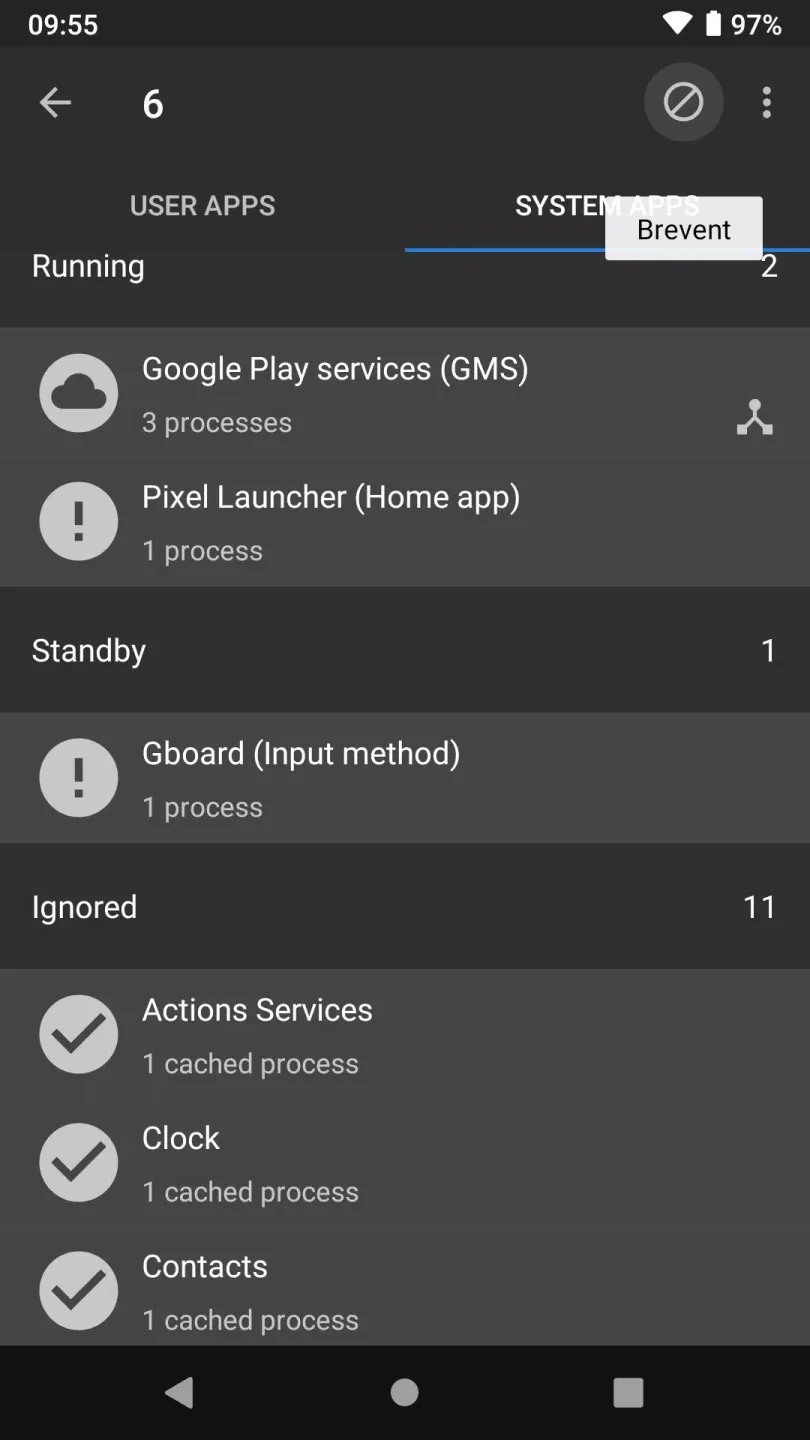
Brevent only operates on apps you've added to your Brevent list. Apps outside the list will not be modified. This gives you clear control over app settings and allows you to test on a small number of apps first. You can adjust your list at any time if your usage habits change.
Enable Sync to Retain Notifications
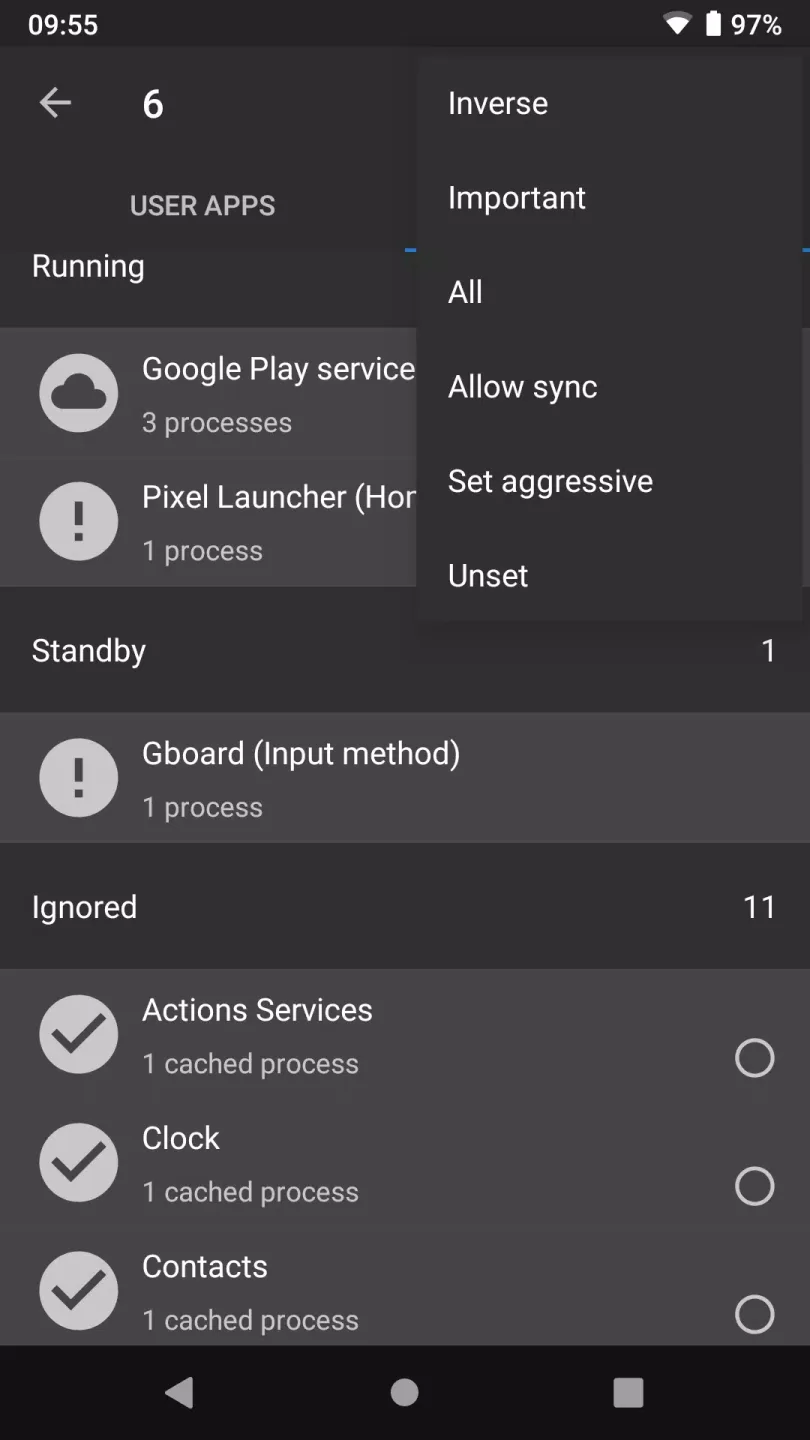
For apps you rely on for timely notifications, Brevent offers an "Allow Sync" option. Enabling this option allows apps to continue necessary background syncing while still sending notifications. This helps reduce unnecessary background activity while ensuring important messages and updates are delivered promptly. You can enable or disable the "Allow Sync" feature individually for each app as needed.
One-Time Activation
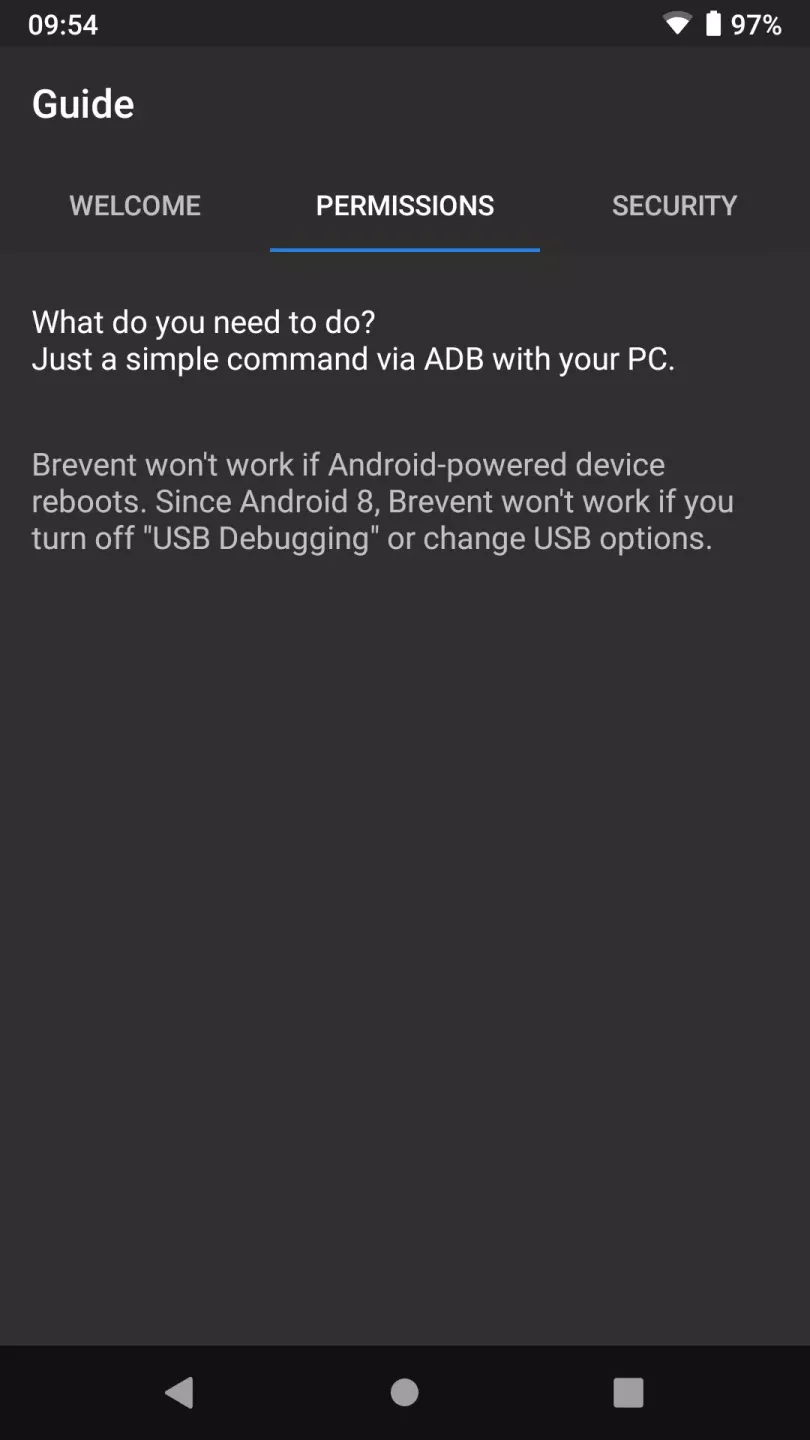
Activation is very simple. You can activate via WebUSB using the brevent.sh script in Chrome or Edge browsers, or you can run an adb command on your computer. The activation process pairs your device with Brevent, starts the Brevent service, and the app will continue running until the next restart. During activation, you may see a prompt asking you to confirm the RSA key on your device. Once activation is complete, you can return to Brevent and begin managing your lists.
Fantastic Performance of Brevent
Brevent addresses app runtime issues by reducing unnecessary battery consumption and improving device responsiveness. It works by putting apps into "standby" mode after they are closed or detected as having been inactive for an extended period. If a user removes an app from their recently used list or an app times out, the tool forces it to stop. Therefore, only the most essential apps run when needed, preventing device performance degradation.
One advantage of Brevent is its ability to differentiate which apps can sync and receive notifications. Users can set certain apps to "allow sync," protecting critical notifications and background processes from interruptions. Setting up the tool is very simple; just enable "USB debugging" or "wireless debugging" in your device's developer options.
Helpful Tips of Brevent
Install Brevent, open it once, and then connect your phone to your computer. In Chrome or Edge browser, visit https://brevent.sh and prepare to activate.
On your phone, enable developer options and then enable USB debugging. In your browser, when prompted, select your device and allow the connection.
On your phone, confirm the pairing prompt "Please confirm the RSA key on your device." Then tap the "Start Brevent" button on the page and wait for a success message.
Alternatively, install adb on your computer and then use the bootstrap command shown in the brevent.sh file. You can also use wireless debugging on supported Android versions, pair your device, and then run the same command.
Return to the Brevent app and add the app to the list. If activation stops working after changing USB settings or disabling debug mode on some Android 8 to 10 devices, keep the default USB settings and keep debug mode enabled.
User Comments of Brevent
Works on my S25+ running OneUI 8. Downloaded this to give access to my Scene app.
Honestly, this works great. I don’t understand why it has so many bad reviews. It actually stopped all those annoying apps that kept running and starting in the background. My phone feels much better now.
Excellent app. A feature request: it should have an option to run an adb command on startup.
Works very excellent in MIUI 14.6.0 to stop the bottleneck of Redmi Note 10 (SD678). Thanks to the developer.
Solid app, reliable cmd. Can't believe this is free with no ads. Whatever those bad reviews mean.
Final Verdict
Brevent integration brings significant advantages to users, providing a more controlled and efficient environment for their devices, prioritizing important tasks, and minimizing the waste of valuable resources.








