

Virtual Master - Android Clone is an outstanding virtual space utility that helps users create a locally running virtual environment on their own devices, eliminating the hassle of carrying a second phone and allowing you to do the work of two phones with just one. This application presents a powerful and easy-to-use virtual machine application for a wide range of users, offering robust privacy protection, multiple account running applications, and multitasking background processing. This application helps users achieve an independent system experience, delivering excellent results for both work and gaming.
Click to load YouTube / 点击加载视频
YouTube ↗Attractive Features of Virtual Master
Isolated Privacy Sandbox
Virtual Master runs applications within a closed Android system, protecting your essential data from harm. Applications in the virtual space cannot read your contacts, SMS messages, or device ID, so sensitive information is not leaked. This architecture allows you to try out various tools or social applications without worrying about exposing your phone's main content.
Support for Multiple Accounts in Social and Gaming
You can clone applications within the virtual system and log in using different accounts on the same device. This setup is suitable for gamers who need to perform daily operations on multiple game accounts, as well as users who need to differentiate between personal and work logins. Furthermore, since each cloned app resides in an independent virtual environment, account management is also improved.
Background Running for Continuous Tasks
The Virtual Master feature allows apps and games in your virtual system to continue running while you're using other apps on your main phone. This helps automate tasks, download files, or run games that need to stay running for extended periods. Therefore, you can seamlessly switch between different spaces without interrupting any activity within the virtual operating system.
Vulkan Support for Enhanced Game Performance
Enabling Vulkan in the virtual Android system allows many high-end games to run more smoothly. This is crucial for users seeking the highest quality graphics or having multiple game accounts. If your game supports Vulkan, you may see more stable frame rates during extended gameplay in the virtual environment.
Helpful Tips of Virtual Master
Open Virtual Master and select Create a new virtual system. Choose a name that reflects its purpose, such as "Work" or "Game".
Wait for the system to initialize and enter the virtual home screen. Next, customize the launcher and wallpaper to suit your daily habits.
Add apps to the virtual system via the app installer. Afterward, log in with the account you want to keep separate. If you plan to run tasks in the background, enable the "Keep app running" setting. Then return to the main system and continue using it normally.
Switch between different virtual systems as needed. This separates work, gaming, and personal activities, maintaining clear boundaries.
User's Comments of Virtual Master
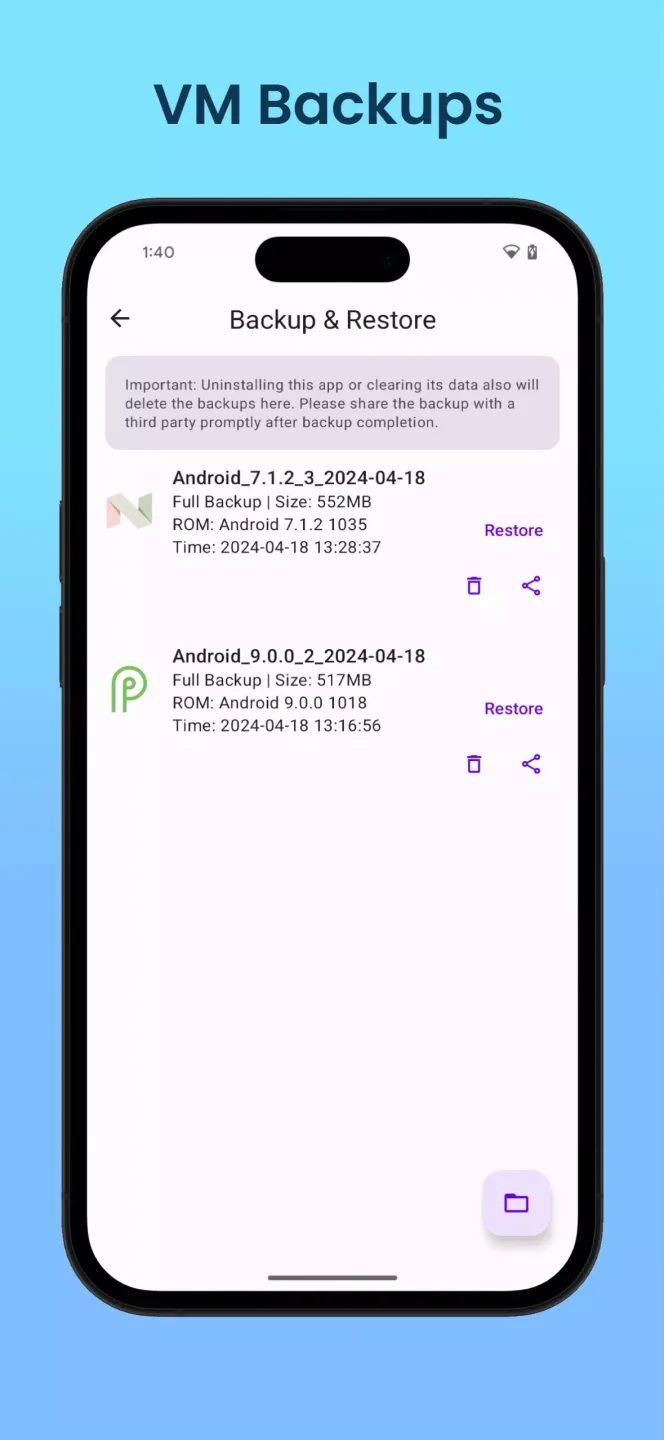
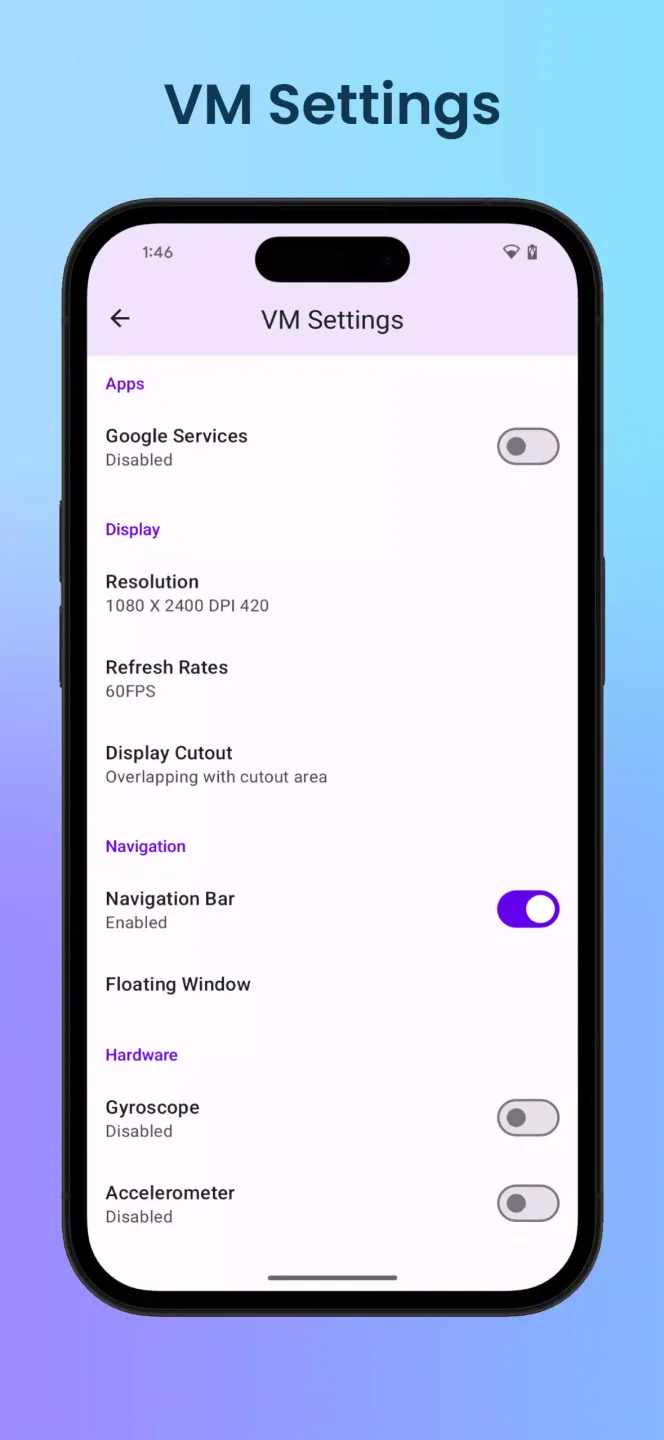
This emulator isn't bad and gets the job done, some things I like about this emulator is that you get more Android versions, I'm a fan of the fact that you can have different settings for different emulators, and you can also back up the user data of the emulators so you don't lose apps or game progress. I've had random crashes running emulators occasionally and lag spikes but performance mainly just depends on how powerful your phone/tablet is, I would definitely recommend this app though.
Very good app and honestly it's one of the best VM's for Android out there, but it has some issues, for example, Android 4.2.2 keeps crashing and it's not working at the moment. EDIT: THANKS for making the app usable offline!! That's it, I'm in love with this app now. Although Android 4.2.2 isn't still working, I hope you can fix that in the future.
I appreciate this virtual machine but I have one Issue: Whenever I'm tilting in any game that requires me to tilt, like Temple Run, it doesn't let me tilt. Do you know what I can do for it in the virtual machine?
Fantastic Highlights of Virtual Master
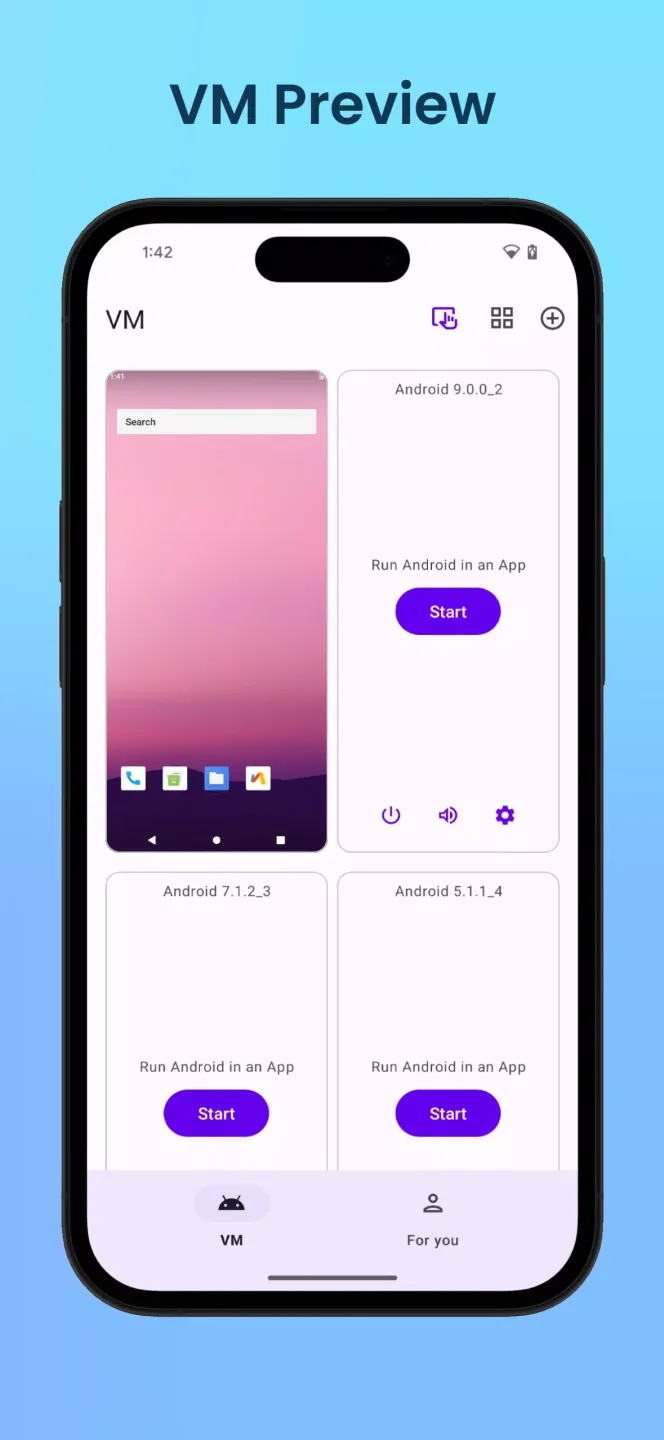
Install other older versions of Android on your device.
Install different apps on different Android versions.
Manage each launcher separately.
Open apps and games simultaneously on the same mobile device using different accounts.
Final Verdict
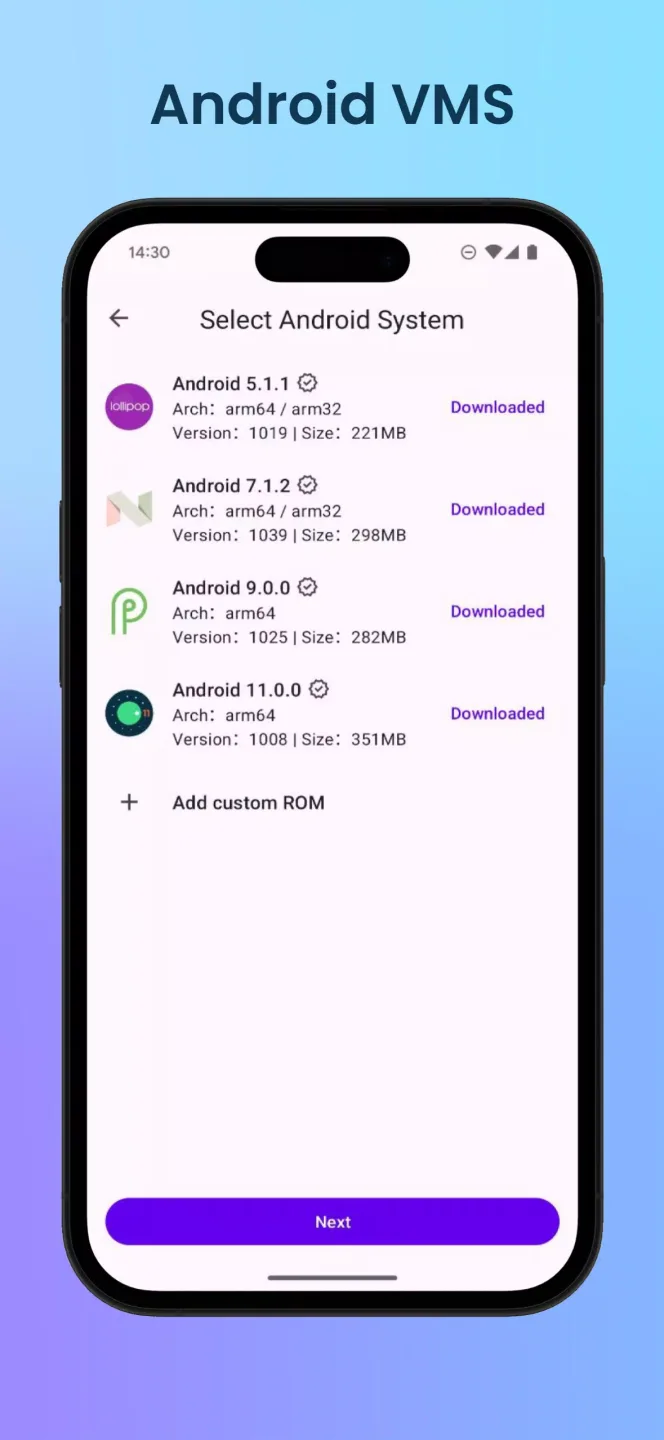
If you're looking for a way to run multiple app and game accounts on a single device, Virtual Master - Android Clone is a reliable option worth considering. It supports multiple Android versions, and its independent virtual environment ensures the security of your personal data.








