

Gaming Mode is an accelerator designed for game enthusiasts, aiming to bring users the ultimate gaming experience. Users can customize settings for all games or individual games, freely adjusting graphics, frame rate, brightness, and accelerating gameplay. It also blocks unwanted calls and pop-up ads during gameplay for an extremely comfortable gaming experience. Users can create widgets for their favorite games for easy access and launch. Security is also guaranteed, with advanced protection technology and facilities safeguarding user accounts and data, allowing users to play with peace of mind.
Click to load YouTube / 点击加载视频
YouTube ↗Features of Gaming Mode:
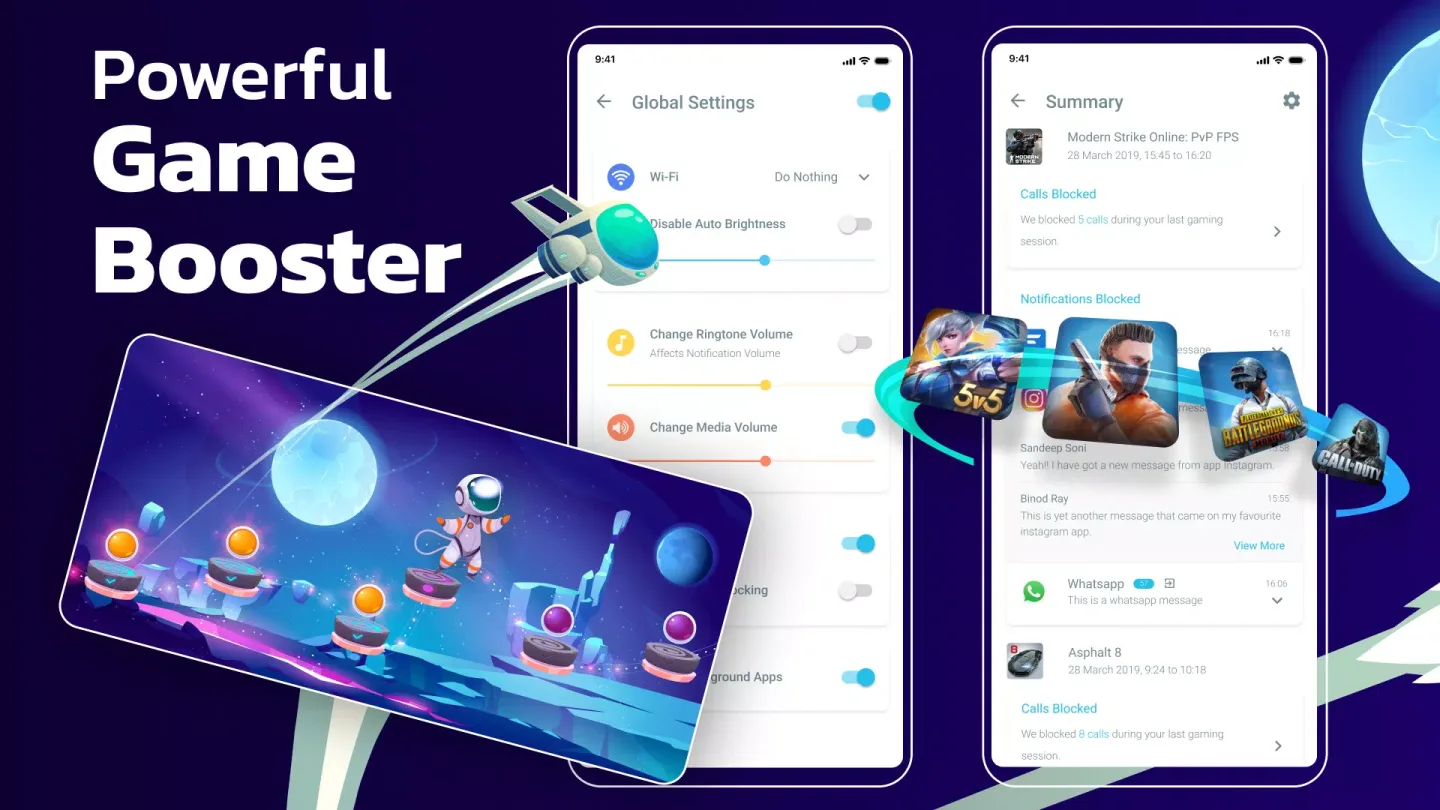
Automatic game profiles: First, when you download Gaming Mode and open it, you can set a global profile or per game rules. Gaming Mode applies them at launch and restores your device state afterward. This reduces manual changes between sessions.
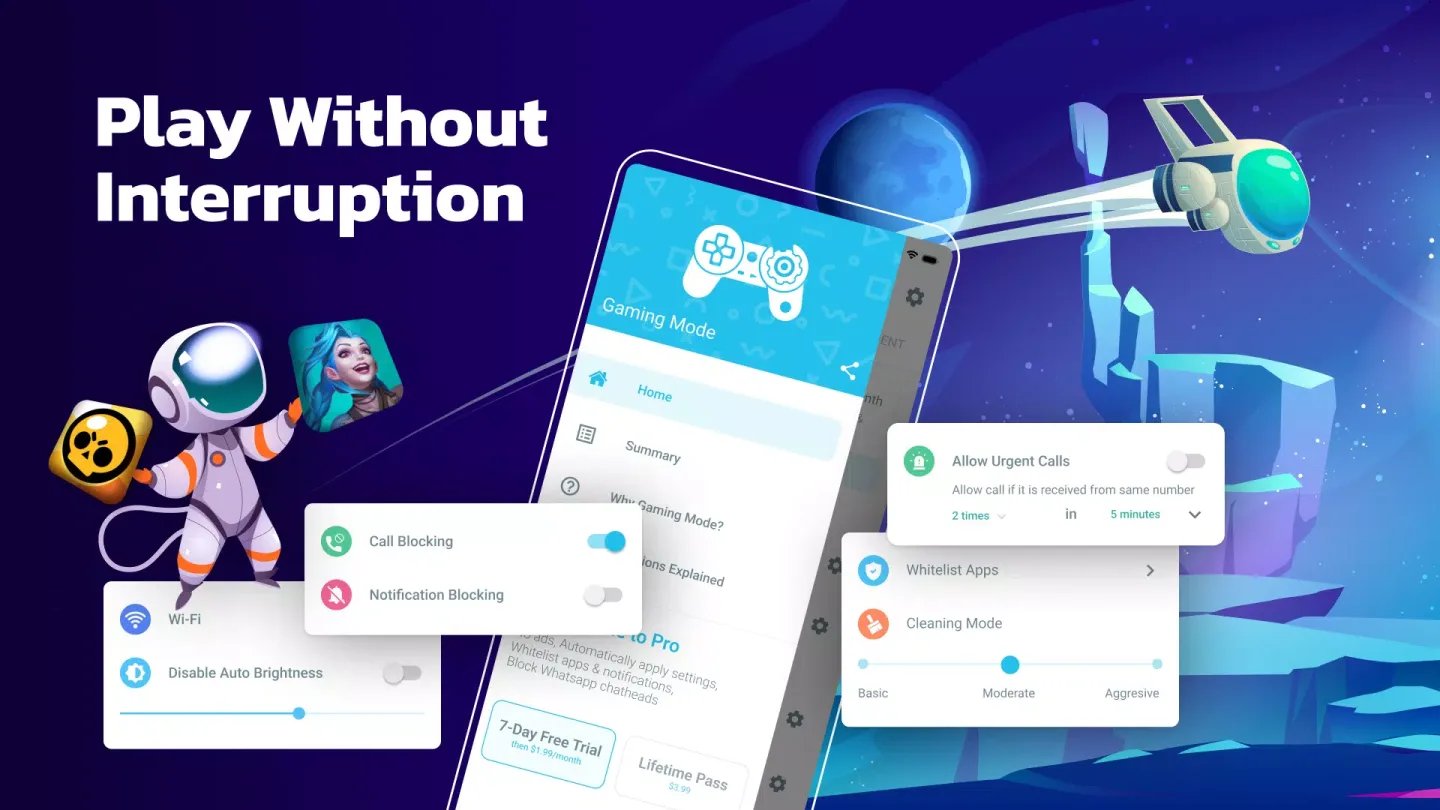
Call and notification control: Next, you can auto reject incoming calls and block or silence notifications while a game is active. This avoids pop ups and accidental interruptions during play.
Display and sound tuning: After that, set a fixed brightness by disabling auto brightness and choosing the level you prefer. You can also adjust ringtone and media volume to predefined values before gameplay starts.
Network control and quick launch: Finally, include network options in a profile by toggling WiFi as needed. To reduce distractions, an optional local VPN can block internet access for selected games and keeps all data on the device. For faster access, add a home screen widget that launches your chosen titles directly.
Highlights of Gaming Mode:
We all know that there will be jerky, lag, how bad it will be in every game that takes place. Honestly, this situation appears quite a lot to interfere with the game, and now Gaming Mode has guessed what you mean. The application wants you to be able to play freely and comfortably, so it has used a booster to prevent those risks.
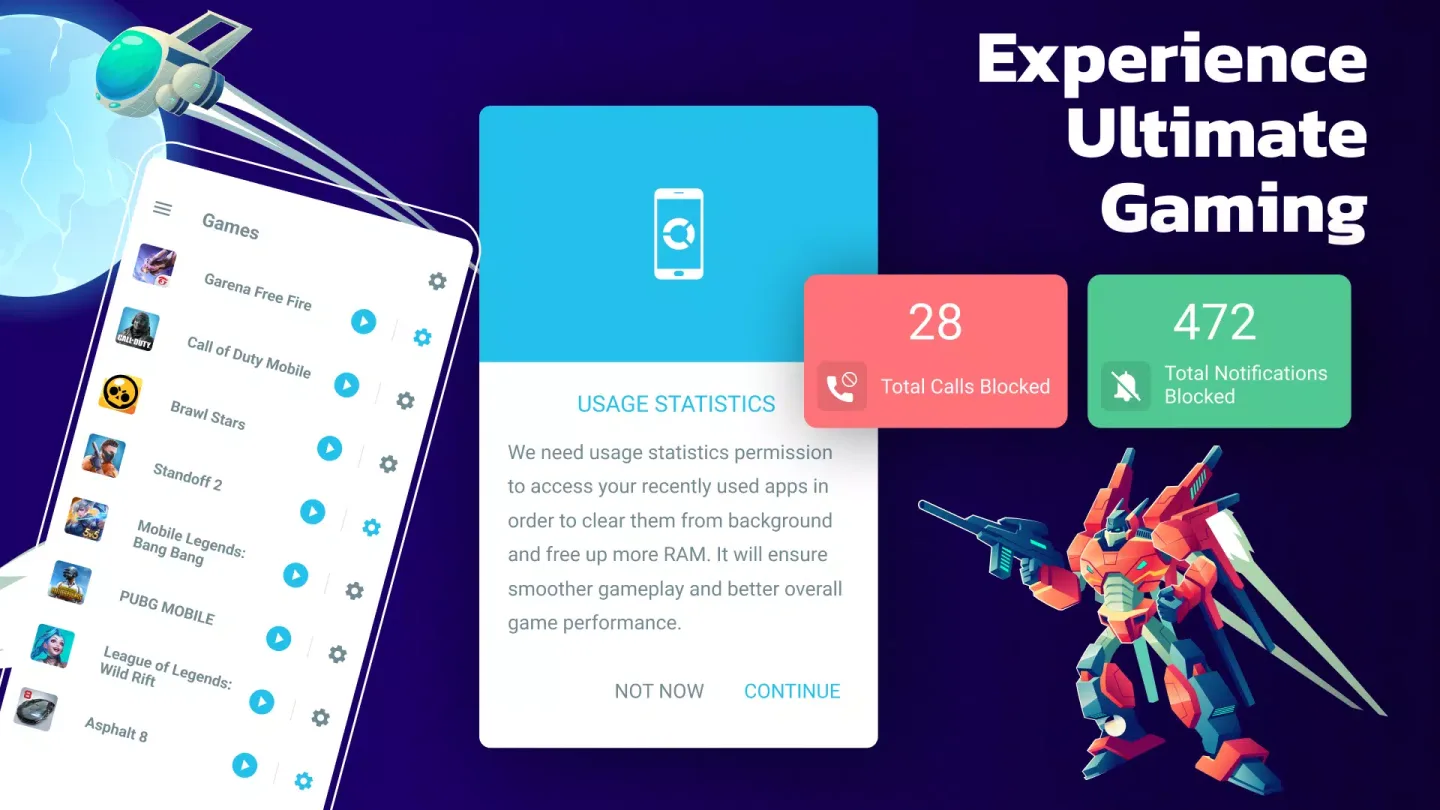
Sometimes incoming notifications will also cause lag, horizontal freezes, making users frustrated. Notifications with new sounds really make users worry. The application immediately has a feature to block notifications during the game so that any interruptions seem like there is no chance to get in the way.
Freeing up space is also an excellent way to prevent technical errors or bad conditions. The liberation is very simple because in Gaming Mode, there is a built-in junk and junk cleaner, so it can be used immediately by activating it. The release is essential for our device.
An effective anti-lag tool is also focused on Gaming Mode. This feature is vital because it affects the gameplay and affects every aspect of your device. An open mode allows us to easily use it for any purpose other than enhancing gaming performance.
Getting rid of unnecessary ads, immediately removing the remnants of spam is how we get into this beautiful application. There are many other useful features to help users experience the game with their eyes. Enhance the user’s game experience by always keeping the device in the most stable gaming mode.
User Reviews of Gaming Mode:
With this game booster, when playing a high-detail level in Geometry Dash was *more* (like a bit but it works) smooth From like 0.25 fps to like 1 fps which is a little better although it might be only a slight smoother and that was just the no trial. I dont really know the difference between the trial and the normal one.
Great app for any gamer. The best feature, that a lot of the other apps similar to this don't have, is the option to mute & hide any pop-ups or calls that could interfere with the game. This is incredibly useful, especially when playing PvP games that are real time & can't be paused or stopped, without having a negative outcome. You can also change what games it blocks those interruptions for, & make exceptions where & when needed. Just wish there was a info page & FPS option available. -9.5/10
It's automatic and ad free! That's a huge plus. AND it helps with the games that would normally be laggy to run smooth. It lowers ram usage from other apps and has the option to mute notifications. I like how it allows you to decide whether you wanna be completely involved in whatever game you're playing without interruption or just stay a little focused in the game and still get notified about what else is going on in the world.
if you were to go through the 3 or 4 googoo accounts I've maintained - over the last 5-6 years of my play store purchase logs you'll find huge empty blank spaces in the "system utilities" columns. go ahead, I'll wait... while you're at it, take note of the number of game booster apps I've installed and the frequency of use they've enjoyed. no hurry I'll wait... what'd you find? I've tried and confirmed useless all but one. that's right - one. gaming mode. so I bought it. best.purchase. ever.
Conclusion:
Gaming Mode offers you several tools to improve the performance of your Android. To do this, you must configure the app at least once, and then Gaming Mode will do the rest for you automatically. As a result, your games will not slow down your device, and you will be able to get the best possible graphics quality.The settings in Gaming Mode can be applied to all your games but can also be adjusted on a per-game basis. These changes will not affect your device because once you exit the game, everything will return to how it was before.








