

Exagear is a mobile emulator tool, but it's not a traditional emulator. It uses a compatibility layer to interpret and run 32-bit Windows applications, offering smoother performance and lower battery consumption than typical virtual machines. It allows you to run classic games like Diablo and Age of Empires on your phone with guaranteed smooth gameplay! Most importantly, Exagear is compatible with external keyboards and mice, providing a near-PC experience on your phone with exceptional efficiency!
Features
Run fully functional desktop Linux applications on Android devices.
Applications integrate seamlessly with the device's hardware and software features (such as microphone, camera, etc.).
Quickly switch between different versions of Wine to run Windows programs within the Exagear desktop environment.
Run multiple instances of the same application simultaneously without any performance degradation or conflicts.
Support popular languages such as C/C++, Java, and Python, allowing you to develop powerful cross-platform mobile applications using the same development framework provided by the Exagear Desktop emulator.
With an intuitive user interface, it provides direct access to all installed software packages from external sources, including the Google Play Store and Amazon Appstore. This interface is tailored to each user's needs and preferences, offering access only to applications deemed safe by their respective developers.
It supports both 32-bit (ARMv7) and 64-bit (AArch64) processors, giving users greater flexibility in choosing compatible hardware components for their projects.
Advantages and Disadvantages
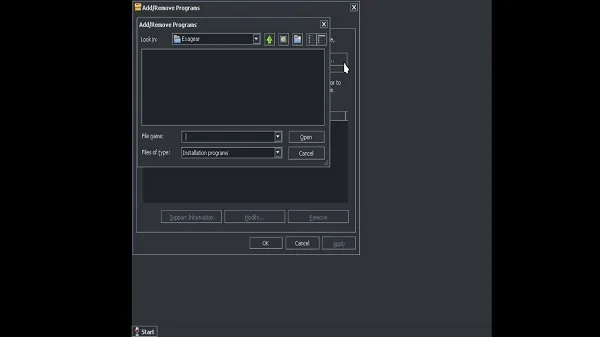
Advantages: Can run standard x86 Windows software.
All Start menus are consolidated into one easily accessible screen.
Two ways to install apps and games.
Disadvantages: Limited number of supported apps and games.
Almost every application requires some minor tweaking.
Cannot mount ISO files as D drive.
Cannot change Windows version or overwrite DLL files.
Installation
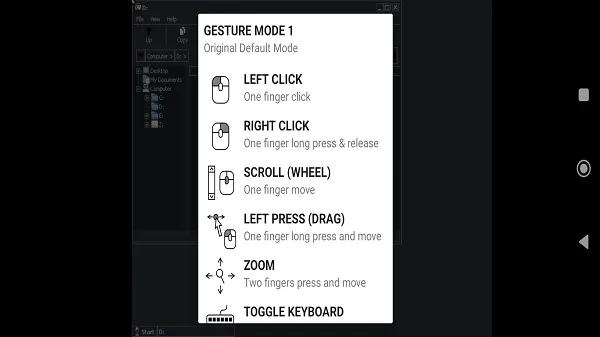
Installs APK files and selects OBB files when prompted.
Installs Wine locally (Container Manager/Add/Remove Wine) and creates a container.
Do not run the container directly; instead, run TFM Desktop to initiate an automatic installation.
When prompted, select your device type and wait for the process to complete.
Run "update_scripts" from the Start menu.
Restart the container and enjoy the game.
FAQs
What is Exagear?
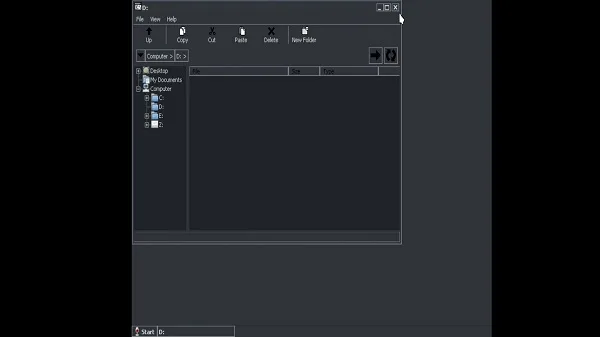
Exagear is a mobile application for Android that allows you to run older Windows-based software and PC games using a compatibility layer instead of full emulation.
How does Exagear work on Android devices?
Exagear translates x86 Windows instructions into ARM-compatible code, enabling it to run 32-bit PC applications on Android with better performance than typical emulators.
Can Exagear run modern Windows games?
No, Exagear was designed to run older 32-bit games and applications. Due to hardware and software limitations, it typically does not support high-end or 64-bit games.
Is Exagear still being updated?
The original developers have stopped updating it, but community-driven versions of Exagear (such as Exagear Gold) continue to improve compatibility and performance.
What types of applications and games can Exagear run?
Exagear supports many classic games, such as Fallout 2 and Age of Empires II, as well as lightweight tools like Notepad++, VLC, Winamp, and older versions of Office.
Summary
So whether you want to relive the classic Fallout 2, launch Winamp, or run programs that only run on Windows, Exagear can handle it all quietly—all easily done on your phone. No cloud gaming, no streaming, and no computer required.








