
PDF Editor is an all-in-one PDF editing application designed for Android devices. Here, you can experience professional PDF editing features anytime, anywhere, making document work easy. It offers numerous practical functions, allowing you to add comments, use a stylus, highlight text, and more. The interface is clean and easy to use, and you can annotate or view documents without creating a user account, making it easy to get started even for first-time users. It brings you a fast and convenient PDF experience! You can also merge and split PDF files, or convert them to Word documents.
Content
Sign PDF:
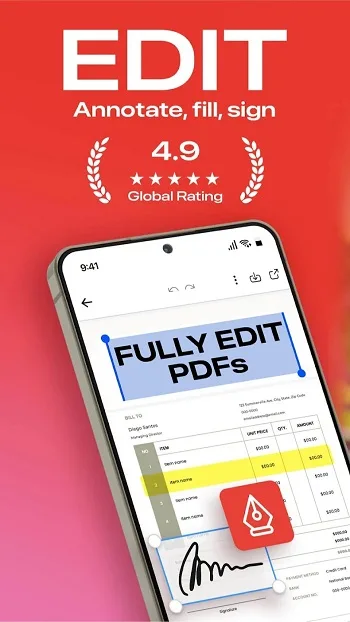
You can add and save your signature to edit and sign PDF files. Leave your signature in the PDF editor. Enter your signature and save to sign future PDF files with one click.
Notes:
Add annotations to PDF files. The PDF Editor has a document editor and an annotation editor, which can be used to annotate the most important parts of an edited PDF file.
Draw Lines and Shapes:
Use the pencil tool to draw lines in PDF files, select colors, and edit lines and shapes in the PDF. Add annotations, draw arrows, create boxes, and write in PDF files just like editing Word documents or images.
Text Editor:
A built-in text editor allows you to add underlines or strikethroughs to PDF documents. You can edit PDFs by typing text, then highlight, underline, or delete the text you want.
Stamps:
A new way to sign PDFs, making it easy to add important information. Editing PDFs with customizable date and time stamps is ideal for reviewing PDFs.
Bookmarks:
You can add bookmarks to PDF documents to mark where you are reading or editing them. This is very useful for reading PDF books. This PDF reader is simple and easy to use.
Photos and Images:
You can add photos and images to PDFs. You can choose photos from your gallery or take photos with your camera, then add the images to the PDF in the size and shape you want.
Features
Offline Reading and Annotation
Open PDF files, add highlights and annotations, and fill out spreadsheets without registering an account. Files load quickly and can be used without an internet connection.
Edit Text and Images
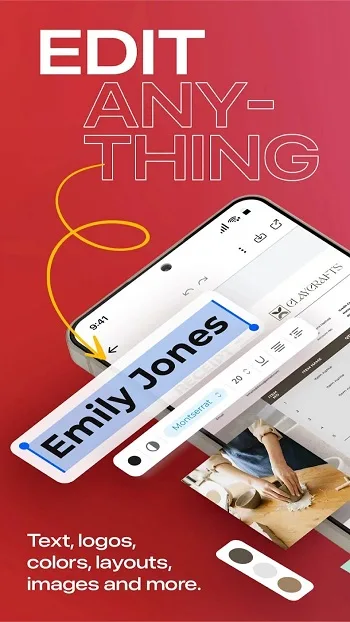
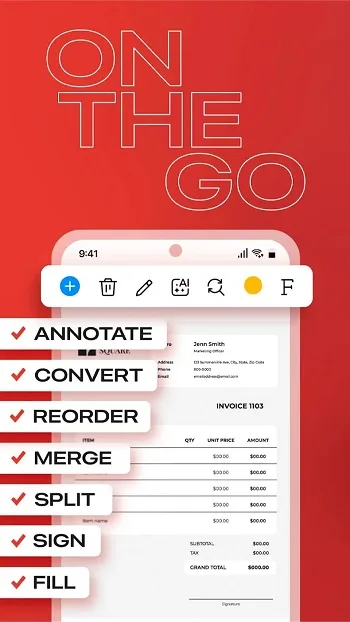
When you need more in-depth editing, the PDF editor allows you to change text, adjust fonts, replace images, and add signatures. You can also reorder, rotate, split, and merge pages to maintain a clear structure.
Convert and Export Formats
Convert PDF files to Word, PowerPoint, JPG, or PNG formats for reuse. When you need a consistent file format, you can convert images, Word, or PowerPoint files to PDF. You can also export printable versions or smaller, web-friendly files.
Protect and Access Your Files
To ensure secure sharing, add password encryption, watermarks, headers, and footers. To make your documents accessible on different devices, connect to cloud services such as Google Drive, OneDrive, and Dropbox.
Advantages and Disadvantages
Advantages: Conversion function; Ideal for portable use.
Disadvantages: Server connectivity issues.
FAQS
What is a PDF editor?
PDF Editor is a mobile tool for Android that allows users to read, edit, annotate, sign, and convert PDF documents directly on their devices.
Can I directly edit text and images in a PDF using a PDF editor?
Yes, after registering an account or premium account, you can directly modify text, fonts, and images within the PDF file.
Does the PDF editor support cloud storage integration?
Yes, it can connect to Google Drive, Dropbox, and OneDrive, so you can easily access and save your documents online.
Is the PDF editor free to use?
Basic functions such as reading and annotating are free. More advanced tools, such as editing content or converting formats, require in-app purchases.
Who should use a PDF editor?
It's ideal for students, professionals, and freelancers who frequently work with PDF files and need tools for signing, merging, or converting files.
Summary
PDF editors are especially useful for students who need to annotate course materials, professionals who manage contracts or reports, and freelancers who frequently send forms or branded documents. Its offline support also makes it a reliable option in areas with limited internet access.








