

MediaFire is a convenient file storage software that allows users to upload photos, videos, and files in various formats and share them with others an unlimited number of times. This lets you carry your important files with you, download, view, and edit them anytime, meeting all your needs. The software provides each user with 10GB of free storage space, and you can earn an additional 50GB by completing a few simple tasks, making it easy to store your important information. Security is also guaranteed; various security measures protect user accounts and files in real time, ensuring peace of mind for users.
Click to load YouTube / 点击加载视频
YouTube ↗Functions of MediaFire:
Start with free storage: MediaFire gives new users 12 GB at no cost, so you can begin saving photos, videos, music, and documents right away. You can earn extra space through bonuses, which helps when your library grows. This makes it simple to get started without planning storage up front.
Upload from any Android app: You can send files directly using Android’s Share to menu, which avoids switching between apps. MediaFire also supports uploading multiple files in one go, so moving entire sets of photos or project documents is straightforward. As a result, you can capture, create, and upload without breaking your flow.
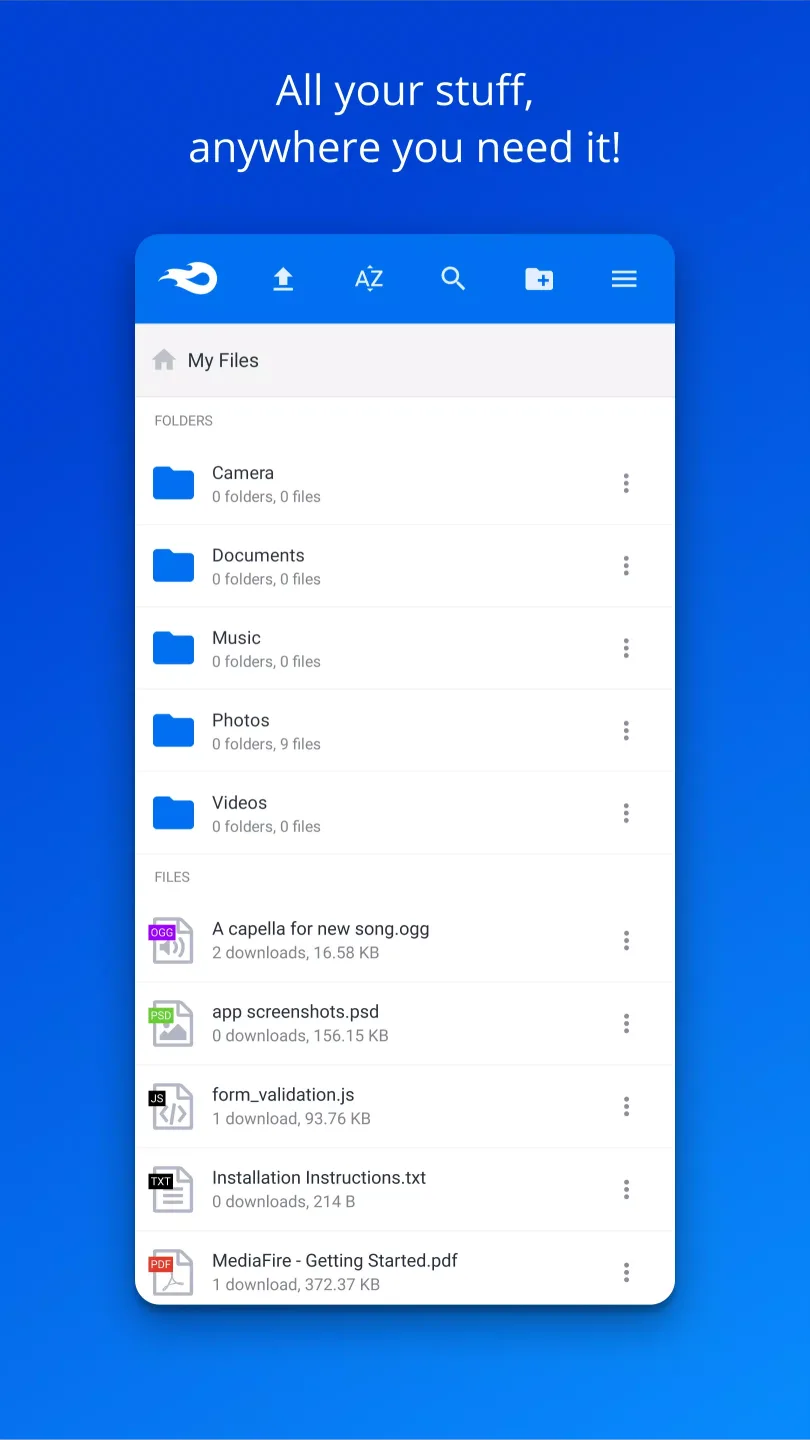
Access and manage files anywhere: MediaFire lets you view documents, spreadsheets, presentations, videos, and audio within the app, so quick checks are easy. Your files stay in sync across phone, tablet, computer, and the web, which helps when you switch devices during the day. You can organize with folders and use search to find what you need fast.
Share links with no wait times: MediaFire creates links you can send by email, SMS, or your preferred social apps. Recipients get ad supported downloads with no wait time, which makes large files easier to access. This works well for sending project folders, media drafts, or school assignments without size limits in email.
Features of MediaFire:
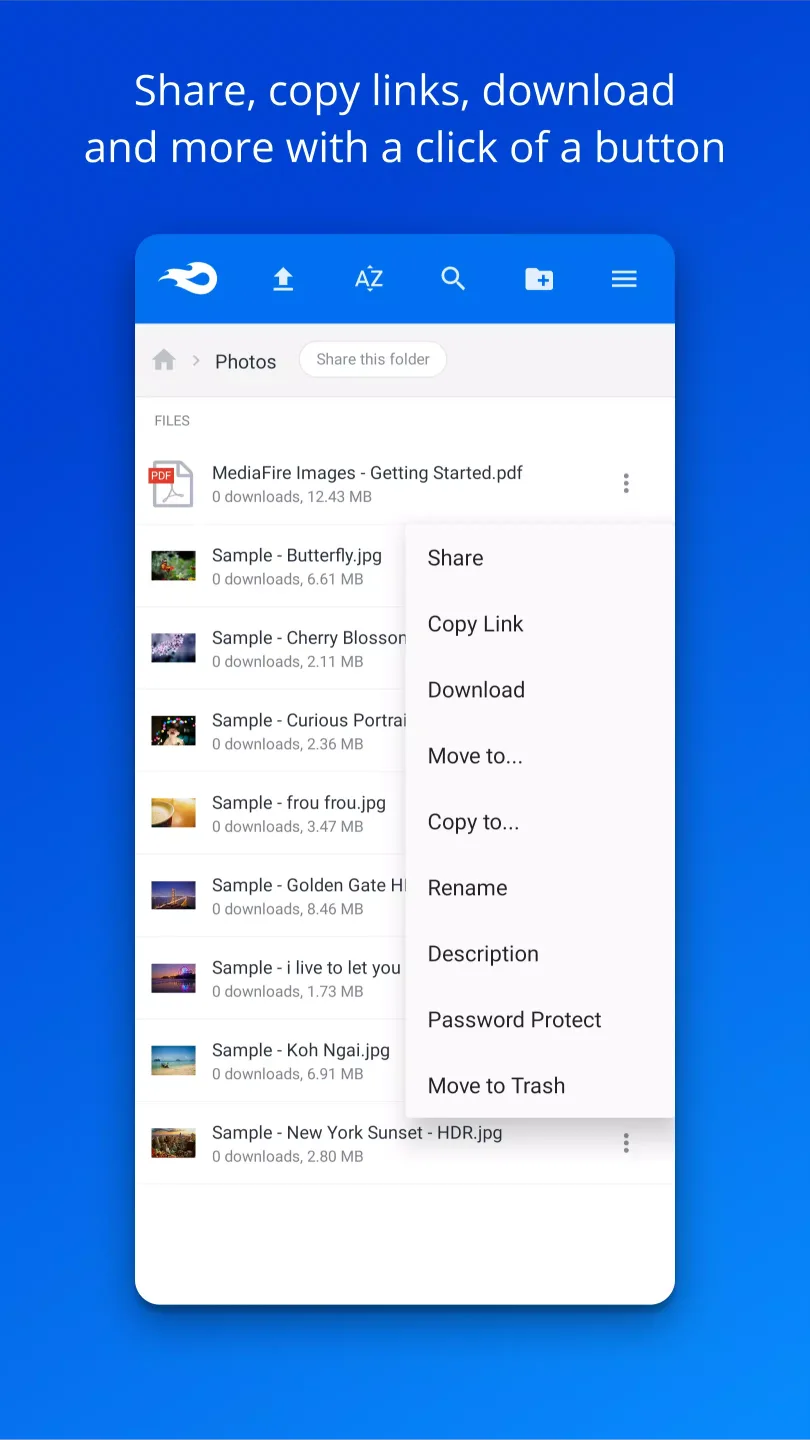
File sharing: Users can share files and folders via links or email, and can choose from a variety of sharing options, including public or private sharing, password protection, and expiration dates.
Collaboration: MediaFire allows users to collaborate on files with others by granting access to specific files or folders.
Previewing: Users can preview certain file types, such as images and documents, without having to download them.
Mobile app: MediaFire offers a mobile app for both iOS and Android devices, allowing users to access their files on the go.
Ad-free sharing: Paid plans offer ad-free sharing options for users who want to share files without any distractions.
Integration with third-party apps: MediaFire has partnered with several third-party apps and services, such as Microsoft Office and Google Docs, to allow for easy integration and access to files.
User Reviews of MediaFire:
Never would have thought that MediaFire is that impressive and simple... 10 GB basic plan, upload and stored just like that, and relatively easy to navigate, configure and get the hang of it. Advertisement wise, only appears when you want to download items but that's fine for me who have been downloading contents with MediaFire links...
This review isn't about the app so much as it's about the company and my experience overall with Mediafire, I've had Media fire since it was first around back when cloud storage wasn't really being picked up and my account is still secure even though I use it maybe once every few years maybe twice every few years, I've got 0 complaints and I'll never use another cloud storage company because Mediafire is all I need, 13 years with them and I'll never change, Derek and Tom thanks for making it.
The best site and app to get any files and mods. It's a very useful app for my youtube channel for game and appmods giveaway. I upload my files and get the link. I'll paste it in the description. Thanks for this great app. You are great developers. Thank you very much. I'm so happy with this app. If there were 10000000000000000000 star rating, I'll give you only that rating for your app. Your kind mind to give us this application is great. I'll never forget. I'm waiting for your more apps.
I will say that is functional and it works and seems to be pretty reliable so good job development team. You're looking for some storage help it's reliable and free MediaFire give em try. Furthermore at the time of this post, After careful usage and monitoring how the app works and has been developing I'd say stability is the number one feature along with simple and efficient. Reliability! Very dependable. 5 STAR.
How to use MediaFire to share large files easily:
Sharing large files shouldn't be a hassle. With MediaFire, you can share any file quickly and easily, no matter the size. Follow these simple steps to get started:
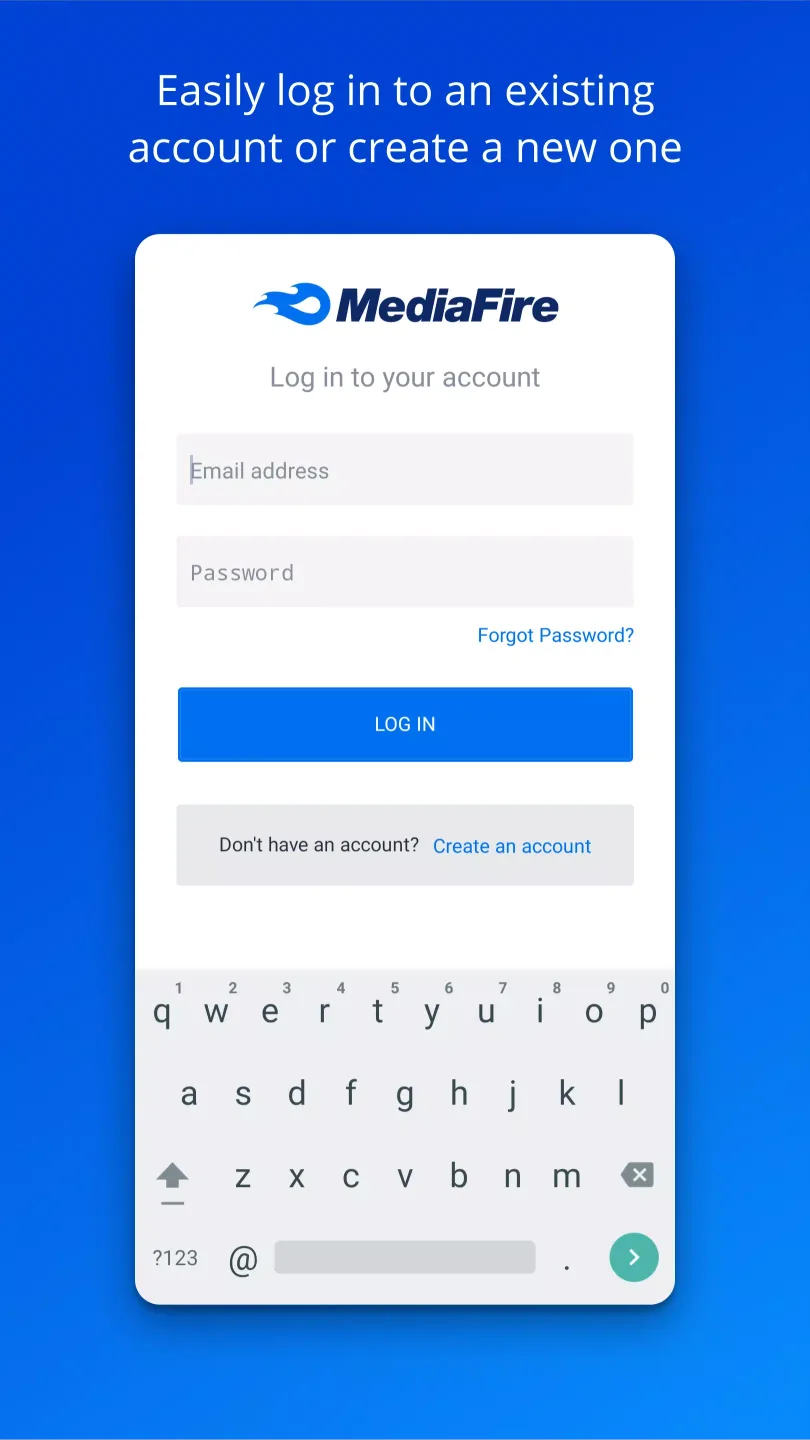
- Get Started on MediaFire: First, head over to www.mediafire.com and log in to your account. If you don’t have one yet, creating an account is fast and free.
- Upload Your Files: Once logged in, click the Upload button at the top right of the page.Need a faster option? Simply drag and drop your file directly onto the page.
- Quick & Reliable Uploads: MediaFire is built for speed and reliability. After selecting your file, you’ll see a progress bar as it uploads swiftly. MediaFire ensures smooth uploads, even for large files.
- Share with Ease
After your file has uploaded, it's time to share:
Locate the Screenshot 2024-09-24 at 10.00.27 AM.png icon to the left of the file name and click it.
Choose Copy Link to add it to your clipboard.
Paste the link into any message, email, or platform to share the file instantly.
Additional Settings:
You can also find other sharing options to meet specific needs, such as:
Create a 1-Time Link that expires after it's been downloaded.
Password protect the file for added security.
Add a description to help recipients understand the file’s contents.
With these features, sharing large files is simple and secure. Whether for work or personal projects, MediaFire streamlines your file-sharing process so you can focus on what matters most.
Summary:
Even though many Android smartphones now come with huge internal hard drives and expandable microSD slots, there may come a point when you want to save some of your data in a remote location. With MediaFire, you can instantly upload all of the files on your smartphone to a cloud server, and those files will be accessible from anywhere in the world. This useful app comes with a variety of great features, and a basic account is completely free.








