

Free Adblocker Browser: Adblock is an outstanding ad-blocking utility that helps users achieve a clean browsing experience, enjoy smooth and uninterrupted webpage loading, and avoid interruptions, allowing you to focus more on your current tasks. The application presents a powerful and stylish ad blocker for a wide user base, allowing users to easily customize blocking settings and enjoy native ad blocking. The application supports excellent VPN and security protection features, preventing user privacy data leaks or malicious attacks, providing you with a safe and secure online environment.
Click to load YouTube / 点击加载视频
YouTube ↗Wonderful Features of Free Adblocker Browser
Native Ad Blocking Engine
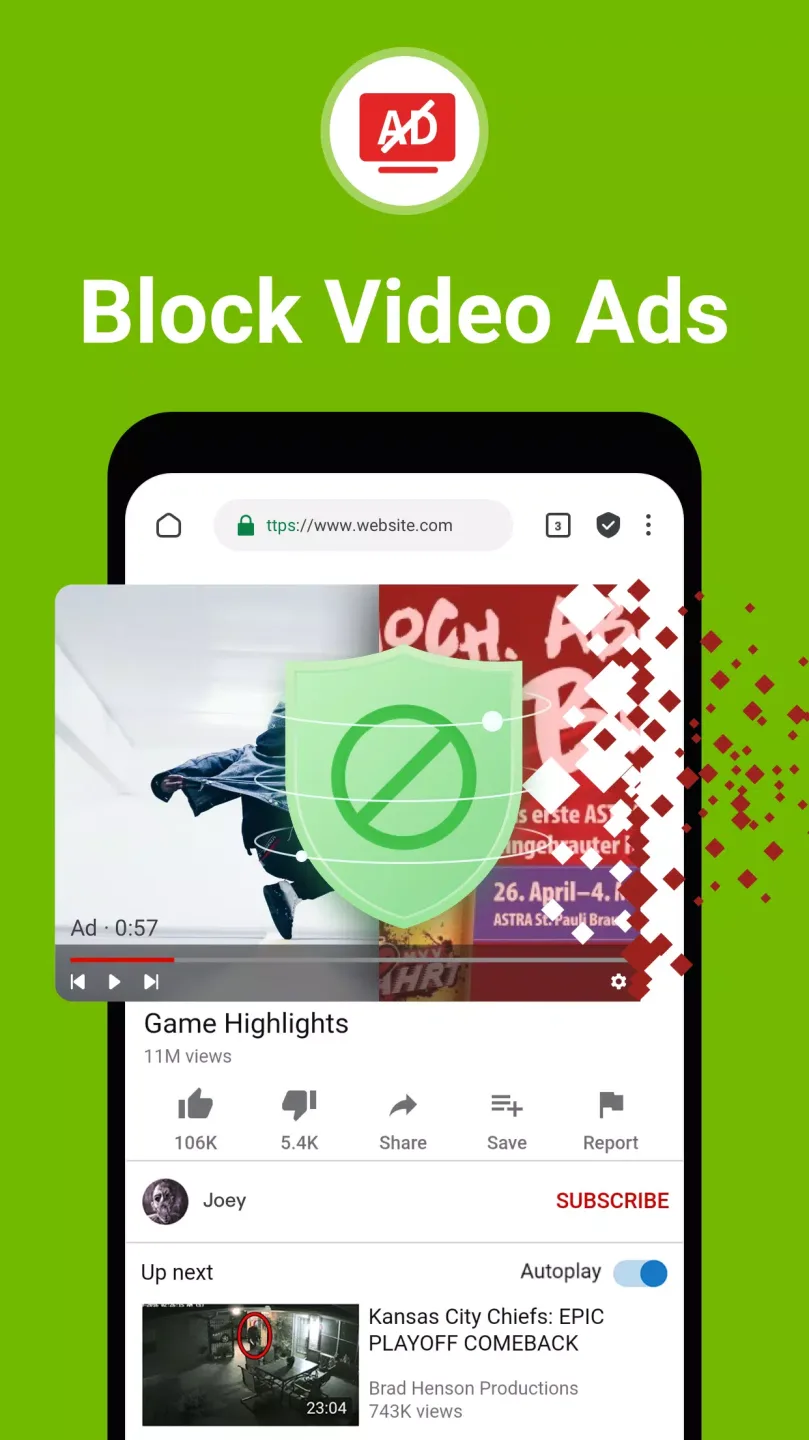
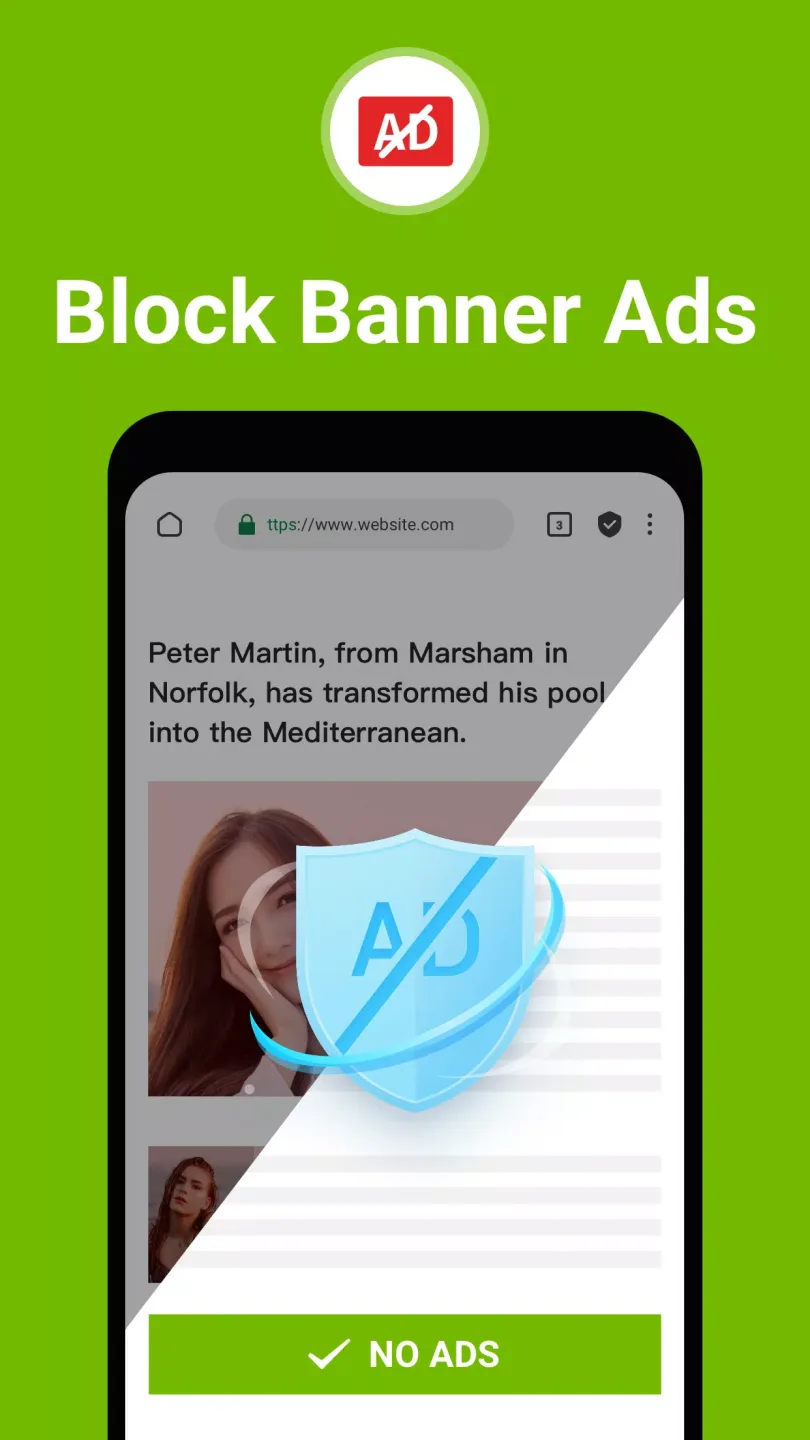
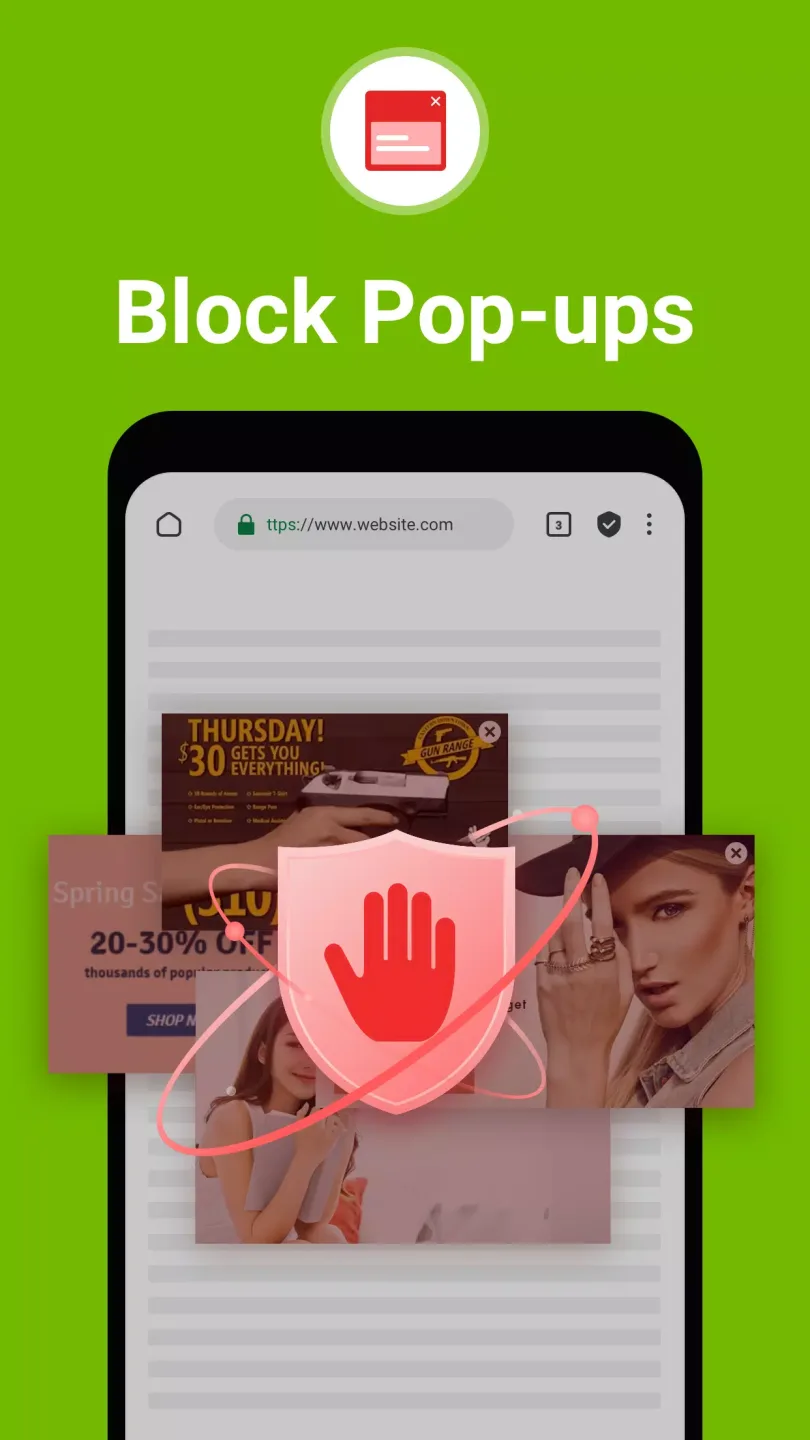
To maintain a clean page layout, Free Adblocker Browser - Adblock & Popup Blocker uses a built-in filtering engine to block banner ads, pop-ups, video ads, sponsored content, and harmful ad scripts. This engine is optimized to remove known ad resources while maintaining the integrity of the website layout, ensuring proper page rendering. Furthermore, it utilizes scripting technology and frequent rule updates to address common anti-ad blocking mechanisms on popular websites.
Privacy Protection and Anti-Tracking
For privacy-conscious sessions, privacy mode does not save history or cookies. The browser blocks known trackers, removes tracking parameters from URLs, and allows password-protected private pages. It also restricts third-party storage other than cookies, including LocalStorage and IndexedDB, to reduce persistent tracking. Fingerprint protection randomizes elements such as user agent, screen size, font, and canvas, increasing the difficulty of cross-site identification.
One-Click VPN and Firewall
When you need extra protection, you can enable the built-in VPN, which encrypts traffic and hides your IP address, especially useful over public Wi-Fi networks. The connection uses AES 256-bit encryption and follows a zero-logs policy and DNS leak protection to ensure a secure connection. You can choose servers located in the US, Germany, or Japan to balance speed and privacy. Additionally, the browser itself has a simple built-in firewall to block unwanted connections.

Helpful Tips of Free Adblocker Browser
Open the application, look at the home screen, and find the shield and VPN controls in the toolbar.
Tap the shield icon and then select Standard or Aggressive mode to set your default blocking level.
Enable VPN with one click, then select a server in the US, Germany, or Japan to connect.
If a website requires certain elements to function properly, add it to your whitelist or enable the "Acceptable Ads" feature for that website.
Go to Settings to switch your default search engine, select your language, and enable bookmark or history synchronization.
User's Comments of Free Adblocker Browser
Great! Love it! I drive a lot for my job and I love to listen to various YouTube videos as I'm driving. Lately, there has been 2 long ads for every few minutes of viewing and it's SUPER annoying. I can't reach down to skip them so I just had to listen. Then, I looked up ad block apps and found this one. From the jump, INFINITELY better. No ads have made it through and I can listen to my YouTube playlist in peace. 10/10
Blocks a ton of ads. I liked it enough that i wanted to pay for the full version, but then i saw i can't buy it, i need to pay monthly fee. It's basically a $1 micro transaction ($.99 to be precise). It's not outrageous, but they know it's lame because they've almost hidden the cost until you use the browser for awhile and enjoy it. Then a banner pops up offering the pro version. Browsing with few popups is worth $10 - $20, but I'm done with microtransactions.
Best for YouTube! I've been using this app for a couple of years now, and it's the only one that consistently blocks nearly everything. Magnitudes are better than an extention on Chrome or other browsers. I use it mainly to stream movies/TV, and I'm almost never interrupted by ads. You'll get the occasional one, but even if you click on it, it never takes you to another screen. It blocks 100% of YouTube ads.
Pros and Cons of Free Adblocker Browser
Pros
Automatically blocks pop-up ads, banner ads, and video ads.
Warns about potentially malicious or adware websites.
Customizable search engine, notifications, and theme colors.
Saves data when browsing on mobile networks.
Includes bookmarks, multi-tab browsing, and incognito mode.
Cons
No cross-device syncing on desktop.
Websites that rely on ads may require manual whitelisting.
Conclusion
This free ad-blocking browser is an excellent Android browser that helps you block various ads on websites. However, if you are visiting a trustworthy website with high-quality content, you might consider turning off your ad blocker to support it and contribute some revenue.








