

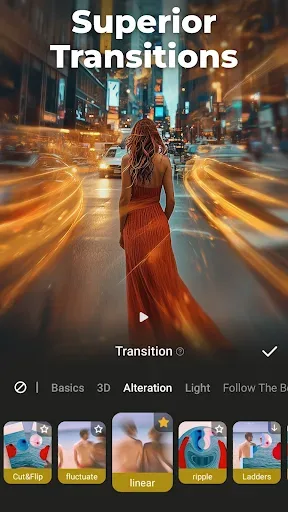
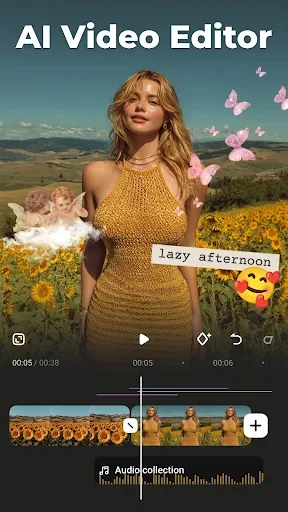
VideoShow is a video and movie creation tool. It offers numerous video creation and editing features, allowing you to easily create videos on your phone, add various fun transitions and effects, and personalize your videos with text. Besides video editing, VideoShow also allows users to edit images, with numerous editing tools to add stickers or zoom in and out, meeting basic image editing needs.
Click to load YouTube / 点击加载视频
YouTube ↗Features
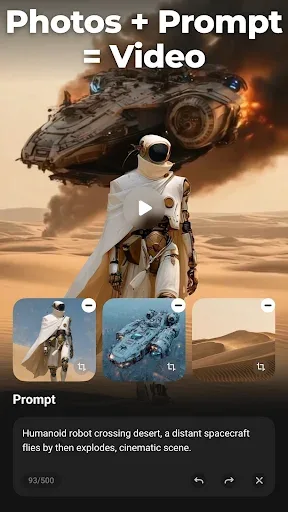
The simplest video editing and movie creation tool, feature-rich—create videos based on templates; simply download the clips and images you want to use, then combine frames.
Use overlays in videos; multiple videos will appear in the same frame, and you can freely add stickers or change different filters.
Save high-definition videos, mix audio using a large selection of officially licensed songs, and you can even add music from your device.
You can add voiceovers to your videos, record your favorite dialogue audio, or edit your voice into unique sounds, such as a robot's voice…
Easily create beautiful GIFs; simply add images or short clips from your gallery, then add and export to create unique animations.
Highlights
Create Advertising Videos
VideoShow offers users numerous professional promotional video templates, making it easy to quickly create corporate promotional videos or product/event introduction videos. To create eye-catching promotional videos, you can add your company or personal logo to the video, and set different positions and sizes. In addition, you can cleverly incorporate music and attention-grabbing effects to attract viewers and make your advertisement lively and interesting.
Furthermore, VideoShow allows you to add text to your videos using a variety of fonts and colors. This text can be introductory, or it can be product or service information. Finally, there's background design. Vibrant backgrounds and impressive designs will make your promotional videos even more eye-catching!
Share Your Videos with Everyone
VideoShow provides convenient video sharing features, supporting sharing videos via social networks or email. You can share videos to many popular social networks, such as Facebook, Instagram, Twitter, etc. This helps users increase video views.
Pros and Cons
Pros:
Feature-packed. Suitable for all skill sets.
Cons:
Crash issue reported. Connection problems.
Download
First, please download the APK file from the link provided above.
Click the APK file and select the "Install" option.
Installation will begin; please wait a moment.
Once complete, click "Open" to launch the VideoShow application and start editing videos.
Summary
VideoShow is an application perfectly suited for video creation and editing enthusiasts. This application is easy to use and offers a variety of functions, allowing users to edit videos in a personalized way. Furthermore, it allows users to share videos to social networks and protect video security. If you are looking for an excellent video editing application, download VideoShow now.








