
ES File Explorer File Manager is a full-featured file and application management tool. This application boasts numerous additional features, allowing users to easily manage all their resources, access any content on their mobile devices, and share it as needed. With ES File Explorer File Manager, you can efficiently and easily manage your files and share them without consuming data. You can easily transfer various file types, and with its built-in viewer and player for multiple file types, you can view all files, videos, and images.
Highlights:
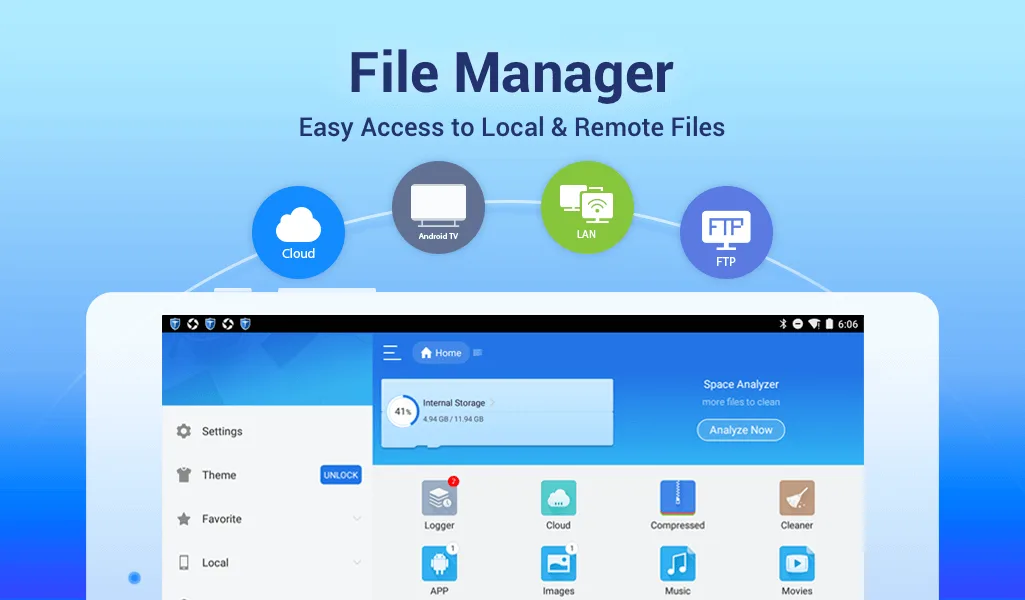
Take advantage of information-sharing servers: Famous channels that are compatible with applications such as FTP, SMB, Web DAV, and DLNA.
Share faster: Using one platform as a bridge, users can transfer files easily.
Lock important files: Various elements can be moved to a secure area created by the application.
Set security quickly: With different passwords, access becomes easy or challenging for many people.
Features:
File management essentials
ES File Explorer lets you copy, move, rename, delete, and create files and folders with batch select. You can open images, videos, audio, and documents with built-in viewers and players. Moreover, the toolbar and long press menu make routine actions fast.
Cloud and network storage in one place
You can add services like Dropbox, Google Drive, OneDrive, Amazon S3, and Yandex, then browse them next to local storage. ES File Explorer shows cloud folders as if they were on your device. In addition, you can transfer files across clouds without downloading them first.
Remote access and wireless transfer
ES File Explorer connects to FTP, FTPS, SFTP, and WebDAV servers and can browse PCs over SMB on your LAN. You can edit mobile files from a computer over the network. Also, the Sender tool moves files between phones over Wi Fi or a hotspot. so you do not need cables.
Archives and file security
You can create and extract ZIP and RAR archives to save space or share groups of files. ES File Explorer supports AES 256-encrypted ZIP files to protect sensitive content. Therefore, you can package and secure project folders with a password.
Tools for power users
ES File Explorer includes Root Explorer for devices with root access, which unlocks system folders and permission changes. There is a code and note editor with syntax highlighting for quick edits. Moreover, configurable views and shortcuts help you build a custom workflow.
Device utilities and storage cleanup
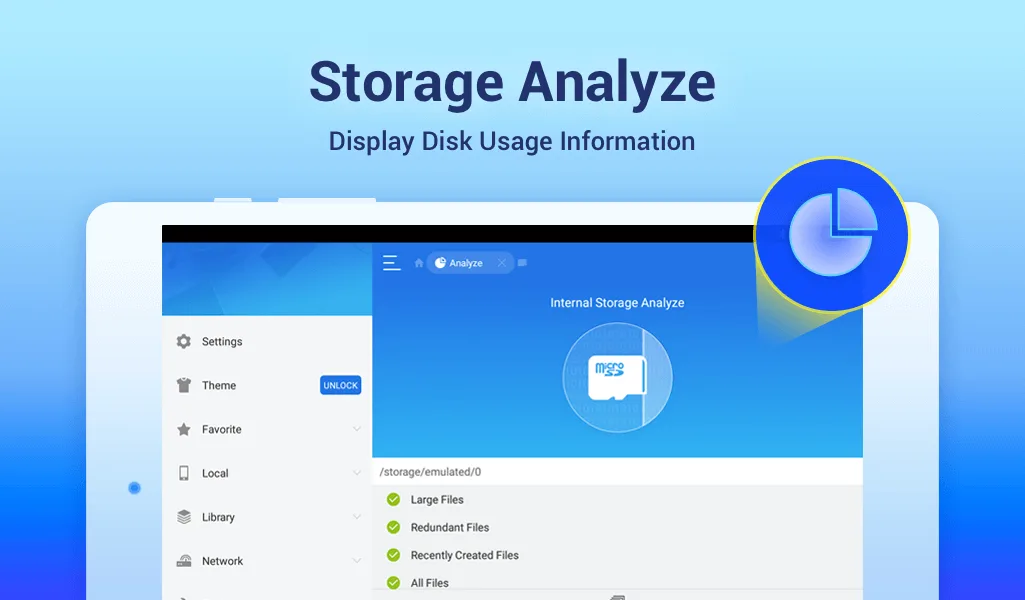
Use App Manager to back up apps, uninstall them, or create shortcuts. A task killer and cache cleaner help free memory when your device slows down. In addition, SD Card Analyst finds large, duplicate, and redundant files so you can reclaim space.
Tips for Users:
Explore Customization Options: ES File Explorer offers various customization options to tailor the app according to your preferences. Take advantage of features like theme selection, grid/list view, and sorting options to personalize your file management experience.
Utilize Cloud Syncing: Make use of the cloud drive integration feature to sync and access your files across multiple devices seamlessly. This ensures that you always have the latest version of your files and eliminates the need for manual file transfers.
Stay Organized: Take advantage of ES File Explorer's file management capabilities to keep your files organized. Utilize features like folders, file renaming, and folder creation to create a logical and easily navigable file structure.
Explore Additional Features: Apart from file management, ES File Explorer offers other useful features like app management, task killer, and built-in multimedia player. Take the time to explore these features to make the most out of the app's capabilities.
Pros & Cons:
Pros
Simple and user-friendly interface
Powerful set of utilities
Remote access capabilities
Highly customizable
Cons
Updates sometimes break functionalities
Free version has ads
Conclusion:
ES File Explorer File Manager prioritizes security with features like a built-in file locker to protect sensitive data. Users can hide files or folders behind a password for added privacy. The app also allows customization with different themes and layout options, ensuring a personalized experience. With regular updates, ES File Explorer continues to improve its performance and security features.








