
RoughAnimator is a mobile drawing application. Here you'll find almost everything you need for hand-drawn animation, including custom brushes, importing audio and video, and controlling frame rate and resolution, allowing you to easily create excellent hand-drawn animations. Create with unlimited long animations and freely overlay layers for seamless animation transitions. Furthermore, RoughAnimator allows users to create professional animations of multiple characters and background elements and integrates with numerous industry-standard software programs, ensuring the quality of your creations.
Usage
Create frames on your iPad.
Create perfect hand-drawn animations on your iPad. With a clean and intuitive user interface, you can draw any shape in minutes, create animations, and export them as videos, GIFs, or image sequences.
You can draw with your finger on your iPad, or use a stylus and various different pens to draw the precise shapes you want. You can do the simplest drawing with just the touchscreen, or use the stylus to draw more complex shapes.
Features
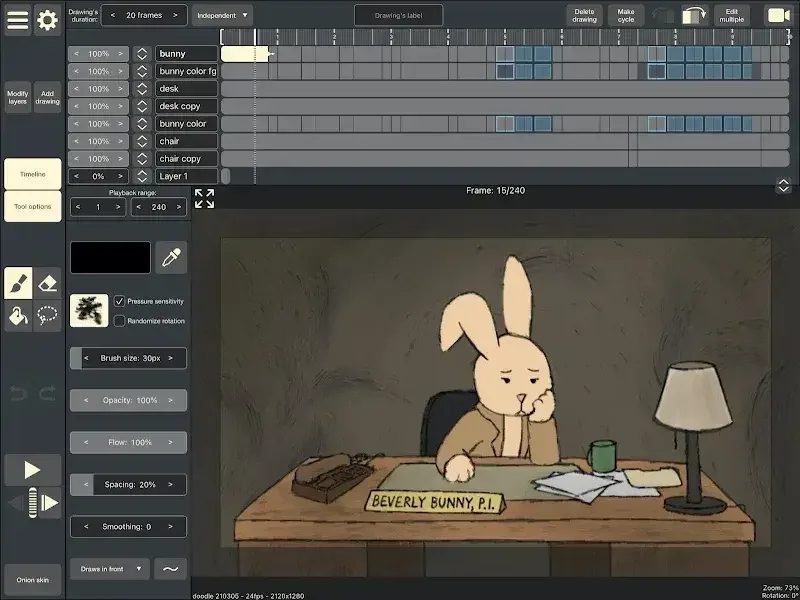
Onion Skin
Preview Playback
Drag along the timeline
Import audio for lip-sync
Import video for dynamic masking animation
Custom brushes
Supports Apple Pencil and Logitech Crayon for iPad
Supports Samsung S Pen and other pressure-sensitive Android devices
Control frame rate and resolution
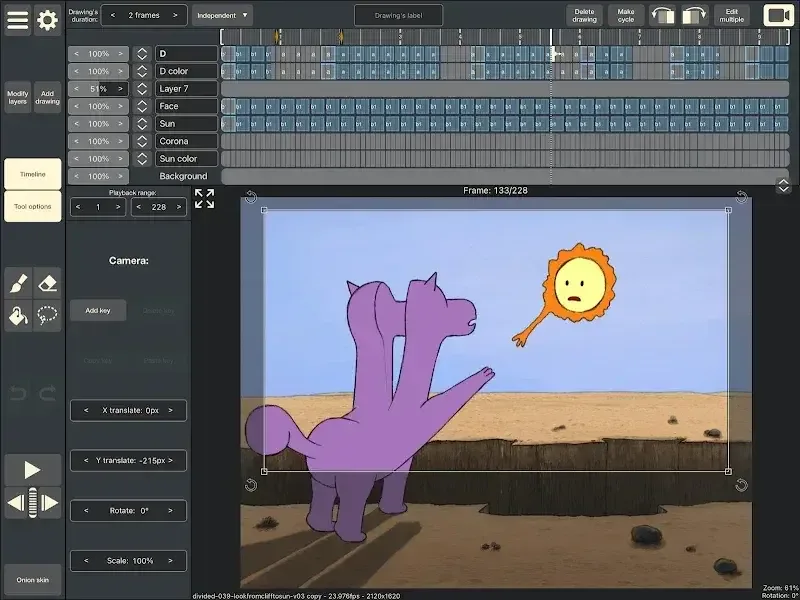
Export animations as QuickTime videos, GIFs, or image sequences
RoughAnimator projects can be imported into Adobe Flash/Animate, After Effects, and Toon Boom Harmony
Highlights
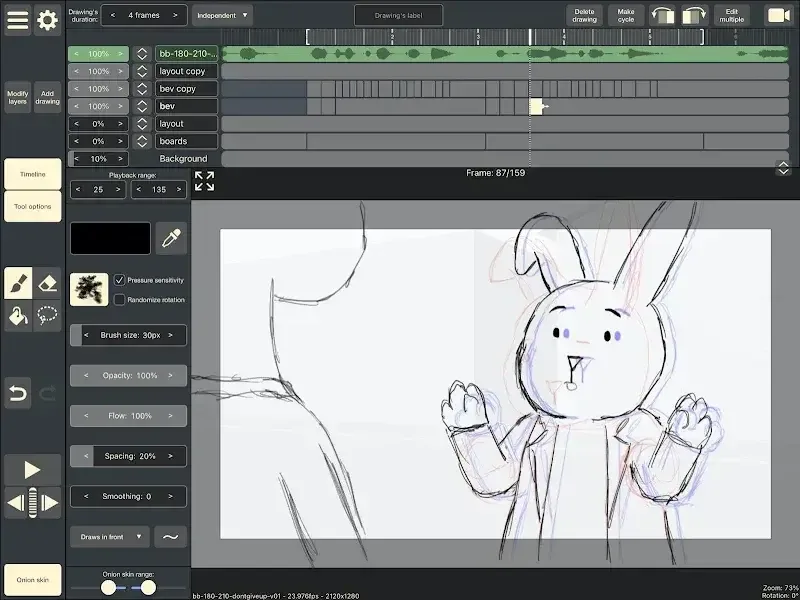
Unlimited Layer Timeline
One of the app's most appealing features is its ability to create hand-drawn animations according to personal preferences and desires. The app offers an extremely long creation timeline, allowing users to create stories and visuals freely and without restrictions. Furthermore, users can seamlessly connect animation designs by smoothly overlaying multiple layers.
Complex Animation Support: The app allows the creation of complex, professional animations with multiple characters and background elements.
Precise Exposure Control: The system is designed for adjustable exposure time, allowing for precise control over posing and real-time shooting techniques.
Unlimited Creative Freedom: Users will have complete creative freedom, unlike other similar applications that are limited by layers.
Professional Export Solutions
In addition to design-related functions throughout the entire workflow, the application provides users with a range of tools to help them create optimal output products. Users can export their work fully thanks to the application's compatibility with well-known professional platforms such as Adobe Flash and After Effects. Furthermore, users can easily export to various proprietary formats to meet their specific needs.
Industry Software Integration: The application integrates seamlessly with industry-standard software such as Adobe Flash, After Effects, and Toon Boom Harmony.
Multiple Format Support: The system supports multiple formats (Quicktime, GIF, image sequences) to ensure compatibility with all platforms.
Professional Workflow Continuity: Users will ensure a professional workflow from mobile creation to desktop post-production.
Summary
This program is incredibly easy to use and fun! It doesn't limit frame rates, has a wealth of built-in tools to streamline your workflow, and supports conversion of mainstream video formats. The final product is stunning and definitely worth a try. Success doesn't come easily. I wish you success in your creative endeavors!








