

Delta GBA Emulator is an advanced emulator. This powerful app transforms your smartphone into a retro handheld console, allowing you to play a variety of classic Game Boy games. With Delta GBA Emulator, users can enjoy a smooth and stable experience playing classic Nintendo games on their mobile devices. Its simple settings, seamless game library management, and reliable tools ensure a familiar and enjoyable gaming experience, allowing you to play your favorite games anytime, anywhere. Furthermore, the app provides instant saves and helpful tools, allowing you to pause the game at any time and save your progress.
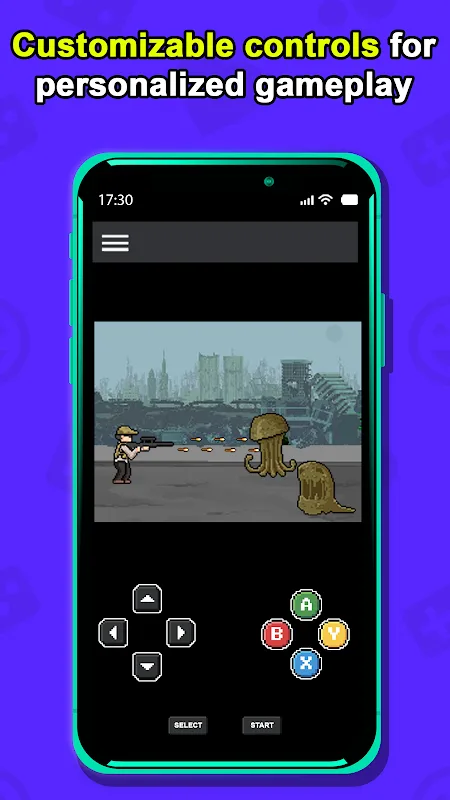
Highlights of Delta GBA Emulator:
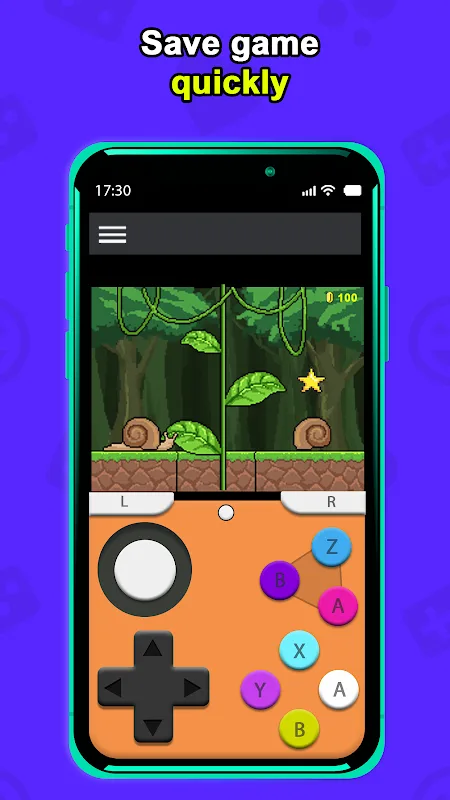
Save States, which lets you save progress anytime and return later.
Cheat Codes unlock special abilities.
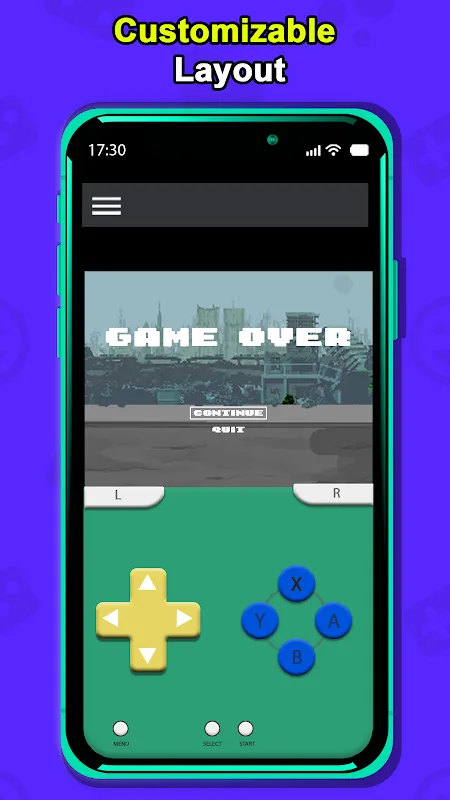
You can pick different screen layouts, too.
There’s also a Discord community to connect with fellow retro gamers.
Features of Delta GBA Emulator:
Multi system support
Delta GBA emulator supports multiple Nintendo systems in one place, so you can switch between eras without juggling different apps. It includes dedicated guides for Nintendo 64 and Nintendo DS to help you configure those libraries correctly. This approach keeps your classics organized and accessible, which makes moving between systems straightforward.
Save States and assist tools
You can pause at any moment and capture your progress with Save States, then resume from that exact point later. Delta GBA emulator also provides Fast Forward to skip slow sections and Cheat Codes to test strategies or get through difficult parts. These tools are practical for experimenting and for managing longer sessions.
Delta Sync across devices
Delta Sync keeps your games, saves, and data synchronized across supported devices. You can start a session on one device and continue on another without manual transfers. This helps maintain a consistent library and reduces the chance of losing progress between sessions.
Custom controls and controllers
Delta GBA emulator lets you apply Controller Skins that mimic familiar layouts and makes connecting external controllers straightforward. You can adjust inputs to match your preferences and ensure the on screen controls feel comfortable. This helps you settle into longer play without constantly adjusting to a new layout.
Online Multiplayer
For supported titles, Delta GBA emulator allows online play with friends. You can set up a session and join together remotely, which brings local style retro experiences into an online setting. This is useful when you want to coordinate sessions without being in the same room.
Tips for Users:
Close other apps running in the background. This frees up resources for Delta, ensuring smooth gameplay.
You can change the controls in Delta Emulator to your liking. It can make playing games more fun. But don’t use save states too much. Play the games like you would have played them originally.
Join the Discord community for Delta Emulator. Other gamers can give you tips and game ideas there.
Changelog:
Minor bug fixes and improvements.
Install or update to the newest version to check it out!
Conclusion:
Delta GBA emulator focuses on multi system coverage, flexible controls, and reliable syncing to support everyday retro play. To begin, review platform availability and then download Delta GBA emulator from the appropriate official channel for your region. Once installed, you can organize your library and choose the tools that fit your play style.








