

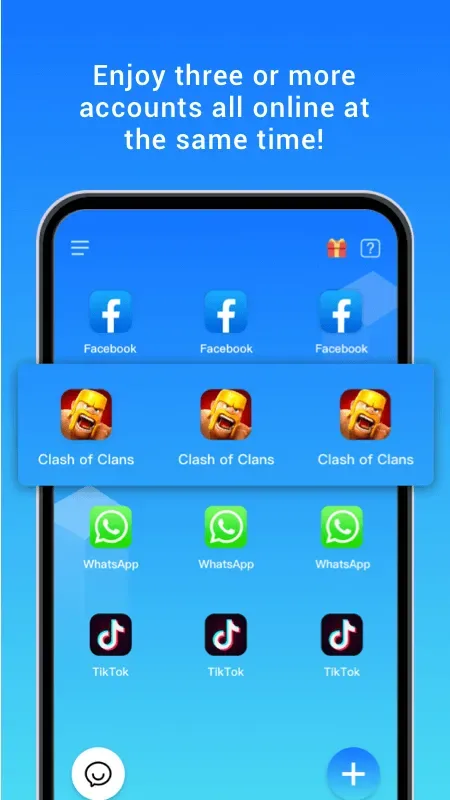
Clone App Pro is a powerful Android app cloning and multi-instance tool. Users can use it to log in to multiple accounts for social media, shopping, and games on the same device, separating work and personal accounts, or operating multiple game accounts to improve efficiency. It also features a calculator icon disguise function; after entering a password, users can access a hidden private space to protect the cloned apps and prevent others from discovering them. Furthermore, it can be used in conjunction with the cloning function to simulate device information, meeting the specific device requirements of some apps.
Click to load YouTube / 点击加载视频
YouTube ↗Features:
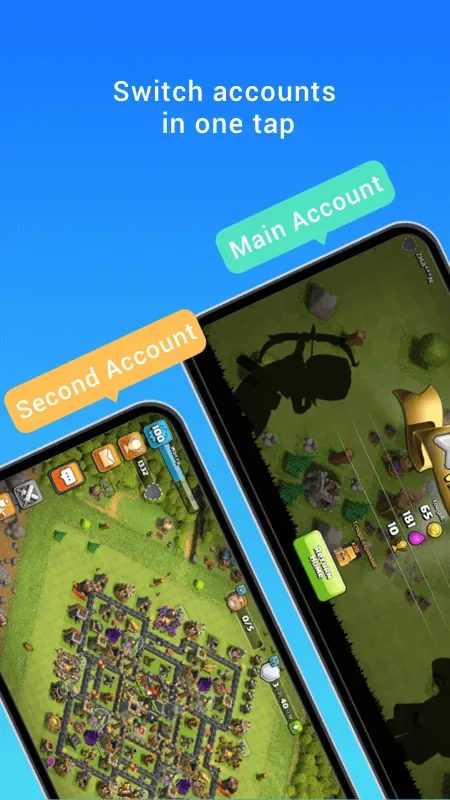
App Cloning in Parallel/Dual Space & Multi-Account Management
Free to use: Dual accounts per app supported. Unlock unlimited cloning with VIP upgrade.
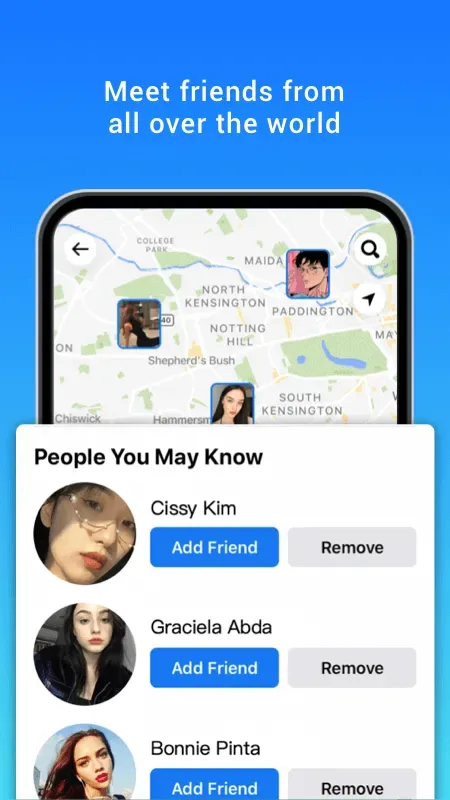
Full compatibility with top social apps: WhatsApp, Facebook, Instagram, LINE, Messenger, Snapchat, Telegram, etc.
Full compatibility with popular games: Free Fire (FF), Mobile Legends: Bang Bang (MLBB), Clash of Clans (COC), eFootball, etc.
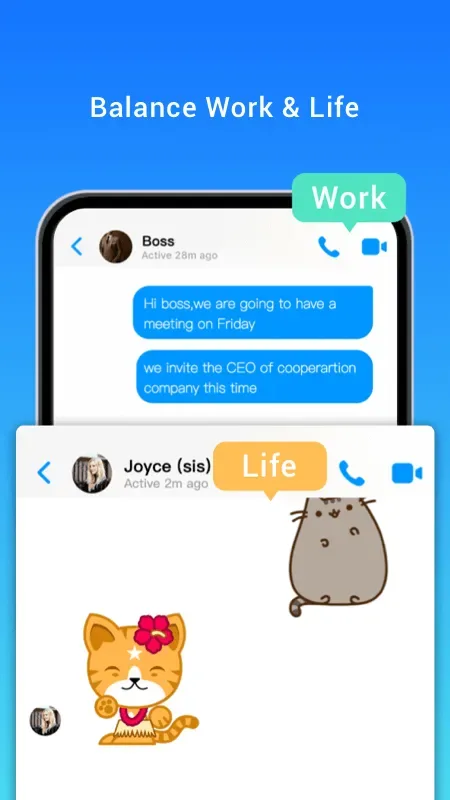
Complete separation between personal and work accounts – zero data crossover.
App Lock
Prevent unauthorized app access with password protection.
Private Album
Hide Photos & Videos
Media stored in the vault disappears from your main gallery. Accessible only within the secure space.
Video Downloader
Download Videos & Music
Auto-detects media resources while browsing. One-tap high-speed downloads to vault (never saved to local gallery).
App Hider
Conceal private games or social apps in the vault to avoid detection.
File Transfer
Migrate cloned apps and private albums to new devices seamlessly.
Highlights:
Ensure secure data transfer with our unique patented resuming technology that guarantees the safety of all data throughout the entire transfer process;
Supports customizable files: After scanning all files on your old phone, you can select the files you need before starting the transfer;
The secure app consumes minimal phone memory: even if you need to install this app on both the old and new phones, it only requires about 4MB of memory and won't take up much storage space;
Transfer anytime, anywhere: As long as you have both your old and new phones with you, you can transfer data at any time;
Compatible with various phone models: No matter what brand of Android phone you have, you can use this app to complete a one-click phone transfer.
Tips:
- Download from Reliable Sources Only: Stick with well-known websites or official stores whenever possible because safety comes first!
- Check Reviews & Ratings: See what other users say about their experiences; it helps spot good ones versus bad ones.
- Understand Permissions: Read through permissions requested during installation; unnecessary access requests should ring alarm bells in our heads!
- Keep Everything Updated: Regular updates usually fix bugs and security holes stay updated, my friends!
5 ) Use Responsibly: Remember, just because something CAN be done doesn’t always mean it SHOULD be done be smart out there, guys and gals.
Pros and Cons:
Pros
Wide app supports
Run two account simultaneously
Privacy zone feature
Cons
Push notification are hit-or-miss
Conclusion:
Overall, Clone App Pro is a convenient choice for those who want to use multiple accounts on the same device while still ensuring privacy and easy management. If you are looking for a stable application cloning support tool, Clone App Pro version is worth experiencing.








