

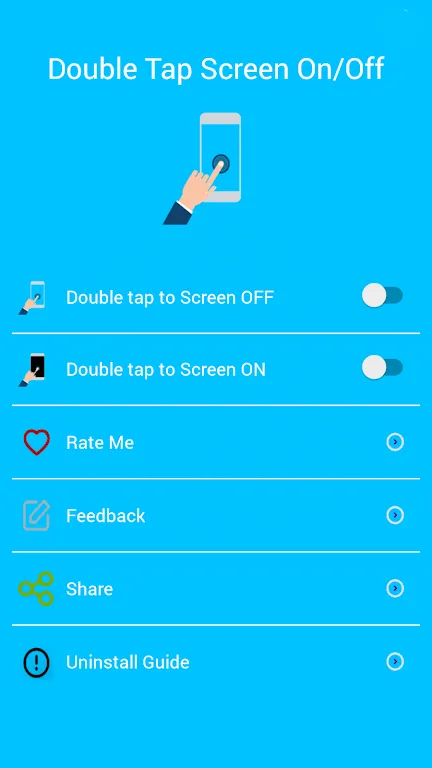
Double Tap Screen On and Off Pro is a mobile phone power button protection app. Often, the power button on our phones has a limited lifespan, and excessive use can lead to malfunction. This app helps you reduce the use of the power button. Here, you can quickly turn off the screen by double-tapping the home screen, and simply cover the proximity sensor to turn the screen back on, minimizing power button usage. In addition, the app provides various gestures to help you control the screen, including shaking the device, waking with the volume buttons, and more, providing a richer mobile phone experience.
Usage
After enabling or disabling the double-tap screen function, you can use a variety of intuitive gestures to control the screen. Double-tapping allows you to easily lock or wake the screen. Furthermore, options such as shaking to lock or wake the device, and using the volume buttons to wake the device further enhance operational flexibility. These customizable gestures simplify your daily interaction with your smartphone.
Features
Gestures provided in the app include:
Double-tap screen to lock
Double-tap screen to turn on
Quick lock
Shake screen to lock
Shake screen to turn on
Volume up.
Highlights
A major highlight of this app is its use of the proximity sensor. The screen automatically turns off when the device is placed in a pocket or bag, saving power. This feature is especially useful for users who want to avoid accidentally turning on the screen while storing their devices. Additionally, the app offers an option to disable certain functions when the screen is rotated horizontally, providing greater flexibility based on personal preference.
For users who prefer customization, Double-Tap Screen Switch Pro offers settings to adjust the response speed of the double-tap function. This ensures the app can be fine-tuned according to user habits and preferences, improving the overall experience. Furthermore, double-tapping the home button can also be set to turn off the screen, further enhancing convenience.
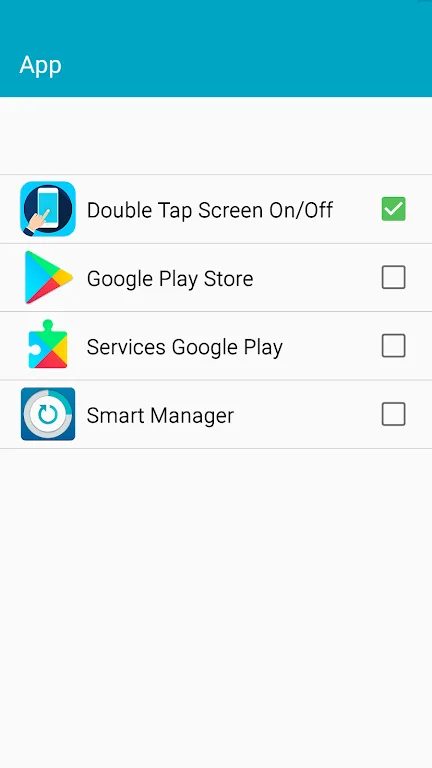
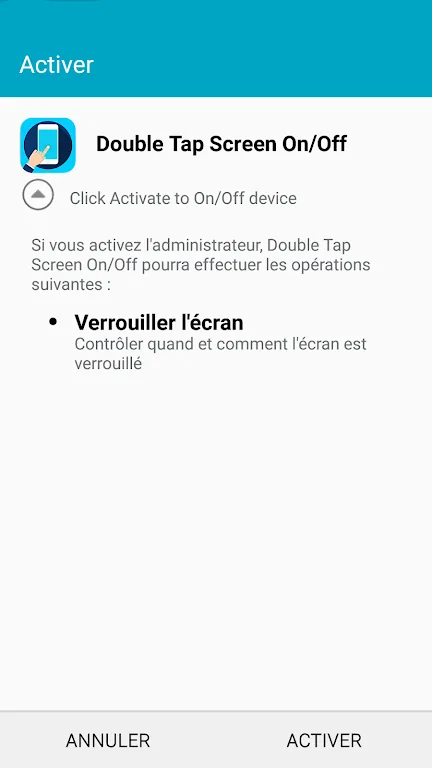
One advantage of using this application is its simple and straightforward permission model. The app utilizes device administrator permissions to implement the screen lock function, providing a secure way to manage screen status. However, users should note that this means the app cannot be uninstalled from the home screen without first disabling device administrator permissions.
FAQs
Why doesn't my device support the Double-Tap Screen Switch app?
The reason may be an outdated Android version or technical incompatibility. For example, if you are using an ARM7 architecture device but try to install an ARM8 or x86 architecture app.
Why does the "Double Tap Screen On and Off Pro" app crash or become unresponsive?
This could be due to an outdated app version, a full cache, insufficient memory, or system conflicts. Please try updating the app, clearing the cache, or restarting your device.
How much space does the "Double Tap Screen On and Off Pro" app use?
The double tap screen on/off function uses approximately 3.3 MB (3,459,487 bytes) of memory.
Conclusion
"Double Tap Screen On and Off Pro" is a small and practical app suitable for anyone who wants faster and easier control of their Android screen. It supports double taps, shake to unlock, gesture lock, and floating shortcut buttons, striking a balance between convenience and basic security without requiring complicated setup.








