

VidCompact is an outstanding video editing utility that helps users easily create creative video works, quickly export them, and share them on social media platforms, enjoying widespread praise and attention. The application presents a stylish and simple interface with rich and convenient features for a wide user base. Users can enjoy broad file format support and easily get started with simple operation steps, experiencing professional functions such as merging, cutting, reversing, and slow motion. The application offers rich customization options to meet users' flexible editing needs.
Click to load YouTube / 点击加载视频
YouTube ↗Wonderful Features of VidCompact
An application that can edit, compress, or convert any video on your device to MP4 format. The application is compatible with many common formats, such as AVI, MKV, FLV, RMVB, 3GP, MPEG, WMV, and MOV.
VidCompact is incredibly easy to use. Simply choose from three options provided by the application: trim and compress, batch compress, and convert to MP4. The first option allows you to cut video clips and significantly reduce file size. The second option allows you to process two or more videos simultaneously to achieve the same effect. The last option converts any video to MP4 format.
Whichever method you choose, VidCompact's interface makes video processing easy. With just two or three taps, you can drastically reduce the size of any video on your device. Once finished, you can share the video directly through any installed social networking app.
Excellent Highlights of VidCompact
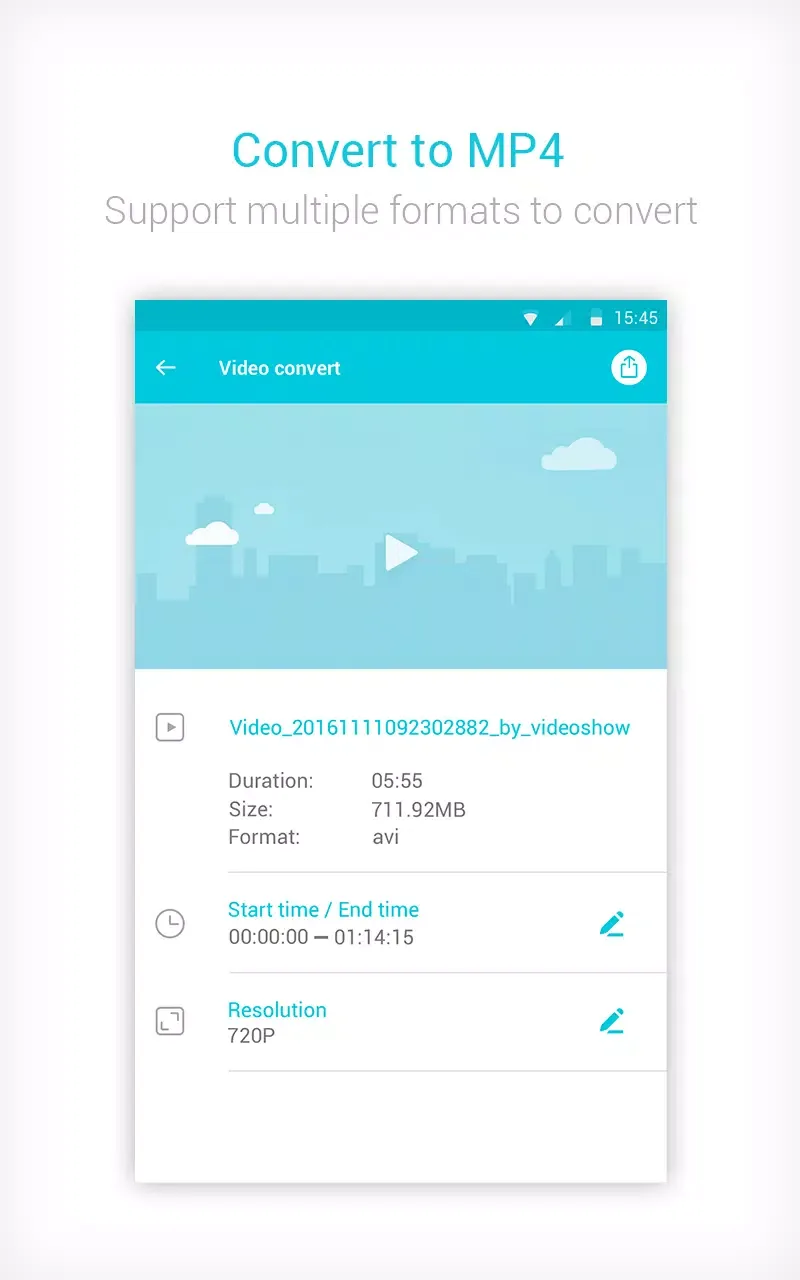
Convert videos to MP4, MOV, and GIF formats in just a few simple steps.
Compress video clips of any size with high quality.
Crop, trim, and trim videos directly on your device.
Easily play video clips, rename videos, and delete videos.
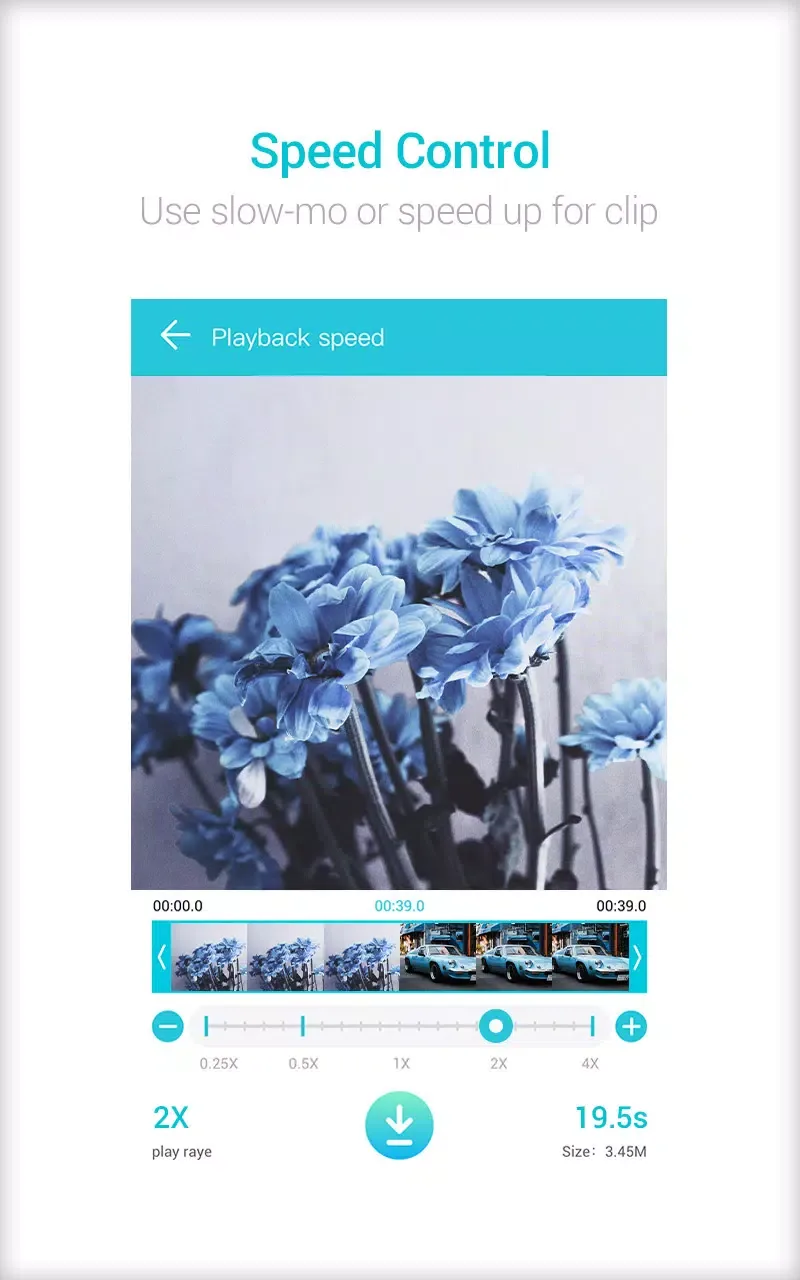
Change audio frequency to speed up or slow down video playback.
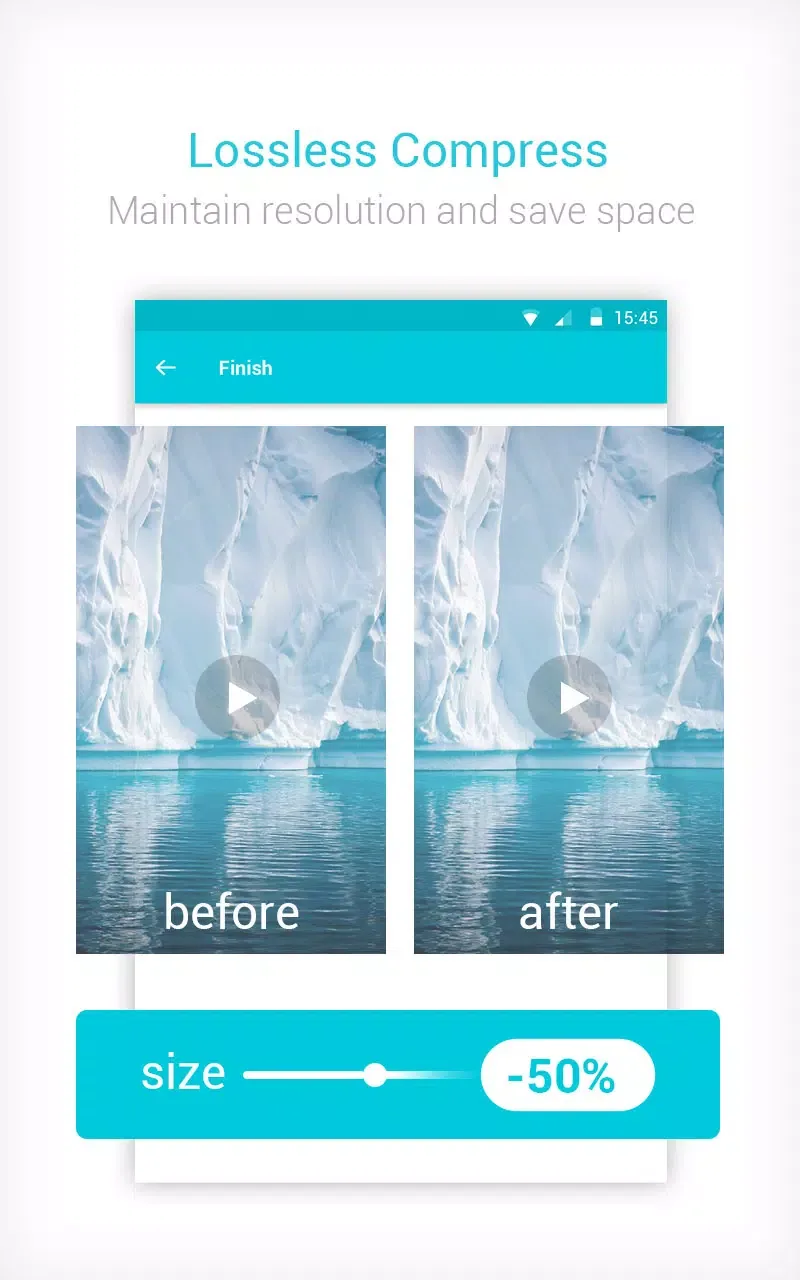
Compress videos to a very small size while maintaining video quality and resolution.
Pros and Cons of VidCompact
Pros
Clean and intuitive interface
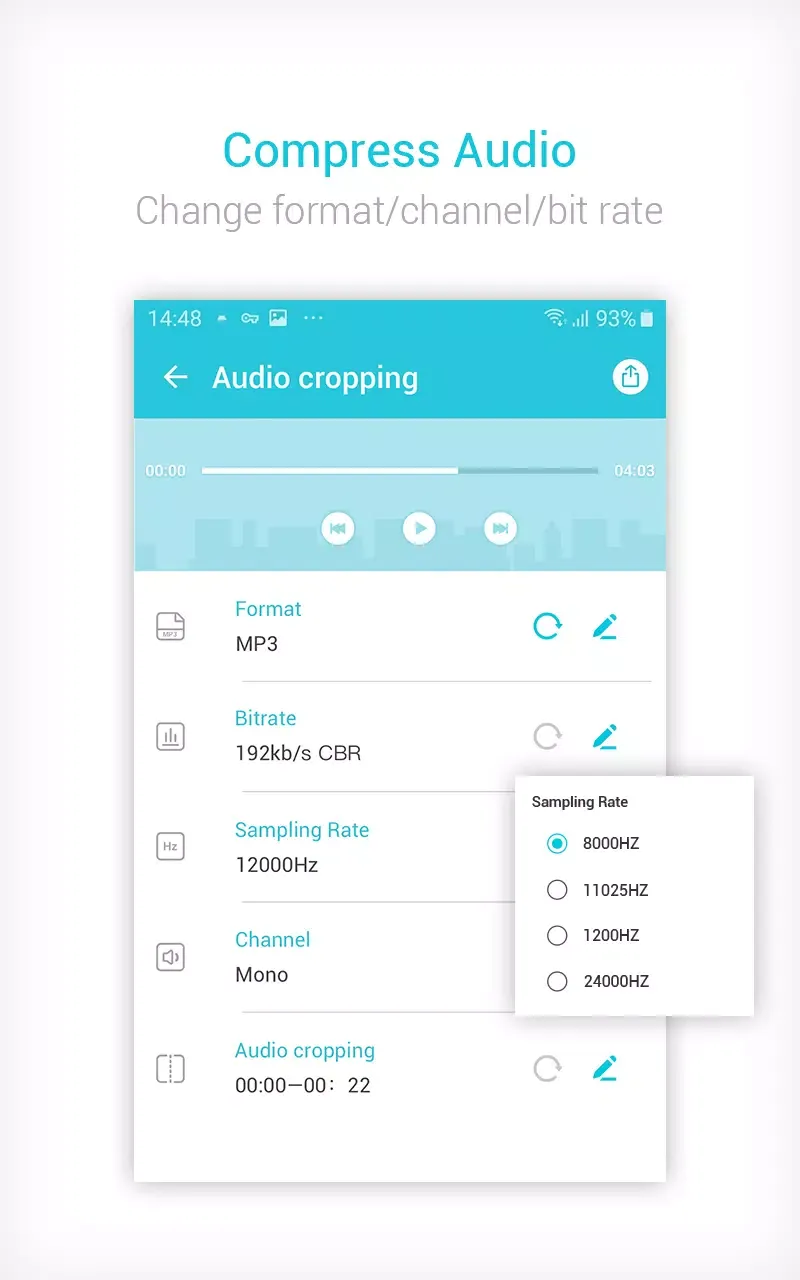
Fast video to MP3 and MP4 conversion
Batch conversion support
Supports common video and audio formats
Direct sharing to social media platforms
Supports multiple languages
Cons
Frequent and sometimes annoying ads in free mode
Limited output format flexibility
Some advanced features require in-app purchases.
User's Comments of VidCompact
Very good, it does what it's supposed to. It's got the occasional ads but I'd happily take one in exchange for a compressed video. I like the fact that there are multiple compression resolution to choose from so I can get right under Discord's 8mb limit whilst keeping as much details as possible. Compression takes about 1 to 1:30 minutes, but that's not the apps fault, it's quite a task for a phone.
Extremely useful! As part of my job I needed to take videos and send them as attachments in emails. They do not accept links to third party sites such as YouTube or file sharing sites and it cannot be over 20MB. This app allows me to shrink videos down by up to 95% with only one step down in resolution and no other loss in quality! Only complaint is there are pop-up ads EVERYWHERE, but I'll deal with it because I haven't found any other app that can convert a 200Mb video to 20mb
It did Exactly what I needed it to. Couldn't say that for Filmora or another useless converter app I tried. If you want to cut and convert dashcam videos, this is your baby. Simple and sweet, I not only got to convert my AVI file to MP4, I also got to edit the length of the finished product in the same action. And it's not loaded with ads. I'll be looking into whatever full or premium version they have shortly.
Final Thoughts
In conclusion, Video Compressor MP3 Converter stands out for its comprehensive features in video compression, audio conversion, and media file management. With its user-friendly interface and efficient processing power, users can easily navigate the application and utilize its functions to meet various multimedia needs. The application effectively balances functionality and ease of use, making it a practical solution for users who want to optimize media files on the Android platform.








