

Radmin VPN is a VPN application for PCs. It's simple to use, requires no registration, and can be used immediately after opening. You can use it to run your games more smoothly. Of course, besides gaming, it can bring many conveniences to your life and work, such as connecting teams that are not physically present. It helps you connect to PCs remotely, even behind firewalls. With Radmin VPN, you can work remotely from anywhere, accessing remote computers and using network resources anytime, anywhere.
Usage
Connecting Distributed Teams
Easily connect distributed teams, creating a tightly integrated collaborative network, no matter how far apart they are. Radmin VPN allows you to connect to remote PCs, even those behind firewalls you cannot control.
Remote Work
Thanks to its integration with Radmin remote control software, Radmin VPN allows you to securely access and use remote computers from anywhere, such as your home, hotel, or airport. Your network resources—files, applications, and emails—are accessible anytime, anywhere with just a click.
Playing Online Games Over the Internet
Play your favorite LAN games with friends over the internet. The free Radmin VPN has no limit on the number of players. Thanks to Radmin VPN's high-speed connections, you won't feel any difference—you can play your favorite games just like on a local network.
Features
No configuration or account registration required.
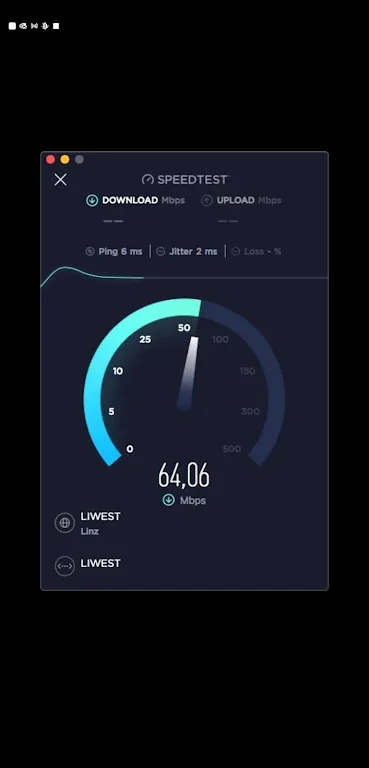
Fast connection speeds and stable latency.
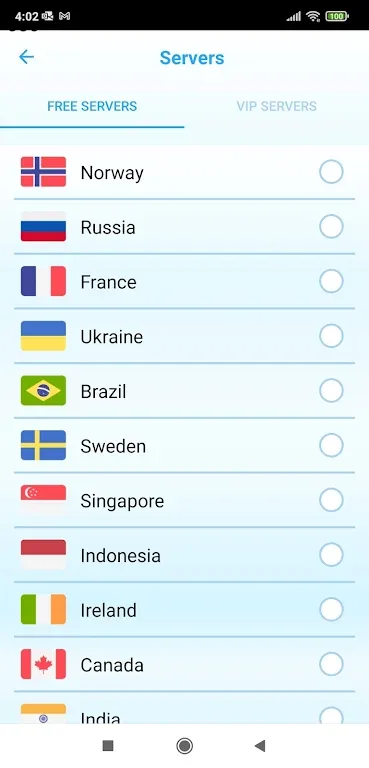
The best VPN for downloading and playing games when blocked in your country.
An alternative to Radmin VPN network connections for PC or Mac users.
Remote control of multiple locations.
Highlights
100% Free
Radmin VPN is completely free software with no ads or paid features. Our monetization model comes from another commercial product.
No Logs Policy
We do not track, collect, or sell your private data.
Security
Provides you with a secure traffic channel. Reliable end-to-end encryption (256-bit AES) ensures your connection is secure. Learn more.
Automatic Updates
Radmin VPN automatically installs updates.
Ease of Use
Simple setup and easy management; easy for IT professionals and home technicians alike.
Advantages and Disadvantages
Advantages
Built-in security features to keep your online activities safe.
Utilizes ports to help you bypass firewalls.
Works with most streaming websites.
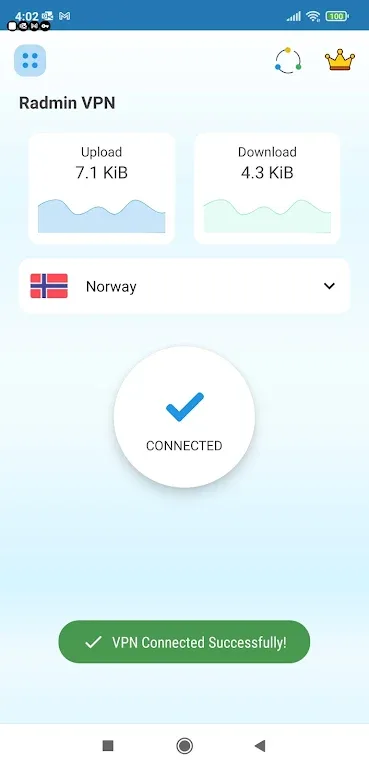
Change your virtual location to remove regional restrictions.
Provides strong encryption to ensure your activities are not hidden.
Disadvantages
Can be confusing for new users.
Requires access to your IP address and other private data.
Conclusion
This app runs on Windows 11 devices and acts as a VPN once you grant it IP address access. If you want to expand your library of movies and TV shows, simply use this VPN. It will display the app in your region, allowing you to access shows only available in that region. You can also change your location to access games and websites that are inaccessible in your region.








