

ShareMe is a file transfer application. Here you can easily transfer files between Android mobile devices, including a wide variety of content such as videos, images, music, and documents, meeting your daily needs. Even if a transfer is interrupted, don't worry about file loss; you can simply tap to resume the transfer and continue from where you left off, instead of starting over! Furthermore, the application doesn't require a network connection; instead, it establishes a direct network connection between devices, resulting in extremely fast transfer speeds!
Features
Transfer and Share Files
ShareMe is for Android devices. Quickly share images, videos, music, apps, and files between Android mobile devices.
Intuitive and User-Friendly User Interface
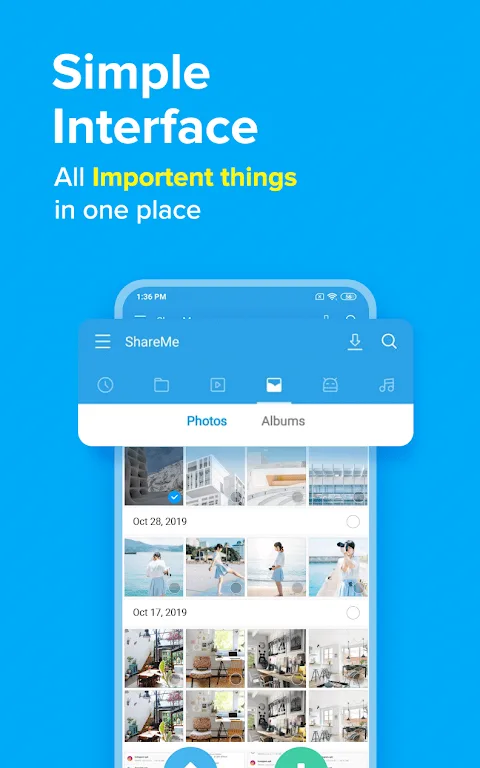
ShareMe's user-friendly interface makes file transfer simple. Files are categorized by genre, such as music, apps, and images, for easy searching and sharing.
Resume Interrupted Transfers
If your transfer is interrupted, don't worry. You can resume it with a simple tap, without having to start over.
Send Large Files
Share photos, music, videos, apps, documents, and more.
Highlights
ShareMe's biggest advantage is that it allows file sharing without an internet connection; the app establishes a direct network between devices to send and receive data. This makes transfer speeds up to 200 times faster than Bluetooth and doesn't rely on mobile networks or routers. For example, ShareMe is ideal in environments without network coverage, offices without Wi-Fi, or when you need to urgently send files without using mobile data.
Another advantage of ShareMe is that you can freely send and receive files of any format or extension. You can share photos, songs, apps, videos, documents, or entire folders. ShareMe doesn't impose any limitations; for example, you don't need to compress files to avoid size limits. You can also select multiple files simultaneously and send them in batches without repetitive operations.
Advantages and Disadvantages
Advantages
The application is free to download and use.
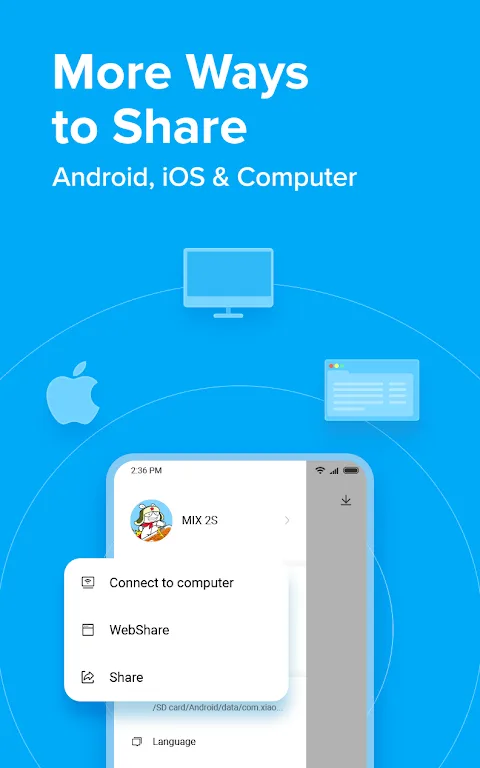
It provides users with cross-platform sharing capabilities.
It features a simple interface.
It works even without an internet connection.
Disadvantages
It doesn't allow users to share files with multiple devices.
FAQs
What types of files can I share with ShareMe?
ShareMe supports various file types, including photos, videos, music, documents, and APK files.
Is ShareMe free to use?
Yes, ShareMe is completely free, with no hidden fees or subscription charges.
Does ShareMe require an internet connection?
No, ShareMe uses Wi-Fi Direct for transfers, so an internet connection is not required for file sharing.
Conclusion
ShareMe offers fast offline file transfer, a user-friendly interface, supports multiple file types, and has good compatibility with Android. However, you might encounter annoying ads or occasional connection problems, and its support for PCs and iOS is relatively limited. While ShareMe is a good tool, Android's built-in Quick Share feature now offers similar functionality, meaning you might find a simpler and more efficient alternative. Nevertheless, ShareMe remains a reliable choice for users who need fast offline file sharing.








